1. UI 구성
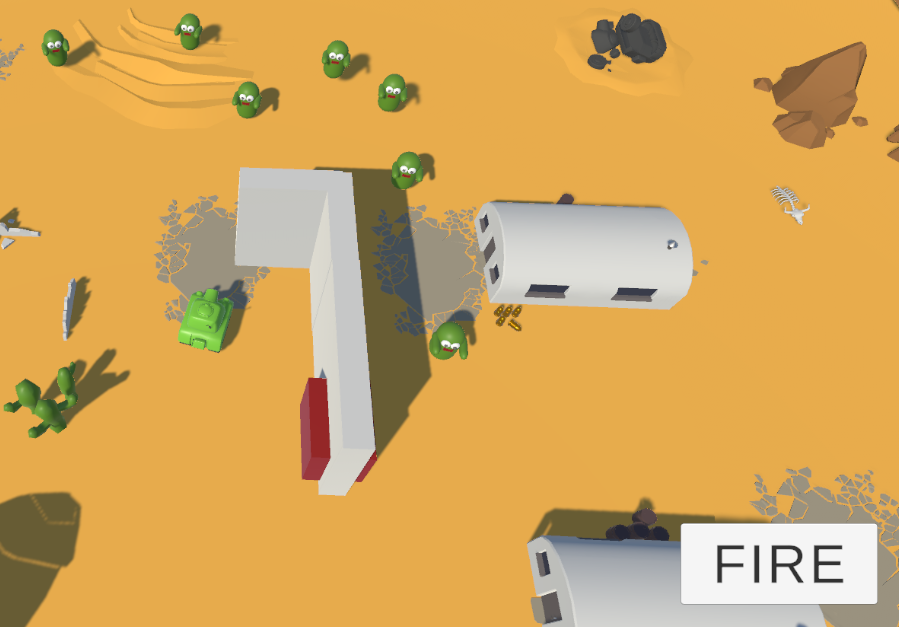
1. 우측 하단 버튼에 탱크 포탄 발사 버튼을 만든다
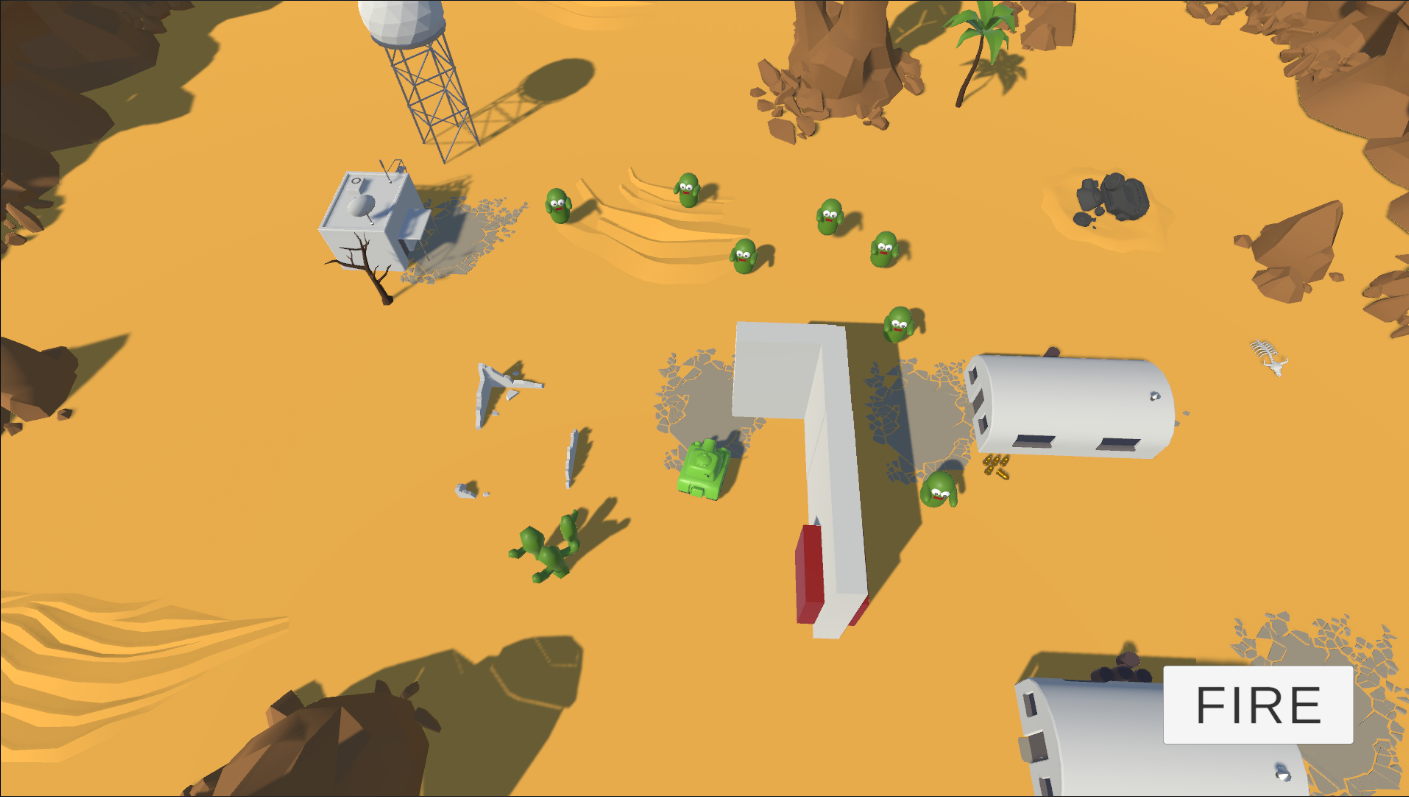
2. 버튼을 누르면 탱크는 포탄을 발사한다
문제 1
- 버튼을 눌렀을 때, 버튼 누르기 = 스페이스바 누르기로 할 수 없을까?
- 나중에 인풋 시스템을 배우고 구현하는 것을 추천한다
- 버튼은 입력 이라기 보다는 이벤트 발생기다. 그래서 연사와 같은 꾹 누르는 공격은 인식이 안된다...
- 문제2와 비슷한 이유로 버튼 컨트롤러 스크립트를 추가해서,
IPointerClickHandler와 같은 인터페이스를 써야 되지 않을까 싶다
문제 2
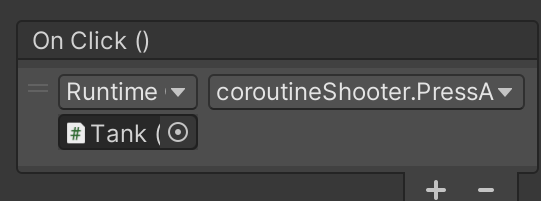
- 일단 버튼에 이벤트로
Fire()를 넣는다. 그리고 만약 키보드 키와 겹칠 경우를 대비해서 마우스 클릭중이면 키보드 비활성화, 키보드 입력중이면 버튼 비활성화를 해야 한다 - 하려면 버튼의 스크립트를 수정해야 한다.
Button을 상속받는 컴포넌트를 만든다.Update()에서 키보드 입력중일 때는 버튼을 비활성화 한다
public class ButtonController : Button private void Update() { if(Input.GetKeyDown(KeyCode.Space)) { // 또는 this.SetActive(false); } if(Input.GetKeyUp(KeyCode.Space)) { this.SetActive(true); } }- 그런데 이 방법은, 게임이 꺼져있는 상황에서도 계속 돌아간다. 라이프 사이클보다 더 큰 범위의 사이클을 돌기 때문이다
- 버튼이 상속받고 있는
Button컴포넌트와Selectable인터페이스들을 찾아보면서 어떤 기능들이 가능한지 찾아보면 좋다.
void Update() { if (Input.GetKeyDown(KeyCode.Space)) { PressAttack(); } if (Input.GetKeyUp(KeyCode.C)) { PressChangeMode(); } } public void PressAttack() { // 연사 공격 if (rapidCoroutine == null && fireMode == false) { rapidCoroutine = StartCoroutine(FireRoutine()); } if (rapidCoroutine != null && fireMode == false) { StopCoroutine(rapidCoroutine); rapidCoroutine = null; // 차지 공격 if (fireMode == true) { if (chargeCoroutine == null) { chargeCoroutine = StartCoroutine(ChargeRoutine()); } } } public void PressChangeMode() { // 공격 모드 전환 : C키 if (chargeCoroutine != null) { StopCoroutine(chargeCoroutine); chargeCoroutine = null; } else if (rapidCoroutine != null) { StopCoroutine(rapidCoroutine); rapidCoroutine = null; } ChangeFireForm(); }- 일단 버튼에 이벤트로
3. 게임 상단에
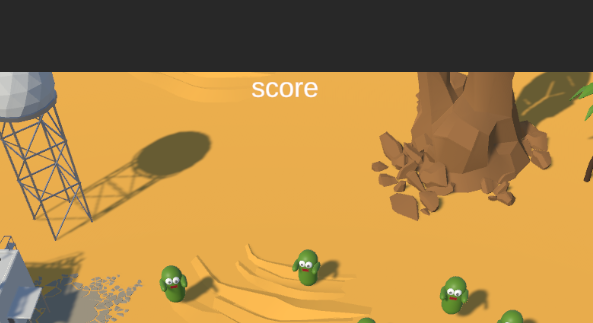
score텍스트를 만든다
-
4. score는 게임매니저의 스코어와 동일하게 표현되도록 처리한다
- 이벤트
- 스코어 UI를 먼저 canvas에 추가
- 스코어 UI 스크립트 작성
- 스크립트를 담을 게임 오브젝트 ScoreUI를 생성 후 컴포넌트로 추가한다
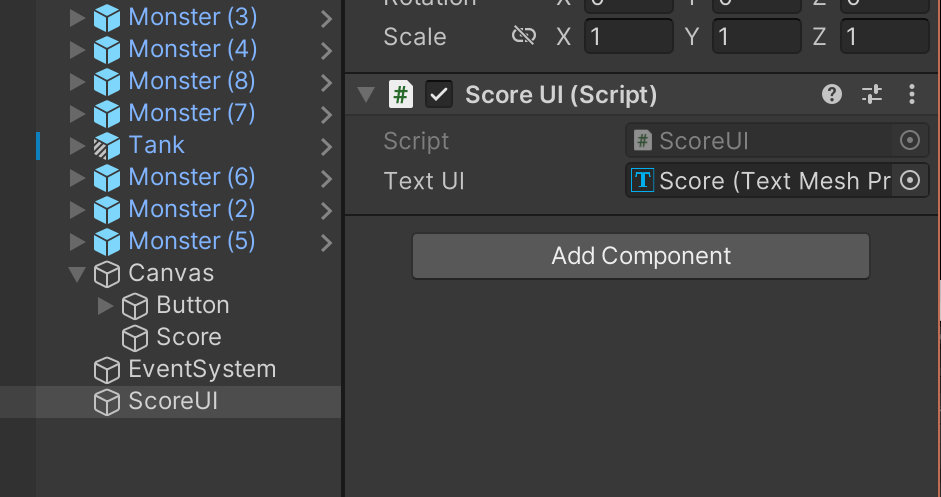
- 컴포넌트에 UI로 만든
score를 넣는다3~4번 내용은 UI 포스트에서 구현했다
-
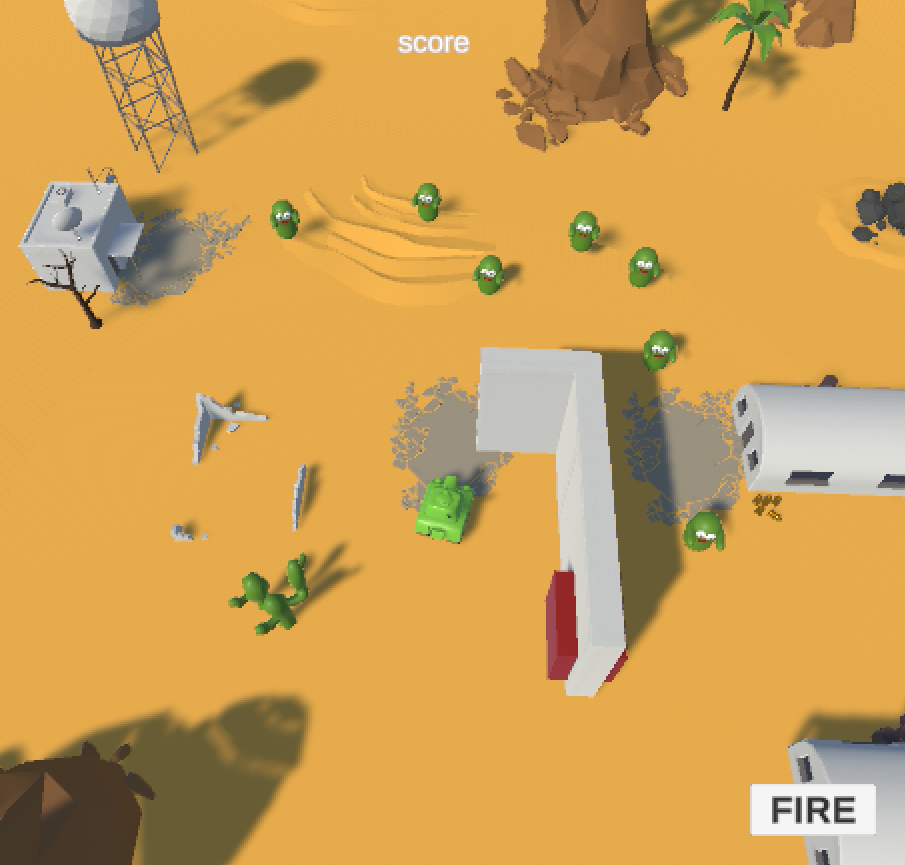
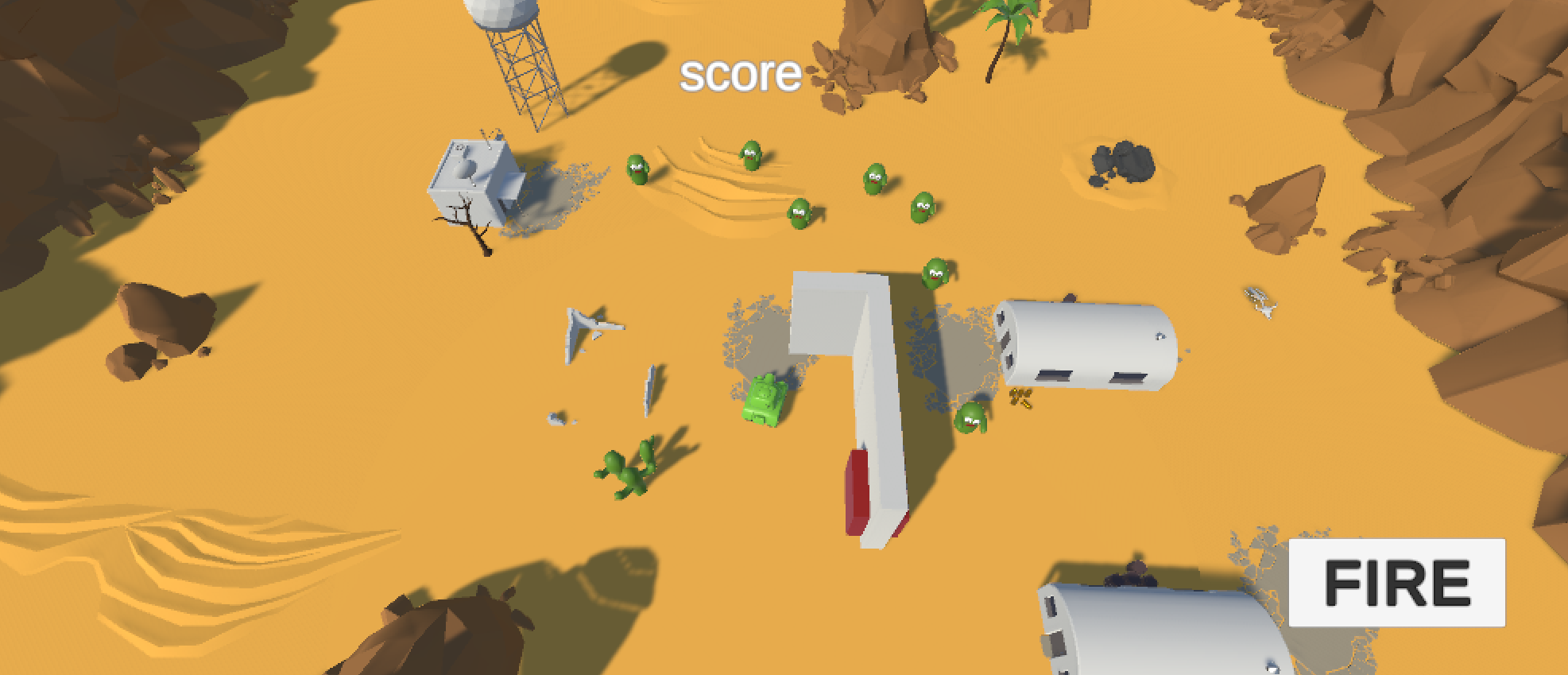
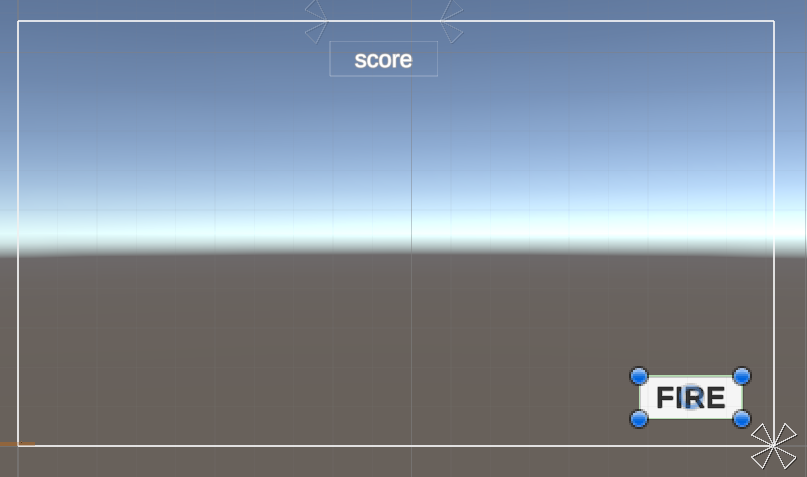
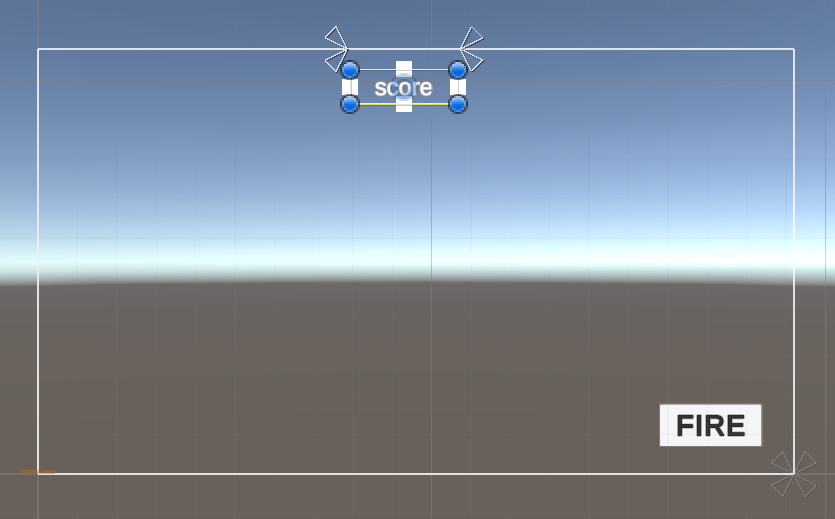
5. UI는 게임 해상도와 무관하게 정해진 위치에 자리해야 한다
- 크기에 대한 변화는
Scale with screen size를 사용하면된다 - 위치에 대한 고정은
앵커를 사용한다
- 크기에 대한 변화는
2. 에셋스토어 사용
- 좌측 하단에 조이스틱 UI를 구성한다
- 조이스틱의 조작에 따라 탱크가 이동한다
- 조이스틱은 에셋스토어를 검색하여 탐색한다
조이스틱 검색
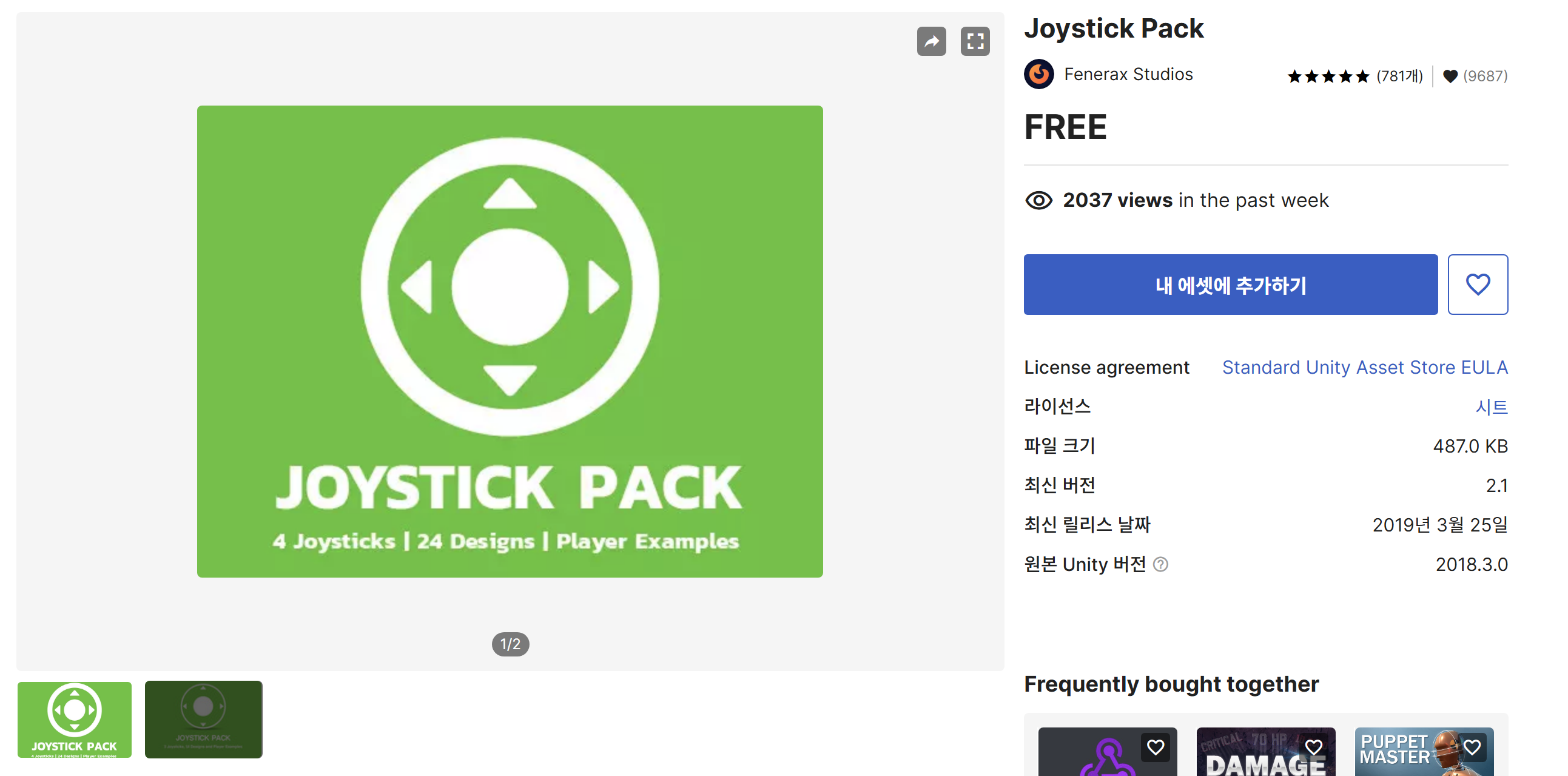
- 에셋 스토어에서 조이스틱 팩을 찾았다.
내 에셋에 추가하기를 누른다
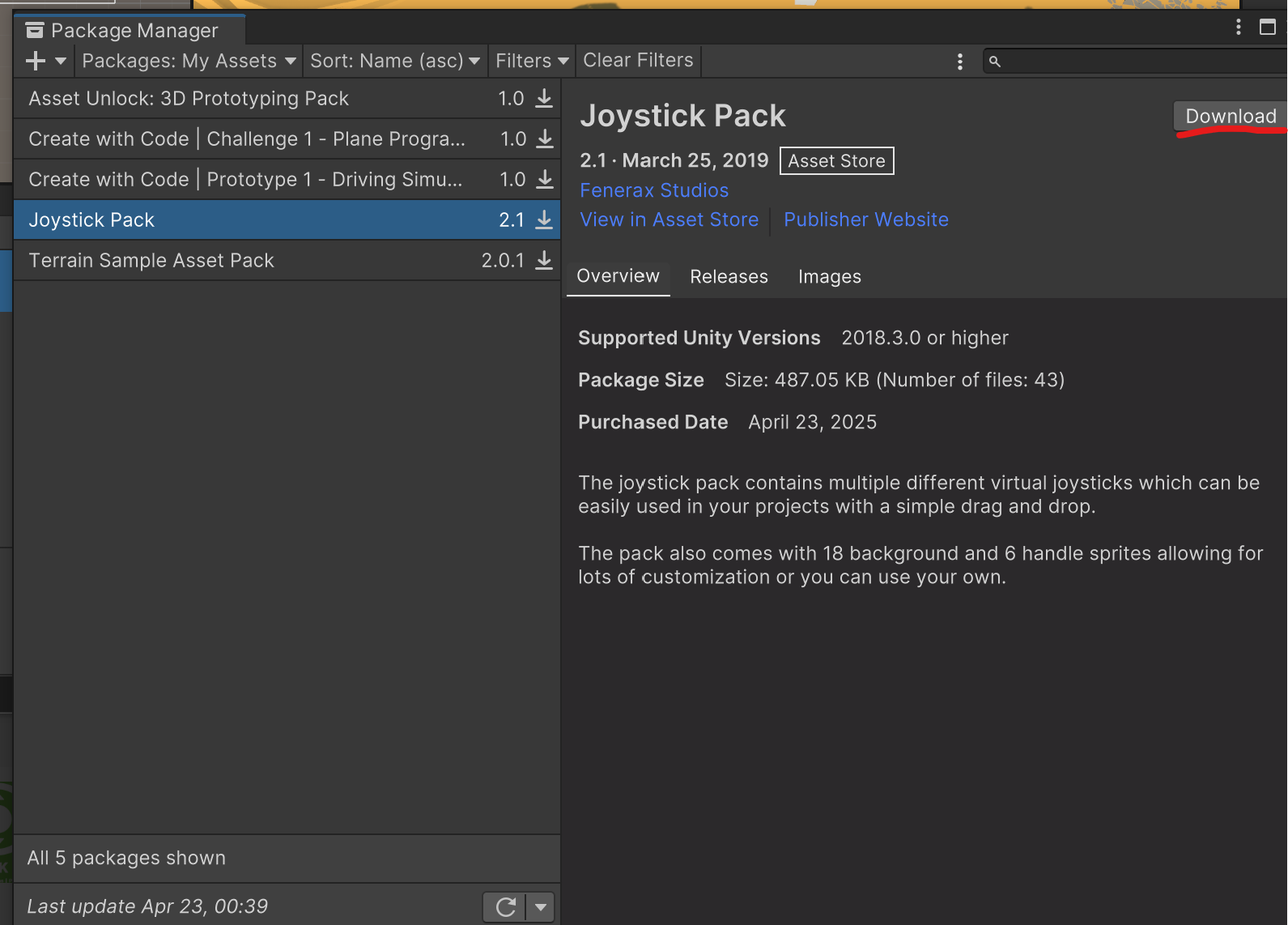
유니티에서 열기선택하면 위와 같은 화면이 나온다.Download를 누른다

- 이후
Import하면 된다
조이스틱 사용하기
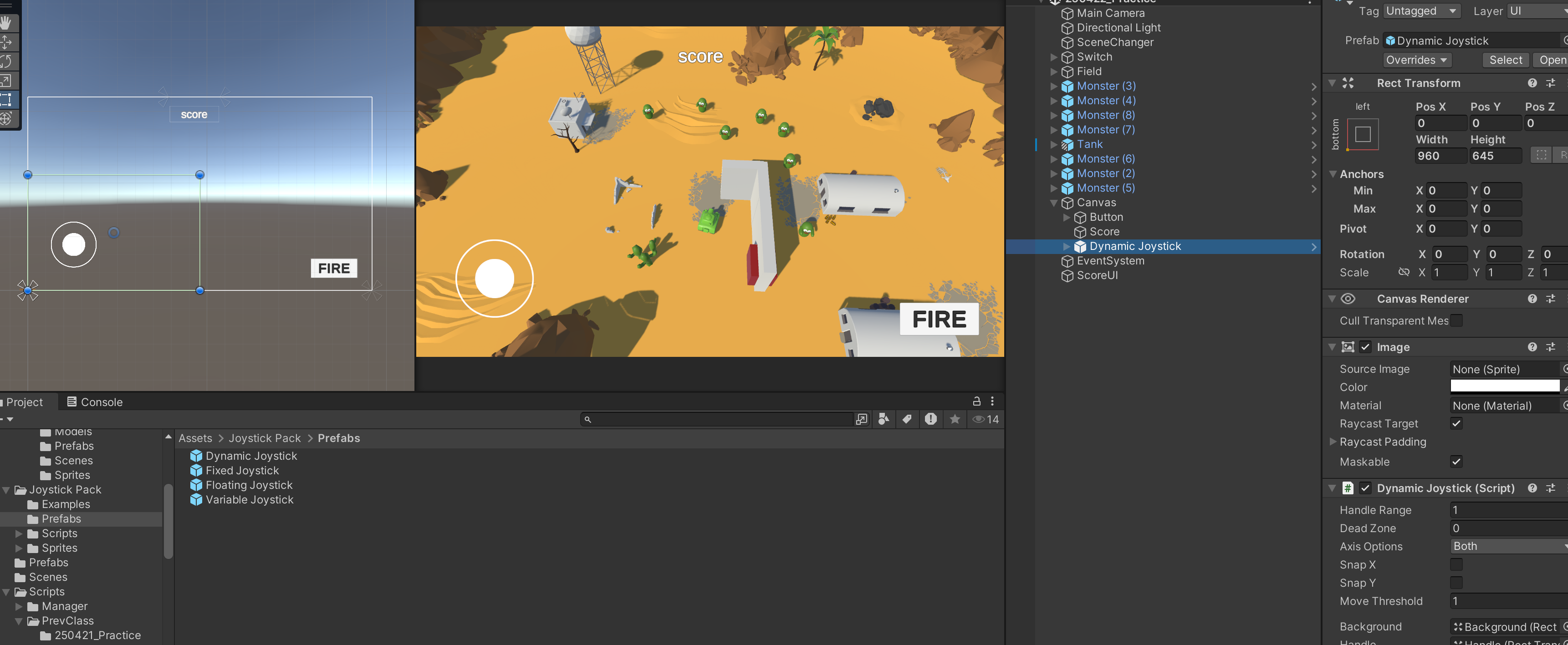
- 임포트 한 이후 해당 폴더를 찾아, 프리팹에서
Canvas로드래그&드롭을 해서 추가했다 플레이를 누르고 이리저리 조작해보았지만 움직이는 걸로 연결되지 않는다- 바로 키매핑이 안되는 것을 보아하니, 예시를 봐야 될 것 같다. 임포팅하면서 같이 딸려온 예시 씬을 통해 어떻게 쓰는지 알아보자
예시 씬
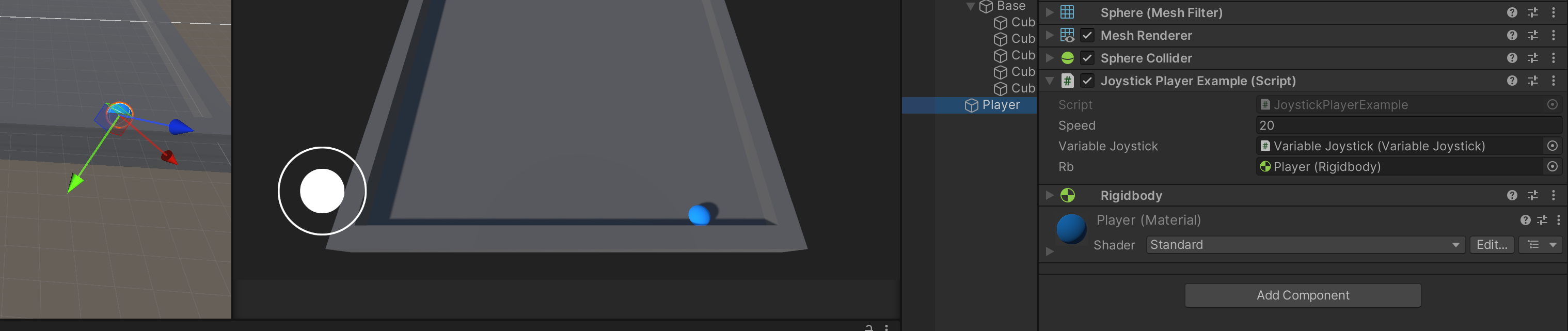
- 조이스틱을 움직이면 공이 이리저리 굴러다닌다. 즉, 조이스틱의 조작은 방향(Vector3)의 반환이 있다는 뜻이다.
- 파란 공에 달려있는 스크립트를 열어보자
public class JoystickPlayerExample : MonoBehaviour
{
    public float speed;
    public VariableJoystick variableJoystick;
    public Rigidbody rb;

    public void FixedUpdate()
    {
        Vector3 direction = Vector3.forward * variableJoystick.Vertical + Vector3.right * variableJoystick.Horizontal;
        rb.AddForce(direction * speed * Time.fixedDeltaTime, ForceMode.VelocityChange);
    }
}- 조이스틱 마다 클래스가 존재한다는 것을 알았다
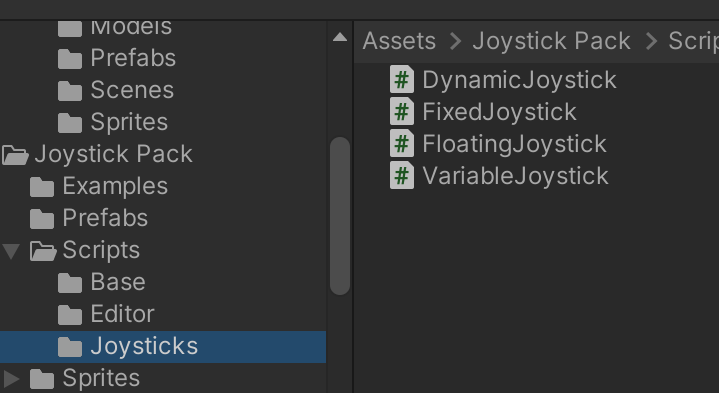
- 실제로 위와같이 조이스틱의 모양마다 컴포넌트가 있는것을 알 수 있다. 다이나믹 조이스틱을 쓰려고 한다. 해당 스크립트를 열어본다
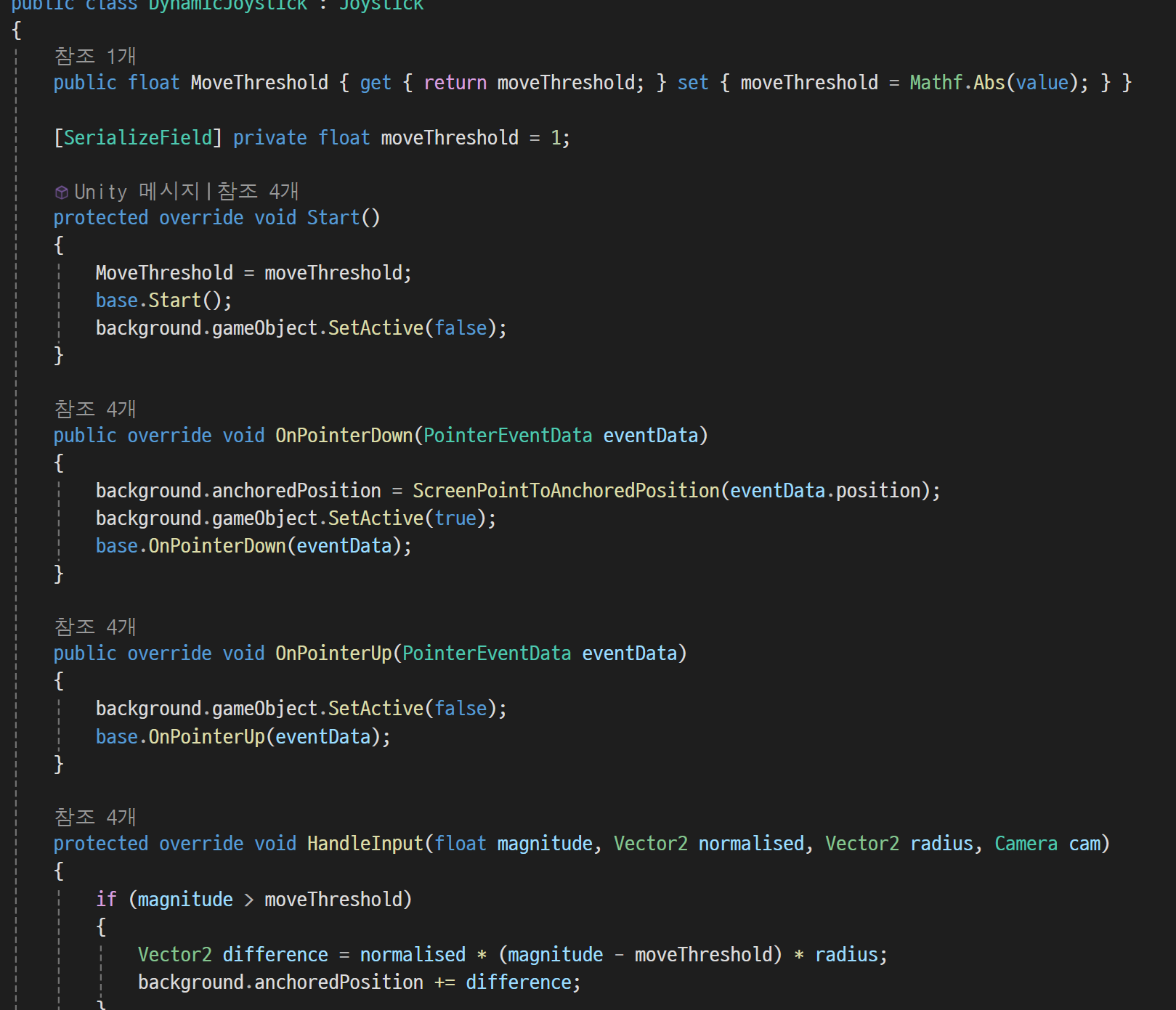
- 반환하는 값들이 안보인다 상위클래스인
Joystic으로 가본다
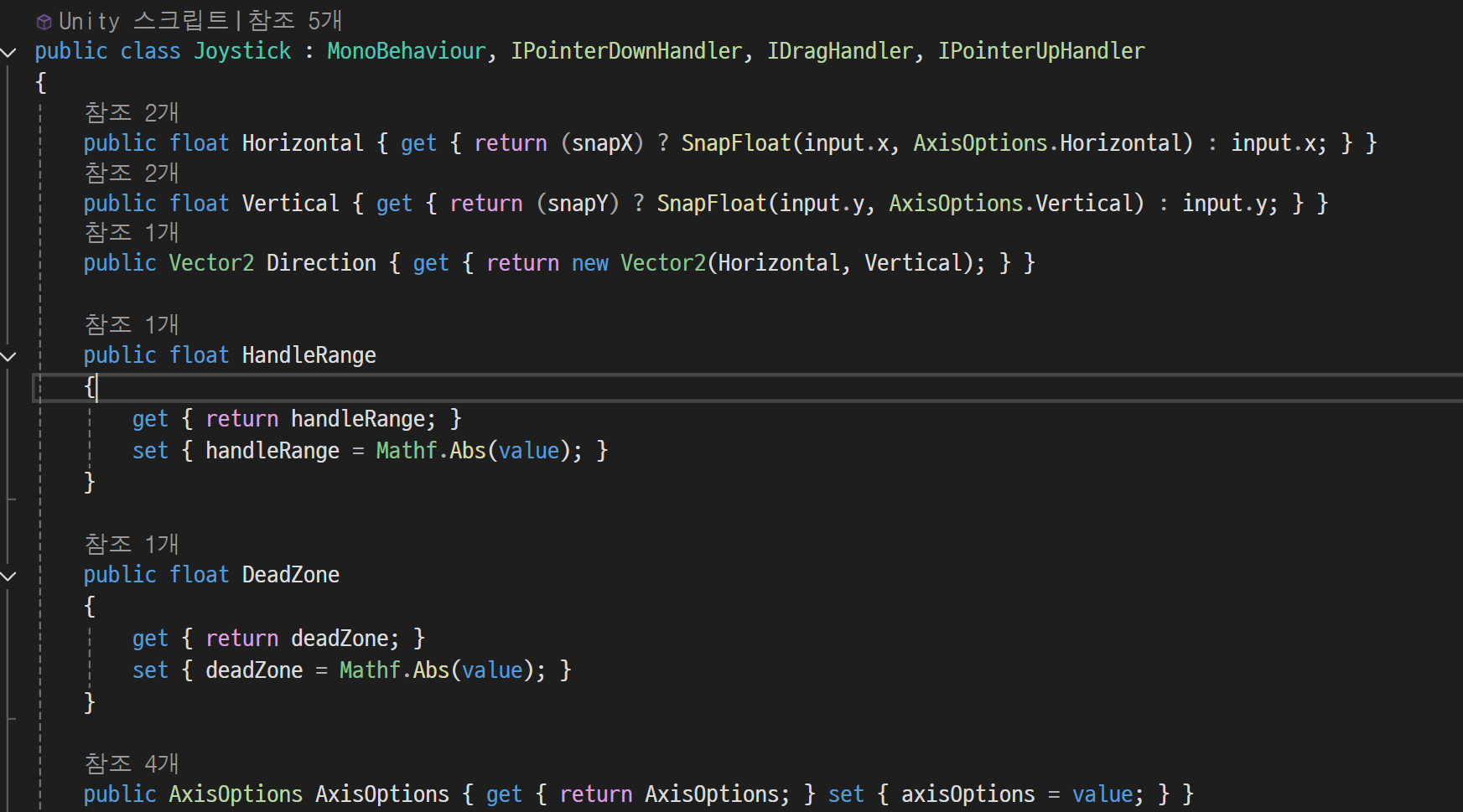
- 우리가 쓸 수 있는 값들이 세팅되어 있는것을 알 수 있다. 각각
Horizontal과Vertical,Vector2 Direction이다 - 이제 해당 내용들을 가지고 편집해보자. 탱크 움직임 스크립트를 수정한다
//조이스틱 추가
[SerializeField] DynamicJoystick dynamicJoystick;
void Update()
{
    TankMove();
    TurretRotation();
}
private void TankMove()
{
    // 조이스틱으로 받기
    tankInput.x = dynamicJoystick.Horizontal;
    tankInput.z = dynamicJoystick.Vertical;

    if (tankInput == Vector3.zero)
    {
        return;
    }
    magnitude = tankInput.magnitude;
    if (magnitude > 1f )
    {
        magnitude = 1f;
    }
    tankInput = tankInput.normalized;
    transform.Translate(tankInput * magnitude * tankMoveSpeed * Time.deltaTime, Space.World);
    transform.rotation = Quaternion.Lerp(transform.rotation, Quaternion.LookRotation(tankInput), tankRotInterpolation);
}
조이스틱 적용
- Dynamic Joystick에다가
Canvas에 만들어뒀던 조이스틱을드래그&드롭하면 된다
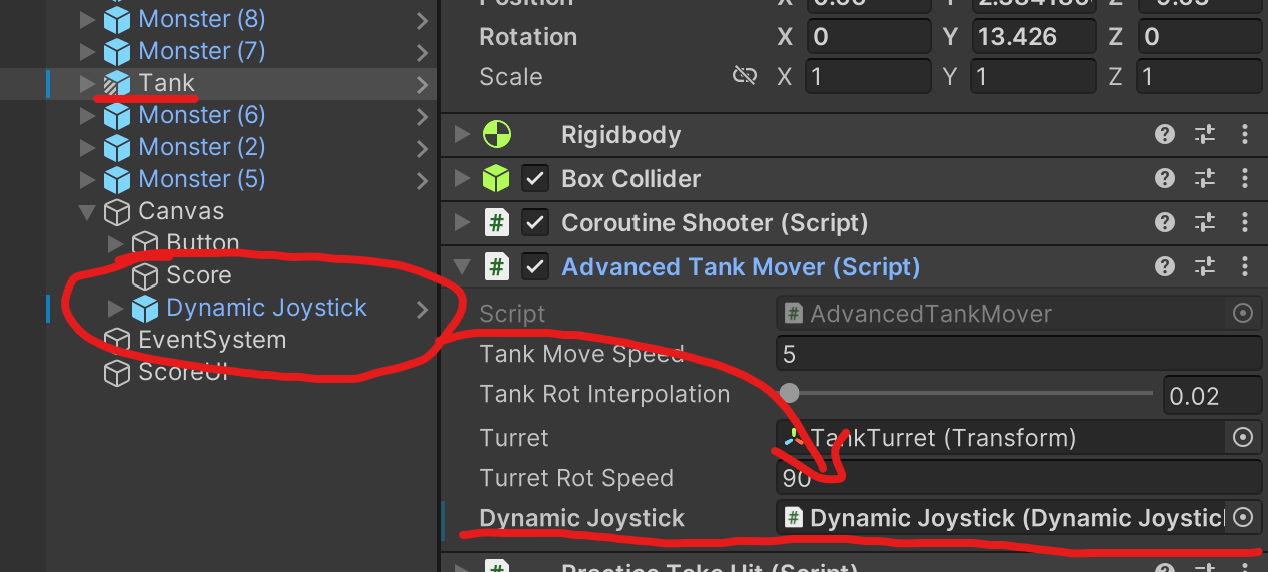
결과
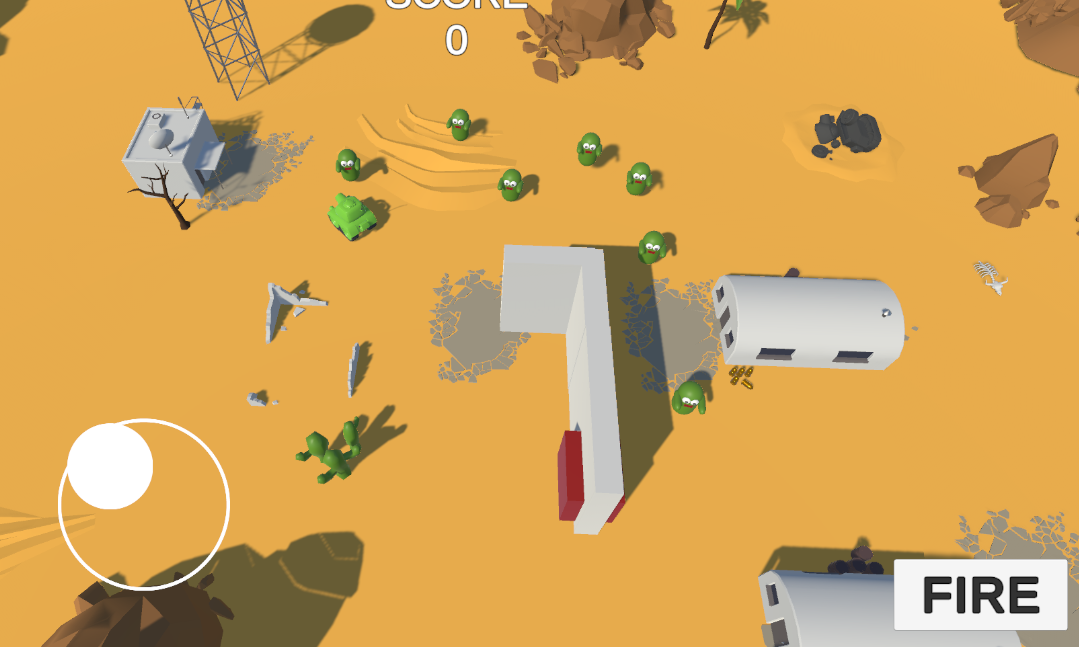
- 매우 잘 적용 되었다
3. 씬 로딩
- 타이틀, 게임오버 씬 구현
- 게임 씬에 여러 맵을 만들어서 이동 시에 맵을 로딩하도록 구현
개발 박살내자