클래스(class) 소개
- 객체를 생성할 수 있는 템플릿
- 클래스를 통해 객체지향 프로그래밍을 할 수 있음
- 최근 자바스크립트에서 생성자 함수보다 클래스를 이용
- 클래스를 통해 만들어진 객체를 인스턴스라고 함
정리하자면! 클래스는 객체를 찍어내는 템플릿이라고 보면 됩니다 :)
클래스 기본
- 객체를 손쉽게 만들 수 있는 템플릿은?
- 생성자 함수 (고전적인 방법)
- 클래스 👌
- 클래스 문법 정리
- class 적기 2. 중괄호로 만들어야 함 3. 객체에 필요한 데이터를 채워줄 수 있는 constructor 를 지정 (new 키워드로 객체를 생성할 때 호출되는 함수) 4. 클래스에 필요한 멤버 함수는 생성자(constructor)에서 등록하지 않음! 보통은 생성자 밖에서 함수를 정의함 5. 함수 정의할 때, function 키워드는 제외 / 화살표 함수는 사용 가능
//생성자 함수
function Animal (name, emoji) {
  this.name = name
  this.emoji = emoji
  this.display = () => {
    console.log(`${this.name}: ${this.emoji}`)
  }
}
const monkey = new Animal('monkey', '🐵')
console.log(monkey) // Animal { name: 'monkey', emoji: '🐵', display: [Function (anonymous)] }
//클래스
class Animal {
constructor (name, emoji) {
this.name = name
this.emoji = emoji
}
display = () => {
console.log(`${this.name}: ${this.emoji}`)
}
}
const monkey = new Animal('monkey', '🐵')
console.log(monkey) // Animal { name: 'monkey', emoji: '🐵', display: [Function (anonymous)] }
여기서 monkey는 Animal 클래스의 인스턴스입니다 :)
참고!
const obj = {name : 'monkey'}
이 obj는 그냥 객체이고, 그 어떤 클래스의 인스턴스도 아닙니다!
클래스를 통해 만들어진 객체만 인스턴스라고 합니다 :)
재사용성 높이는 방법(static)
모든 객체마다 동일하게 참조해야 하는 속성 / 행동이 있을 경우에는..! 클래스 레벨의 프로퍼티와 메서드를 사용하면 됩니다! 방법은 class 안에서 'static' 이라는 키워드를 프로퍼티나 메서드 앞에 붙이면 됩니다 :)
class Animal {

  constructor (name, emoji) {
    this.name = name
    this.emoji = emoji
  }

  // 클래스 레벨의 메서드
  static makeRandomAnimal() {
    return new Animal ('cat', '😼')
  }


  // 인스턴스 레벨의 메서드
  display = () => {
    console.log(`${this.name}: ${this.emoji}`)
  }

}

const cat = Animal.makeRandomAnimal()
console.log(cat) // Animal { display: [Function: display], name: 'cat', emoji: '😼' }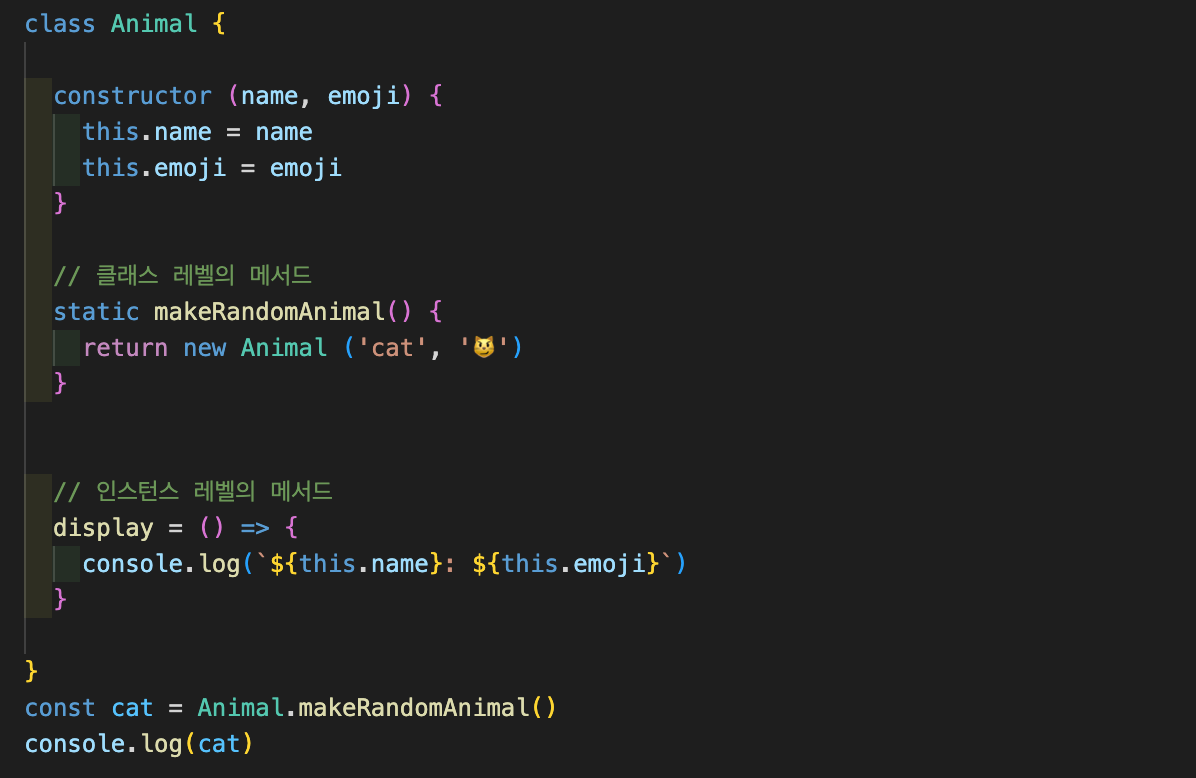
👏 정리 👏
- 인스턴스 레벨의 프로퍼티와 함수는 만들어진 인스턴스를 통해서만 접근이 가능합니다 😿
- 하지만..!! 클래스 레벨의 프로퍼티와 함수는 클래스 이름만으로도 접근 가능! 😸
- 'static' 이라는 키워드를 붙이면 클래스 레벨로 만들 수 있습니다 (함수 앞에 붙이면 클래스 레벨의 메서드로! 프로퍼티도 마찬가지!)
- static 함수는 만들어진 인스턴스 안에는 들어있지 않습니다 :)
필드(Field)란?
세터(Setter)와 게터(Getter)
함수를 일반 속성처럼 접근하고 싶을 때!!
그럴 때는 접근자 프로퍼티를 사용하면 됩니다 :)
방법은 바로..!! 일반 속성처럼 접근하고 싶은 함수 앞에 get만 붙이면 됨!
class Student {
  constructor(firstName, lastName) {
    this.firstName = firstName
    this.lastName = lastName
  }
  get fullName() {
    return `${this.lastName} ${this.firstName}`
  }
}

const student = new Student('철수', '김')
console.log(student.fullName);  // 김 철수

// fullName을 함수 호출할 때처럼 안 함..!! 싱기
할당할 때는 set을 쓰면 됩니다 :)
class Student {
  constructor(firstName, lastName) {
    this.firstName = firstName
    this.lastName = lastName
  }
  get fullName() {
    return `${this.lastName} ${this.firstName}`
  }

  set fullName(value) {
    console.log(value);
  }
}

const student = new Student('철수', '김')
console.log(student.fullName);
student.fullName = '박영희' //김 철수 박영희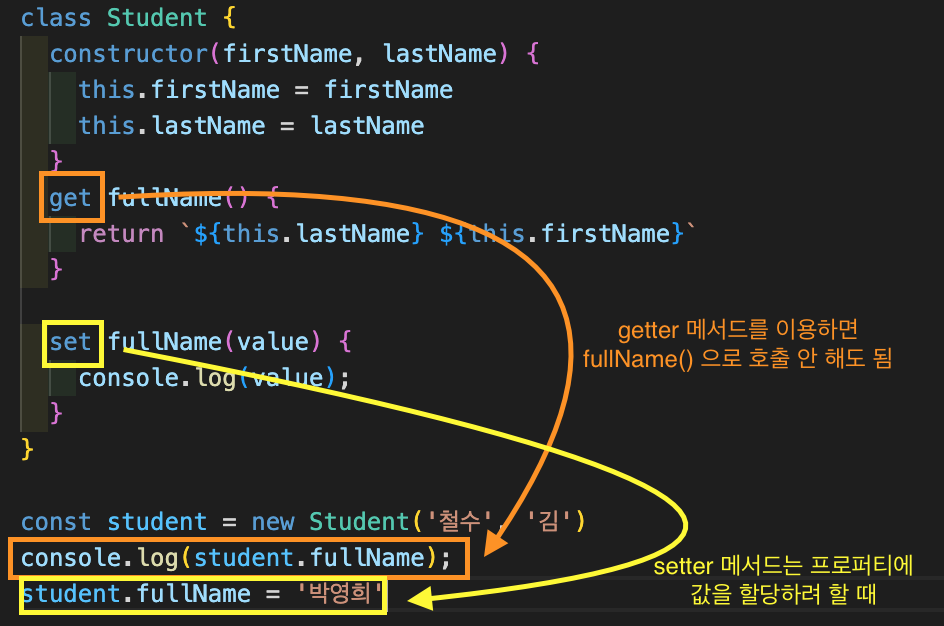
클래스의 확장(상속)
클래스마다 공통된 행동이나 속성들이 있을 때..!! 상속을 사용하면 됩니다 :) 상속을 통해 기존 클래스의 공통된 속성을 그대로 상속받을 수 있습니다!
class Animal {
  constructor(color) {
    this.color = color
  }
  eat() {
    console.log('먹는다');
  }
  sleep() {
    console.log('잔다');
  }
}

class Monkey extends Animal { }
const monkey = new Monkey('갈색')
console.log(monkey); // Monkey { color: '갈색' }


// 새로 추가할 변수나 함수가 있을 경우..
class Rabbit extends Animal {
  play() {
    console.log('논다');
  }
}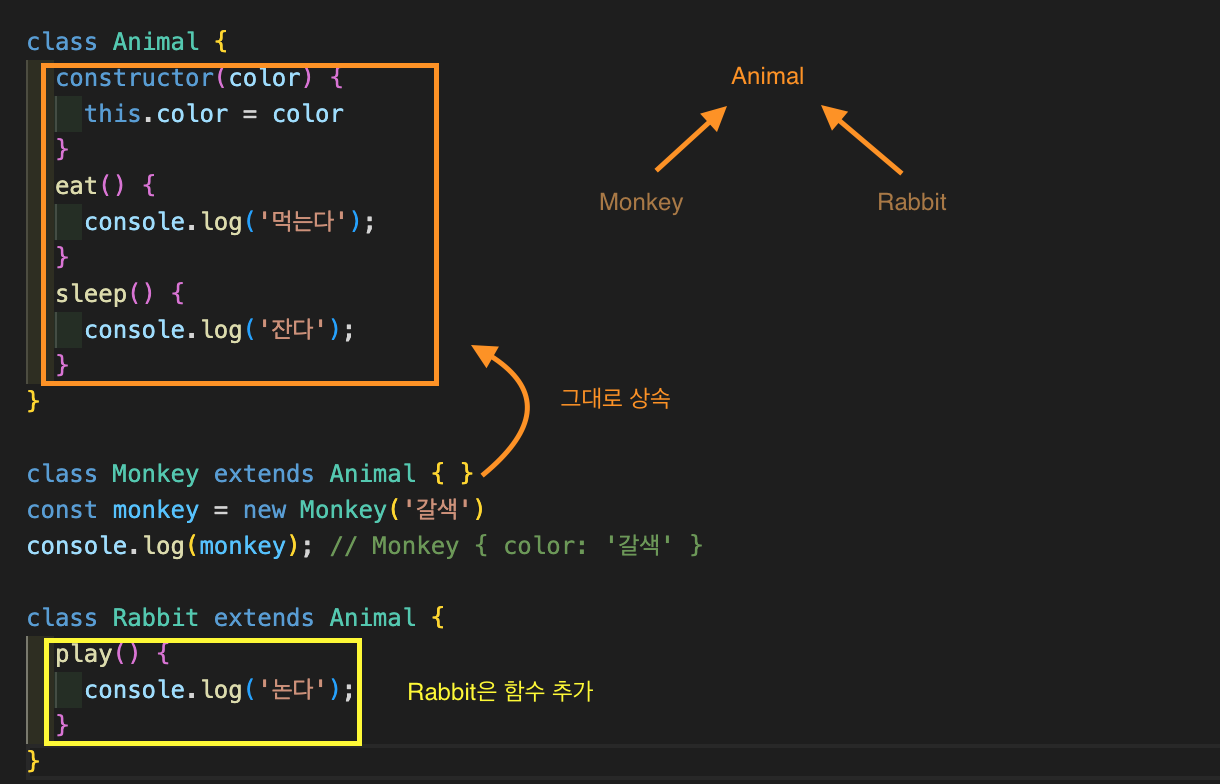
추가적으로 필요한 게 없다면..! 그냥 상속만 하세욥
추가적으로 필요한 게 있다면..! 노란색 박스처럼 추가하심 됩니다 :)
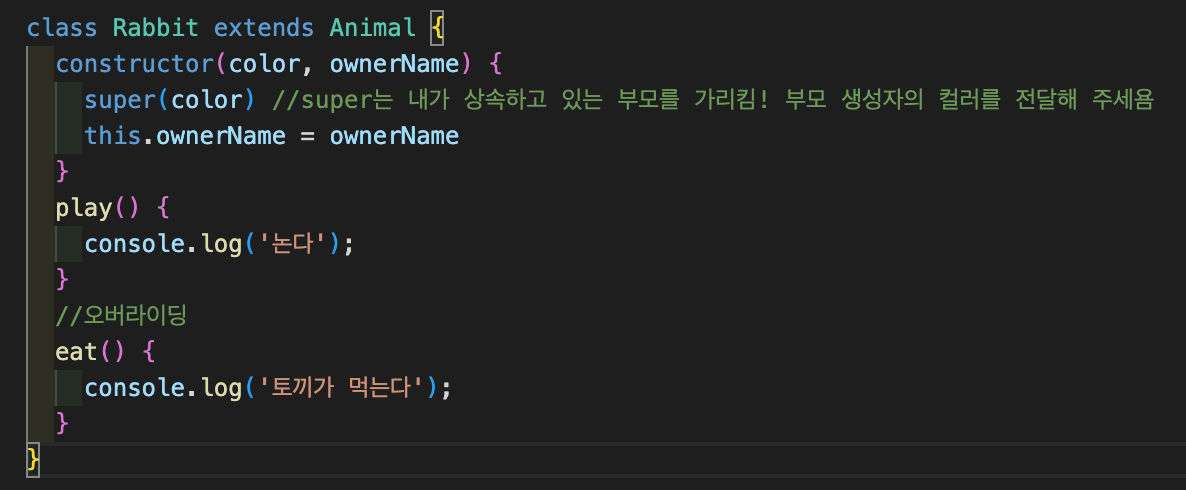
- constructor에 추가하고 싶은 게 있다면..!
저는 주인 이름을 추가하고 싶은데욤! 그러면..
1.부모(기존) 클래스에 있던 생성자의 color를 전달하세용 (super를 사용)
2.Rabbit 클래스에만 오너네임 추가!
-
자식 클래스에서 부모 클래스에 있는 함수를 덮어씌우고 싶다면..!
원래 있는 함수를 그대로 선언해서 다른 행동으로 그냥 덮어 씌우면 됩니다! 이걸 오버라이딩이라고 합니다 :) -
부모의 기능을 유지하면서 추가적인 걸 하고 싶다면..!
부모의 생성자 함수를 호출해 주는 super를 사용하면 됩니다 :)
  eat() {
    super.eat()
    console.log('토끼가 먹는다'); // 먹는다 토끼가 먹는다
  }
Retrospect 🧐
블로깅..하는데...시간이 왜케 오래 걸릴꽈..후루룩 쓰고 싶당!! 클래스..잼난다! 필드는 약간 애매하게 이해돼서..나중에 다시 블로깅 해야겠다!!!
