뉴욕타임즈 웹 API 호출
임포트
import requests
import pandas as pd
API KEY 설정
API_KEY = "my api key"
url = 'https://api.nytimes.com/svc/mostpopular/v2/viewed/1.json'   # API 호출용 URL
params = {
	"api-key" : API_KEY
}

response = requests.get(url, params = params)
response # 연결 확인 
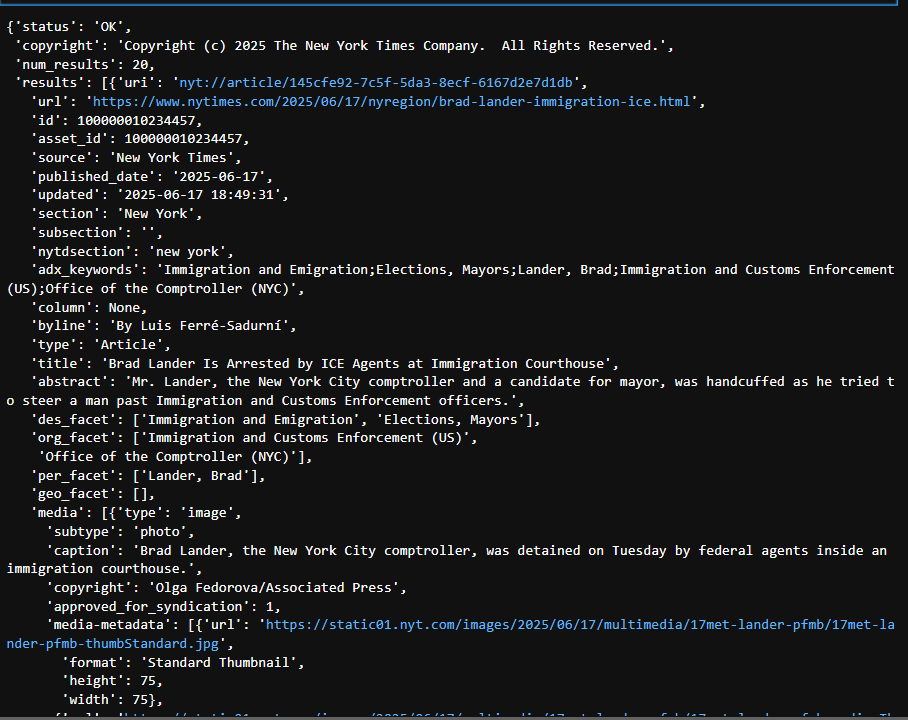
응답 데이터 확인
data = response.json()                          # joson 형태로 데이터 정보 확인
data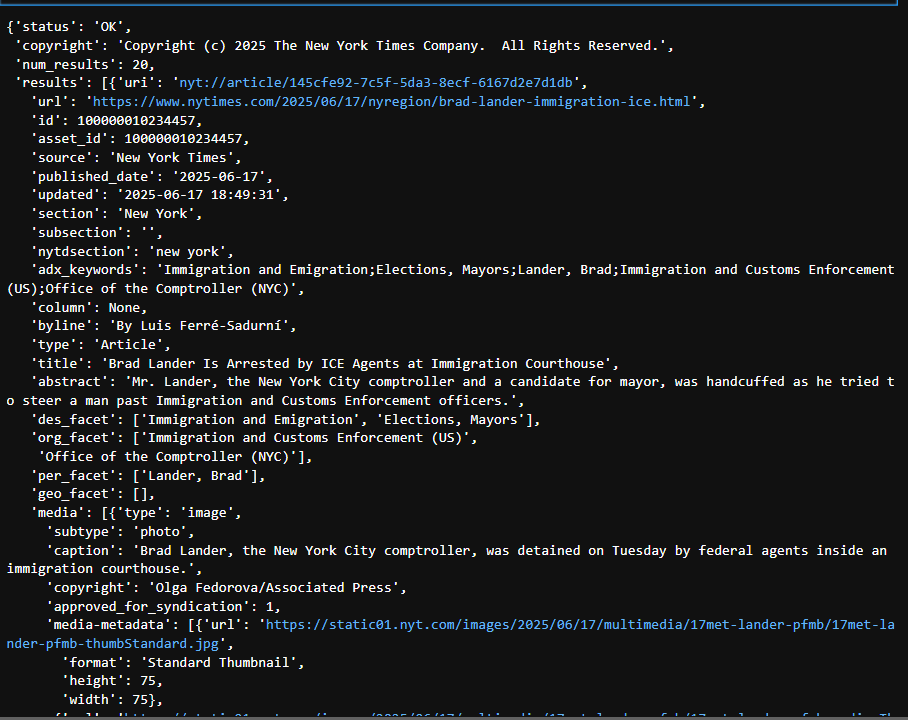
데이터프레임 형식으로 저장
df = pd.json_normalize(data['results'])          # 가져온 정보 중 results 파트만 데이터프레임으로 변경
df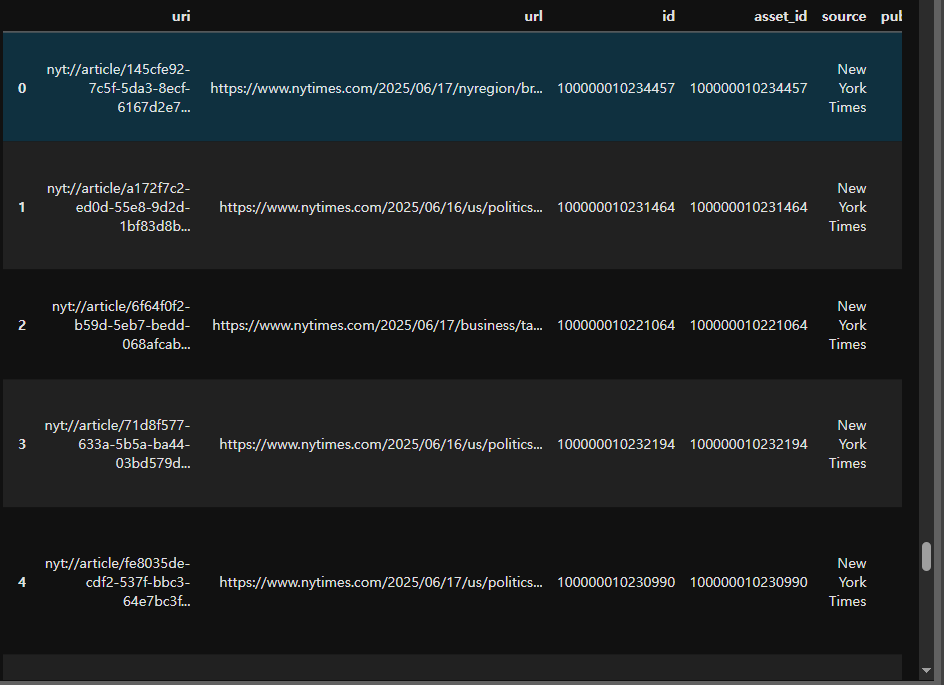
json_mormalize란
: 리스트 안에 있는 딕셔너리들을 표(=DataFrame) 으로
- 각 딕셔너리 → 한 행(row)
- 각 키 → 한 열(column)
pandas.jseon_normalize documentation
DB conn
DB 생성
create database NYcrawling_test_db;
Table 생성
create table NY_acticle(
    -> uri text not null,
    -> url text not null,
    -> id int not null,
    -> asset_id int not null,
    -> source text not null,
    -> published_date date not null,
    -> updated timestamp not null,
    -> section text,
    -> subsection text,
    -> type text)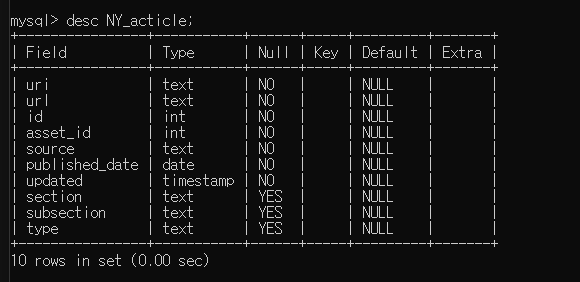
db conn (.env file)
MYSQL_HOST=localhost
MYSQL_PORT=3306
MYSQL_USER=root
MYSQL_PASSWORD=1234
MYSQL_DATABASE=ny_crawling_db
발생한 에러 - ProgrammingError
ProgrammingError: (1146, "Table 'nycrawling_test_db.ny_article' doesn't exist")
: db name 혹은 따옴표 오류
→ 확인해보니 대문자로 넣었던 이름이 소문자로 변경되어 있음
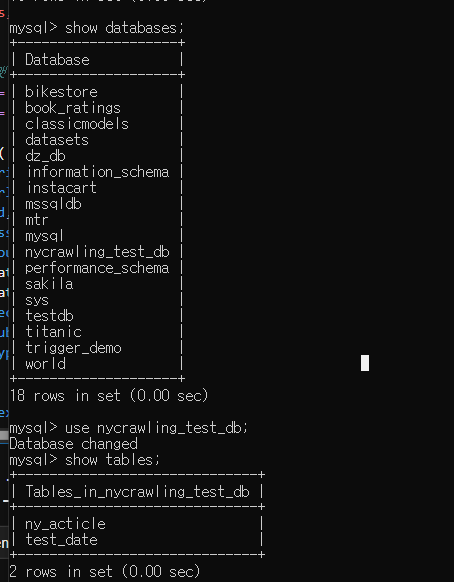
현재 database 확인
cursor = conn.cursor()
cursor.execute("SELECT DATABASE();")
db_name = cursor.fetchone()[0]
print("현재 연결된 DB:", db_name)
Data Type 변환
: id, asset_id의 경우 int type의 데이터를 str type으로 저장하려고 함.
df['id'] = df['id'].astype(str)
df['asset_id'] = df['asset_id'].astype(str)
확인 코드
for i in df['id']:
    print(type(i))
for i in df['asset_id']:
print(type(i))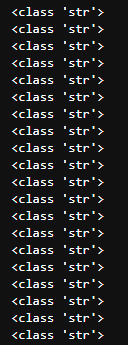
Data Insert
for row in df.itertuples(index=False):
    # print(row)
    # 날짜 포맷팅 (문자열로 변환, datetime인지 확인)
    pub_date = row.published_date.strftime("%Y-%m-%d") if hasattr(row.published_date, 'strftime') else row.published_date
    upd_date = row.updated.strftime("%Y-%m-%d %H:%M:%S") if hasattr(row.updated, 'strftime') else row.updated

    # print(type((pub_date)))
    # print(type((upd_date)))

    sql = """
    INSERT INTO ny_article (uri, url, id, asset_id, source, published_date, updated, section, subsection, type)
    VALUES (%s, %s, %s, %s, %s, %s, %s, %s, %s, %s);
    """

    # values = (
    #     row.uri,
    #     row.url,
    #     row.id,
    #     row.asset_id,
    #     row.source,
    #     pub_date,
    #     upd_date,
    #     row.section,
    #     row.subsection,
    #     row.type
    # )

    try:
        # print(values)
        mycursor.execute(sql, values)
        conn.commit()
    except Exception as e:
        print("에러 발생:", e)
확인 코드
select * from ny_article;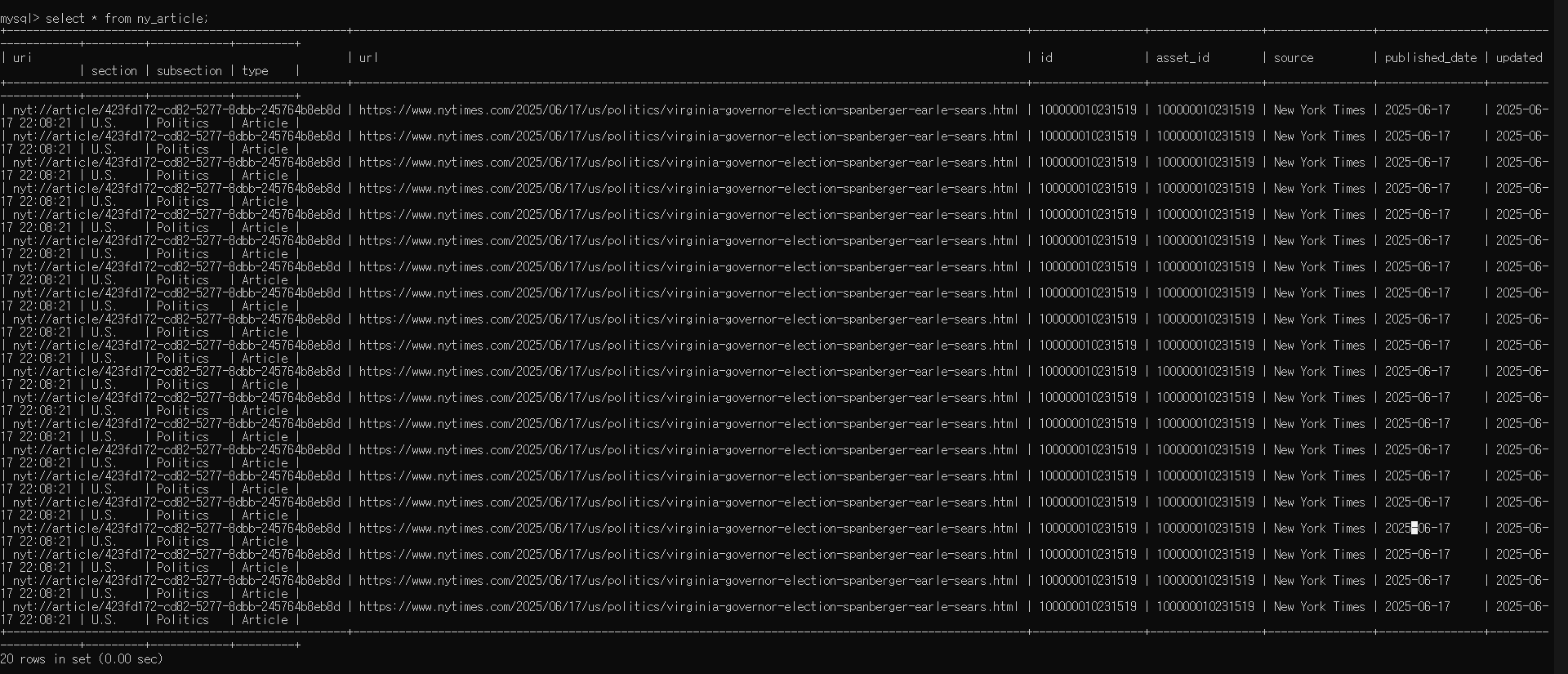
발생한 에러 - Out of range
('nyt://article/145cfe92-7c5f-5da3-8ecf-6167d2e7d1db', 'https://www.nytimes.com/2025/06/17/nyregion/brad-lander-immigration-ice.html', 100000010234457, 100000010234457, 'New York Times', '2025-06-17', '2025-06-17 22:24:47', 'New York', '', 'Article') 에러 발생: (1264, "Out of range value for column 'id' at row 1")
→ sql에서의 int type과 python에서의 int type은 다를 수 있음.
따라서, out of range 발생
비트 변환을 통해 바꿔주거나 text type으로 넣는 것이 좋음.

사람들이 계속 찾게되는 서비스를 만들고 싶은 기획자