Google Cloud Console에서 `OAuth 2.0을 위한프로젝트생성 후Client-ID와Client Secret Key확인
- Google Cloud Console ->
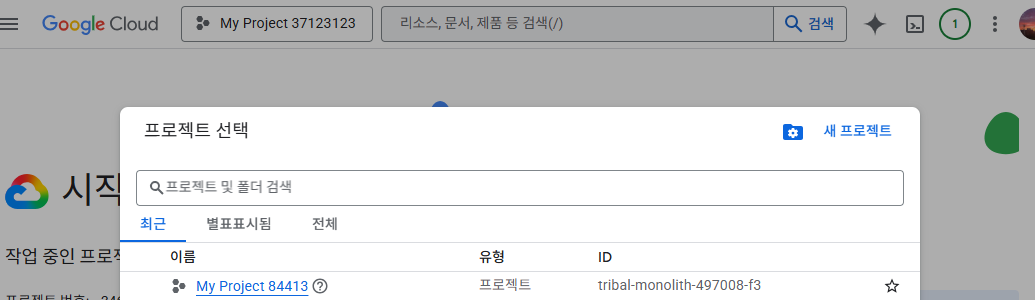
콘솔->새 프로젝트를 통해프로젝트생성
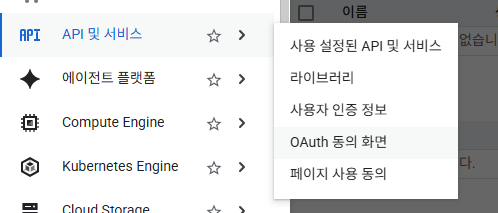
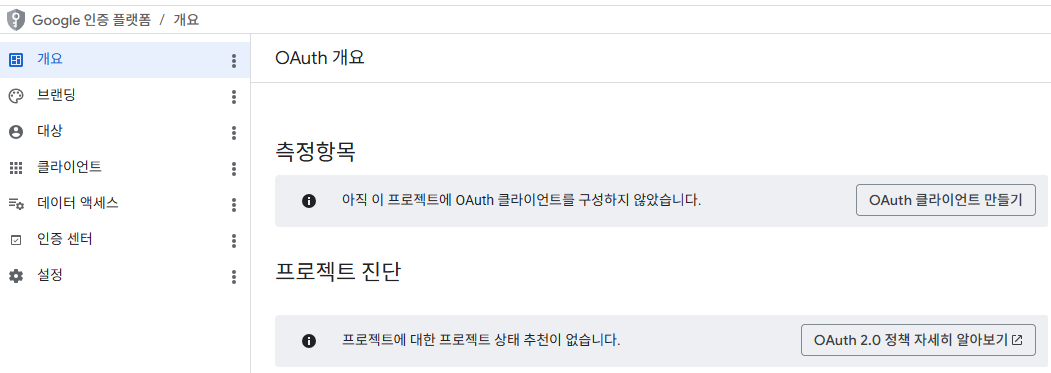
API 및 서비스->OAuth 동의 화면에서Google 인증 플랫폼정의 후OAuth 클라이언트생성
▶대상:외부설정 하여OAuth정의 후OAuth 클라이언트생성
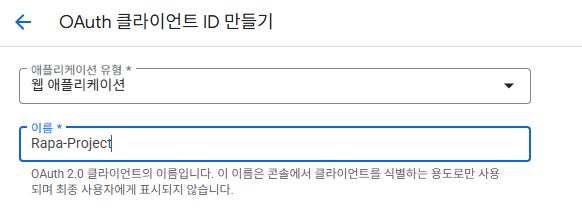
。어플리케이션 유형:웹 어플리케이션
▶이름의 경우Google 로그인시 어디로 로그인하는지 지시
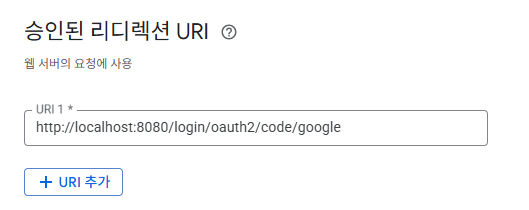
。승인된 리디렉션 URI:http://localhost:8080/login/oauth2/code/google로 설정
▶Spring Application사용 시 기본적으로 고정된Redirection URI
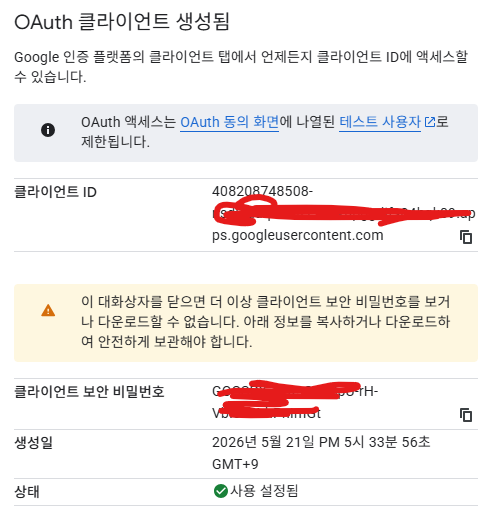
。이후OAuth 클라이언트생성 시Client ID와Client Secret Key를 따로 기입
▶Client-id / Client Secret Key를 통해구글(Authorization Server)에서클라이언트(백엔드)를 식별
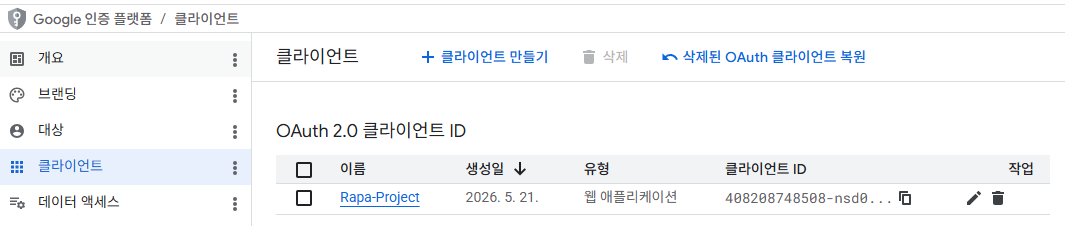
▶ 생성된Google OAuth 2.0 클라이언트
Spring Project생성
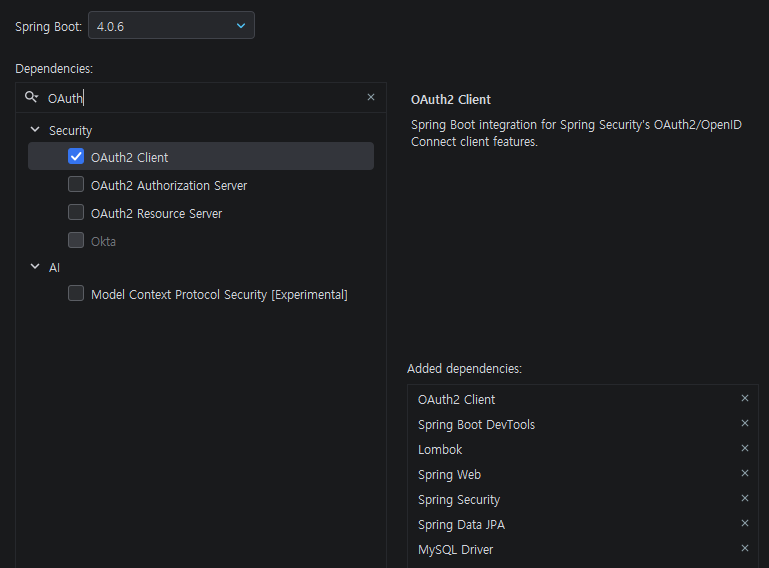
Spring Starter지정 시OAuth2 Client,Spring Security정의
。OAuth2 Client만 정의가 필요
application.yml 파일에 OAuth 2.0 설정 정보 정의
。Spring OAuth에서 공식 지원하는OAuth Provider이므로application.yml설정이 간편
▶ 공식 지원하지 않는kakao등의서비스에 비해 설정량이 적다.spring: application: name: demo-oauth2-trash datasource: driver-class-name: com.mysql.cj.jdbc.Driver url: jdbc:mysql://localhost:3306/bblog username: ${dbUserId} password: ${dbPassword} jpa: hibernate: ddl-auto: create security: oauth2: client: registration: google: client-name: Google client-id: ${clientId} client-secret: ${clientSecretKey} redirect-uri: "{baseUrl}/{action}/oauth2/code/{registrationId}" scope: - email - profile
Spring Security에서@Configuration 클래스정의@Configuration public class SecurityConfig { @Bean public SecurityFilterChain securityFilterChain(HttpSecurity http){ return http .csrf(csrf -> csrf.disable()) .cors( cors -> cors.disable() ) .oauth2Login(Customizer.withDefaults()) .authorizeHttpRequests( auth -> auth .requestMatchers("/login", "/sign-up") .anonymous() .requestMatchers("/user/**") .hasAnyAuthority("USER", "ADMIN") .requestMatchers("/admin/**") .hasAuthority("ADMIN") .anyRequest() .authenticated() ).build(); } }
HTTPSecurity객체.oauth2Login(Customizer.withDefaults())
。Spring Security에서Oauth 2.0 로그인 기능을 활성화하는메서드
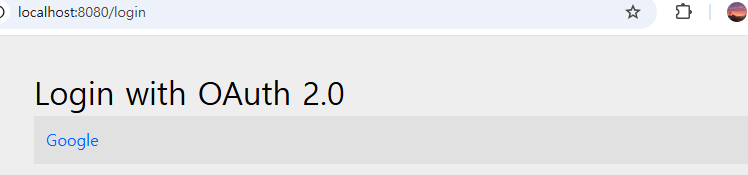
▶ 다음 설정을 끝낸 후localhost:8080/login접속 시 해당API를보호하기위해application.yml에 등록된OAuth2 Provider( ex.로그인 옵션이 자동으로 표시됨.

공부기록 블로그