⚙️웹 개발 환경을 세팅하고 intellij에서 Springboot 프로젝트를 생성하는 과정을 정리해보겠다!
1. 스프링 스타터로 프로젝트 생성
spring starter 사이트로 이동해서 생성하거나, intellij에서 new project로 생성하는 방법이 있다.
본인은 사이트에서 여러번 생성해보았으므로 , intellij에서 생성해보겠다!
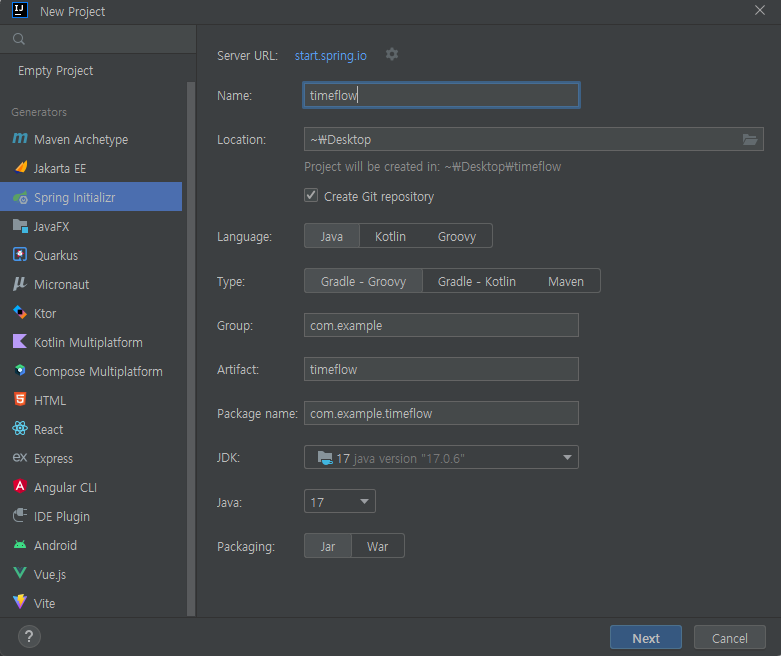
-
Name : 프로젝트 이름
-
Gradle을 사용하고 JDK 버전 & java 버전 : 17 사용
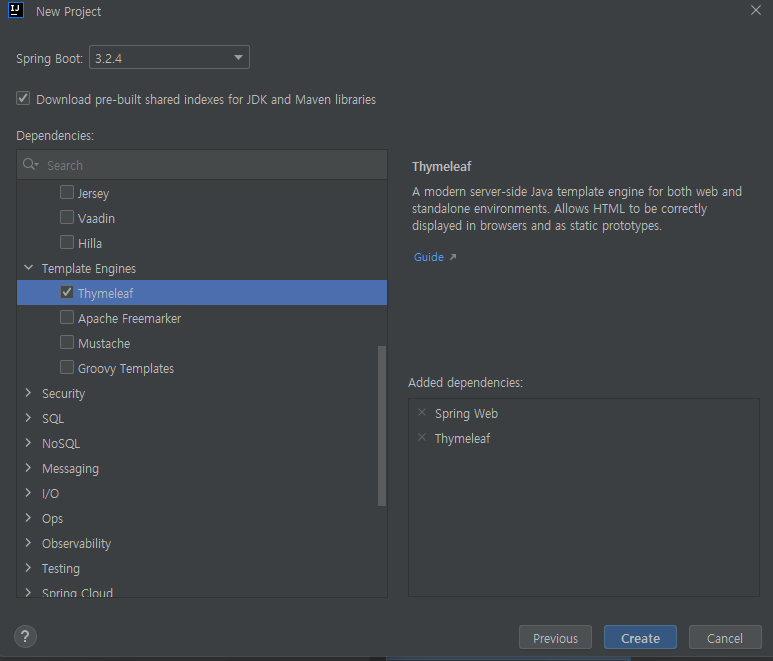
-
Dependencies는 일단 Spring Web, Thymeleaf를 사용할 것이다.
나중에 필요한 것들은 추가할 수 있으므로 일단은 이렇게 시작해보자 !
2. controller 생성
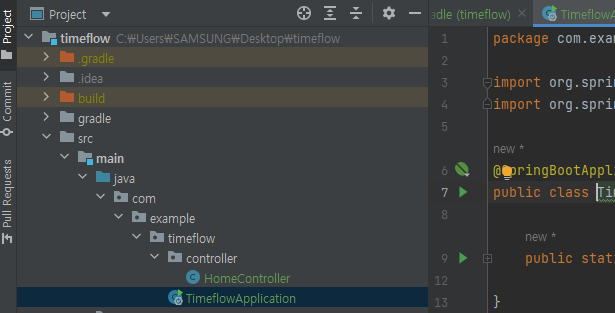
- com.example.timeflow 아래에 controller package생성
- controller 패키지 안에 HomeController.java 파일 생성
HomeController.java
@Controller
public class HomeController {
    @GetMapping("/")
    public String index(){
        return "index";
    }
}- HomeController.java 소스코드는 다음과 같다.
- index.html 파일을 부르므로 index.html 파일을 생성해보자.
index.html
resources -> templates -> index.html생성
- 소스 코드는 다음과 같다.
<!DOCTYPE html>
<html lang="en">
<head>
    <meta charset="UTF-8">
    <title>Index</title>
</head>
<body>
    <h1>Index Page!</h1>
</body>
</html>
application 실행
- timeflowApplication.java 실행
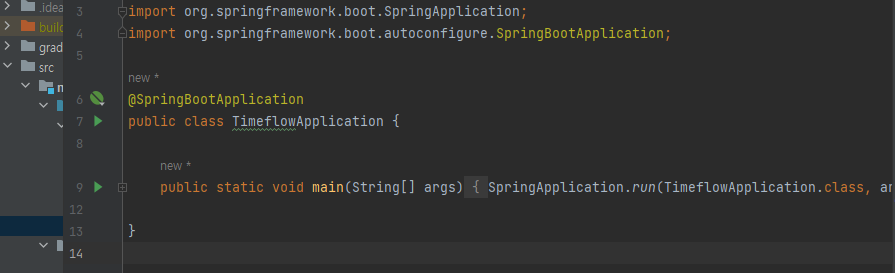
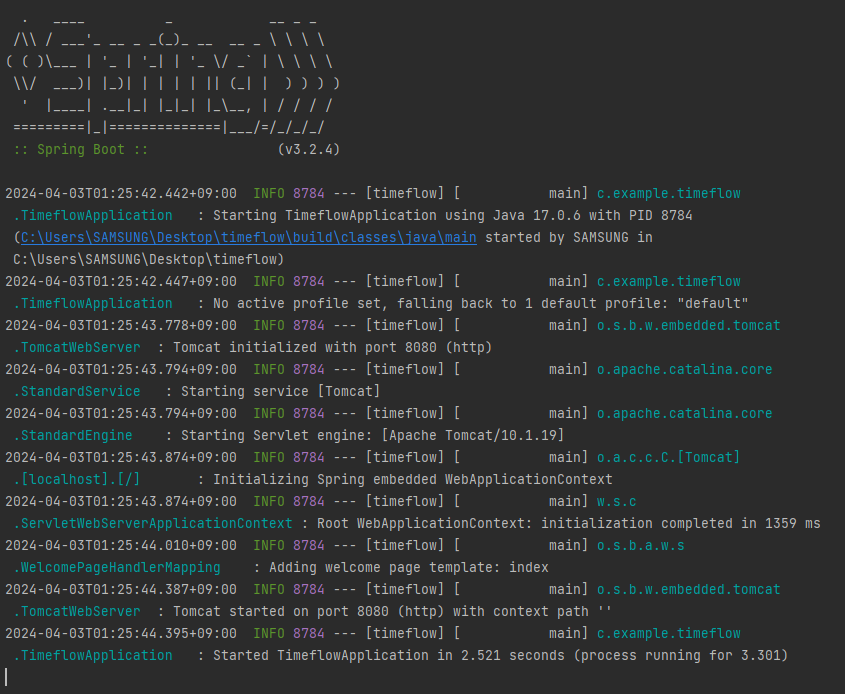
- 실행이 정상적으로 되고, 포트 번호는 8080임을 알 수 있다.
- localhost:8080으로 접속해보자!
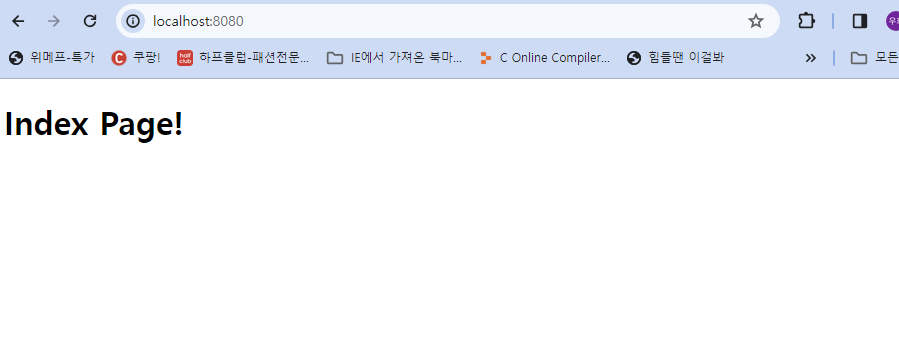
- index.html에 입력한 내용이 페이지에 출력됨을 확인해보았다.