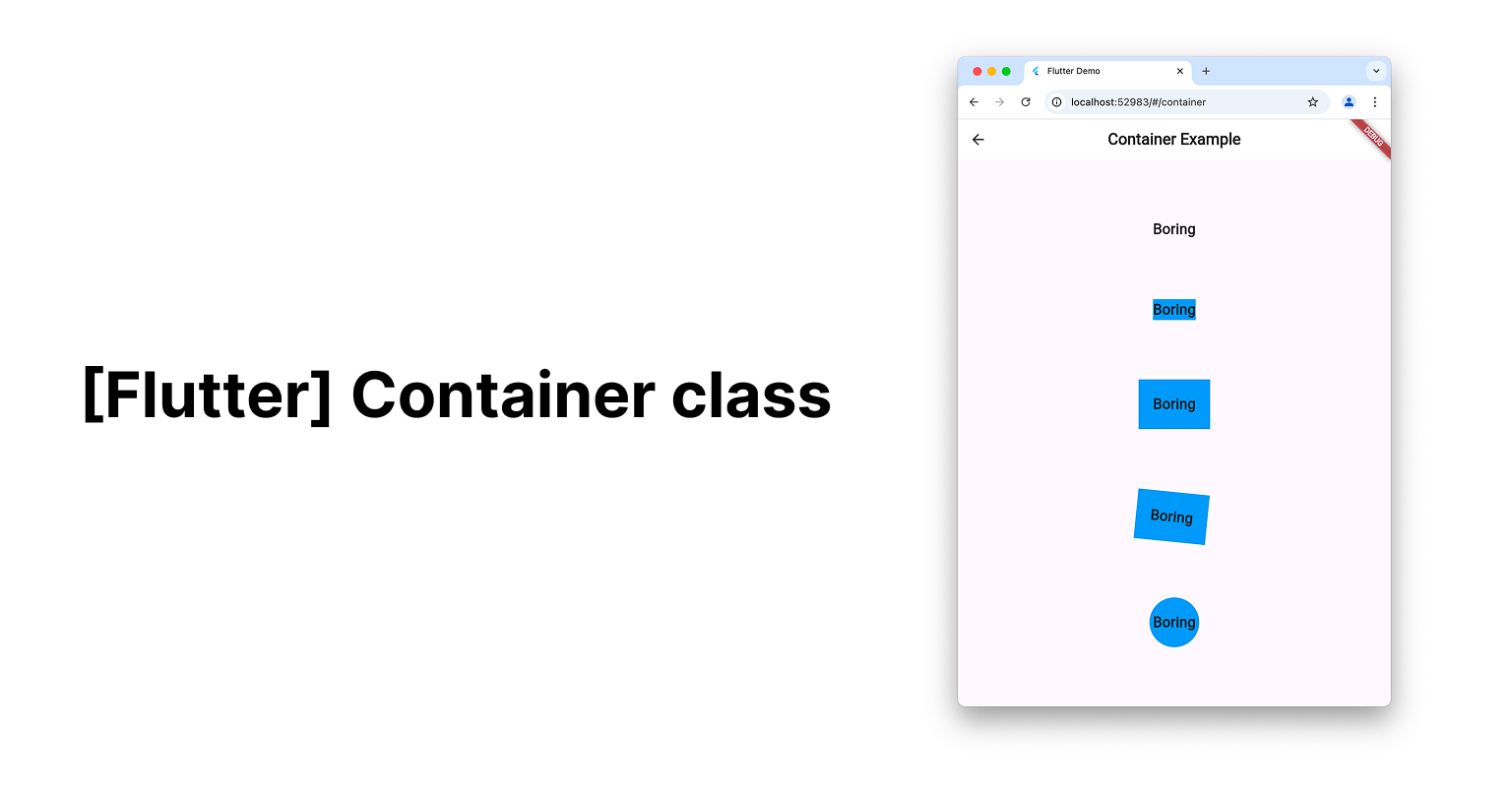
Container Class
- 위젯에 배경 스타일, 배경색이나 모양, 크기 제한 등을 하고 싶을 때 사용
- 하위 요소 위젯 구성, 장식, 위치를 정할 수 있음
예시)
Text('Boring')
- 위와 같은 Text 위젯의 배경스타일, 모양, 크기 제한을 하고 싶을 때
Container(
	child: Text('Boring'),
	color: Colors.blue,
);
- 추가 작업 없이도 container의 크기는 자식 위젯의 크기에 맞춰짐
- padding 추가 가능
decorationproperty를 통해 container의 shape을 추가할 수 있음
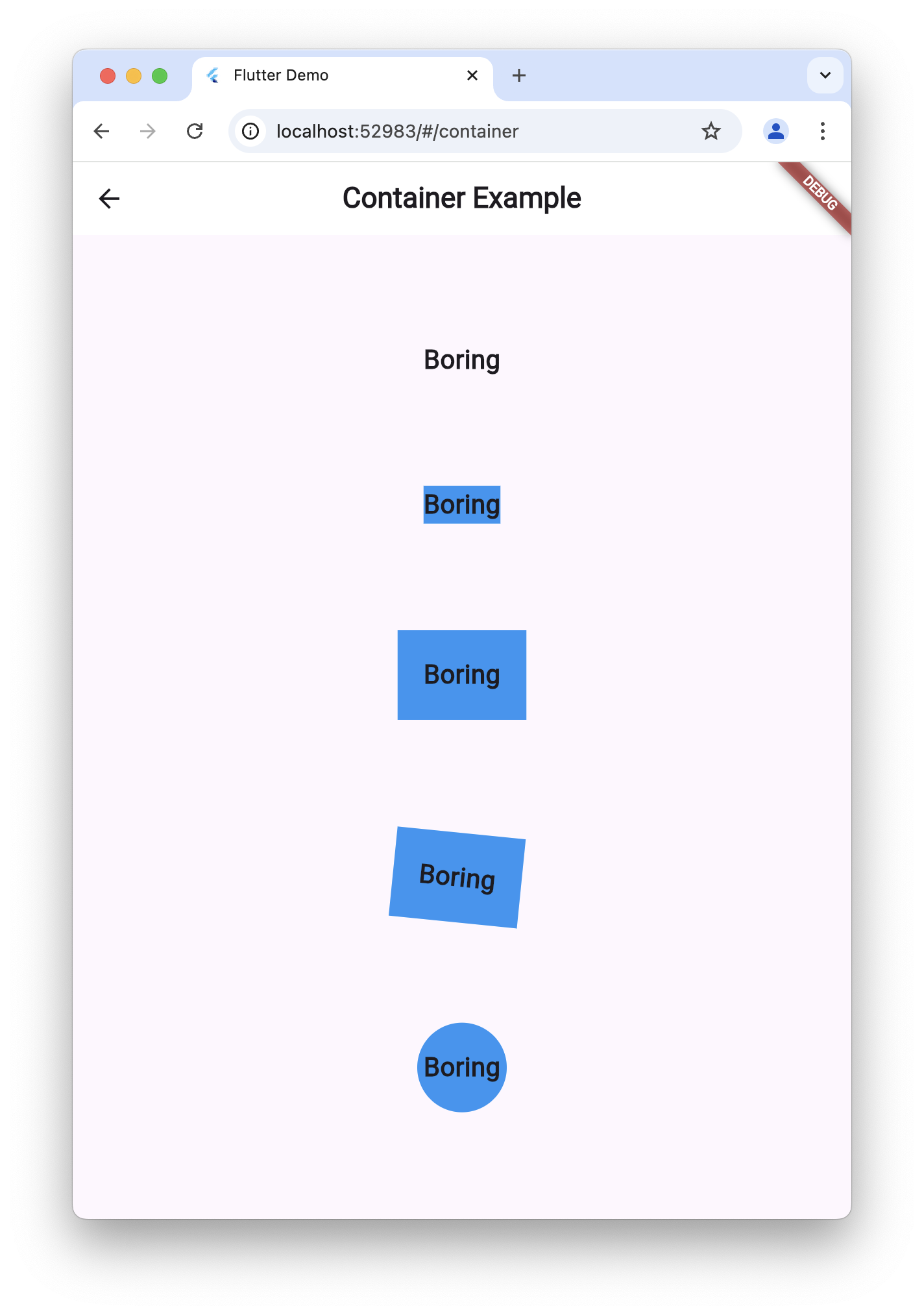
전체 코드
import 'package:flutter/material.dart';
class ContainerScreen extends StatelessWidget {
const ContainerScreen({super.key});
Widget build(BuildContext context) {
return Scaffold(
appBar: AppBar(
backgroundColor: Colors.white,
title: const Text(
'Container Example',
style: TextStyle(fontWeight: FontWeight.bold),
),
),
body: Center(
child: Column(
mainAxisAlignment: MainAxisAlignment.spaceEvenly,
children: [
// 기본 텍스트 위젯 (Container 없음)
const Text(
'Boring',
style: TextStyle(
fontSize: 20,
fontWeight: FontWeight.bold,
),
),
// 배경 색만 지정한 Container
Container(
color: Colors.blue,
child: const Text(
'Boring',
style: TextStyle(
fontSize: 20,
fontWeight: FontWeight.bold,
),
),
),
// 패딩이 추가된 Container
Container(
padding: const EdgeInsets.all(20),
color: Colors.blue,
child: const Text(
'Boring',
style: TextStyle(
fontSize: 20,
fontWeight: FontWeight.bold,
),
),
),
// 회전(transform) 효과가 추가된 Container
Container(
transform: Matrix4.rotationZ(0.1),
padding: const EdgeInsets.all(20),
color: Colors.blue,
child: const Text(
'Boring',
style: TextStyle(
fontSize: 20,
fontWeight: FontWeight.bold,
),
),
),
// 원형 모양으로 만들어진 Container
Container(
decoration: const BoxDecoration(
shape: BoxShape.circle,
color: Colors.blue,
),
padding: const EdgeInsets.all(20),
child: const Text(
'Boring',
style: TextStyle(
fontSize: 20,
fontWeight: FontWeight.bold,
),
),
)
],
),
),
);
}
}
참조
일단 하긴 합니다.