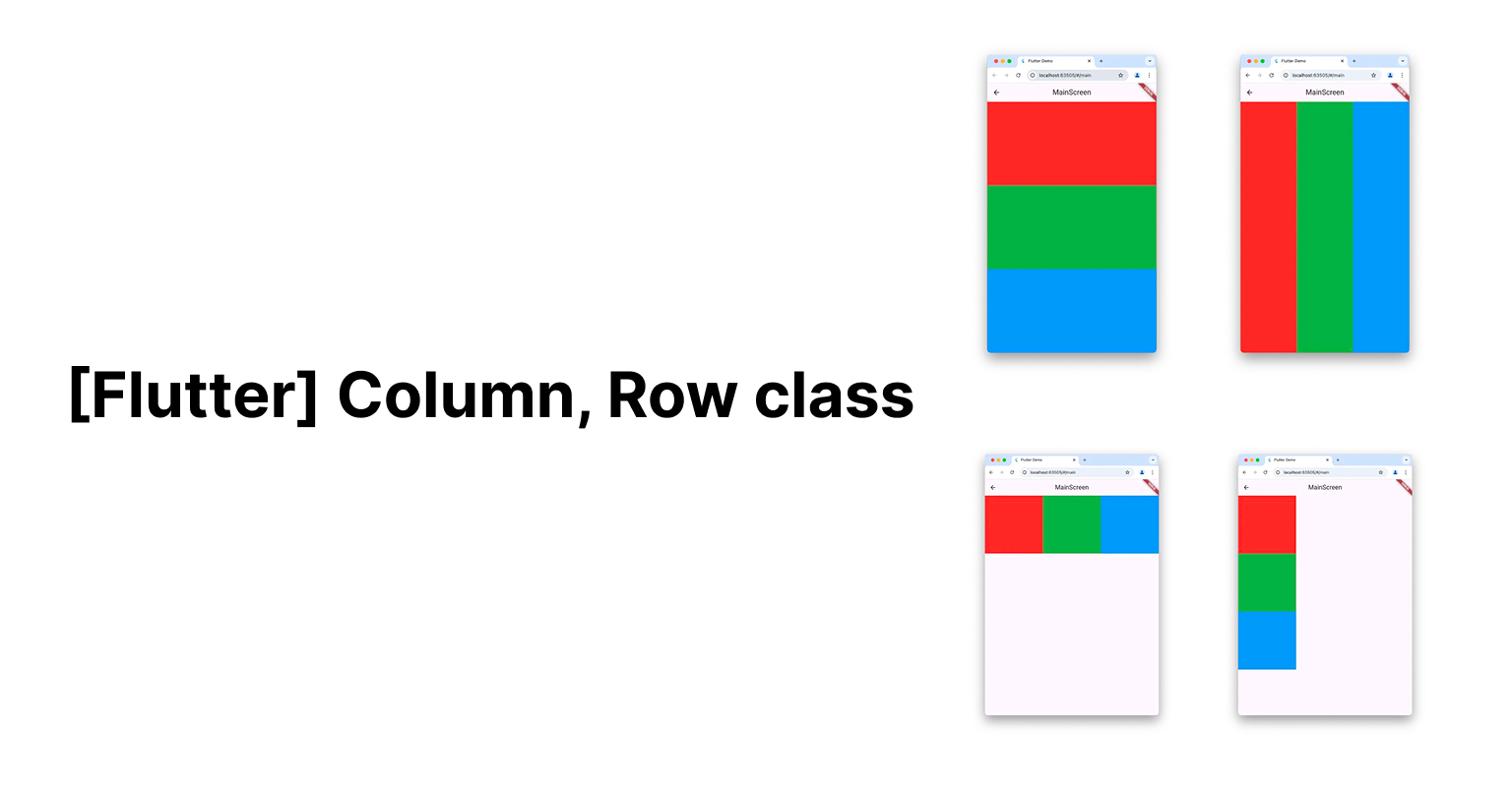
1. Column class
- A widget that displays its children in a vertical array
- 수직 방향 배열로 자식 위젯들을 나열하는 위젯
- 기본적으로
Column에 있는 자식 위젯들은 필요한 만큼만 공간을 차지함.
2. Row class
- A widget that displays its children in a horizontal array
- 수평 방향 배열로 자식 위젯들을 나열하는 위젯
Columnclass와 마찬가지로Row의 자식 위젯들은 필요한 만큼만 공간을 차지함.
필요한 만큼 공간을 차지한다는 의미는?
예를 들어,
Column(
  children: [
    Text("Hello"),
    Text("World"),
  ],
)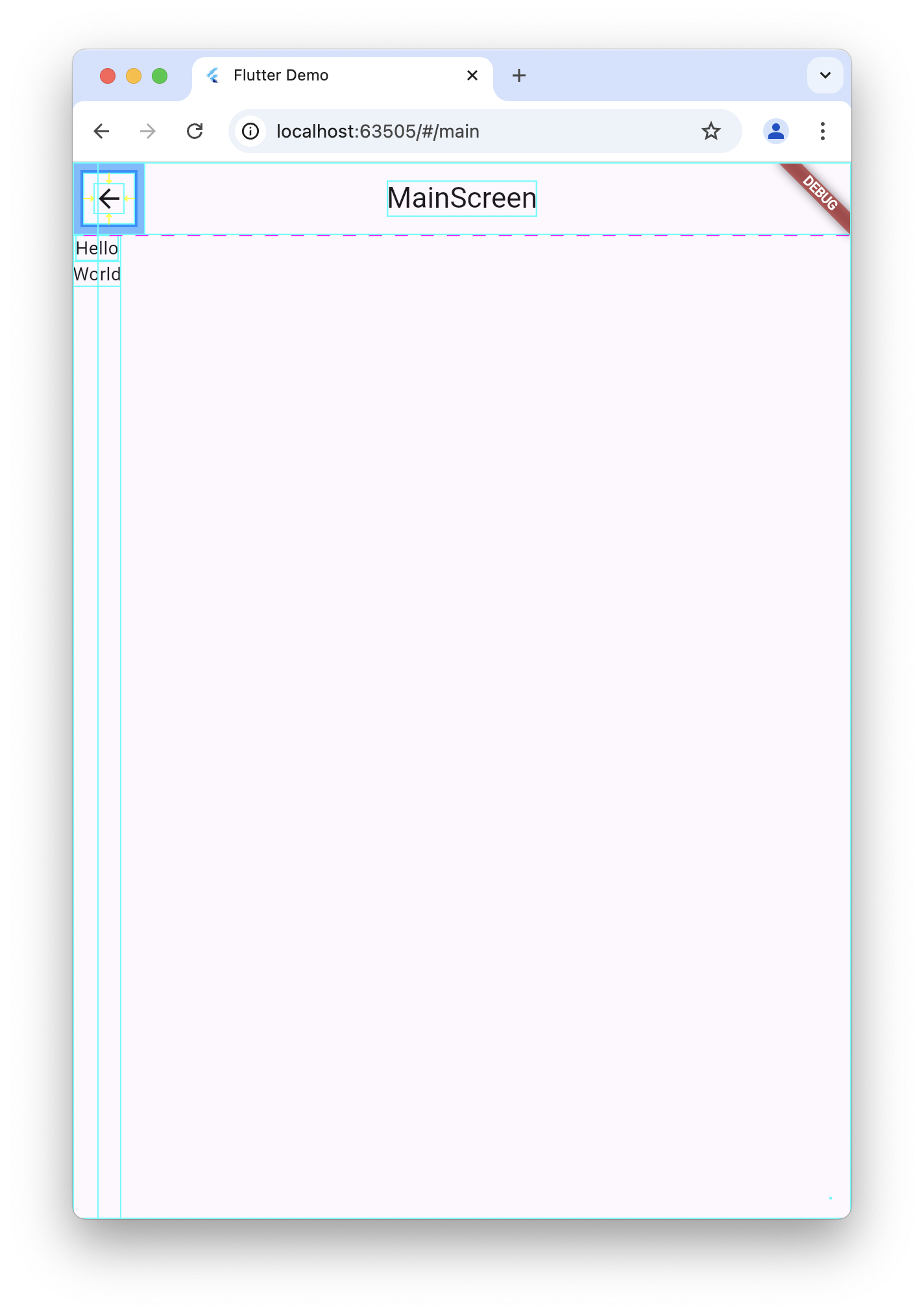
Column 위젯의 자식 위젯들은 Text 위젯인데, 이 자식 위젯들은 자기의 고유한 공간 만큼만 차지함 (Widget Inspector로 보면 자식 위젯의 고유 크기를 가시적으로 볼 수 있음)
→ Column의 공간을 전부 사용하고 싶다면??
Expanded 사용
- 여러 개의
Expanded가 있으면 공간을 비율대로 나눔
→ Expanded는 가능한 남은 공간을 자식 위젯에게 주는 역할을 한다.
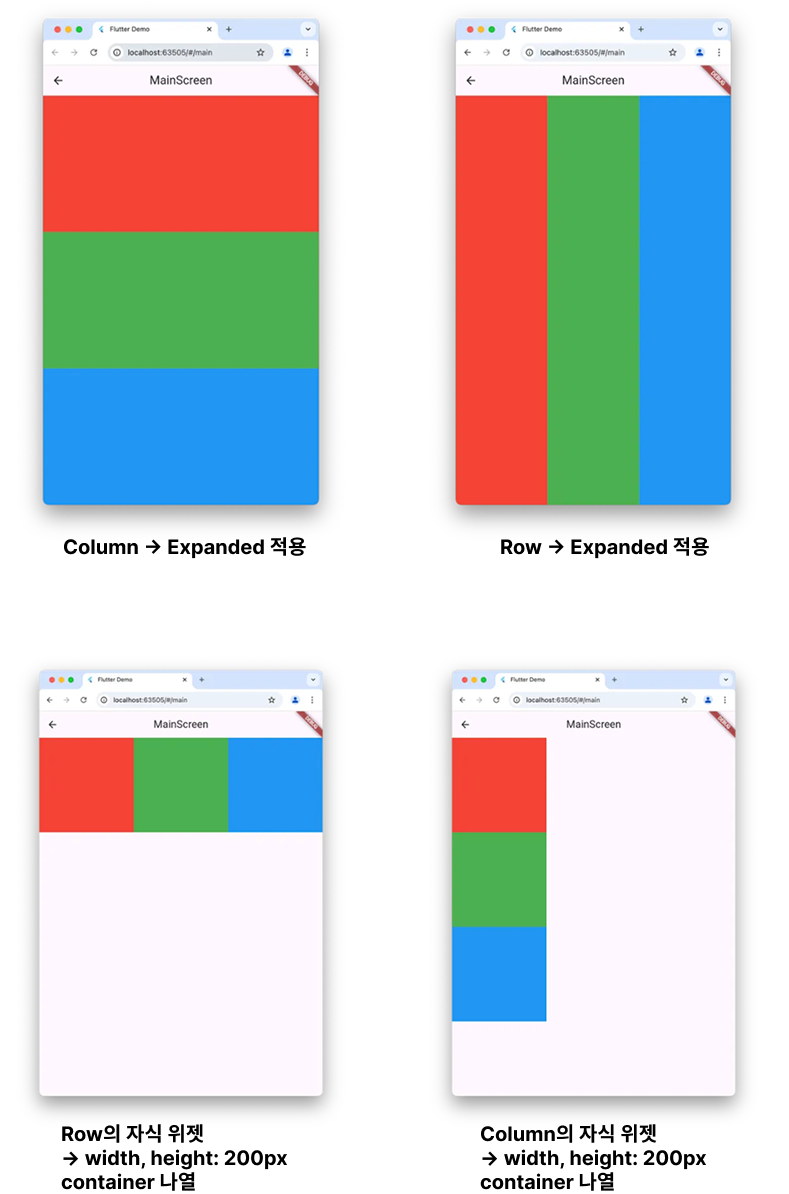
아래 코드의 예시는 3개의 Expanded가 존재하기 때문에 Column의 고유 Height 만큼을 각각 1/3 씩 나눠가짐
→ Expanded 가 4개라면?? → 1/4씩 나눠가짐
Column(
        children: [
          Expanded(
            child: Container(color: Colors.red), // 1/3 공간
          ),
          Expanded(
            child: Container(color: Colors.green), // 1/3 공간
          ),
          Expanded(
            child: Container(color: Colors.blue), // 1/3 공간
          ),
        ],
),Row(
children: [
Expanded(
child: Container(color: Colors.red), // 1/3 공간
),
Expanded(
child: Container(color: Colors.green), // 1/3 공간
),
Expanded(
child: Container(color: Colors.blue), // 1/3 공간
),
],
),Row(
children: [
Container(
width: 200,
height: 200,
color: Colors.red,
),
Container(
width: 200,
height: 200,
color: Colors.green,
),
Container(
width: 200,
height: 200,
color: Colors.blue,
)
],
),

일단 하긴 합니다.