Introduction
External lookup in Splunk is a feature for looking up information from an external resource.
If something returns a set of key-value pairs as the result, you can use it as an external lookup resource to find additional information for the matched row.

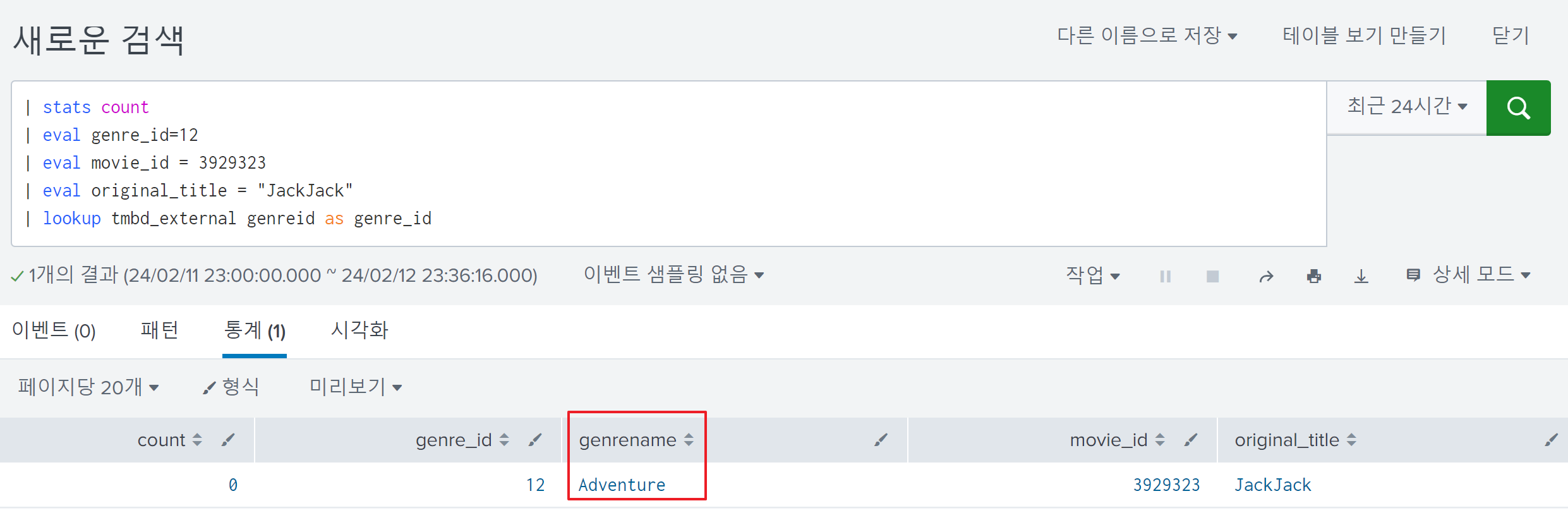
To understand how the external lookup feature works, I simply followed the YouTube link below:
https://www.youtube.com/watch?v=DXb5p_EQb_E
Step-by-Step Configuration
Lookup Definition
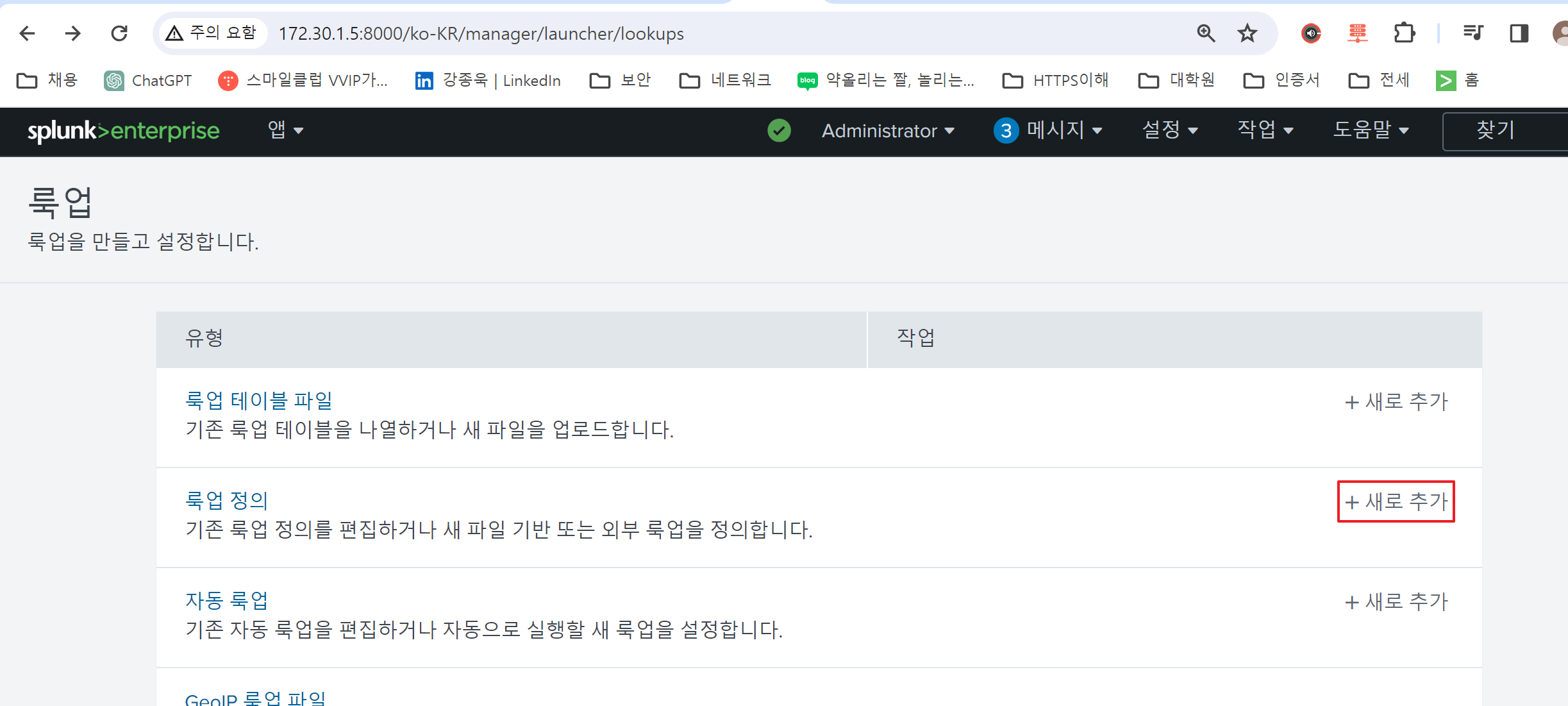
First, define your lookup configuration under '설정 - 룩업 - 룩업 정의 - 추가':
The configuration value must be identical to the example:
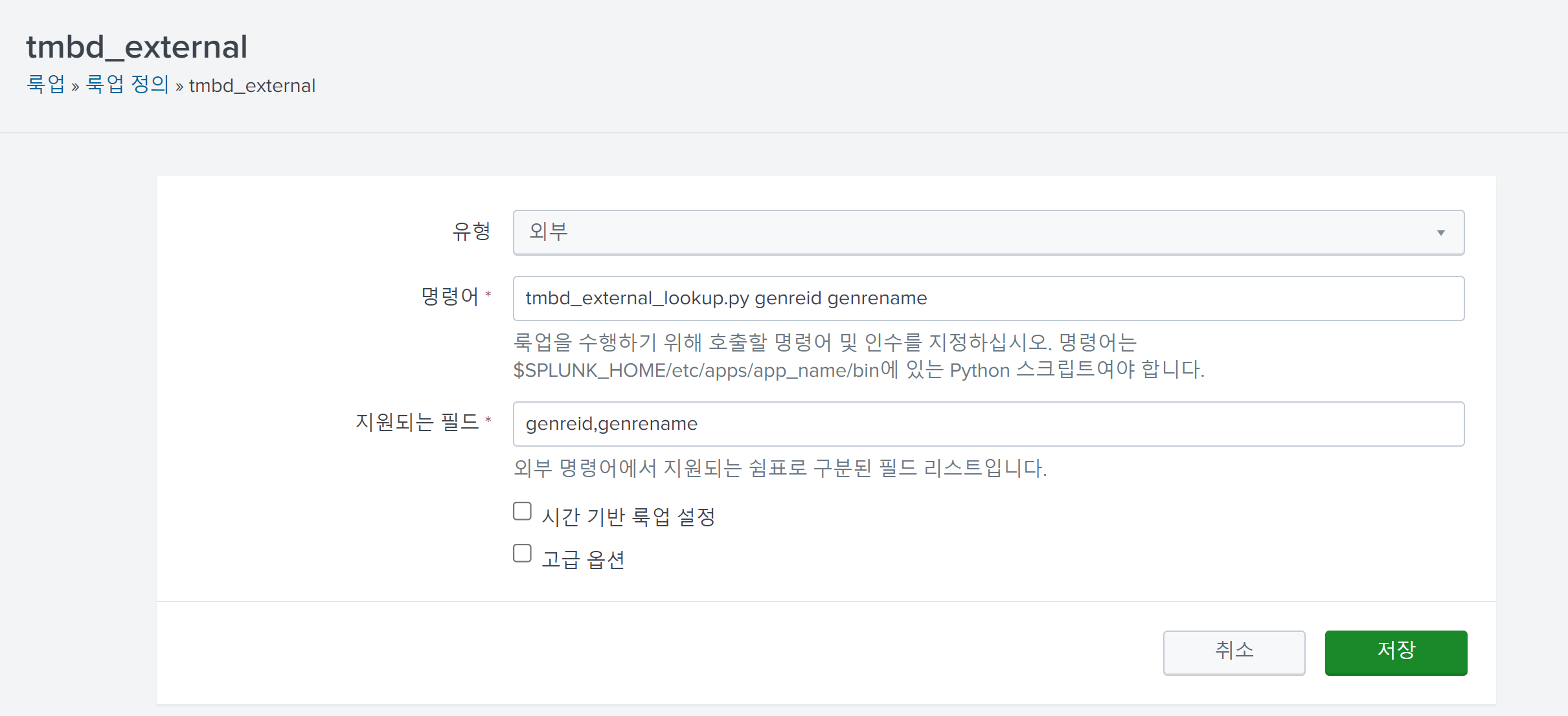
The values of the command and supported fields are the fields you want to look up and these must also be identical to each other.
Python Script
Additionally, in this example, the following script was used as a command field's parameter:
https://github.com/siddharthajuprod07/youtube/blob/master/external_lookup/tmdb_external_lookup.py
The tmbd_external_lookup.py is a simple script that finds movie information from the external resource https://api.themoviedb.org/3/genre/movie/list using an API key:
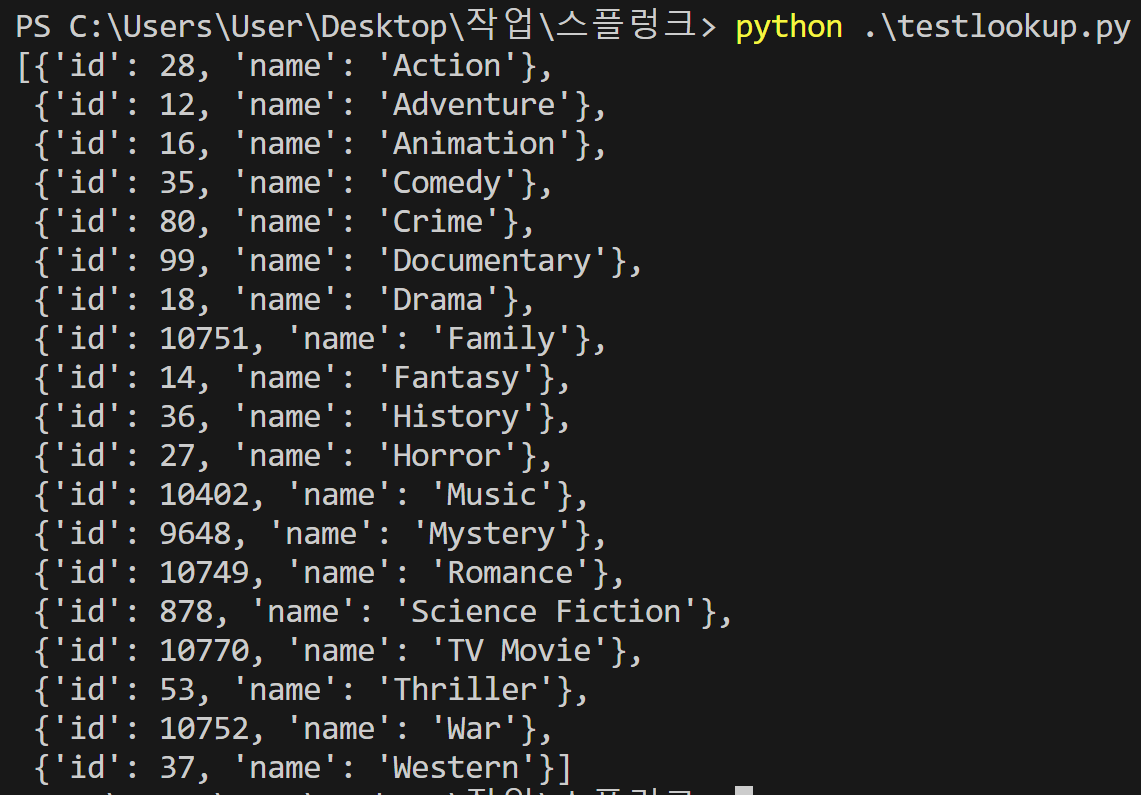
The results of its execution will be used for your lookup.
It must be located in $SPLUNK_HOME/etc/apps/app_name/bin/ as instructed in the comment and will be executed each time you perform a lookup using the external lookup tmbd_external.
In Further Detail
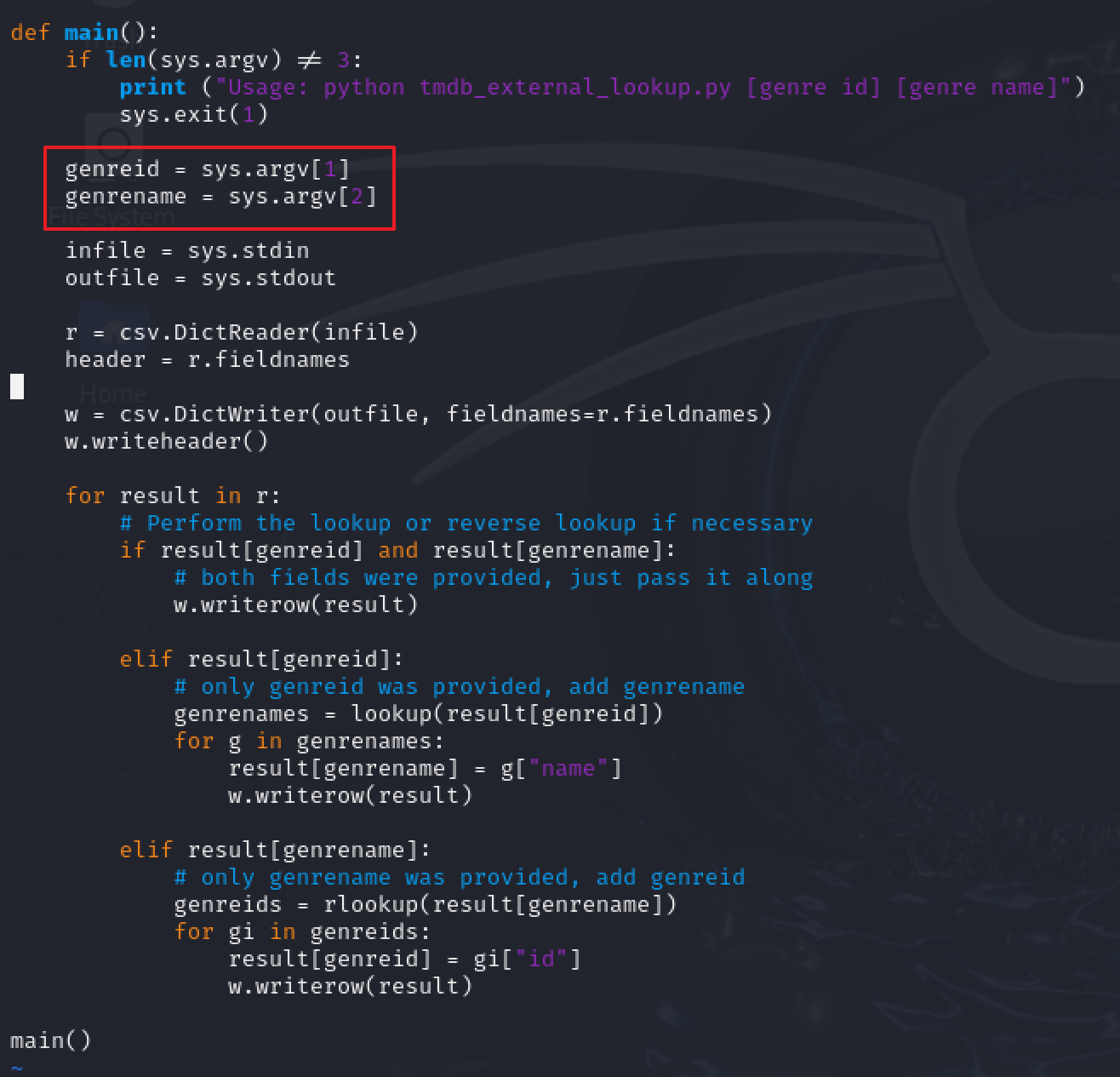
At the beginning of the script, it stores two parameters genreid and genrename. These are lookup command paramters in Splunk, such as lookup tmbd_external genreid genrename.
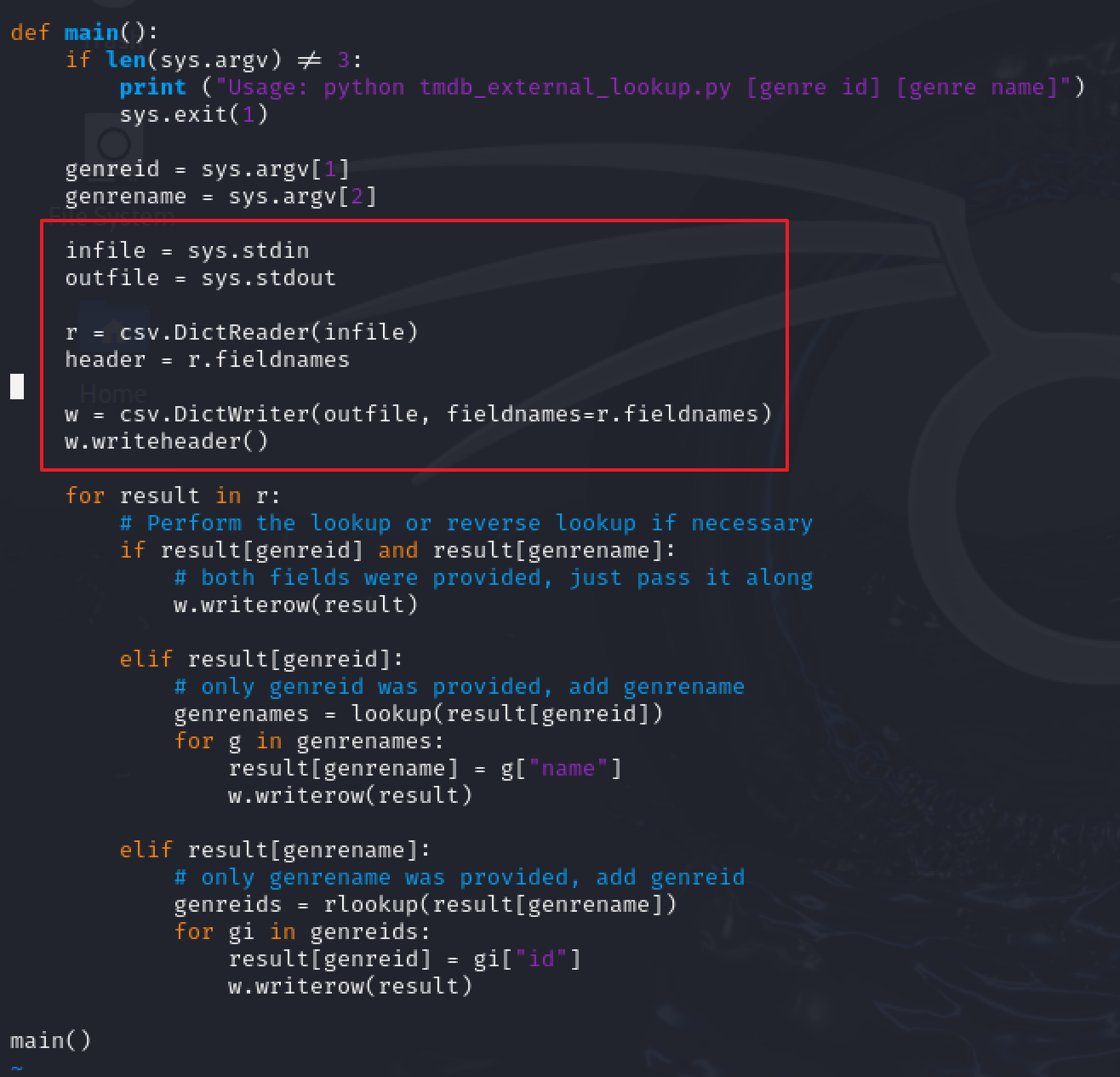
Next, it seems to read data from sys.stdin; however it would actually fetch lookup command parameters from Splunk, including matching conditions (If the passed lookup parameters are lookup tmbd_external genreid as genre_id and genre_id is 12, the fetched data looks like {genreid : 12}):
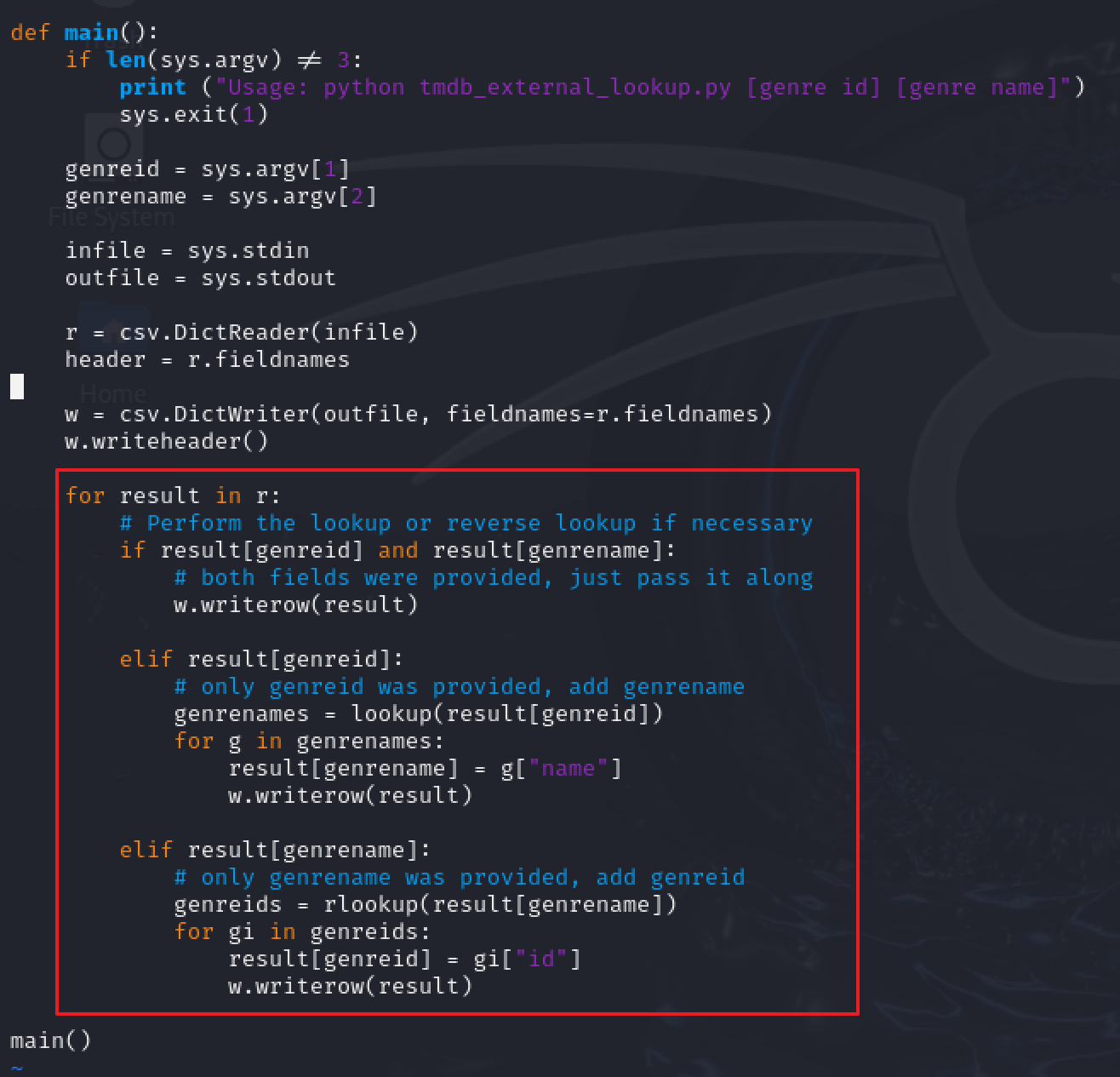
Finally, it finds corresponding data with lookup parameters. If matched data exists, it appends it to the original row.
Verification of Configuration
Let's try using the lookup tmbd_external we just created: