네이버 금융
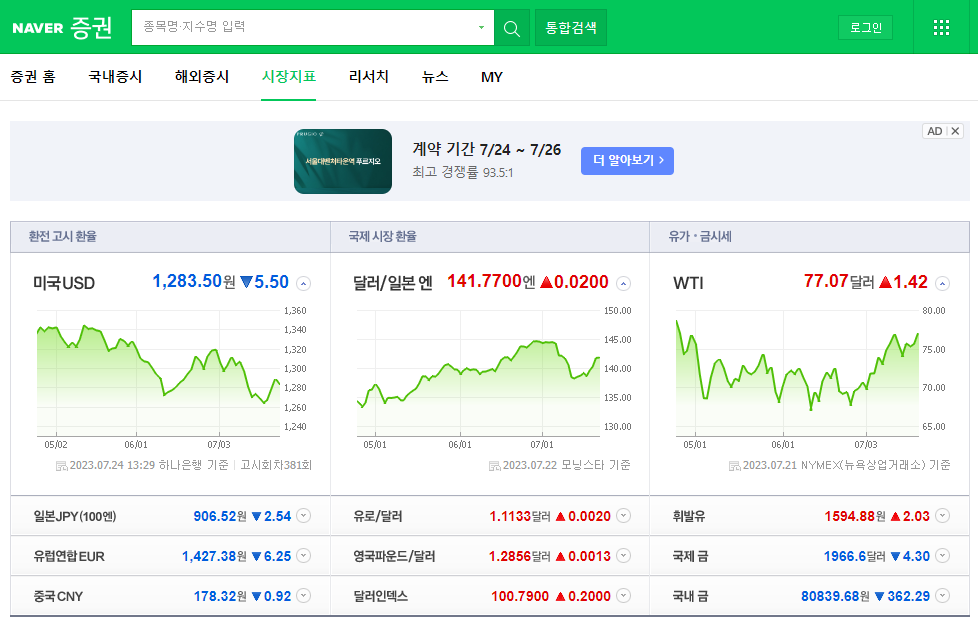
# import

from urllib.request import urlopen
from bs4 import BeautifulSoup
url = "https://finance.naver.com/marketindex/"
response = urlopen(url)
soup = BeautifulSoup(response, "html.parser", from_encoding='euc-kr')
print(soup.prettify())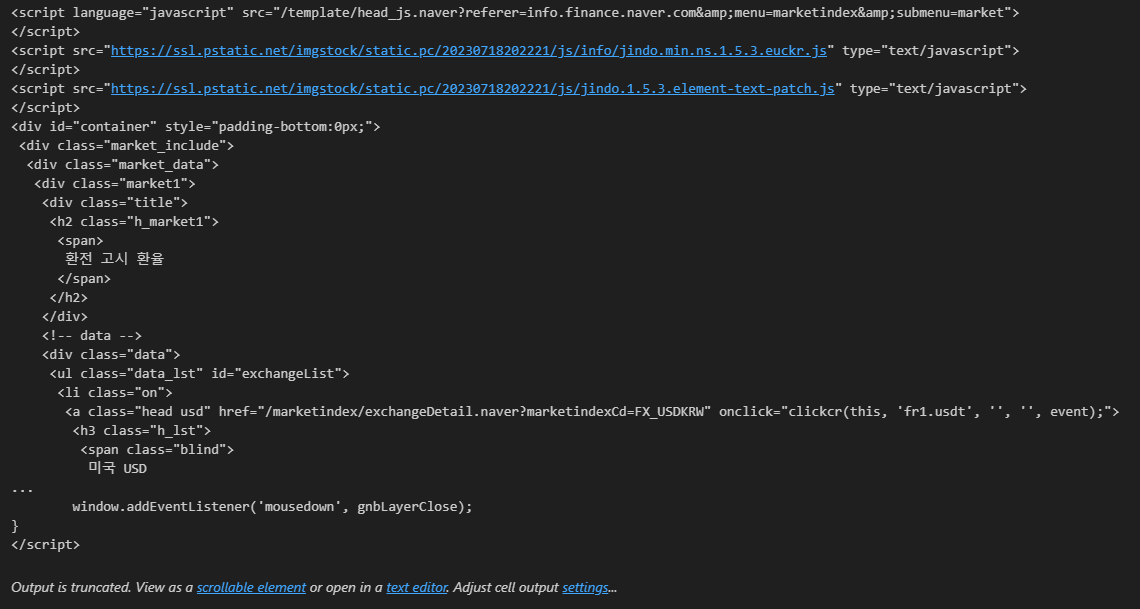
soup.find_all("span", "value"), len(soup.find_all("span", "value"))
# 위와 결과 동일
soup.find_all("span", class_="value"), len(soup.find_all("span", "value"))
# 위와 결과 동일
soup.find_all("span", {"class":"value"}), len(soup.find_all("span", {"class":"value"}))# 셋 다 같은 결과
soup.find_all("span", {"class":"value"})[0].text
soup.find_all("span", {"class":"value"})[0].string
soup.find_all("span", {"class":"value"})[0].get_text()
import requests
from bs4 import BeautifulSoup
url = "https://finance.naver.com/marketindex/"
response = requests.get(url)
soup = BeautifulSoup(response.text, "html.parser", from_encoding='euc-kr')
print(soup.prettify())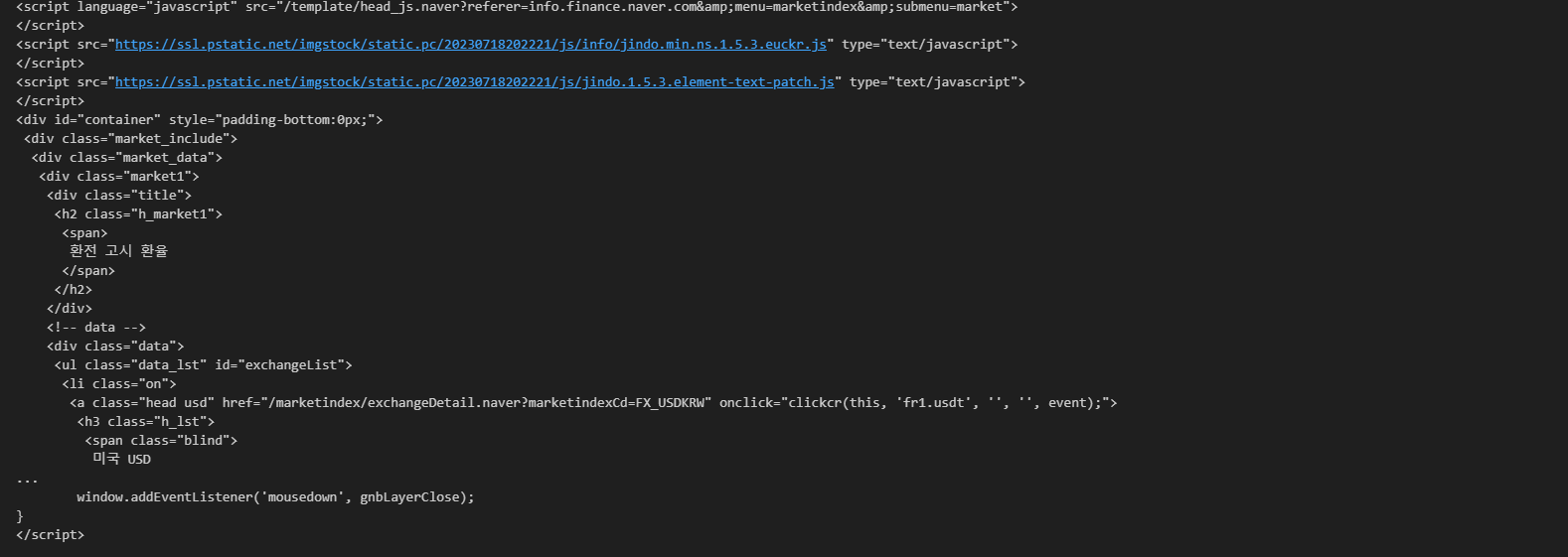
exchangeList = soup.select("#exchangeList > li")
len(exchangeList), exchangeList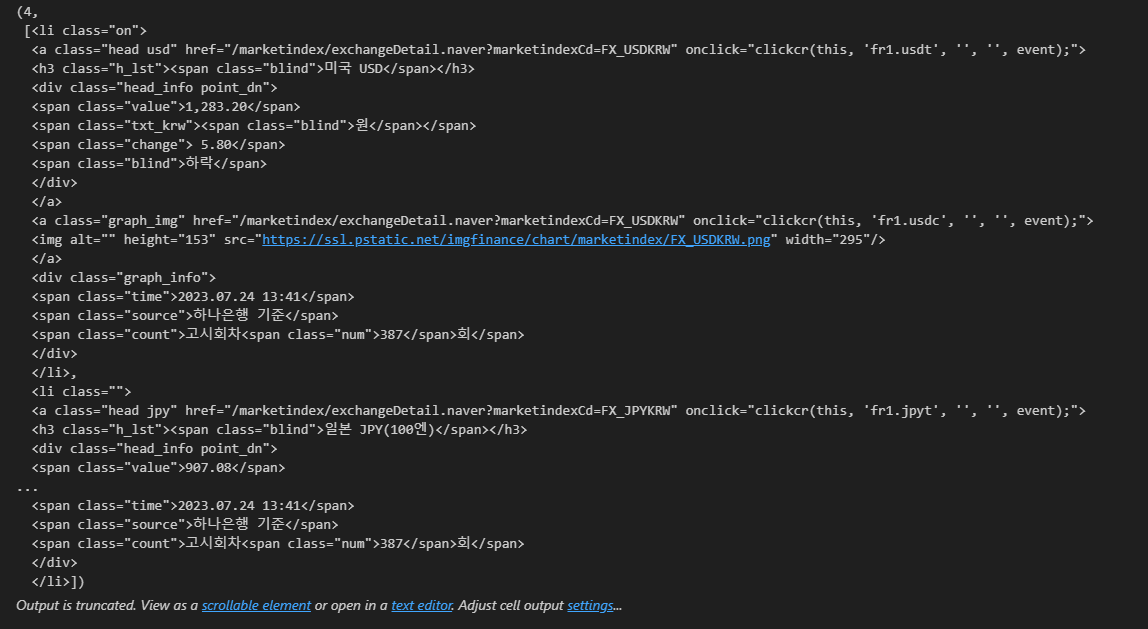
title = exchangeList[0].select_one(".h_lst").text
exchange = exchangeList[0].select_one(".value").text
change = exchangeList[0].select_one(".change").text
updown = exchangeList[0].select_one(".head_info.point_dn > .blind").text

title, exchange, change, updown
'.head_info point_dn' 여기서 띄어쓰기를 그대로 사용하면 읽어들일 수 없다.
두 개가 있다는 의미이므로 그냥 '.'을 쓰면 된다 (class)
# 4개 데이터 수집

exchange_datas = []
baseUrl = "https://finance.naver.com"

for item in exchangeList:
    data = {
        "title": item.select_one(".h_lst").text,
        "exchnage": item.select_one(".value").text,
        "change": item.select_one(".change").text,
        "updown": item.select_one(".head_info.point_dn > .blind").text,
        "link": baseUrl + item.select_one("a").get("href")
    }
    exchange_datas.append(data)

df = pd.DataFrame(exchange_datas)
데이터 관련 학습 일지