1. 네이버 금융에서 금일 급상승한 주식 종목 크롤링
from selenium import webdriver
from selenium.webdriver.common.by import By
import requests
from bs4 import BeautifulSoup
import pandas as pd
import numpy as np
from tqdm import tqdm
import time
import random
import pyautogui
import pyperclip
import datetime
url_get = requests.get('https://finance.naver.com/sise/sise_rise.naver')
df2 = pd.read_html(url_get.text)[1]
driver.switch_to.window(driver.window_handles[-1])
url_get = requests.get('https://finance.naver.com/sise/sise_rise.naver')
df2 = pd.read_html(url_get.text)[1]
cond1 = (df2['종목명'].isna())
df3 = df2.loc[~cond1]
2. 블로그 포스팅 준비
today = datetime.datetime.now()
str(today.date())
title_text = "[금융하나로] 금일 급상승 주가 (" + str(today.date()) + ')'
context_text = '''
안녕하세요.
금융하나로입니다
금일 급증한 종목들에 대해 알아보겠습니다.
''' + '''
급상승한 상위 5개 종목은 아래와 같습니다.
''' + str(df3.head(5)[['종목명','현재가','등락률']])
3. 블로그 자동 포스팅
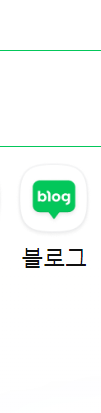
이미지 내 아이콘을 인식하여 웹 이동 자동화
driver.get('https://nid.naver.com/nidlogin.login?mode=form&url=https://www.naver.com/')
driver.implicitly_wait(10)
driver.find_element(By.XPATH, '//*[@id="id"]').send_keys('id')
time.sleep(0.3)
driver.find_element(By.XPATH, '//*[@id="pw"]').send_keys('pw')
driver.find_element(By.XPATH, '//*[@id="log.login"]').click()
driver.get('https://www.naver.com/')
driver.implicitly_wait(10)
time.sleep(2)
a = pyautogui.locateOnScreen("blog0.png", confidence = 0.5)
a = pyautogui.center(a)
pyautogui.moveTo(a)
time.sleep(2)
pyautogui.click()
time.sleep(2)
a = pyautogui.locateOnScreen("blog1.png", confidence = 0.9)
a = pyautogui.center(a)
pyautogui.moveTo(a)
time.sleep(5)
pyautogui.click()
time.sleep(3)
try:
driver.find_element(By.XPATH, '//*[@id="SE-dee7ced8-c054-48d9-91a8-8d18254d3154"]/div[1]/div/div[1]/article/div/header/button').click()
except:
pass
| 블로그 아이콘 | 글쓰기 버튼 |
|---|
 |  |
내용 첨부
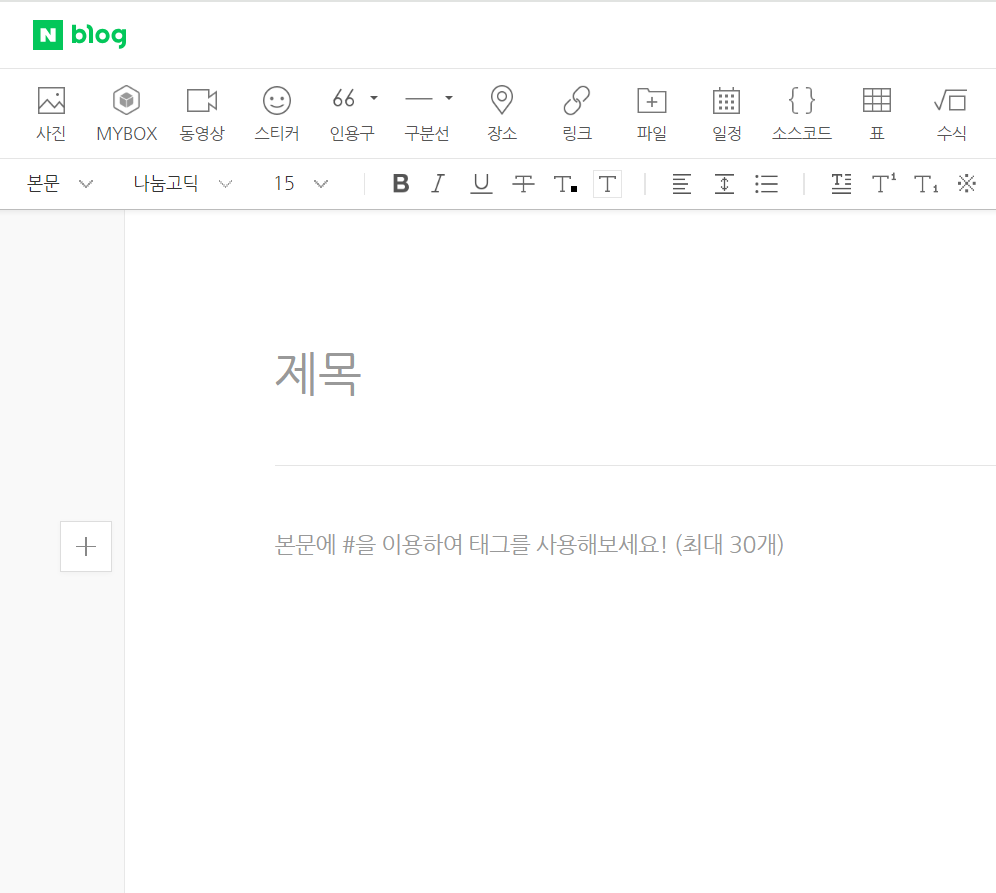
a = pyautogui.locateOnScreen("blog2.png", confidence = 0.6)
a = pyautogui.center(a)
pyautogui.moveTo(a)
time.sleep(3)
pyautogui.click()
time.sleep(3)
pyperclip.copy(title_text)
pyautogui.hotkey("ctrl", 'v')
time.sleep(3)
a = pyautogui.locateOnScreen("blog3.png", confidence = 0.9)
a = pyautogui.center(a)
pyautogui.moveTo(a)
time.sleep(3)
pyautogui.click()
time.sleep(3)
pyperclip.copy(context_text)
pyautogui.hotkey("ctrl", 'v')
time.sleep(3)
a = pyautogui.locateOnScreen("blog4.png", confidence = 0.7)
a = pyautogui.center(a)
pyautogui.moveTo(a)
time.sleep(3)
pyautogui.click()
time.sleep(3)
a = pyautogui.locateOnScreen("blog5.png", confidence = 0.9)
a = pyautogui.center(a)
pyautogui.moveTo(a)
time.sleep(3)
pyautogui.click()
time.sleep(3)
블로그 작성 일련의 과정 통합
driver.get('https://blog.naver.com/GoBlogWrite.naver')
try:
driver.find_element(By.XPATH, '//*[@id="SE-dee7ced8-c054-48d9-91a8-8d18254d3154"]/div[1]/div/div[1]/article/div/header/button').click()
except:
pass
a = pyautogui.locateOnScreen("blog2.png", confidence = 0.6)
a = pyautogui.center(a)
pyautogui.moveTo(a)
time.sleep(3)
pyautogui.click()
time.sleep(3)
pyperclip.copy(title_text)
pyautogui.hotkey("ctrl", 'v')
time.sleep(3)
a = pyautogui.locateOnScreen("blog3.png", confidence = 0.9)
a = pyautogui.center(a)
pyautogui.moveTo(a)
time.sleep(3)
pyautogui.click()
time.sleep(3)
pyperclip.copy(context_text)
pyautogui.hotkey("ctrl", 'v')
time.sleep(3)
a = pyautogui.locateOnScreen("blog4.png", confidence = 0.7)
a = pyautogui.center(a)
pyautogui.moveTo(a)
time.sleep(3)
pyautogui.click()
time.sleep(3)
a = pyautogui.locateOnScreen("blog5.png", confidence = 0.9)
a = pyautogui.center(a)
pyautogui.moveTo(a)
time.sleep(3)
pyautogui.click()
time.sleep(3)