문제 발생
배경
-
next.js 프로젝트에 Dark mode를 적용하기 위해, shadcn/ui를 활용해보고자 하였다.
-
공식문서에 나온 코드를 활용하되, system 모드는 제외하고 light-dark 2가지 옵션으로 진행하였다.
기능 구현에는 [잘될코딩:티스토리] React.JS, Next.JS, shadcn/ui 에서 dark mode 설정하기 포스팅을 참고하였다. -
기능은 정상 작동하지만, 브라우저 콘솔에 Warning 발생 중
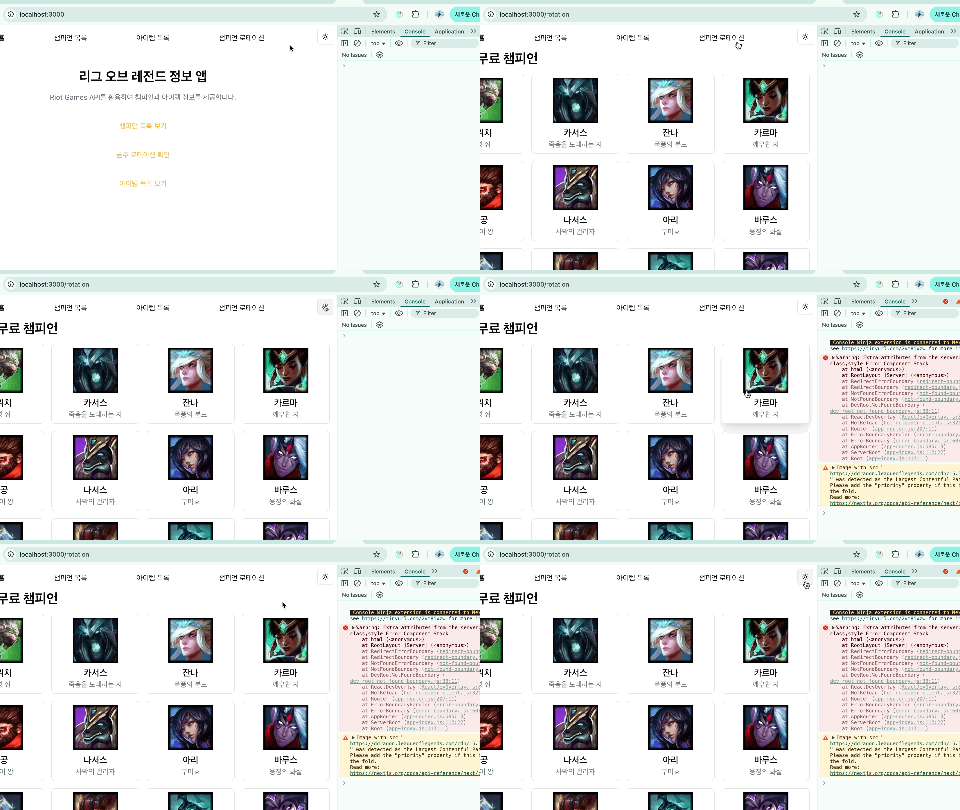
브라우저 콘솔
VM538:1
Warning: Extra attributes from the server: class,style Error Component Stack
경고: 서버의 추가 속성: class,style 오류 구성 요소 스택?..
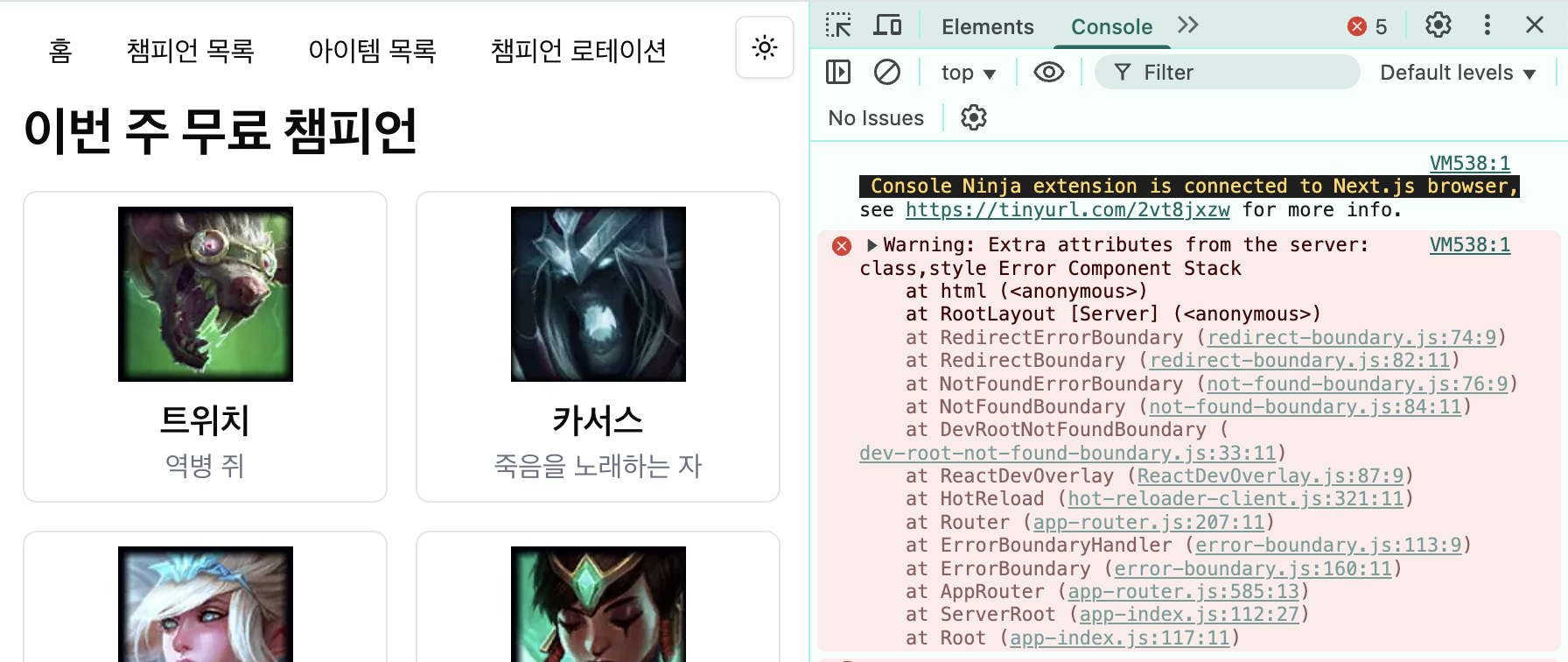
Warning: Extra attributes from the server
발생 원인
- next-themes로 다크/라이트 모드 기능 구현 시, 서버 사이드 렌더링(SSR)과 클라이언트 사이드 렌더링(CSR) 간의 불일치로 인해 발생.
해결 방법
useEffect를 사용하여 컴포넌트가 클라이언트 사이드에서만 마운트된 후에 렌더링을 진행하게끔 한다.isMount상태를 관리하여 서버 사이드 렌더링 시에는 아무것도 렌더링하지 않도록 처리
해결 코드
"use client";

import React, { useEffect, useState } from "react";
import { ThemeProvider as NextThemesProvider } from "next-themes";

export function ThemeProvider({
  children,
  ...props
}: React.ComponentProps<typeof NextThemesProvider>) {
    const [isMount, setMount] = useState(false);

    useEffect(() => {
      setMount(true);
    }, []);

    if (!isMount) {
      return null;
    }

  return <NextThemesProvider {...props}>{children}</NextThemesProvider>;
}
클라이언트 컴포넌트가 렌더링되기 전까지는 isMount가 false 값을 가지므로, 초기 서버 사이드 렌더링(SSR)에서는 Provider가 생성되지 않는다.
위 코드로 서버와 클라이언트 간의 HTML 불일치 문제가 방지되고,
클라이언트에서 useEffect가 실행되면 useEffect(() => { setMount(true) }, [])가 실행되면서 isMount 값이 true로 변경,
이에 따라 리렌더링이 발생하면서 <NextThemesProvider>가 정상적으로 렌더링된다.
Ref.
shadcn/ui Docs : Next.js/Dark mode
next-themes로 다크 모드 구현 시 Extra attributes from the server: class, style 에러
[NextJS] NextJS(14.1) | Warning: Extra attributes from the server: style 해결 방법과 팁