Cookie
주어진 문제 파일을 열면 아래와 같다.
#!/usr/bin/python3
from flask import Flask, request, render_template, make_response, redirect, url_for

app = Flask(__name__)

try:
    FLAG = open('./flag.txt', 'r').read()
except:
    FLAG = '[**FLAG**]'

users = {
    'guest': 'guest',
    'admin': FLAG
}

@app.route('/')
def index():
    username = request.cookies.get('username', None)
    if username:
        return render_template('index.html', text=f'Hello {username}, {"flag is " + FLAG if username == "admin" else "you are not admin"}')
    return render_template('index.html')

@app.route('/login', methods=['GET', 'POST'])
def login():
    if request.method == 'GET':
        return render_template('login.html')
    elif request.method == 'POST':
        username = request.form.get('username')
        password = request.form.get('password')
        try:
            pw = users[username]
        except:
            return '<script>alert("not found user");history.go(-1);</script>'
        if pw == password:
            resp = make_response(redirect(url_for('index')) )
            resp.set_cookie('username', username)
            return resp
        return '<script>alert("wrong password");history.go(-1);</script>'

app.run(host='0.0.0.0', port=8000)
위의 코드를 보게되면
1. guest와 admin 계정으로 나눠져 있다는 사실
2. admin 계정으로 로그인이 되어야만 flag 확인이 가능하다는 점
3. 로그인 성공 후 cookie 값에 username 정보가 저장된다는 점
4. password는 username과 같다면 로그인이 가능하다는 점
이 정도를 알 수 있다.
서버에 접속하여 알고 있는 정보인 guest - guest 로 로그인을 시도해보면 아래와 같이 로그인이 가능하다.
하지만 admin 계정으로 로그인 해야만 flag를 알 수 있다.
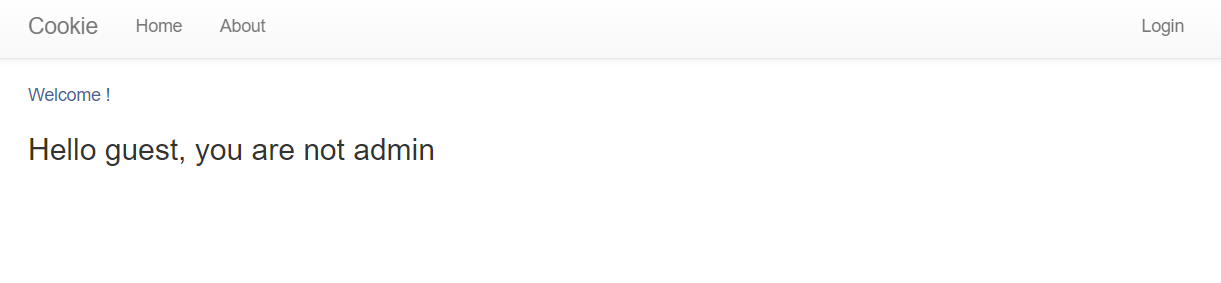
문제 이름도 cookie이고, 로그인 성공 후 username 쿠키 값에 정보가 저장된다는 점을 이용하여 취약점 공격을 할 수 있다고 생각을 해야 한다!
이런 사고방식을 끌어내는 게 정말 어렵고 많고 다양한 문제를 풀어봐야 알 수 있는 것 같다.
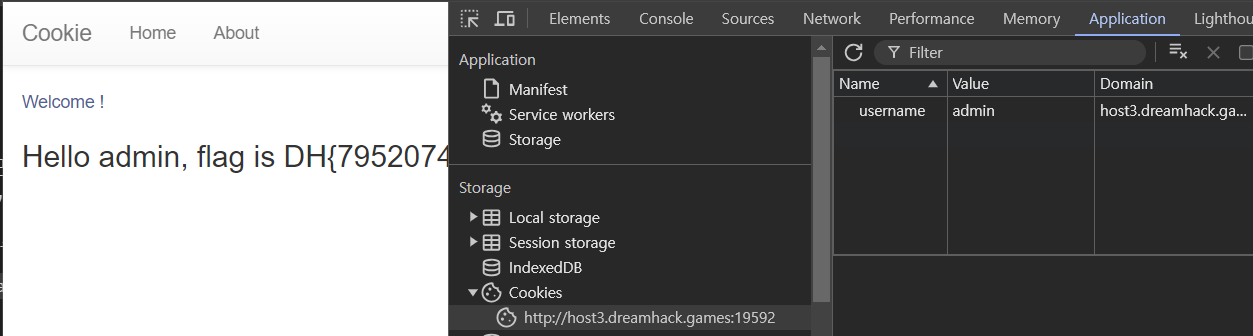
아무튼 간 개발자 도구에서 Application 탭을 가게 되면 왼쪽 메뉴바에 Cookies 로 이동하여 저장된 쿠키를 볼 수 있다.
value에 있는 guest 를 더블클릭하면 값을 수정할 수 있다.
이를 통해 admin 으로 바꿔준 후 페이지를 새로고침하게 되면 아래 사진과 같이 FLAG를 확인할 수 있다.
- Cookie 문제는 쿠키 기반 인증을 통한 로그인 방식이기 때문에 클라이언트 측에서 쿠키 값을 조작하여 취약점을 공격할 수 있었던 쿠키 변조 공격을 시도해볼 수 있는 문제이다.
Session-basic
#!/usr/bin/python3
from flask import Flask, request, render_template, make_response, redirect, url_for

app = Flask(__name__)

try:
    FLAG = open('./flag.txt', 'r').read()
except:
    FLAG = '[**FLAG**]'

users = {
    'guest': 'guest',
    'user': 'user1234',
    'admin': FLAG
}


# this is our session storage
session_storage = {
}


@app.route('/')
def index():
    session_id = request.cookies.get('sessionid', None)
    try:
        # get username from session_storage
        username = session_storage[session_id]
    except KeyError:
        return render_template('index.html')

    return render_template('index.html', text=f'Hello {username}, {"flag is " + FLAG if username == "admin" else "you are not admin"}')


@app.route('/login', methods=['GET', 'POST'])
def login():
    if request.method == 'GET':
        return render_template('login.html')
    elif request.method == 'POST':
        username = request.form.get('username')
        password = request.form.get('password')
        try:
            # you cannot know admin's pw
            pw = users[username]
        except:
            return '<script>alert("not found user");history.go(-1);</script>'
        if pw == password:
            resp = make_response(redirect(url_for('index')) )
            session_id = os.urandom(32).hex()
            session_storage[session_id] = username
            resp.set_cookie('sessionid', session_id)
            return resp
        return '<script>alert("wrong password");history.go(-1);</script>'


@app.route('/admin')
def admin():
    # developer's note: review below commented code and uncomment it (TODO)

    #session_id = request.cookies.get('sessionid', None)
    #username = session_storage[session_id]
    #if username != 'admin':
    #    return render_template('index.html')

    return session_storage


if __name__ == '__main__':
    import os
    # create admin sessionid and save it to our storage
    # and also you cannot reveal admin's sesseionid by brute forcing!!! haha
    session_storage[os.urandom(32).hex()] = 'admin'
    print(session_storage)
    app.run(host='0.0.0.0', port=8000)
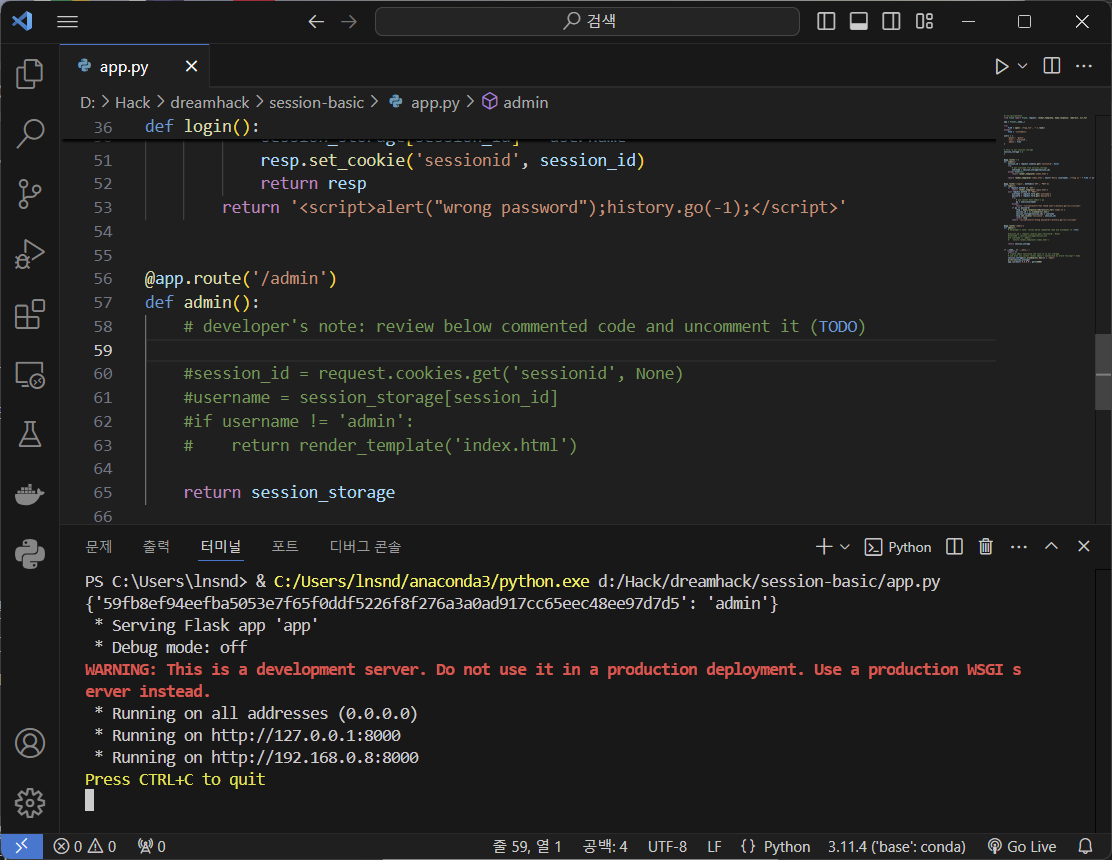
위의 코드를 보면 /admin 페이지가 있는 것을 알 수 있어, 접속을 해보게 되면 아래의 사진에서처럼 쿠키값을 확인해볼 수 있다.

admin에 해당하는 값을 복사해둔 후 차례로 유저들로 로그인을 해보겠다.
users를 보면 guest, user, admin 세가지로 나눠진 것을 알 수 있다.
admin으로 로그인을 해야 최종적으로 flag를 획득할 수 있다.
guest, user, admin 순으로 로그인을 시도해본다.
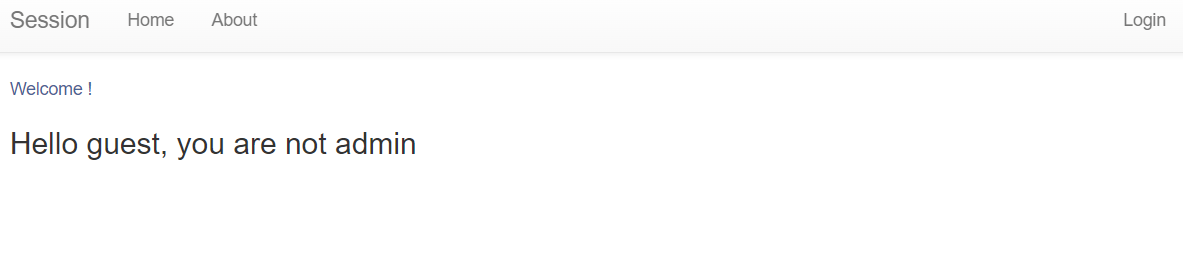
guest로 로그인을 시도하면 위와 같은 문구가 뜬다.
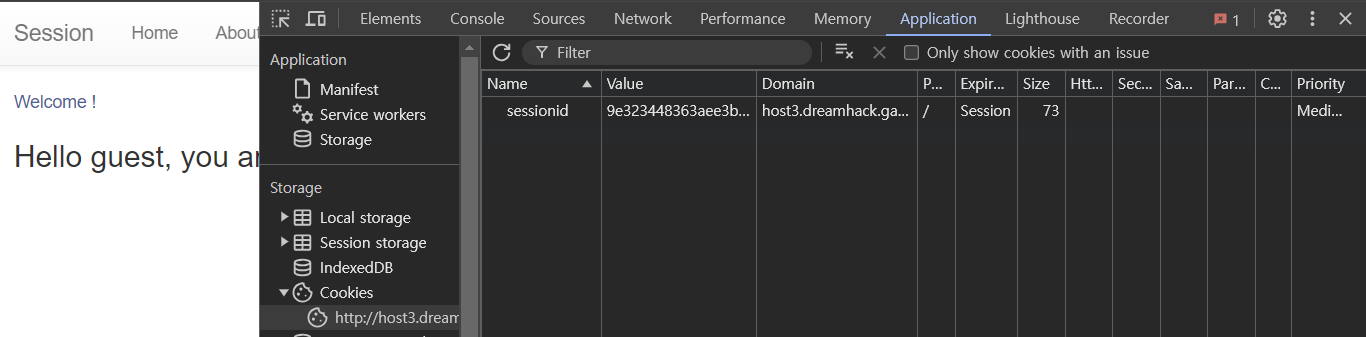
이때 개발자도구-Application으로 가서 쿠키값을 본다면 sessionid- Value 값을 확인해볼 수 있다.
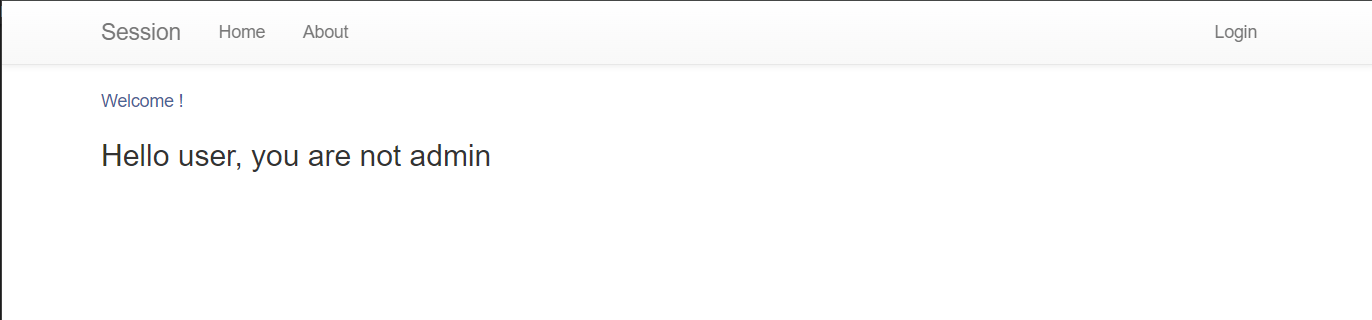
user로 로그인을 시도했을 때의 화면이다.
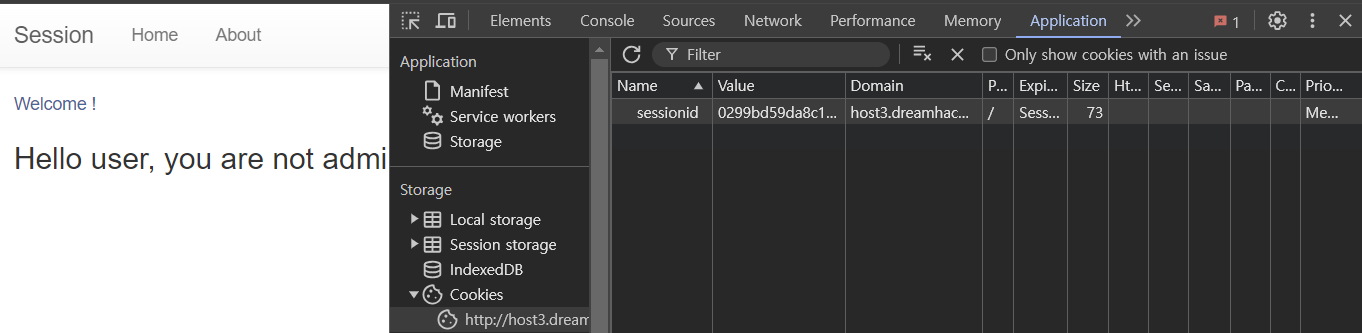
마찬가지로 sessionid의 Value 값을 확인해볼 수 있다.
위에서 복사해두었단 admin의 쿠키값으로 추정되는 문자열을 user의 sessionid 값에 붙여넣기로 변조를 시도해보겠다.

페이지 새로고침을 하면 flag를 얻을 수 있다.