[Github Actions] ssh: handshake failed: ssh: unable to authenticate, attempted methods [none publickey], no supported methods remain 에러 해결
Github Actions

🚨 에러 발생
저번 ssh 에러를 해결하고 이제 성공할 줄 알았는데, 또다른 에러가 터졌다.(내 머리도 같이🤯)
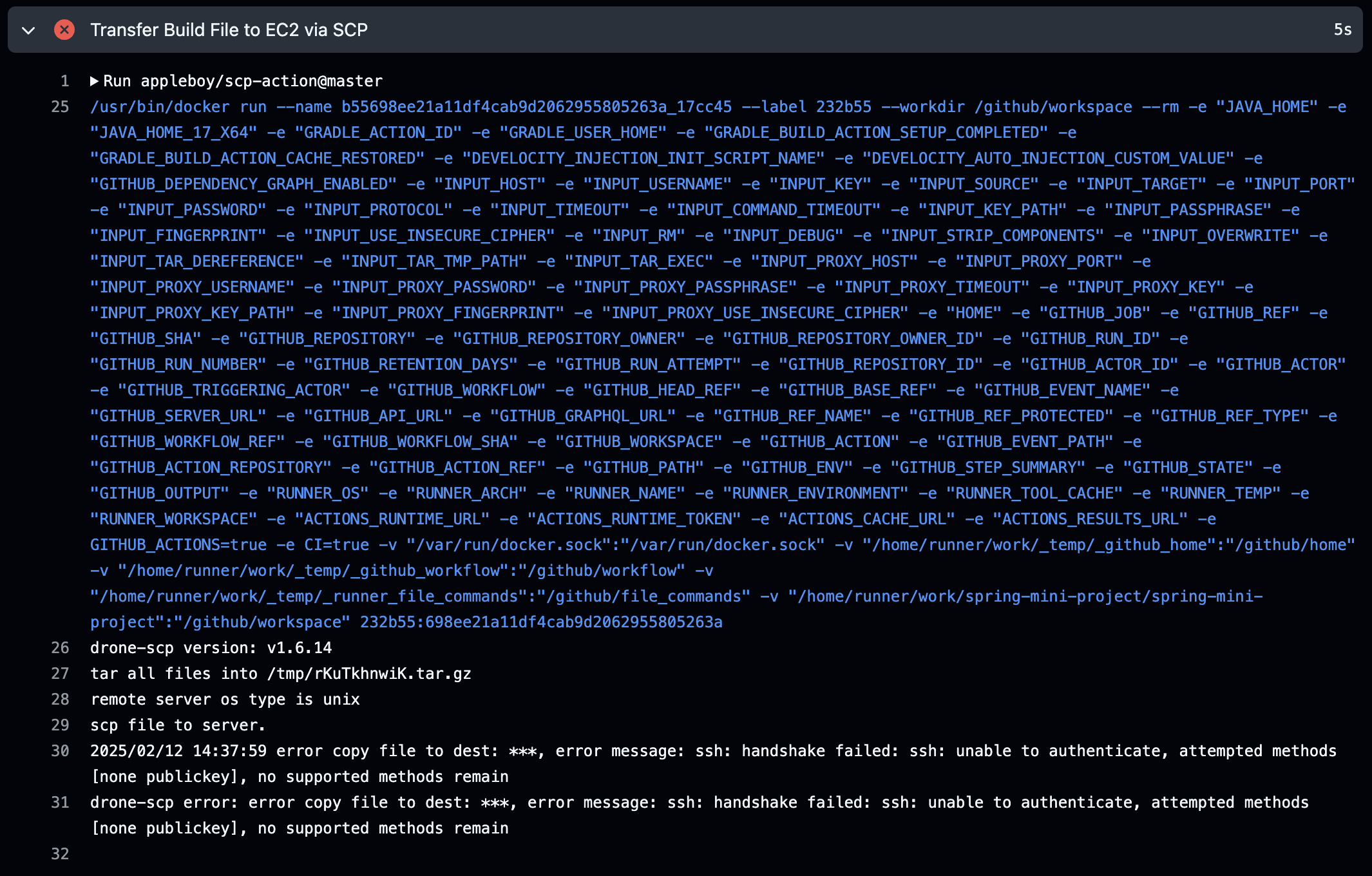
drone-scp version: v1.6.14
tar all files into /tmp/rKuTkhnwiK.tar.gz
remote server os type is unix
scp file to server.
2025/02/12 14:37:59 error copy file to dest: ***, error message: ssh: handshake failed: ssh: unable to authenticate, attempted methods [none publickey], no supported methods remain
drone-scp error: error copy file to dest: ***, error message: ssh: handshake failed: ssh: unable to authenticate, attempted methods [none publickey], no supported methods remain
찾아보니 ssh 키가 올바르지 않아 발생한 에러라고 한다.
💡 문제 해결
환경변수 디버깅
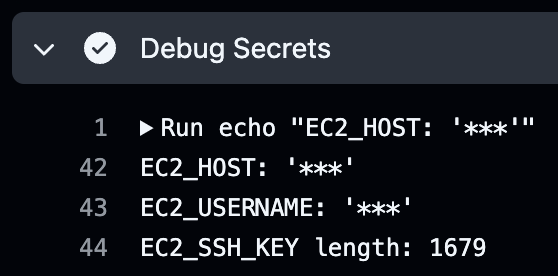
일단 환경변수 디버깅 결과는 정상적으로 마스킹 처리돼서 나오므로 환경변수 문제는 아니었다.
ssh 키
혹시 EC2에서 갖고 있는 공개키와 깃허브 액션에 들어가있는 개인키가 맞지 않아서 발생하는 문제인가 싶어서 각각의 키를 복사해서 gpt에 돌려봤다.
# EC2에 있는 공개키 복사
cat ~/.ssh/authorized_keys

# Github Actions에 있는 개인키 복사(해당 키가 있는 디렉토리에서)
ssh-keygen -y -f spring-key.pem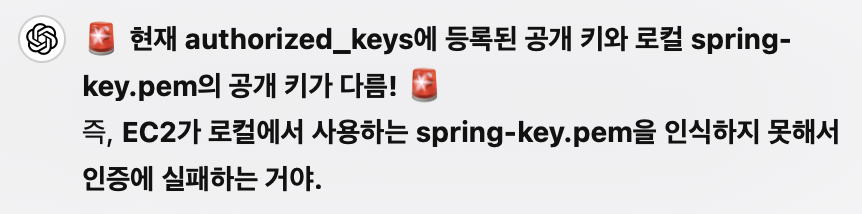
두 명령어의 결과가 같아야 하는데 달라서 연결이 안된 것이었다.
EC2에 접속해서 authorized_keys 에 ssh 개인키를 수정해주었다.
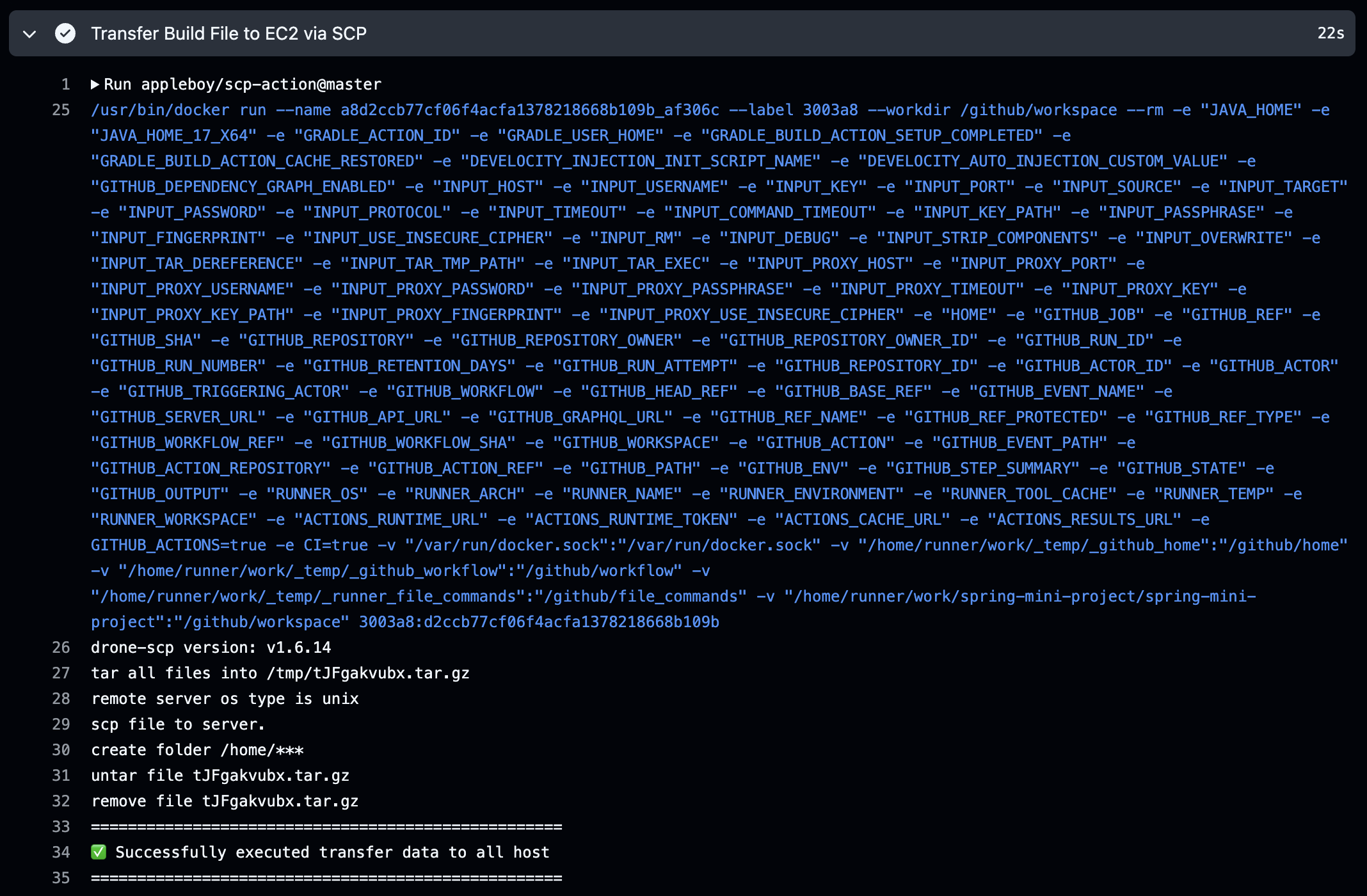
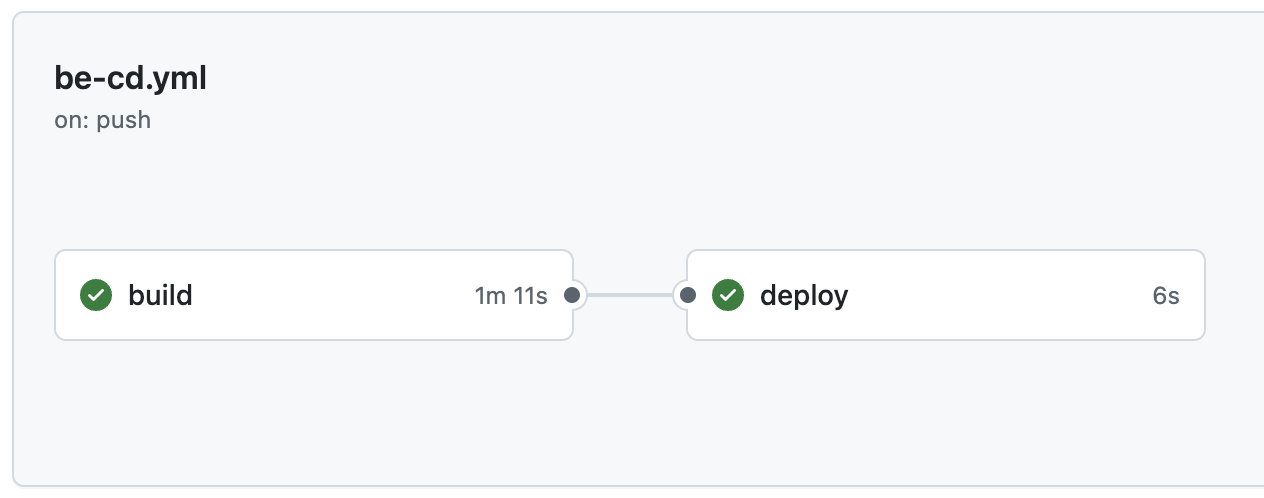
다시 깃허브 액션을 실행하니 배포까지 성공했다.
📍 결론
ssh 연결은 할 때마다 에러가 생기는 것 같다.
ssh 어렵다.