MyBatis로 Spring프로젝트와 MySQL 연결할 때 나는 에러 - invalid bound statement (not found)
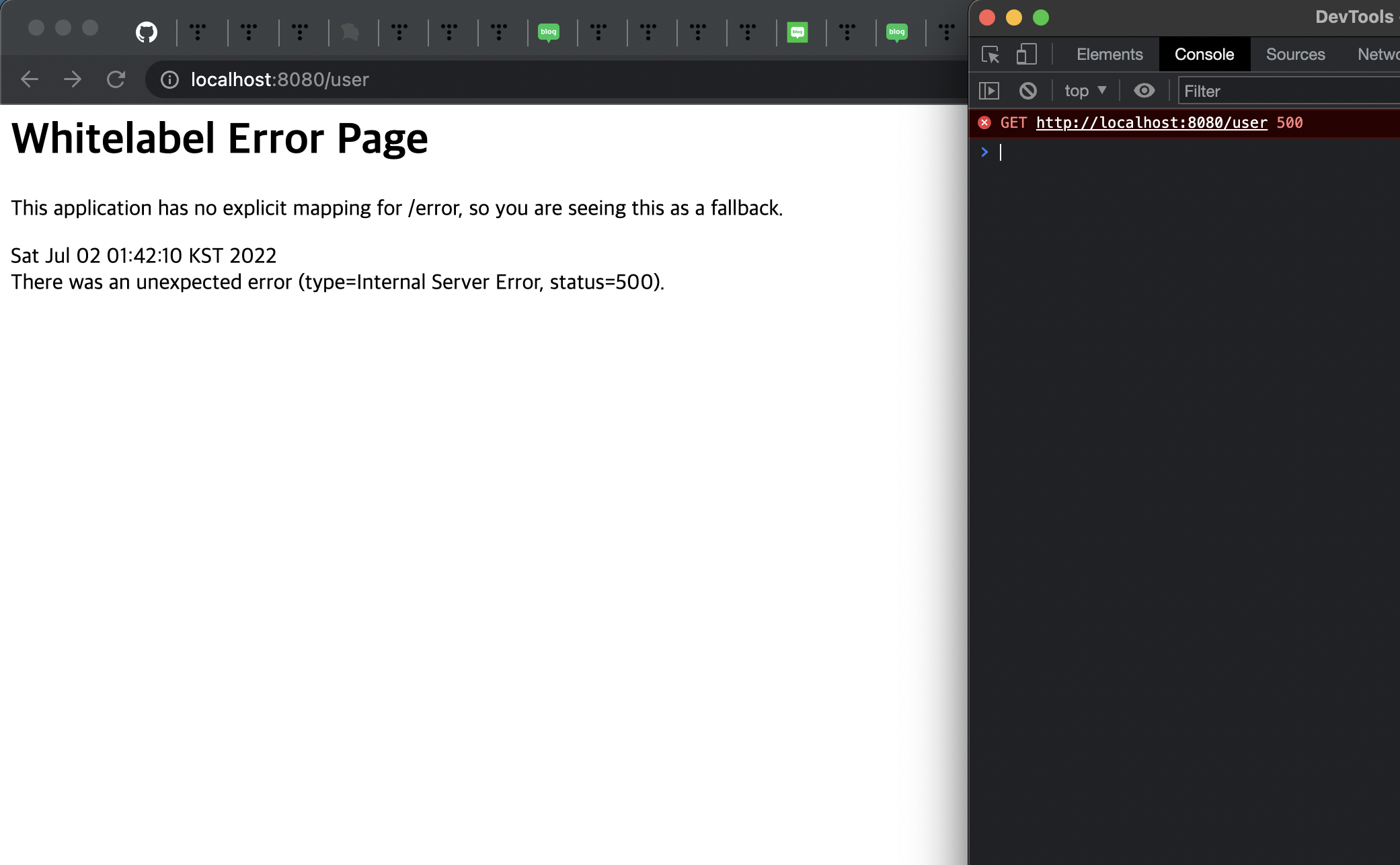
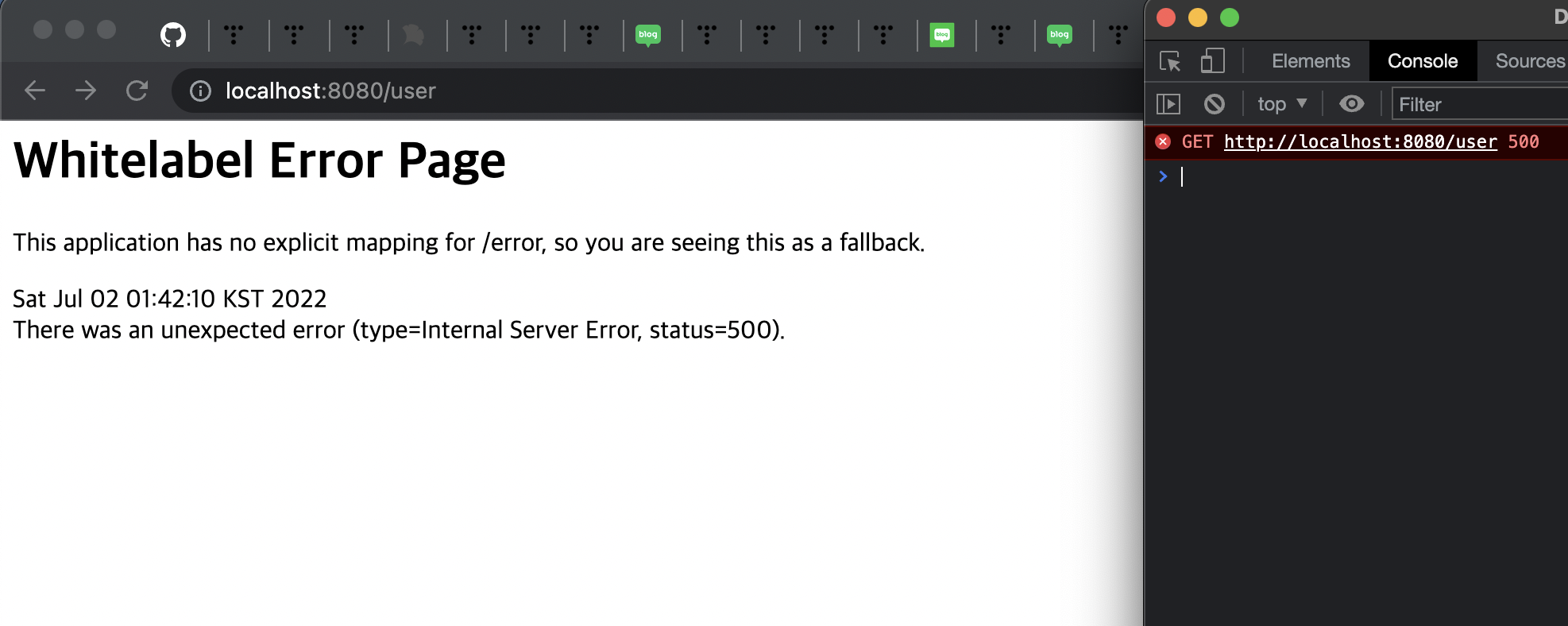
오늘은 3일동안 나를 괴롭게 했던 에러를 해결한 방법에 대해 작성해보려 한다. 정말 해결해준다면, 뭐든 해줄 수 있을 정도로 3일 동안 너무 힘들었다....원인도 모르겠고 구글링 해서 나오는 건 다 봤던 것 같은데 해결이 안됐다.
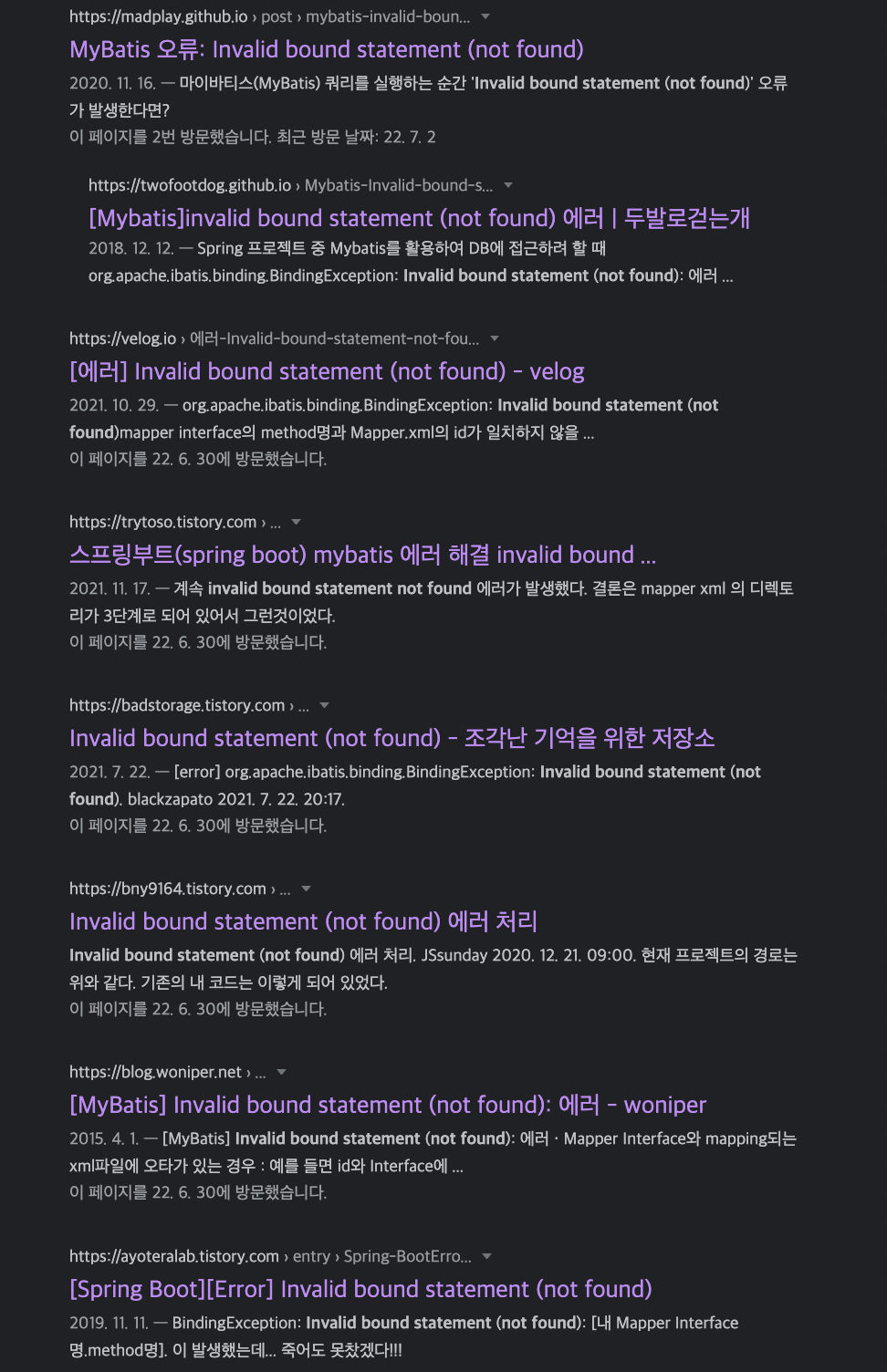
정말 많은 글을 읽어봤는데, 해결할 수 없었다고 한다....
결국 개발 단톡방에도 올렸고 학교 커뮤니티에다가도 올렸는데, 감사하게도 많은 분이 같이 고민해주셨다. 한 분이 힌트를 제공해주셔서 해결하게 됐다!
힘들었던만큼 서론이 길었다..!
문제 원인 & 해결방법
Mapper 인터페이스와 XML의 오타
mapper.xml 파일의 id, namespace, resultType에 오타가 없는지 확인해봐야 한다. id는 Mapper 인터페이스의 메서드와 같아야한다.
참고: https://madplay.github.io/post/mybatis-invalid-bound-statement-not-found-error
resource 하위 프로젝트 구조
resource>mybatis>mapper>user>UserMapper.xml 이런식으로 resource 아래에 3개의 디렉토리가 있고, 그 안에 UserMapper.xml 있으면 mapper의 정확한 위치를 찾지 못해 에러가 난다고 한다.
디렉토리는 2개까지만 만들자...
참고: https://trytoso.tistory.com/1573
https://twofootdog.github.io/Mybatis-Invalid-bound-statement(not-found)-%EC%97%90%EB%9F%AC/
application.properties의 설정
url이나 username 또는 그 외 설정값들이 잘못되어 있으면 에러가 발생할 수 있다. 나의 경우 이게 원인이었다...
- 변경 전
spring.datasource.driver-class-name=com.mysql.cj.jdbc.Driver
spring.datasource.url=jdbc:mysql://localhost:3306/mydb?&serverTimezone=UTC&autoReconnect=true
spring.datasource.username=root
spring.datasource.password=비밀번호

mybatis.config=mybatis-config.xml
spring.datasource.mapper-locations=classpath:mybatis/mapper/*.xml- 변경 후
spring.datasource.driver-class-name=com.mysql.cj.jdbc.Driver
spring.datasource.url=jdbc:mysql://localhost:3306/mydb?&serverTimezone=UTC&autoReconnect=true
spring.datasource.username=root
spring.datasource.password=비밀번호

mybatis.config=mybatis-config.xml
mybatis.mapper-locations=classpath:mybatis/mapper/*.xml
spring.datasource.mapper-locations 이 부분을 mybatis.mapper-locations 이렇게 바꿔주었더니 해결됐다...!
배운점&느낀점
mybatis를 이용해서 mysql를 연결하는 건 처음이라 여러 글을 보면서 개발하고 있었는데, 한 블로그에서 application.properties를 복붙해온 뒤 수정해 줬다. 근데 저 부분을 잘못 작성하신 것 같다. 앞으로 복사해온 코드는 다른 글들과 함께 여러번 다시 검토해봐야할 것 같다. application.properties는 Controller, Mapper, Service 등 여러 코드를 작성한 후 테스트하게 되니 잘못된 부분을 찾기 쉽지 않은 것 같다.