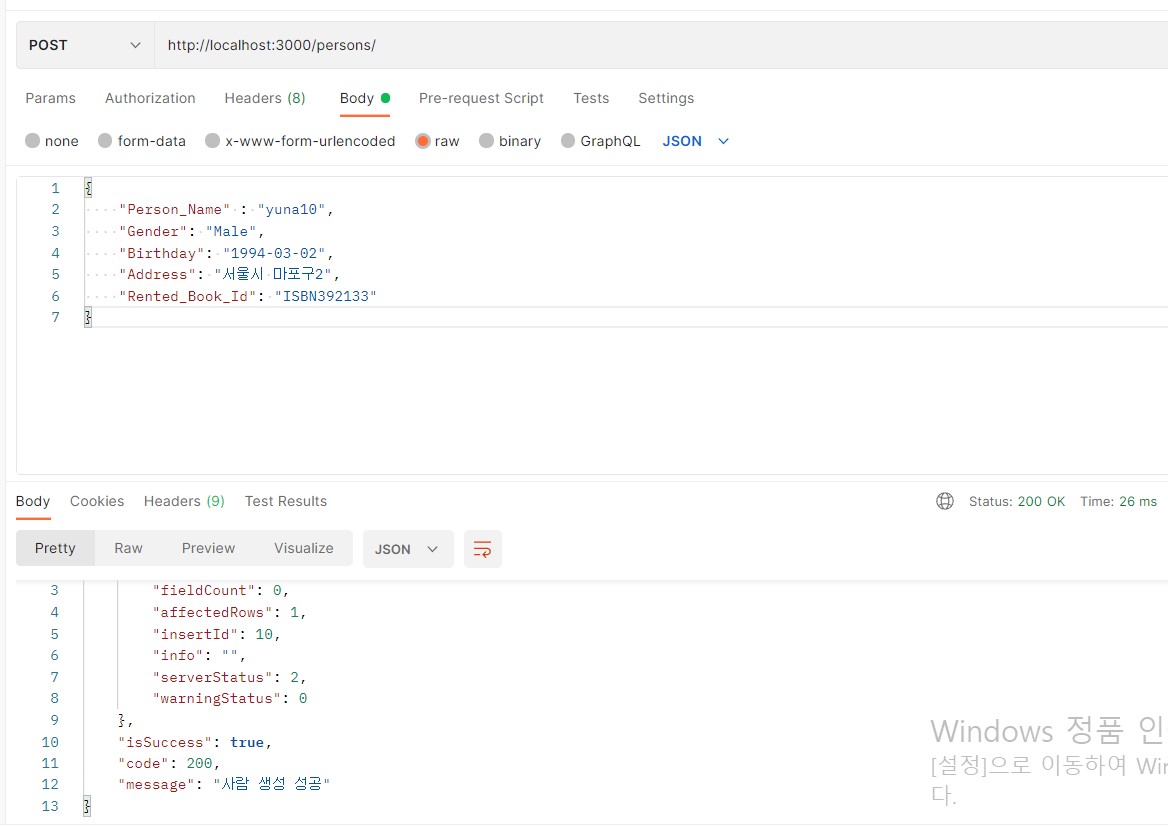
API 생성은 post 메서드를 사용한다

Body에 생성하려고 하는 데이터들의 값을 넣어준다
# indexRoute.js

app.post("/persons", index.CreatePerson);


# indexController.js
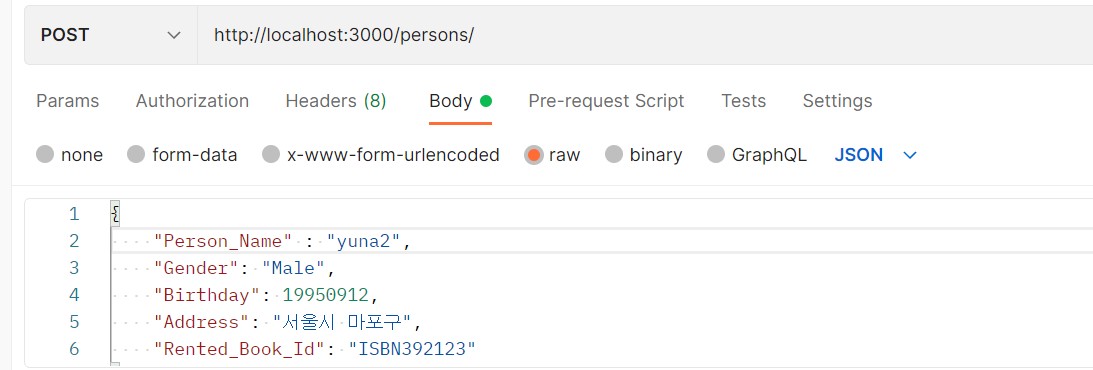
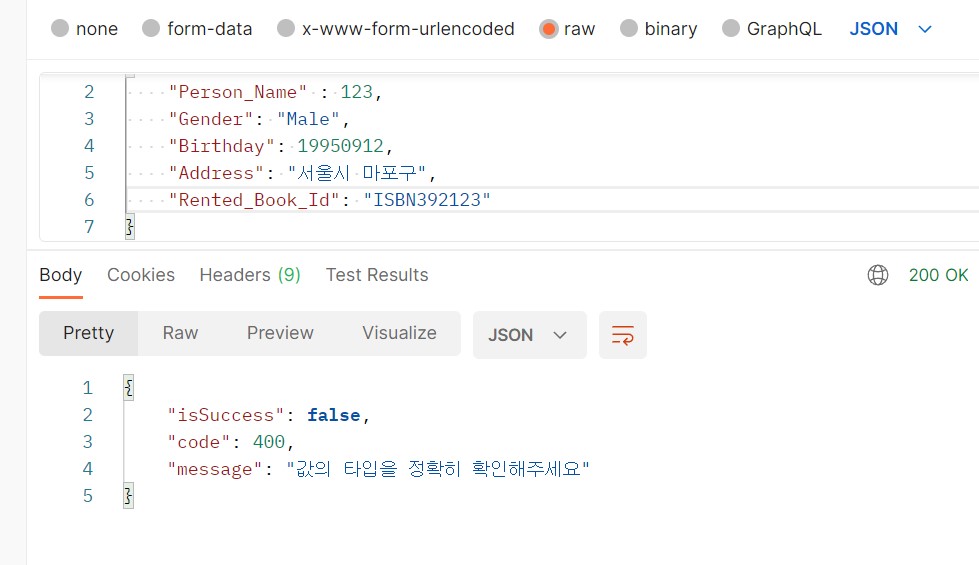
생성 객체 & validation

exports.CreatePerson = async function (req,res) {
const {Person_Name, Gender, Birthday, Address, Rented_Book_Id} = req.body;

    if(typeof Person_Name !== "string"||
       typeof Gender !=="string"||
       typeof Address !== "string"||
       typeof Rented_Book_Id !== "string"
    ){
        return res.send({
            isSuccess: false,
            code: 400,
            message: "값의 타입을 정확히 확인해주세욤",
      });
    }
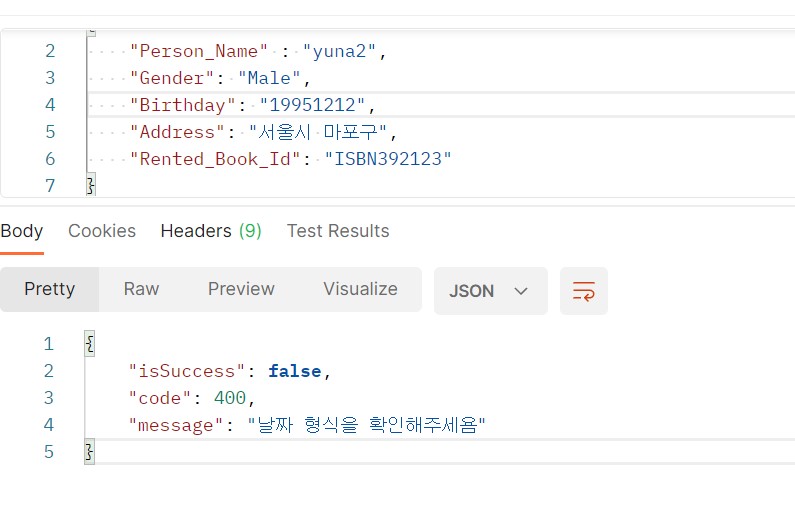
  Birthday 변수에 regex를 사용하여 유효성 검사하기
   // birthday :YYYY-MM-DD 형식 검사
    var regex =  RegExp(/^[0-9]{4}-(0[1-9]|1[012])-(0[1-9]|[12][0-9]|3[01])$/);
    if(!regex.test(Birthday)) {
        return res.send({
            isSuccess: false,
            code: 400,
            message: "날짜 형식을 확인해주세욤",
        });
    }
요청이 정상적으로 전송!
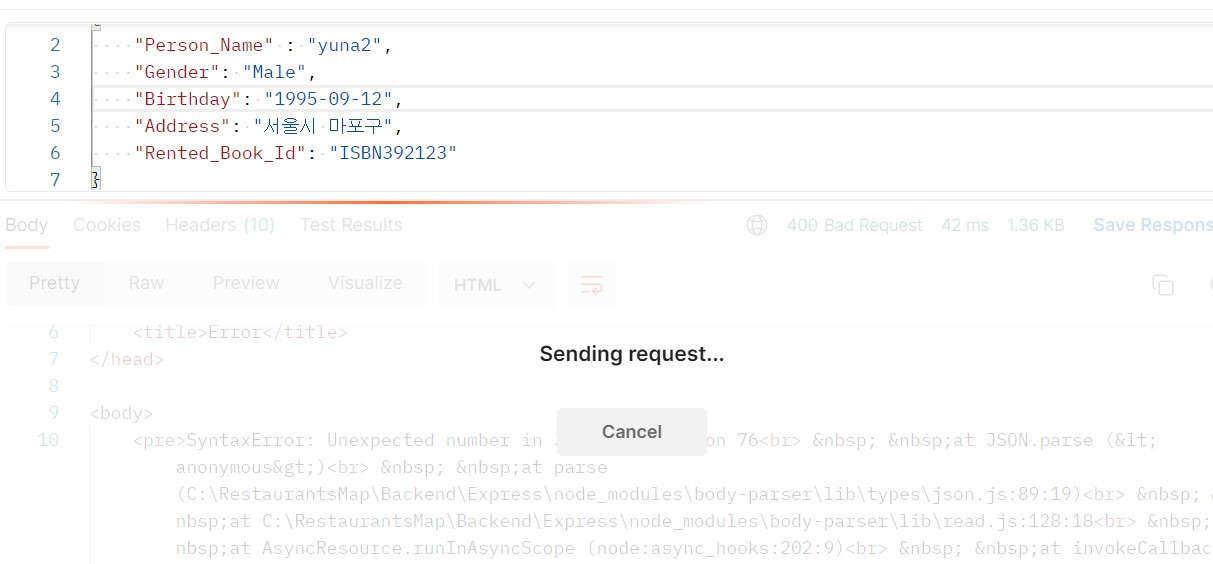
유효성 검사를 만들었으니, 안전한 데이터임을 증명!
# index.controller.js


서버에 데이터를 넣어보자
  // birthday :YYYY-MM-DD 형식 검사
    var regex =  RegExp(/^[0-9]{4}-(0[1-9]|1[012])-(0[1-9]|[12][0-9]|3[01])$/);
    if(!regex.test(Birthday)) {
        return res.send({
            isSuccess: false,
            code: 400,
            message: "날짜 형식을 확인해주세욤",
        });
    }
    try {
        const connection = await pool.getConnection(async (conn) => conn);
        try {
            // rows에 select * from person; 데이터를 담아줌
          const [rows] = await indexDao.InsertPerson(
            connection,
            Person_Name,
            Gender,
            Birthday,
            Address,
            Rented_Book_Id,
          );
          return res.send({
            result: rows,
            isSuccess: true,
            code: 200, // 요청 실패시 400번대 코드
            message: "사람 생성 성공",
          });
        } catch (err) {
          logger.error(`Create Query error\n: ${JSON.stringify(err)}`);
          return false;
        } finally {
          connection.release();
        }
      } catch (err) {
        logger.error(`CreateStatement DB Connection error\n: ${JSON.stringify(err)}`);
        return false;
      }

# indexDao.js

exports.InsertPerson = async function (connection, Person_Name, Gender, Birthday, Address, Rented_Book_Id) {
    const Query = `INSERT INTO person(Person_Name, Gender, Birthday, Address, Rented_Book_Id) values (?,?,?,?,?);`;
    const Params = [Person_Name, Gender, Birthday, Address, Rented_Book_Id];
    const rows = await connection.query(Query, Params);
    return rows;
  };