GETAPI를 만들어보자
indexRoute.js

      // 사람 테이블 조회
      app.get("/persons", index.ReadPersons);
indexController.js
// 사람 테이블 조회
exports.ReadPersons = async function (req, res){
// db에 접근할 수 있는 pool를 생성
try {
const connection = await pool.getConnection(async (conn) => conn);
try {
// rows에 select * from person; 데이터를 담아줌
// indexDao.js에서 selectPersons 를 만들어줍시다!
const [rows] = await indexDao.selectPersons(connection);
return res.send({
result: rows,
isSuccess: true,
code: 200, // 요청 실패시 400번대 코드
message: "요청 성공",
});
} catch (err) {
logger.error(`ReadPersons Query error\n: ${JSON.stringify(err)}`);
return false;
} finally {
connection.release();
}
} catch (err) {
logger.error(`ReadPersons DB Connection error\n: ${JSON.stringify(err)}`);
return false;
}
}
indexDao.js


exports.selectPersons = async function (connection){
    const Query = `SELECT * FROM person;`;
    const Params = [];
    const rows = await connection.query(Query, Params);
    return rows;
};
cmd에성..
(map_env) C:\RestaurantsMap\Backend\Express>node index.js
2022-08-01 08:29:55 info: undefined - API Server Start At Port 3000
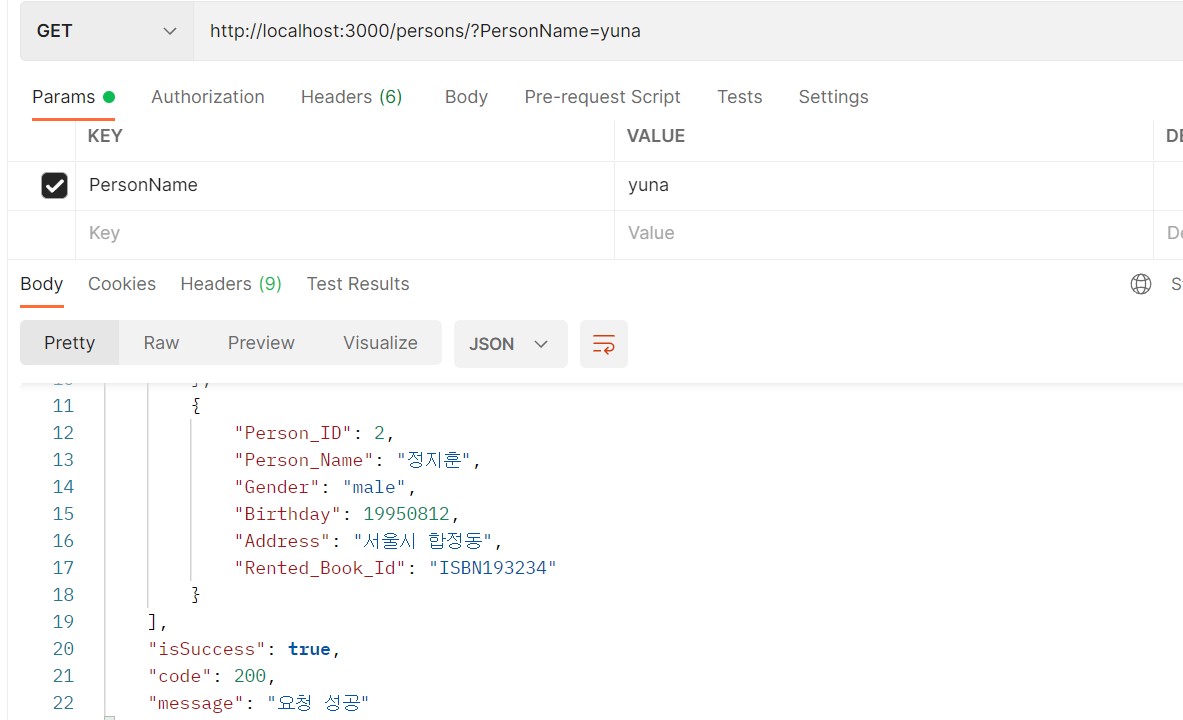
포스트맨으로 확인해보쟈!
위쪽 상단부분이 clinet 요청 부문
아래쪽 부분이 server response부문
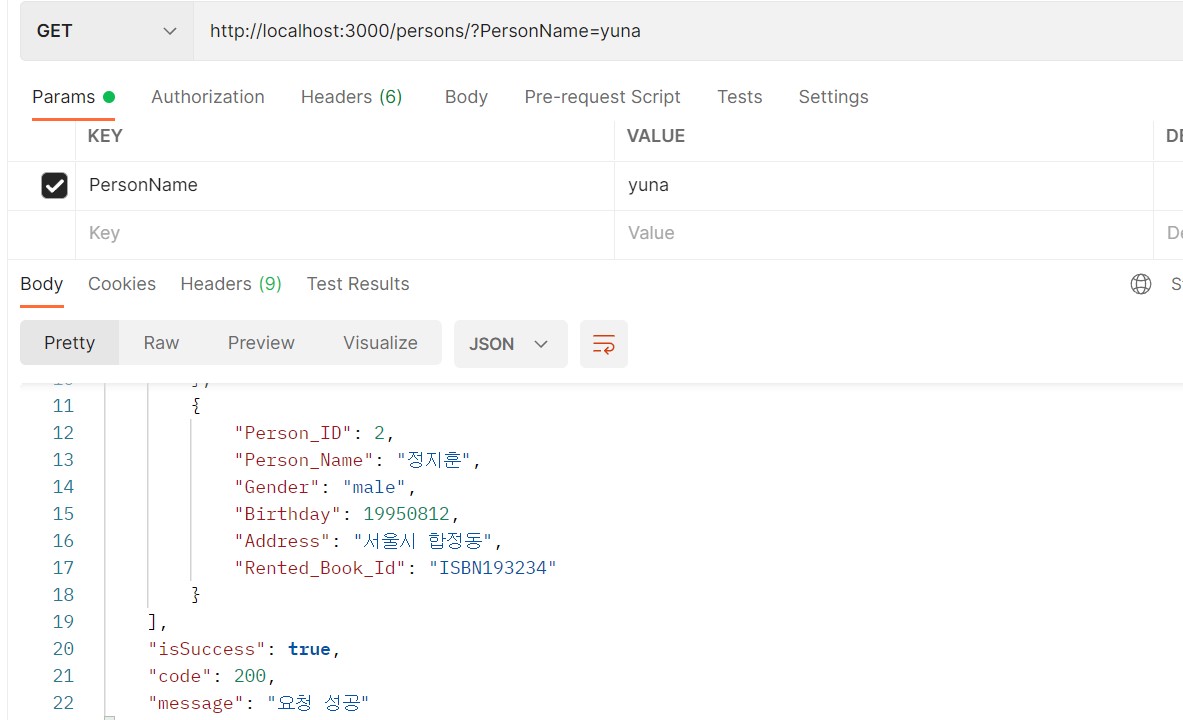
특정이름만 query string으로 요청해보기
indexController.js
exports.ReadPersons = async function (req, res){
const {PersonName} = req.query;
console.log(PersonName);
.........
}
exports.ReadPersons = async function (req, res){
const PersonName = req.query.PersoName;
console.log(PersonName);
.........
cmd에서 서버를 키고
C:\RestaurantsMap\Backend\Express>node index.js
2022-08-01 21:45:11 info: undefined - API Server Start At Port 3000
C:\RestaurantsMap\Backend\Express>node index.js
2022-08-01 21:45:11 info: undefined - API Server Start At Port 3000
yuna
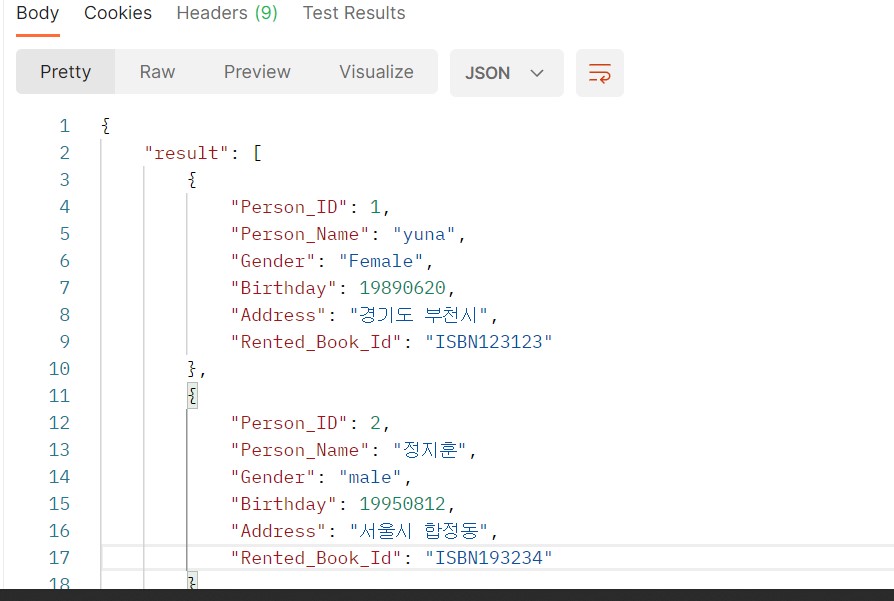
하지만은! 모든 데이터를 다 가져온다
===================================
queryString에 해당하는 데이터만 가져올 수 있도록 해보쟈
indexController.js
exports.ReadPersons = async function (req, res){
const {PersonName}= req.query;
  // db에 접근할 수 있는 pool를 생성
try {
    const connection = await pool.getConnection(async (conn) => conn);
    try {
        // rows에 select * from person; 데이터를 담아줌
        // indexDao.js에서 selectPersons 를 만들어줍시다!
      const [rows] = await indexDao.selectPersons(connection, PersonName);
indexDao.js
exports.selectPersons = async function (connection, PersonName){
const SelectAllPersonsQuery = SELECT * FROM person;;
const SelectPersonsByQuery = SELECT * FROM person where Person_Name=?;;
const Params = [PersonName];
let Query;
if (!PersonName) { // PersonName이 Nan값이면은
Query = SelectAllPersonsQuery;
} else {
Query = SelectPersonsByQuery;
}
const rows = await connection.query(Query, Params);
return rows;
};
========================================
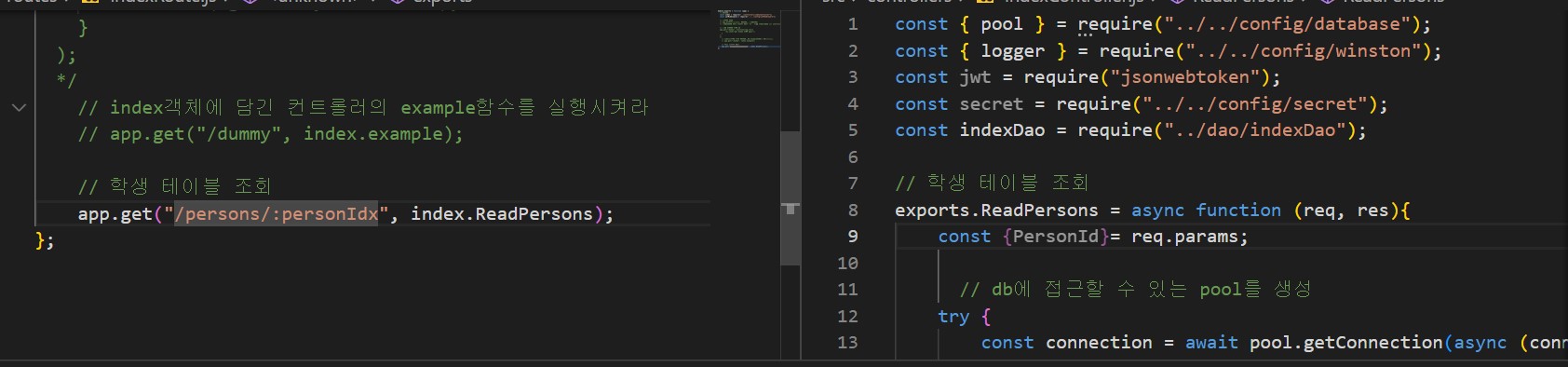
이번에는 Idx로 조회
indexRoute.js
app.get("/persons/:Person_ID", index.ReadPersons);
indexController.js
exports.ReadPersons = async function (req, res){
const {Person_ID}= req.params;
  // db에 접근할 수 있는 pool를 생성
try {
    const connection = await pool.getConnection(async (conn) => conn);
    try {
        // rows에 select * from person; 데이터를 담아줌
        // indexDao.js에서 selectPersons 를 만들어줍시다!
      const [rows] = await indexDao.selectPersons(connection, Person_ID);
exports.selectPersons = async function (connection, Person_ID){
const Query = select * from person where Person_ID=?;;
const Params = [Person_ID];
const rows = await connection.query(Query, Params);
return rows;
};