배포한 프로젝트 사진 업로드 기능을 점검하던 중 업로드가 안되는 에러를 발견 했다.
1. 오류 메세지


JwtUtil.js:125 Error: ERROR, Message:
software.amazon.awssdk.services.s3.model.S3Exception:
The bucket you are attempting to access must be addressed using the specified endpoint. Please send all future requests to this endpoint.
(Service: S3, Status Code: 301
2. 공식 문서
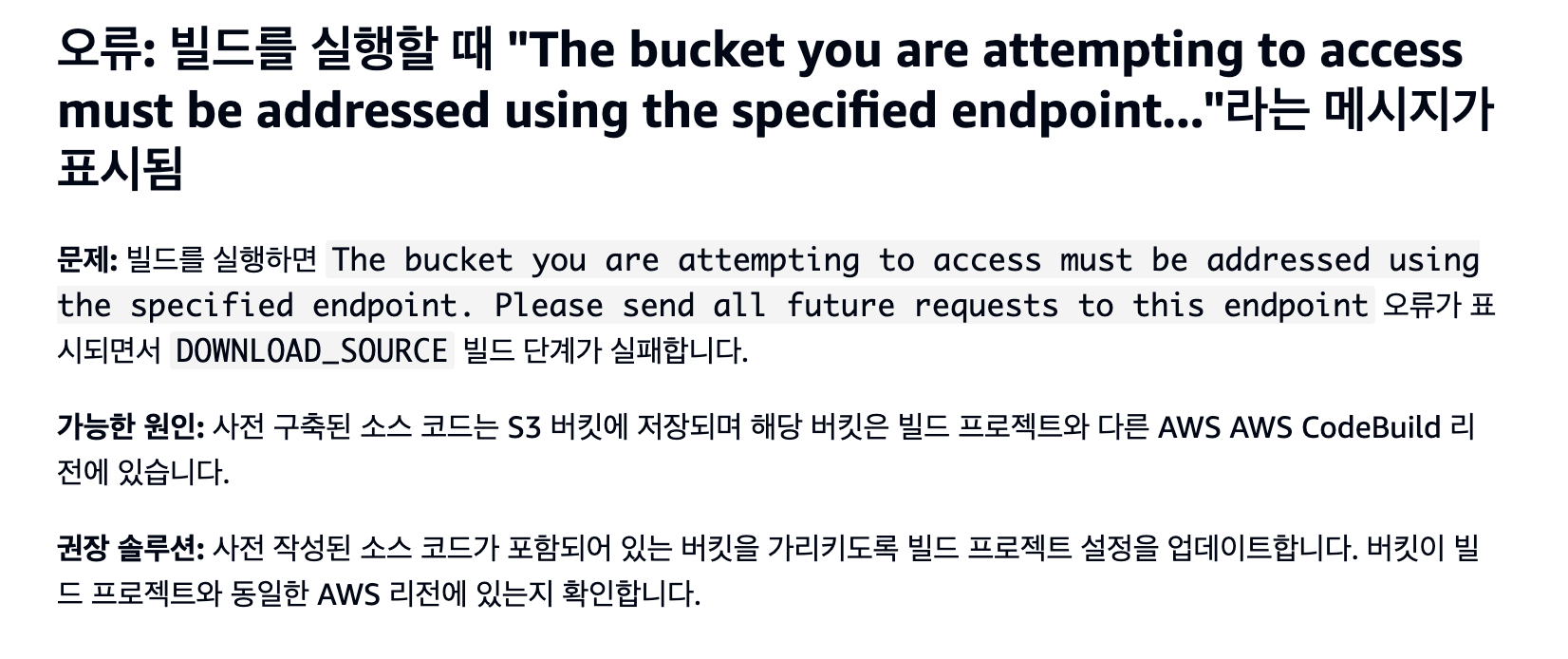
생성한 s3 버킷과
AWS AWS CodeBuild 리전이 다르다고 나오는 오류라 명시 되어 있다.
application.yml
aws:
  s3:
    bucket:
      name: myprojectbuckets
  accessKeyId:
  secretAccessKey:
  region: ap-northeast-2

  image:
  file:
    prefix: https://myprojectbuckets.s3.ap-northeast-2.amazonaws.com/
s3 버킷 리전 확인

둘 다
northeast-2로 제대로 명시되어 있었다.
3. 문제 원인 및 해결
s3 버킷에는
myprojetcbuckets로 명시되어 있는데 yml 에는myprojectbuckets로 명시 되어 있다..
단순한 오타 였던 것.

다시 githubactions secret 을 base64로 인코딩 후 마지막으로 실행 됐던 github action 을 re-run 해준다.
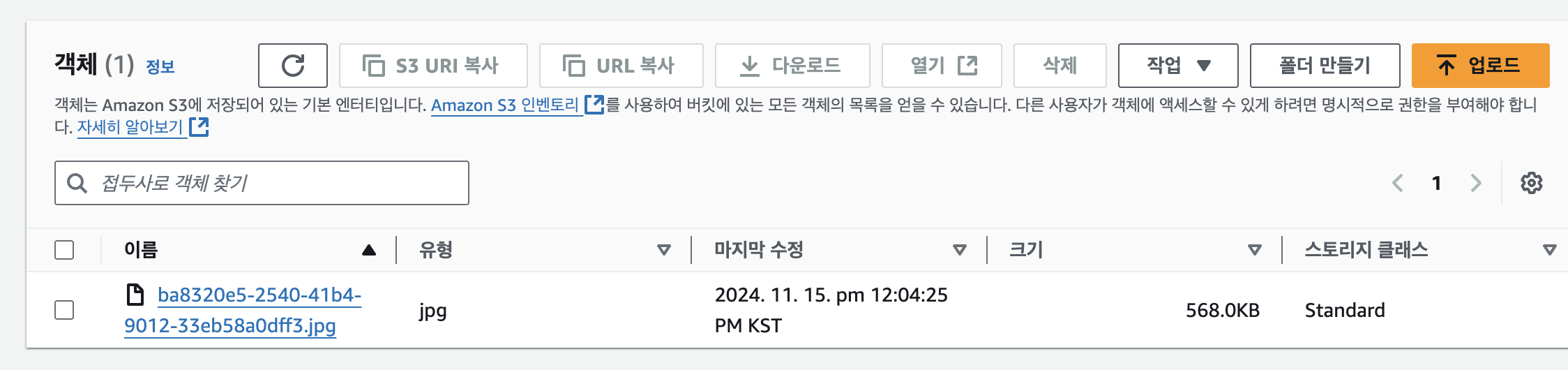
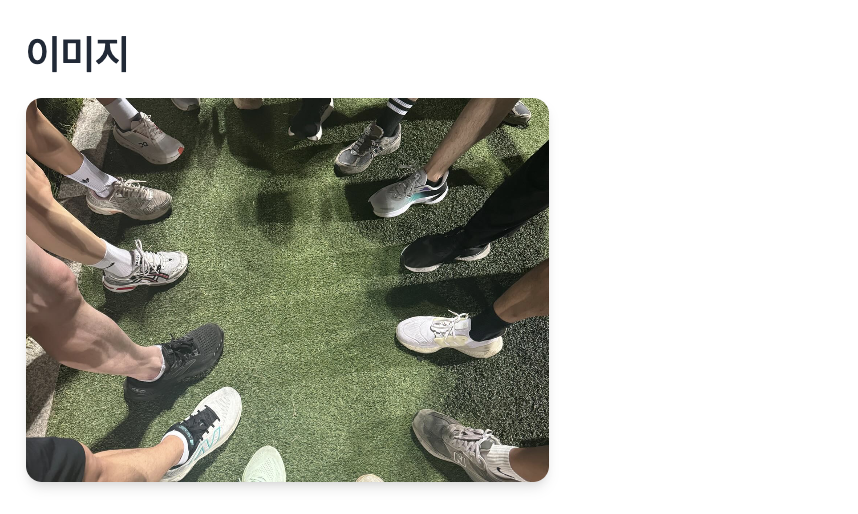
해당 이미지가 s3 버킷에 무사히 업로드 되고 사이트 내에서도 잘 보이는 것을 확인.
4. 결론
개인프로젝트를 진행 하며 백, 프론트, 배포를 도맡아 하며 점점 느끼는 건 이 기능이 어떻게 지금 까지 작동되고 있었지? 하는 의문의 연속이다. 10월 18일 까지는 분명 파일 업로드를 한 기록이 있는데 application.properties 에서 application.yml 로 마이그레이션 하면서 버킷명을 잘못 옮겨온 것으로 추정된다. 버킷 설정시 리전 설정과 버킷명 설정에 유의 할것. 추가로 해당 트러블슈팅을 진행 하며 s3 버킷 사용권한을 검토 중 application.yml 의 aws 액세스키를 root 사용자 키를 발급 받아 사용하고 있는 것을 발견했다. 매우 지양 해야하는 행위로 별도의 사용자 권한을 부여한 IAM 사용자를 생성 후 해당 accessKey로 변경 예정이다.