✅ What I did today
- Udemy Course : Unity Shader
- Project BCA
🎞️ Udemy Course : Unity Shader
Volumetric Fog
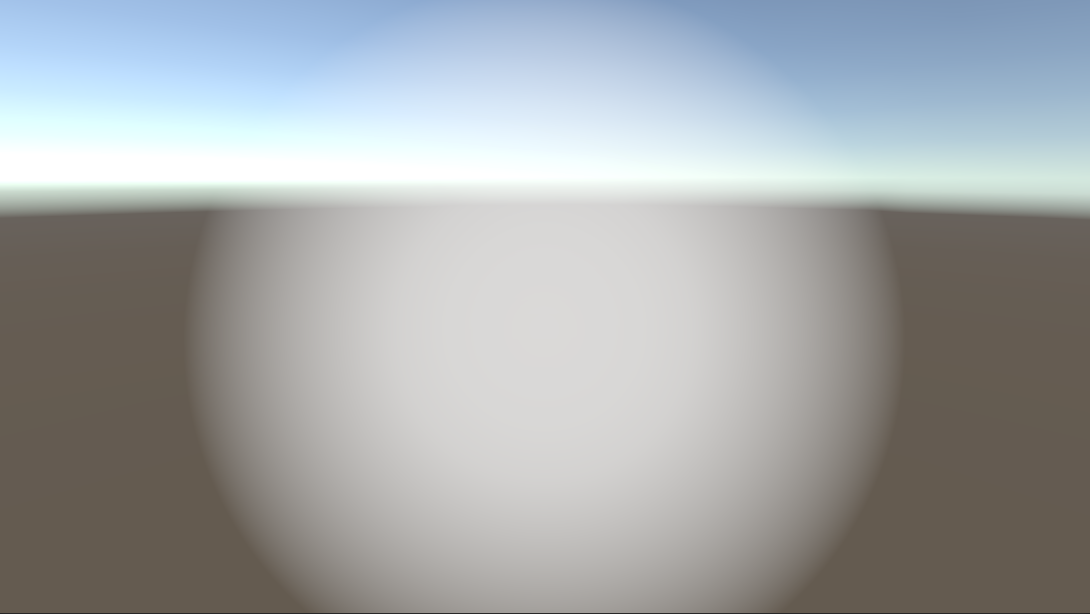
Shader "Holistic/SphericalFog"
{
    Properties
    {
        _FogCentre("Fog Centre/Radius", Vector) = (0,0,0,0.5) // w는 radius
        _FogColor("Fog Colour", Color) = (1,1,1,1)
        _InnerRatio("Inner Ratio", Range(0.0,0.9)) = 0.5
        _Density("Density", Range(0.0, 1.0)) = 0.5
    }
    SubShader
    {
        Tags { "Queue"="Transparent" }
        Blend SrcAlpha OneMinusSrcAlpha
        Cull Off Lighting Off // 양면 렌더링, 조명 무시
        ZWrite Off ZTest Always // 깊이 안 씀, 깊이 무시하고 항상 그림

        Pass
        {
            CGPROGRAM
            #pragma vertex vert
            #pragma fragment frag
            #include "UnityCG.cginc"

            // 구의 방정식을 이용하여 교점 찾기
            float CalculateFogIntensity(
                float3 sphereCenter,
                float sphereRadius,
                float innerRatio,
                float density,
                float3 cameraPosition,
                float3 viewDirection,
                float maxDistance
            )
            {
                // ray가 뻗어나갔을 때 sphere에 만드는 교점을 구한다.
                float3 localCam = cameraPosition - sphereCenter;
                float a = dot(viewDirection, viewDirection);
                float b = 2 * dot ( viewDirection, localCam);
                float c = dot (localCam, localCam) - sphereRadius * sphereRadius;
                float d = b * b - 4 * a * c;

                if(d <= 0.0f) // 교점이 없다면 0을 반환한다.
                    return 0;

                float DSqrt = sqrt(d);

                // 교차점이 카메라 뒤에 있다면 saturate
                float dist = max((-b -DSqrt)/2*a, 0);
                float dist2 = max((-b + DSqrt)/2*a, 0);

                // backDepth는 step_distance의 계산에 사용되고,
                // step_distance는 각 샘플링의 간격을 의미한다.
                // backDepth가 dist2가 아닌 maxDistance가 되는 상황이라는 건
                // 카메라에서 fog sphere까지의 두번째 교점이 최대 거리를 넘었다는 뜻이다.
                float backDepth = min(maxDistance, dist2);
                float sample = dist;
                float step_distance = (backDepth - dist)/ 10;
                float step_contribution = density;

                float centerValue = 1/(1 - innerRatio);

                float clarity = 1;
                for(int seg = 0; seg < 10; seg++)
                {
                    // position : 카메라 위치에서 시작하여 viewDirection 방향으로 step_distance만큼 이동해나감
                    float3 position = localCam + viewDirection * sample;
                    // val : 중심부에 갈수록 1에 가까워지고, 멀어지면 0이 된다.
                    float val = saturate(centerValue * (1 - length(position)/sphereRadius));
                    // fog_amount : density만큼 곱한 뒤 0~1 saturate
                    float fog_amount = saturate(val * step_contribution);
                    // clarity : fog_amount가 높으면 clarity는 낮아짐 (for문을 거치며 곱산)
                    clarity *= (1 - fog_amount);
                    sample += step_distance; // 다음 샘플링으로 넘어간다.
                }
                return 1 - clarity;
            }

            struct v2f
            {
                float3 view : TEXCOORD0;
                float4 pos : SV_POSITION;
                float4 projPos : TEXCOORD1;
            };

            float4 _FogCentre;
            fixed4 _FogColor;
            float _InnerRatio;
            float _Density;
            sampler2D _CameraDepthTexture;

            v2f vert (appdata_base v)
            {
                v2f o;
                float4 wPos = mul(unity_ObjectToWorld, v.vertex); // 월드 좌표
                o.pos = UnityObjectToClipPos(v.vertex); // 클립 공간 좌표
                o.view = wPos.xyz - _WorldSpaceCameraPos; // 카메라 기준 시선 벡터
                o.projPos = ComputeScreenPos(o.pos); // depth texture에서 샘플링하기 위해 필요한 스크린 좌표

                // 클립 공간에서 o.pos.z/o.pos.w는 normalized depth value를 의미
                // 이 값이 0보다 크다면 해당 정점이 카메라의 앞에 있다는 뜻
                float inFrontOf = (o.pos.z/o.pos.w) > 0;
                // 카메라가 해당 정점의 뒤쪽에 있으면 z를 0으로 만들어 렌더링 하지 않게
                o.pos.z *= inFrontOf;

                return o;
            }

            fixed4 frag (v2f i) : SV_Target
            {
                half4 color = half4(1,1,1,1);
                // 현재 픽셀 위치의 깊이(z값) 를 카메라 공간 기준 거리(meter 단위)로 복원
                // i.projPos : ComputeScreenPos()로 만들었던 스크린 공간 좌표
                // UNITY_PROJ_COORD(i.projPos) : 플랫폼마다 다르게 동작하는 투영 좌표 보정 매크로
                // tex2Dproj() : 현재 픽셀의 depth 값을 _CameraDepthTexture에서 가져옴
                // UNITY_SAMPLE_DEPTH() : depth 값을 플랫폼에 맞게 제대로 해석
                // LinearEyeDepth() : 화면상의 픽셀이 카메라로부터 실제로 몇 미터 떨어져 있는지 계산
                float depth = LinearEyeDepth(UNITY_SAMPLE_DEPTH (tex2Dproj (_CameraDepthTexture, UNITY_PROJ_COORD(i.projPos))));
                float3 viewDir = normalize(i.view);

                float fog = CalculateFogIntensity(
                    _FogCentre.xyz,
                    _FogCentre.w,
                    _InnerRatio,
                    _Density,
                    _WorldSpaceCameraPos,
                    viewDir,
                    depth
                );

                color.rgb = _FogColor.rgb;
                color.a = fog;
                return color;
            }
            ENDCG
        }
    }
}
🎮 Project BCA
게임을 게임답게 만들만한 적당한 아이디어가 떠오를 때까지 개발 중지
- 한글 폰트 : https://cactus.tistory.com/193
- 일본어 폰트 : https://fonts.google.com/selection
Security camera tracking
    void Update()
    {
        // JOINT 회전 (z축 회전만 추출)
        Vector3 jointToTarget = target.transform.position - joint.transform.position;
        Vector3 jointForward = -joint.transform.up;
        Vector3 jointToTargetXZ = new Vector3(jointToTarget.x, 0, jointToTarget.z).normalized;
        Vector3 YBackwardXZ = new Vector3(jointForward.x, 0, jointForward.z).normalized;
        float angle = Vector3.SignedAngle(YBackwardXZ, jointToTargetXZ, Vector3.up);
        joint.transform.localRotation = Quaternion.Euler(0, 0, joint.transform.localEulerAngles.z + angle);

        // CAMERA 회전 (x축 회전만 추출)
        Vector3 cameraToTarget = target.transform.position - cameraHead.transform.position;
        float horizontalDistance = new Vector3(cameraToTarget.x, 0, cameraToTarget.z).magnitude;
        float verticalAngle = Mathf.Atan2(cameraToTarget.y, horizontalDistance) * Mathf.Rad2Deg;
        cameraHead.transform.localRotation = Quaternion.Euler(-verticalAngle, 0, 0);
    }
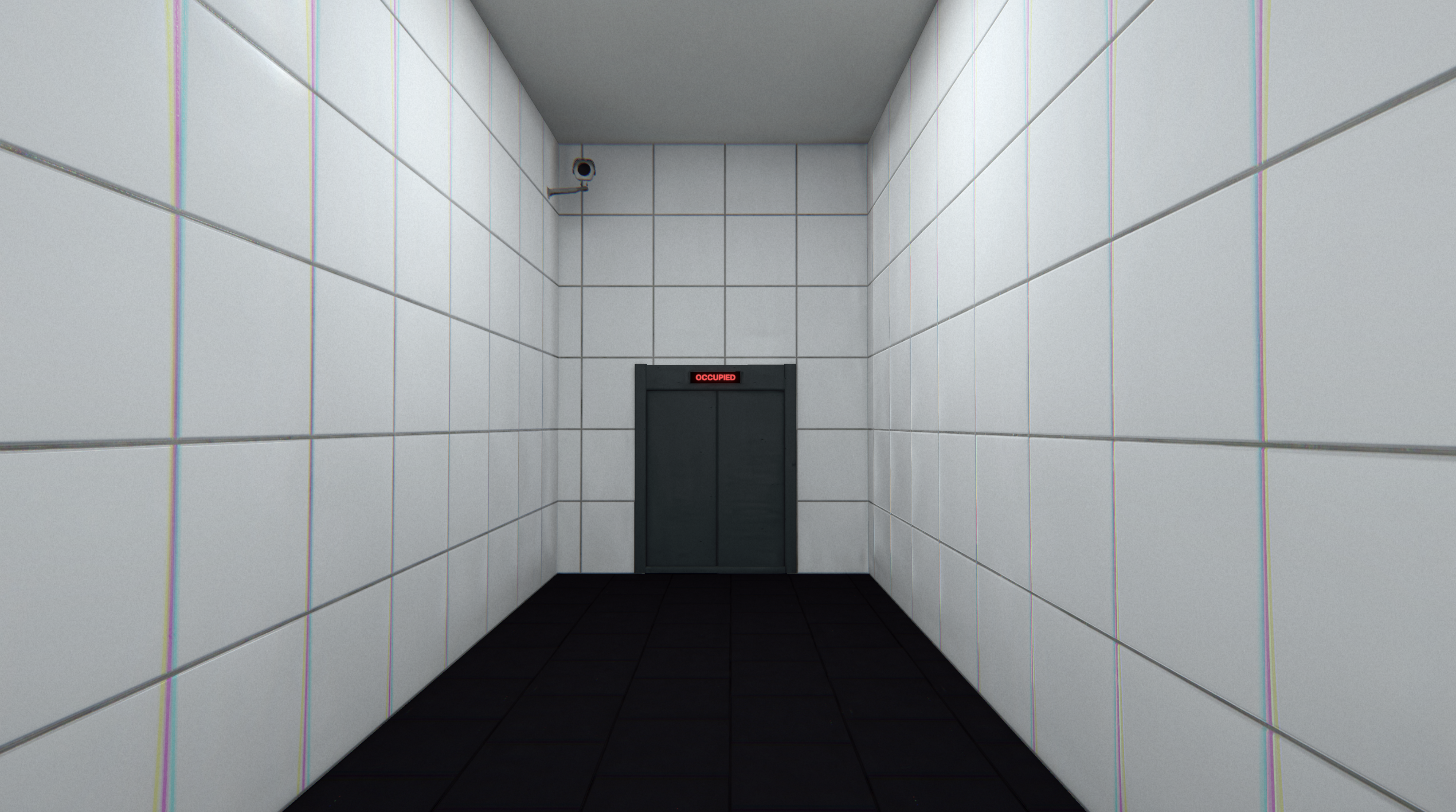
만들긴 했는데 정신이 분산돼서 인트로 시퀀스에 집중이 안된다.
시퀀스 동안 플레이어에게 주는 정보가 없어서 심심해서 넣은 건데
막상 정보를 주니 집중이 안되는 딜레마가 생긴다.
일단 문 위에는 제거하고, 시작 위치 뒤쪽에 배치.
Sitting Robot
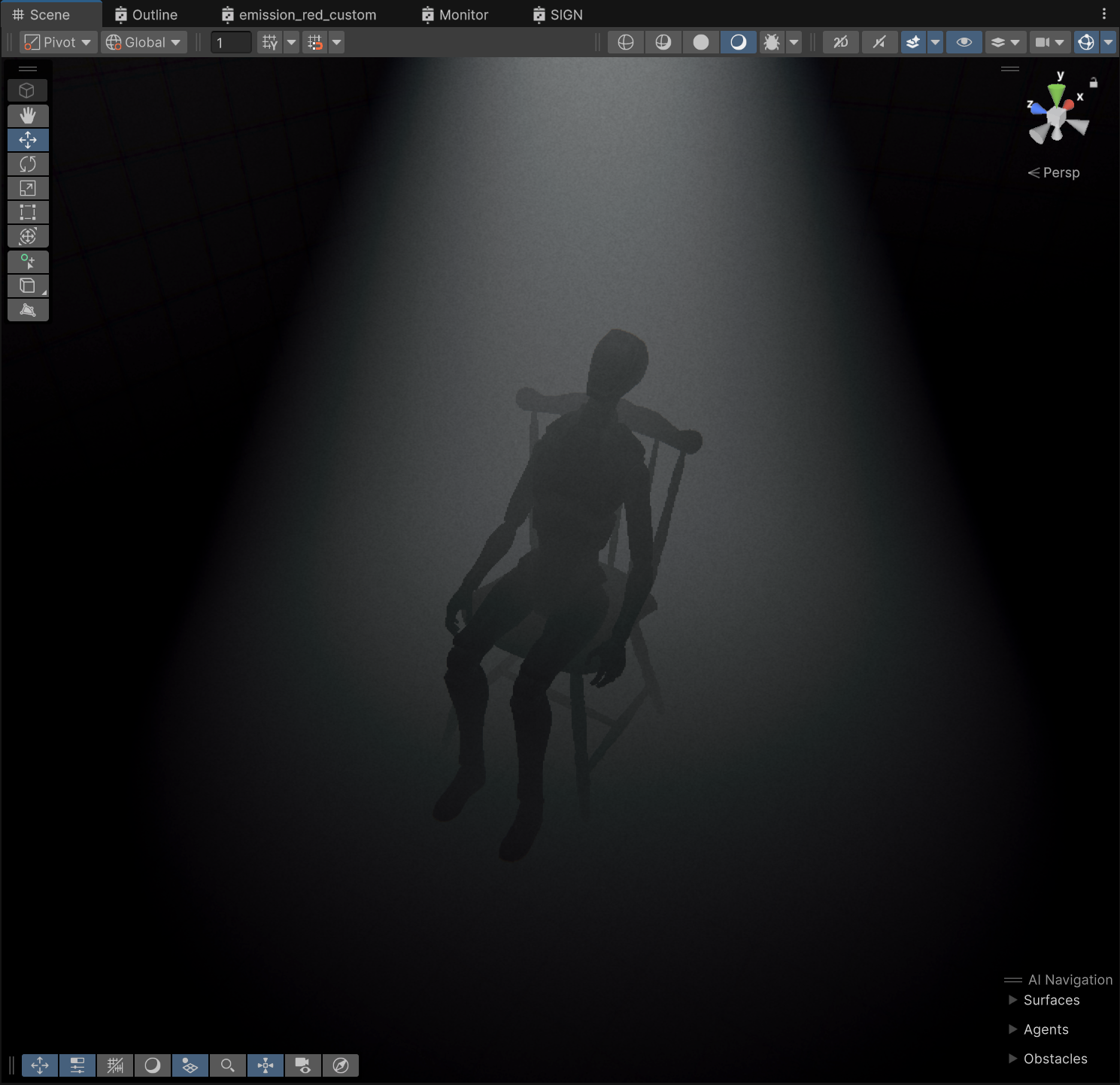
그냥 skeleton rotation 조절하니까 블렌더같은거 건드릴 필요 없이 자세 바꿀 수 있었다.
근데 분위기가 쓰레기. 폐기.
Script management
    public void StartTerminalSequence(ScriptType scriptType, GameObject bumped_player)
    {
        if (bumped_player != null)
        {
            walking_player = bumped_player;
            walking_player.SetActive(false);
        }

        scriptIdx = (int)scriptType;
        ScriptContainer script = scripts[scriptIdx];
        currentScript = script;
        textStrings = script.Texts;
        lineEffects = script.lineEffect;
        textIdx = 0;

        StartCoroutine(TerminalSequence());
    }
private void NextTerminalTexts()
{
// 모든 텍스트 출력했다면 flag에 따라 다음 동작 수행
if (textIdx == textStrings.Length)
{
Cursor.lockState = CursorLockMode.None;
Cursor.visible = true;
isWatchingMonitor = false;
ChangeVcam(playing_vcam);
if (scriptIdx == (int)ScriptType.Intro) gameManager.StartGame(1);
else if (scriptIdx == (int)ScriptType.winFirstStage) gameManager.ResetGame();
else if (scriptIdx == (int)ScriptType.winSecondStage) gameManager.ResetGame();
else if (scriptIdx == (int)ScriptType.winLastStage) gameManager.QuitChess();
return;
}관리할 스크립트가 늘어나서 수정.
scripts[scriptIdx]에서 ScriptContainer를 담는 별도 클래스를 만들어서 그걸 가져온 뒤 언어별로 switch문 쓰면 언어별 확장성도 있음.
[CreateAssetMenu(fileName = "SCC", menuName = "ScriptableObjects/SCC", order = 2)]
public class SCC : ScriptableObject
{
    [SerializeField] public Dictionary<string, ScriptType> lanScript;
}
딕셔너리를 사용하려고 했는데 그러면 에디터에서 데이터 추가가 안됨.
