✅ What I did today
- C++ 스크립트를 활용한 언리얼 엔진 5 게임 개발
- R&D
- Prototyping
- Art Practice : Drawing
📖 C++ 스크립트를 활용한 언리얼 엔진 5 게임 개발
게임 모드 빌드해도 에디터에서 안 먹히는 문제 발생.
빌드 옵션을 바꿨더니 visual studio를 통해 에디터를 열 수는 있었지만 여전히 build가 editor에서 보이는 parameter에 반영이 안됨.
폴더들을 지우고 다시 빌드해보았더니 열리지 않음.
Expecting to find a type to be declared in a module rules named 'VisualStudioTools' …
해결책을 찾던 중 Unreal Editor에 Visual Studio Integration Tool을 깔게 되었는데, 이것이 문제가 되어 빌드조차 되지 않았음.
.uproject를 직접 열어 해당 plugin을 지웠더니 빌드는 해결됨.
debuggame editor로 빌드해서 그랬던 것.
development editor로 빌드했더니 에디터로 열린다.
🛠️ R&D

VRoid
Turn head to target
1.
Aim Axis : 대상을 바라볼 축.
Up Axis : 위가 될 축.
해당 본의 local axis를 잘 보고 설정하면 됨.
2.
        var data = mac.data;
        data.sourceObjects.Clear();
        mac.data = data;
이렇게 해도 sourceObject는 없어지지 않음.
        var data = mac.data;
        data.sourceObjects = new WeightedTransformArray();
        mac.data = data;
이렇게 해야 함.
3.
    void Start()
    {
        defaultTarget = mac.data.sourceObjects[0].transform;
        defaultLocalPos = defaultTarget.localPosition;
    }

    void OnTriggerEnter(Collider other)
    {
        defaultTarget.transform.position = other.transform.position;
        print("OnTriggerEnter");
    }
런타임에 굳이 Target 바꾸지 말고 Target의 Transform을 바꿔라
4.
    void Update()
    {
        if (lookingSomething)
        {
            target.transform.position = Vector3.MoveTowards(target.transform.position, newTargetPos, turnFaceSpeed * Time.deltaTime * 2);
        }
        else
        {
            target.transform.localPosition = Vector3.MoveTowards(target.transform.localPosition, defaultLocalPos, turnFaceSpeed * Time.deltaTime);
        }
    }
스무스하게 움직일 때 MoveTowrads
(새 물체 볼 때는 좀 더 빠르게, 원래대로 돌아갈 땐 좀 더 느리게)
💡 Prototyping
P005
Hand Modeling
https://www.youtube.com/watch?v=u5pDRBEZmBw
https://www.youtube.com/watch?v=DpZdiXBjKZQ
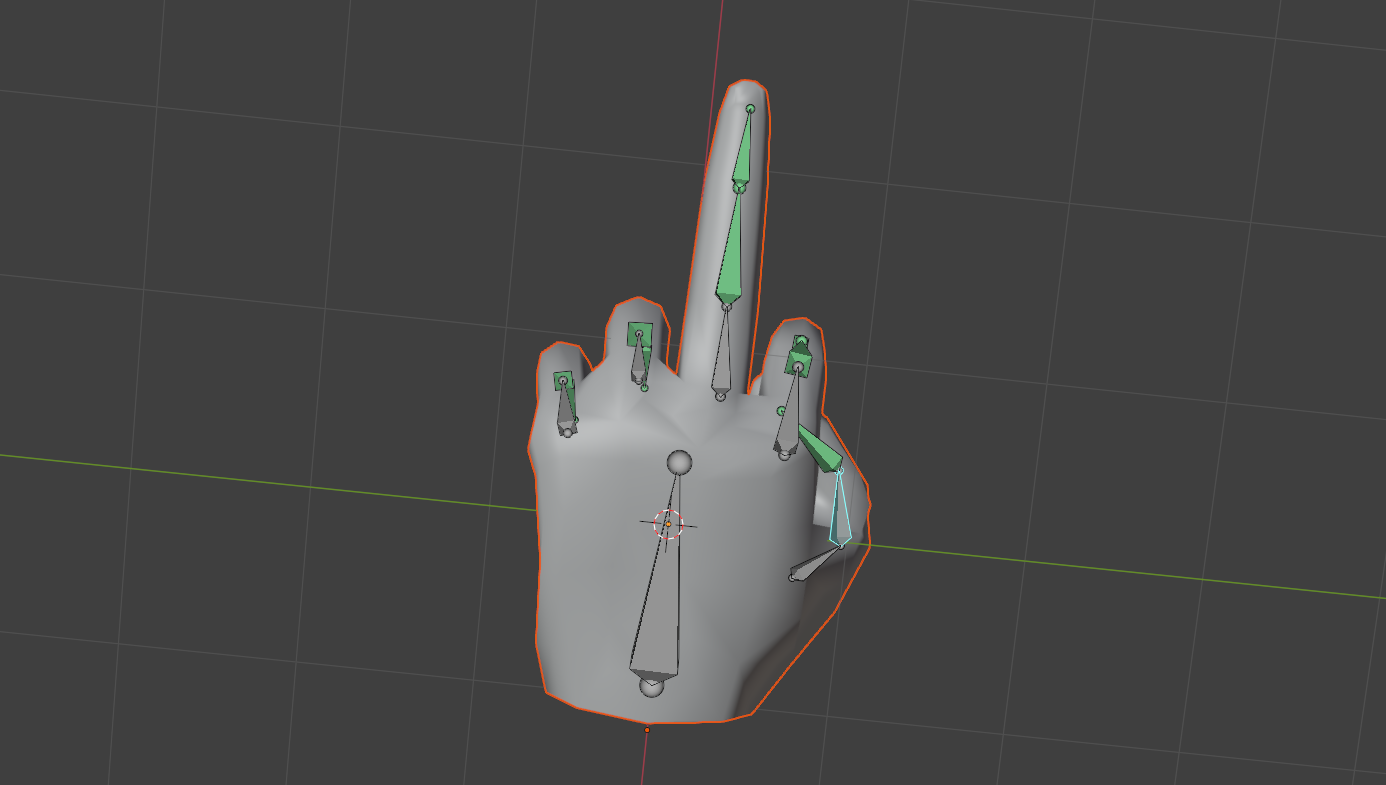
손 모델링과 리깅 완료
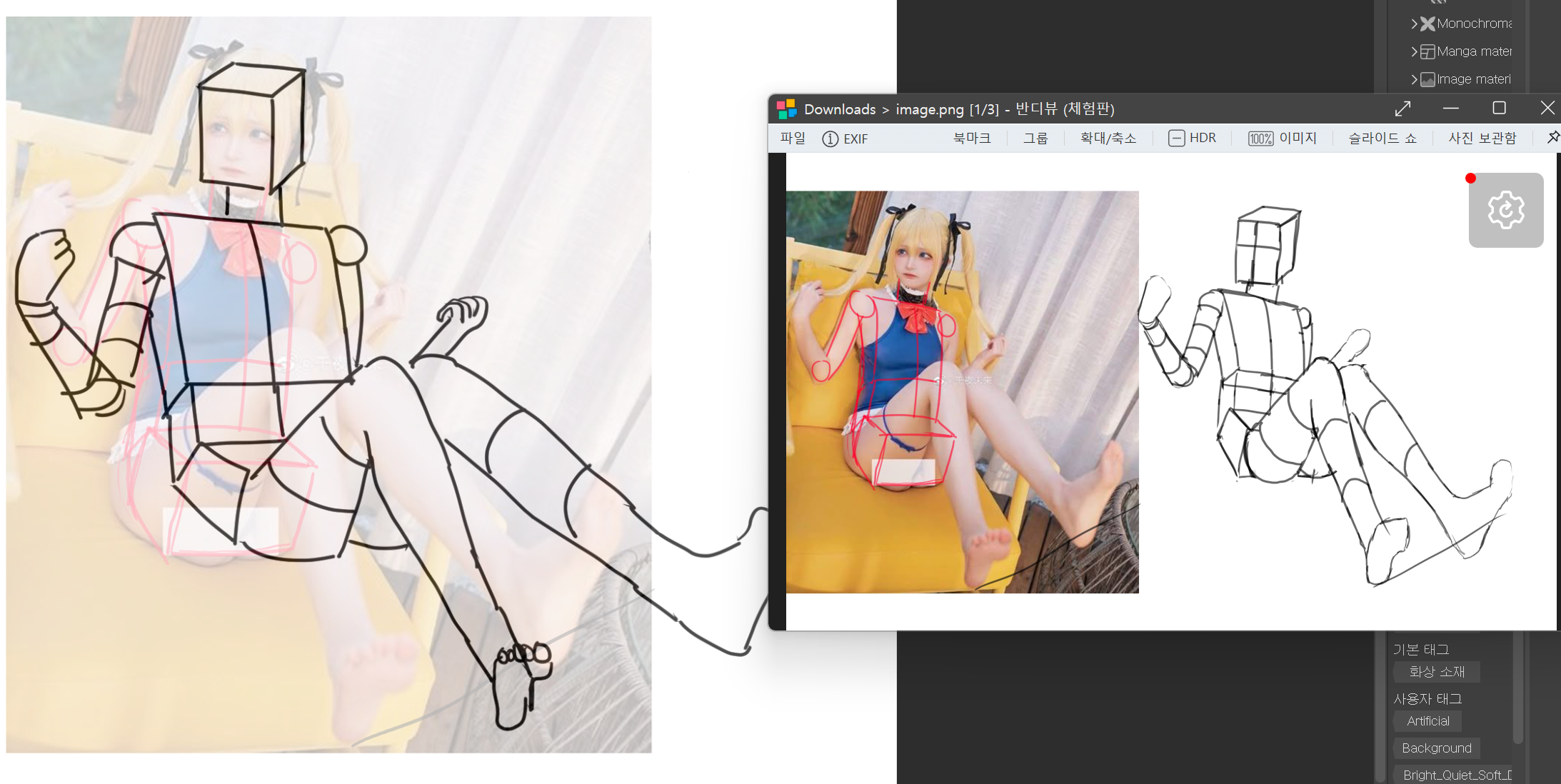
🎨 Art Practice : Drawing