UE4 - Creating a RPG #10 - Setting Up The Player Bars
Today's Lesson: Setting Up The Player Bars
Summary
1. How you can setup our character's first combat ability, spawning a projectile in the scene that will head off in the direction of the player's hand.
2. We go over creating the projectile blueprint class, playing the casting animation and timing it up along with adding the offset for the ability.
✅ Implementation Player Bars
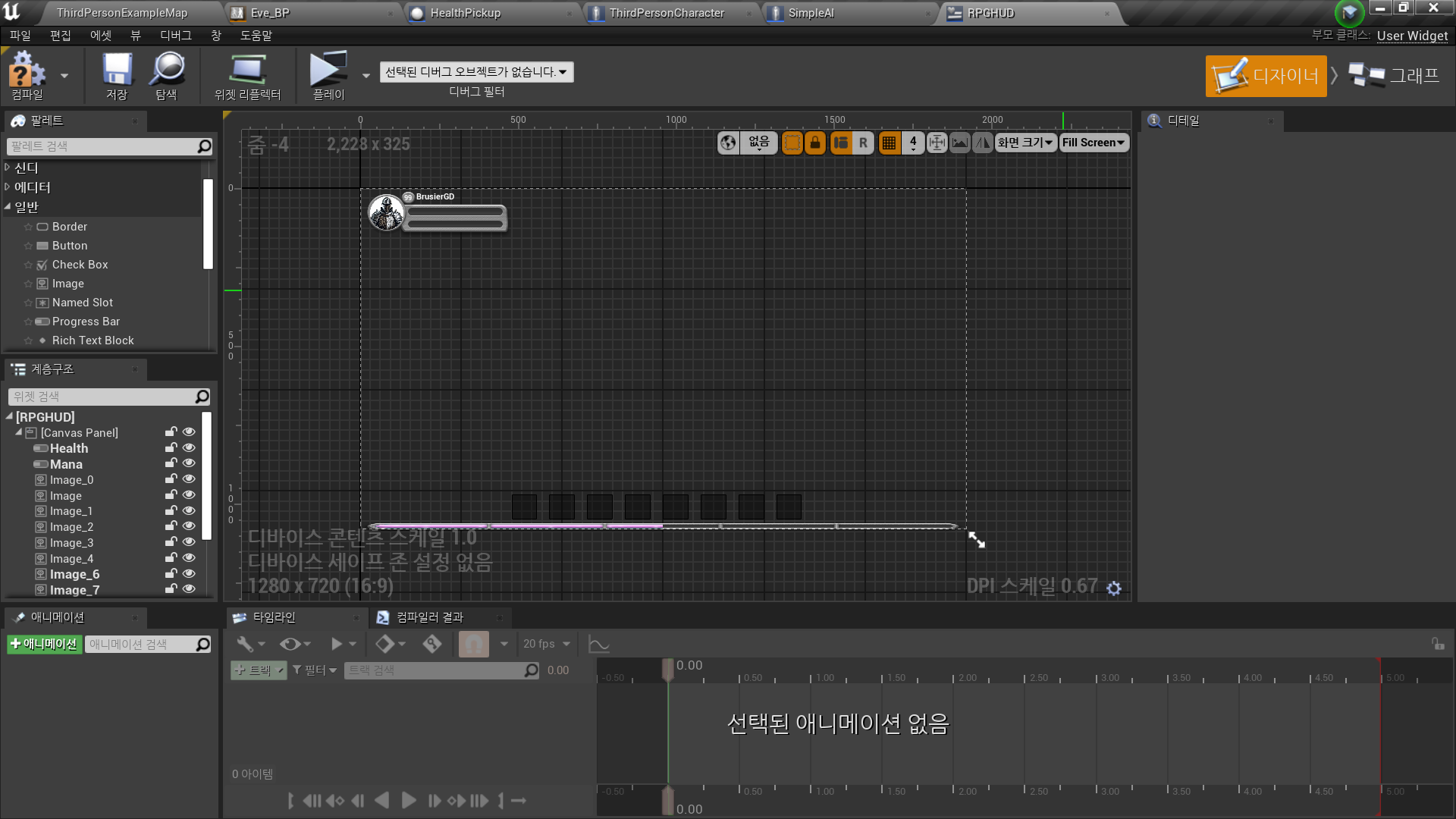
◼️ In Widget Blueprint <RPGHUD>
-
Health Bar
- Style - Background Image: Health_NoFill
- Margin 0
- Style - Fill Image: Health_Fill
- Margin 0 -
Mana Bar
- Style - Background Image: Mana_NoFill
- Margin 0
- Style - Fill Image: Mana_Fill
- Margin 0 -
Health, Mana Bar 배경
팔레트 - Image 추가
- Appearance - Brush - Image: BarBack 선택
- Slot - ZOrder 설정
//ZOrder: 렌더링되는 순서 우선순위. 값이 높을수록 나중에 렌더링 된다(화면상에 가장 앞에 나타난다) -
캐릭터 프로필 배경
팔레트 - Image 추가
- Appearance - Brush - Image: PlayerPicBack 선택 -
캐릭터 프로필
팔레트 - Image 추가
- Appearance - Brush - Image: [사용할 이미지] 선택 -
캐릭터 레벨 배경
팔레트 - Image 추가
- Appearance - Brush - Image: PlayerLevelBack 선택
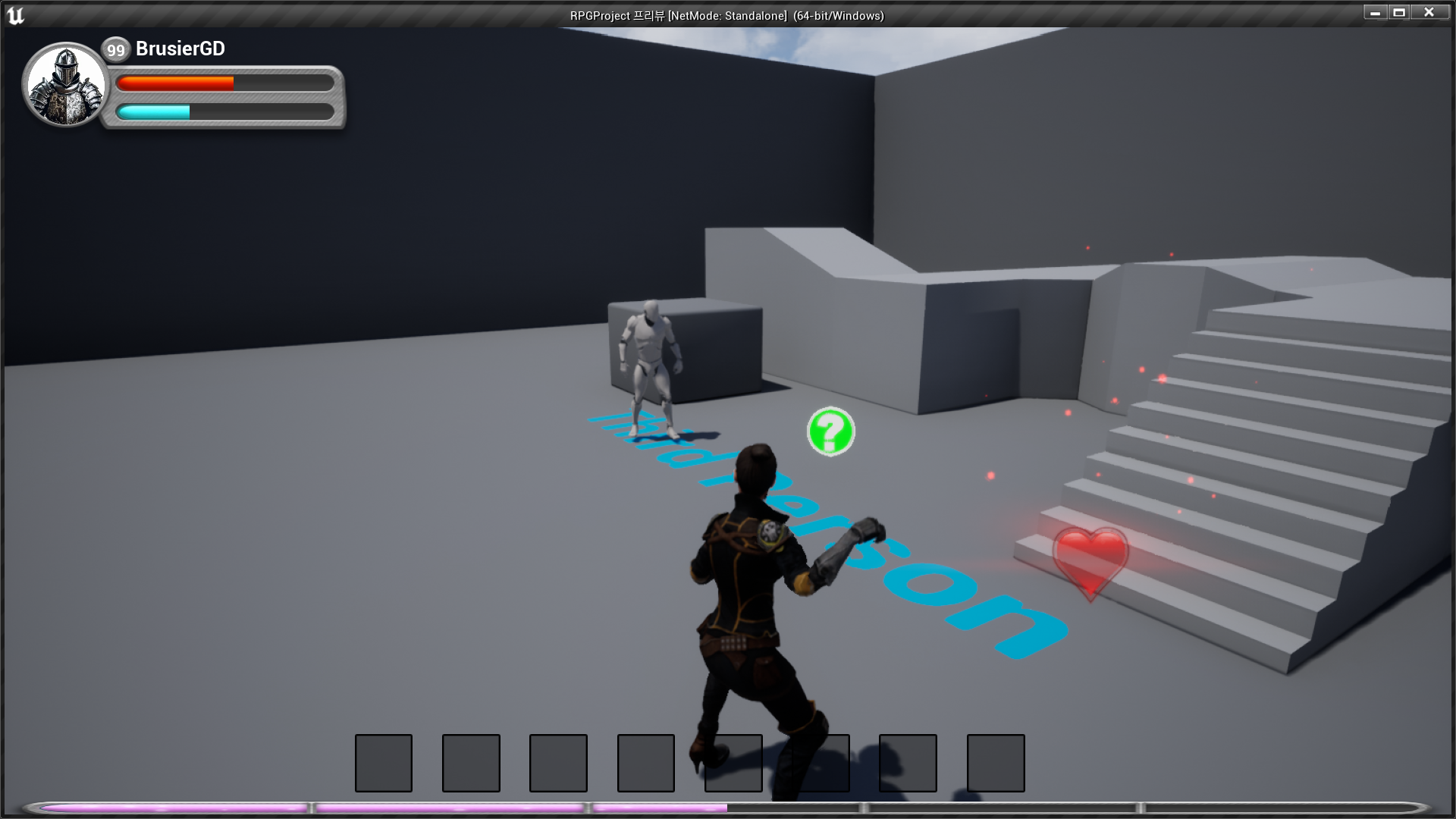
✅ Result
- Designed HUD