UE4 - Creating a RPG #9 - Setting Up The Actionbar
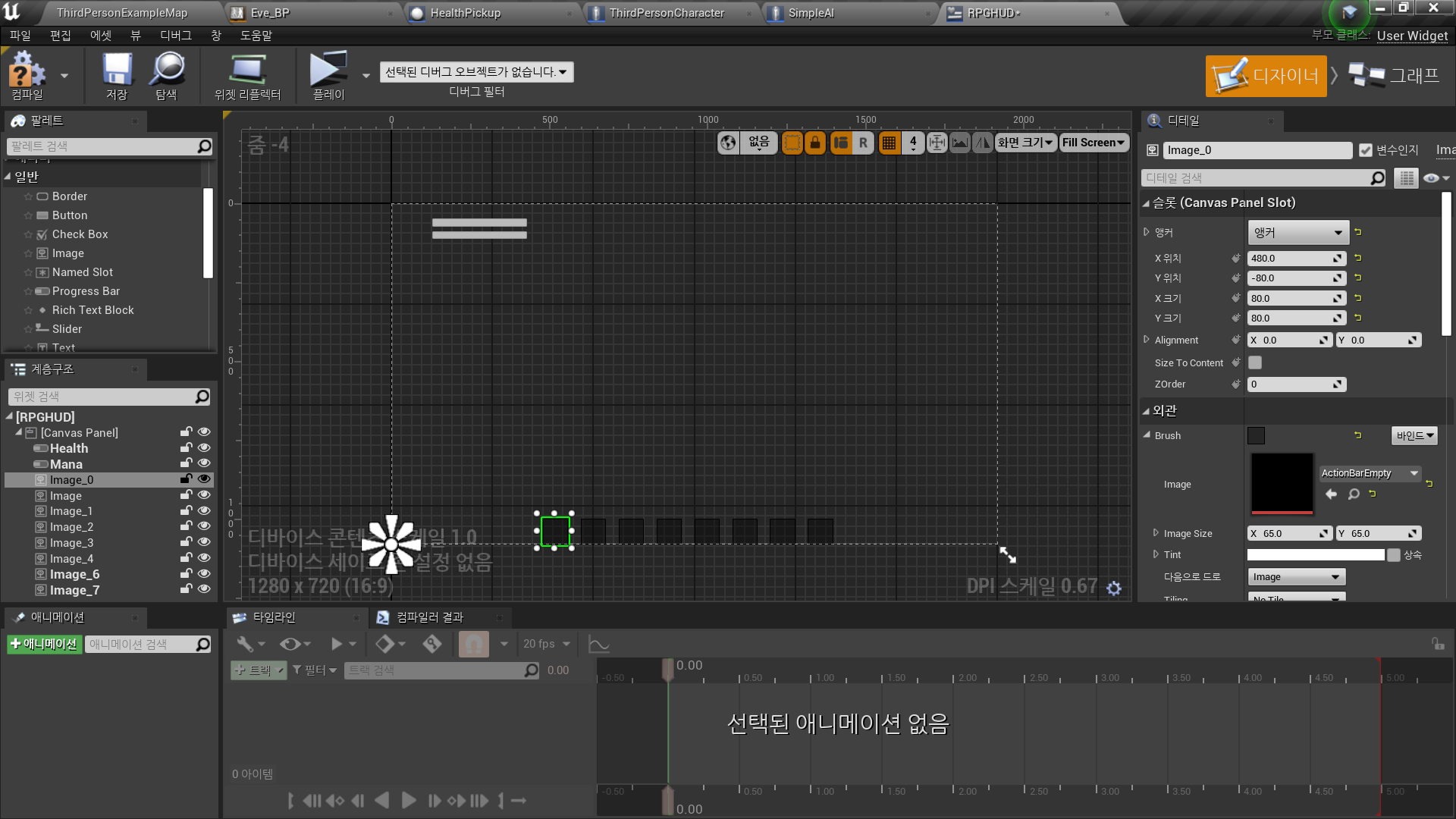
Today's Lesson: Setting Up The Actionbar
Summary
1. How we can start to import our actionbar into our Role Playing Game HUD. We go over importing the file and bringing it into our HUD widget.
2. Create and style a XP bar progress bar from our HUD design.
✅ Game HUD Reference(Throne and Liberty)
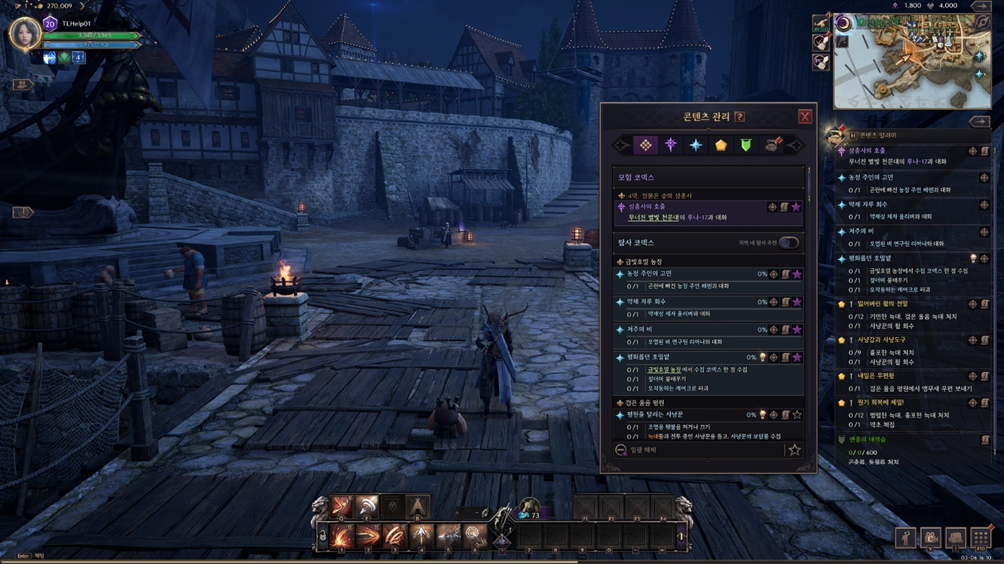
✅ 스킬 퀵슬롯, XP 바 구현
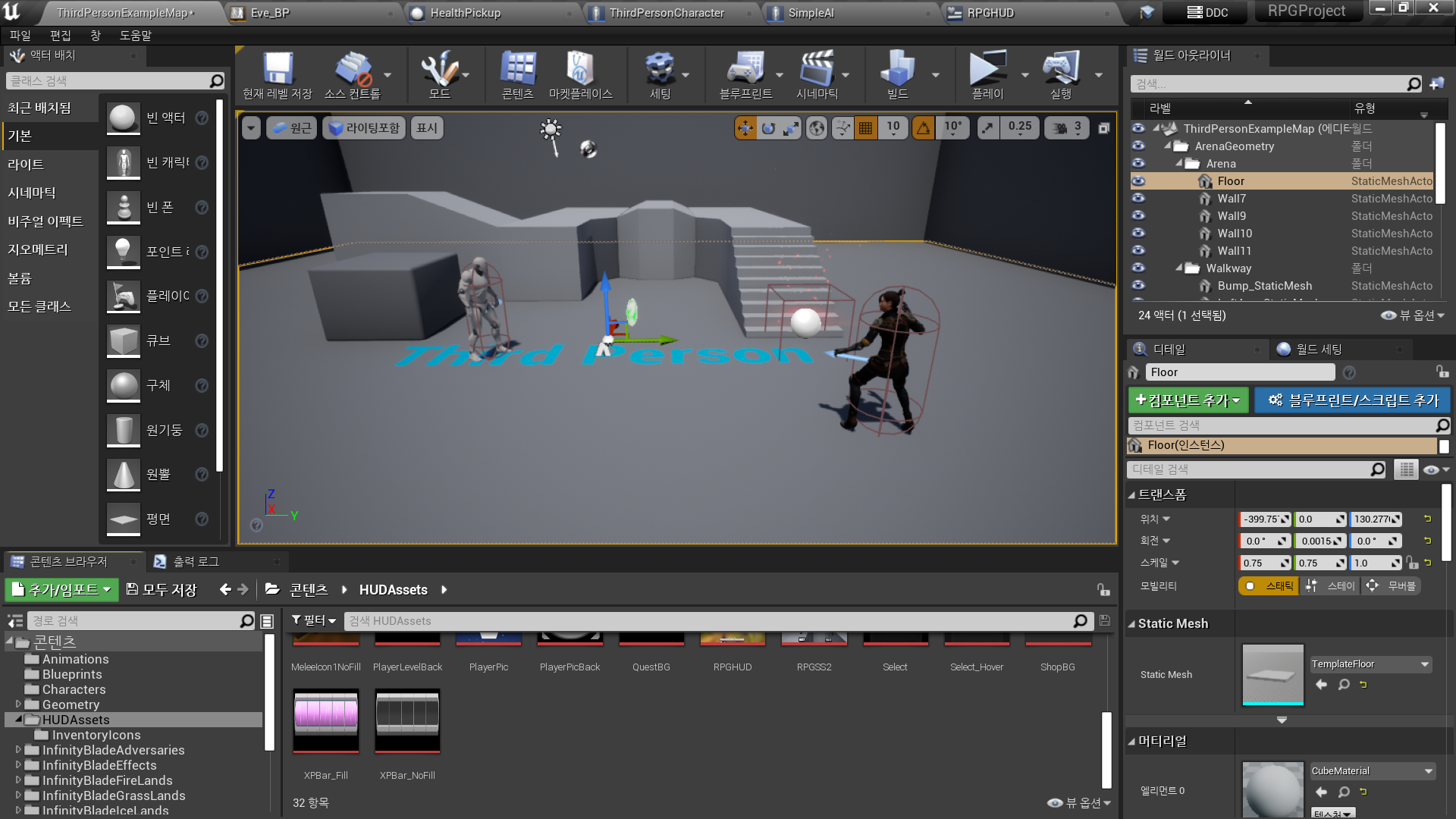
◼️ New 폴더 <HUDAssets>
- 준비한 애셋 드래그 앤 드랍
◼️ In Widget Blueprint <RPGHUD>
-
팔레트 - Image 배치
//스킬 사용에 필요한 1~8번 이미지
- Appearance - Image: ActionBarEmpty
- Slot - x, y 크기: 80
- 앵커에 맞게 Position x,y 조정 -
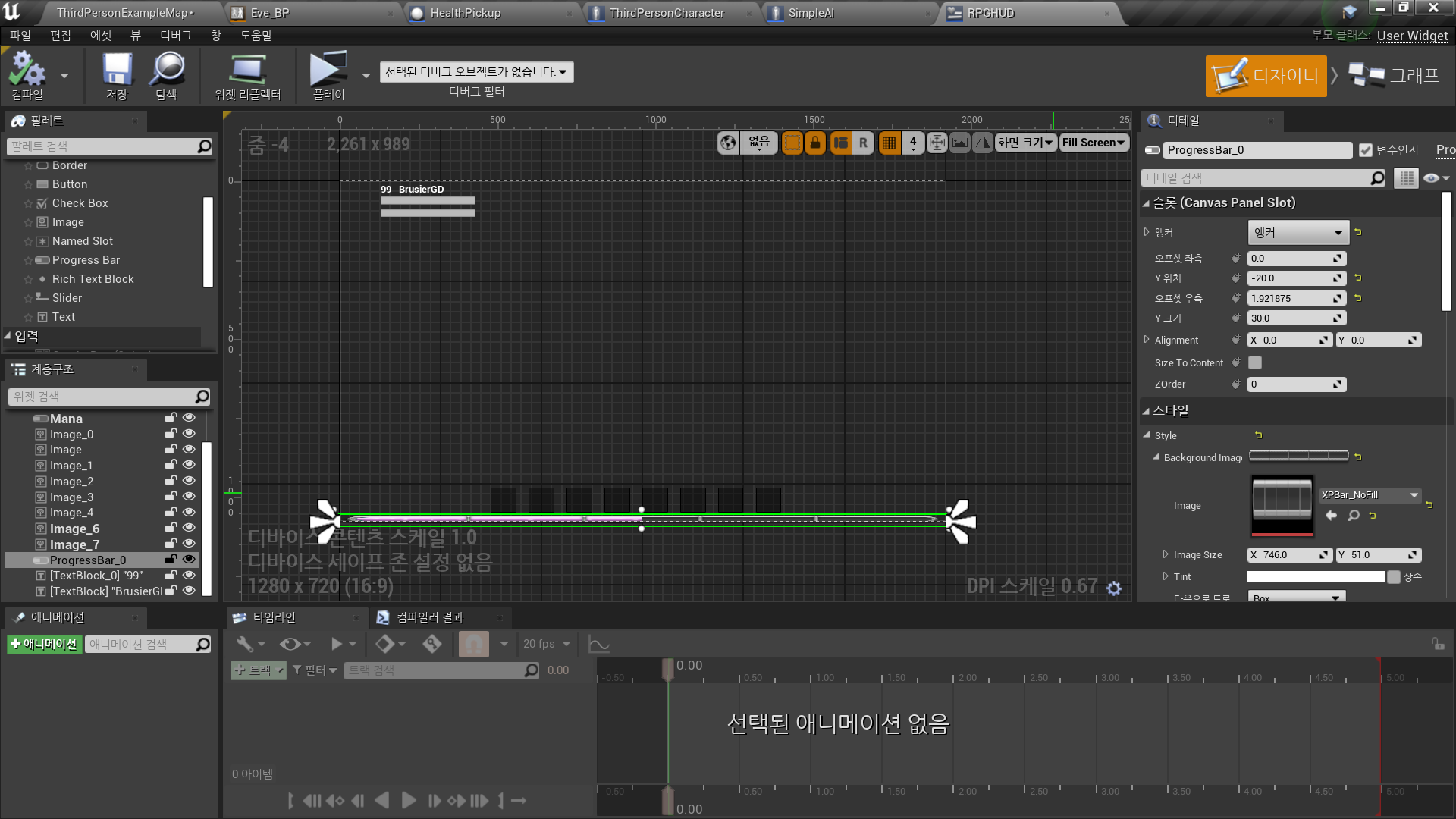
팔레트 - Progress Bar 배치
//경험치 획득랑 표시에 사용
- Style - Background Image: XPBar_NoFill
Margin: 0
- Style - Fill Image: XPBar_Fill
Margin: 0
-
팔레트 - Text 배치
//플레이어의 이름, 레벨 표시
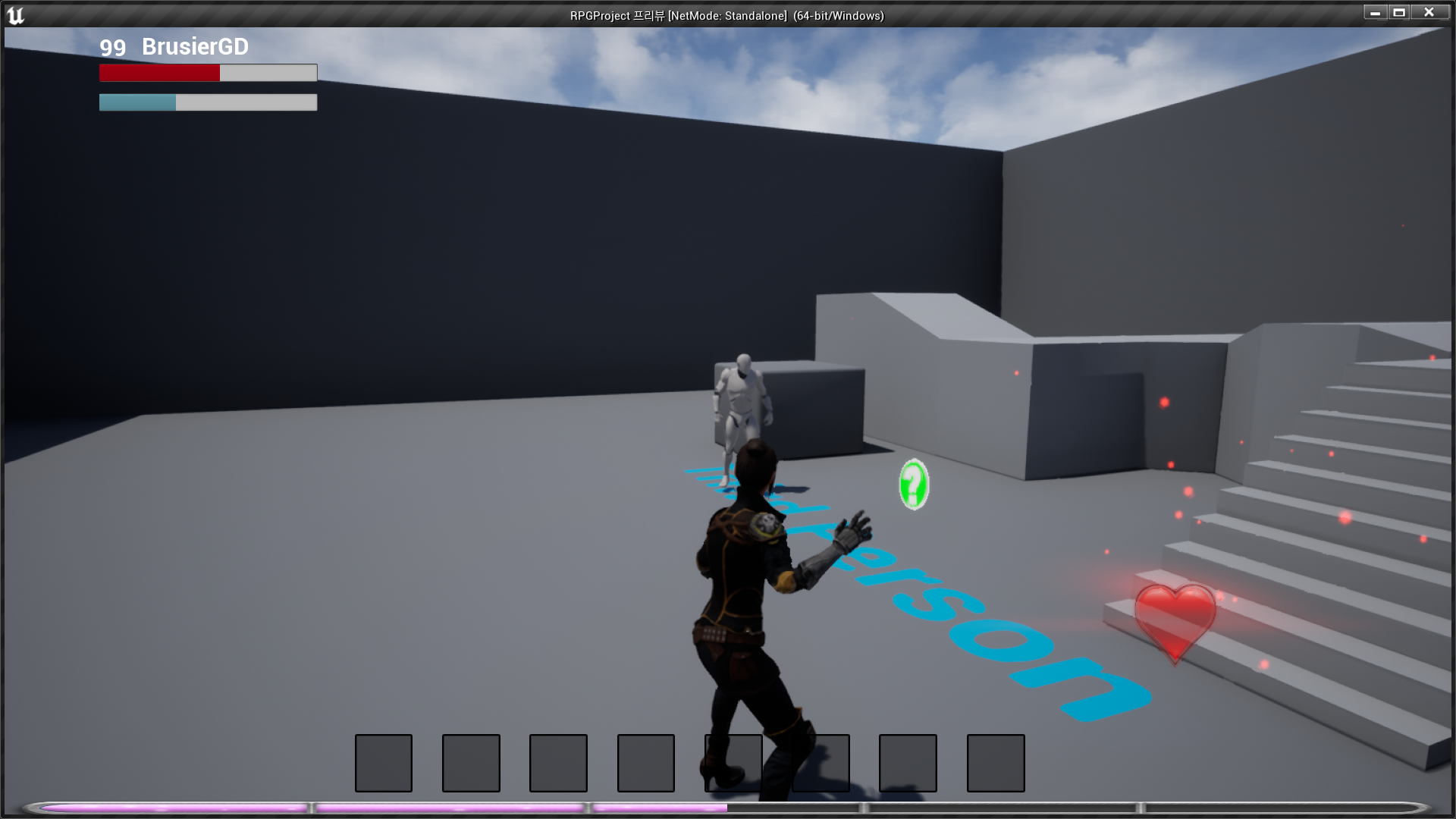
✅ Result
- 이름, 레벨, 스킬 퀵슬롯, XP 바

RPG 기획자 지망생