Today's Lesson: Loot Screen Widget
Summary
1. We take a look at how we can start to create our loot screen that pops up when the player walks over a loot bag.
2. The loot bag will allow the player to find coins and items they'll use later on in the game.
Virtus Learning Hub
✅ LootBag UI
◼️ LootBag 위젯
- Create Widget BP <LootBagWidget>
- Image(LootBag Background)
- Image: LootBG - Button(Close)
- Normal - Image: Close_Normal
- Hovered - Image: Close_Rollover
- Pressed - Image: Close_Normal - Image(Currency Icon)
- Image: Coins - Text(Currency Icon)
◼️ 창 닫기 기능
- CloseButton → OnClicked Event
- Remove from Parent
✅ LootBag Logic
◼️ 창 열기
In Actor BP <LootPickup>
- 위젯 생성: Create Widget → Add to Viewport
- 게임 일시 정지: Set Game Paused(True)
- 마우스 커서 보임: As Player Controller → Set Show Mosue Cursor(True)
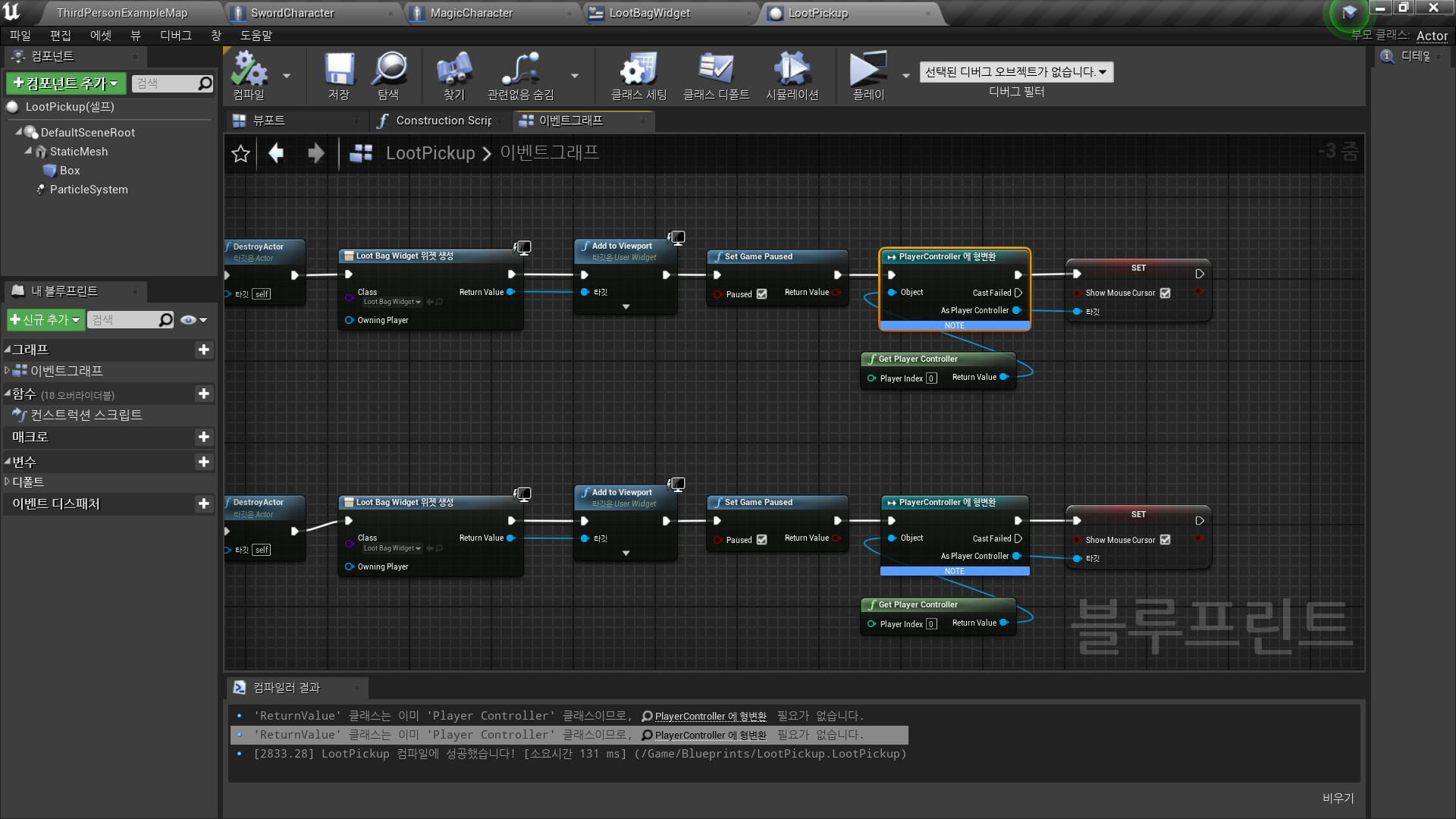
◼️ 창 닫기 추가 기능
In CloseButton - OnClicked Event
- 게임 일시 정지: Set Game Paused(False)
- 마우스 커서 보임: As Player Controller → Set Show Mosue Cursor (False)
✅ Result
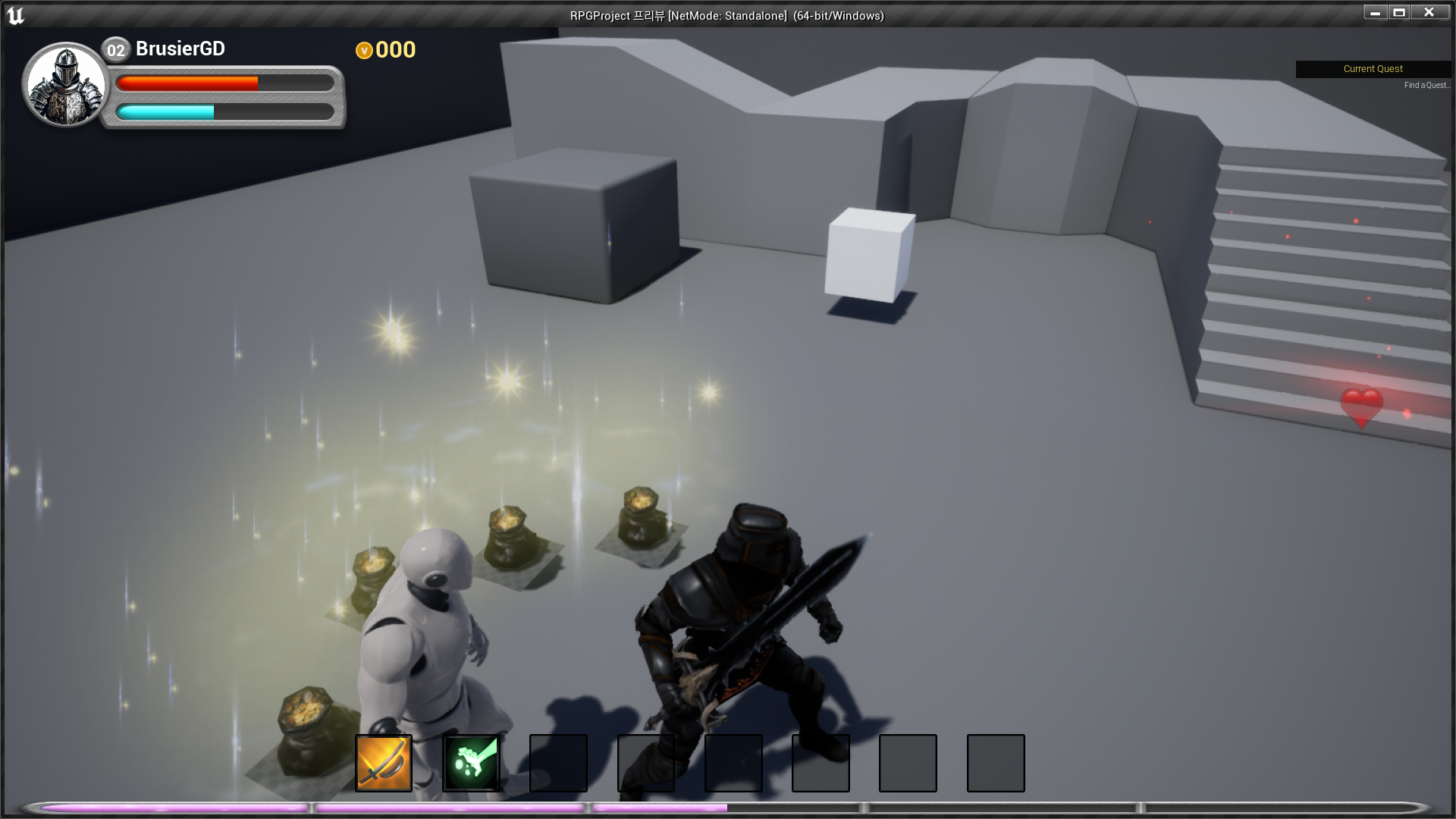
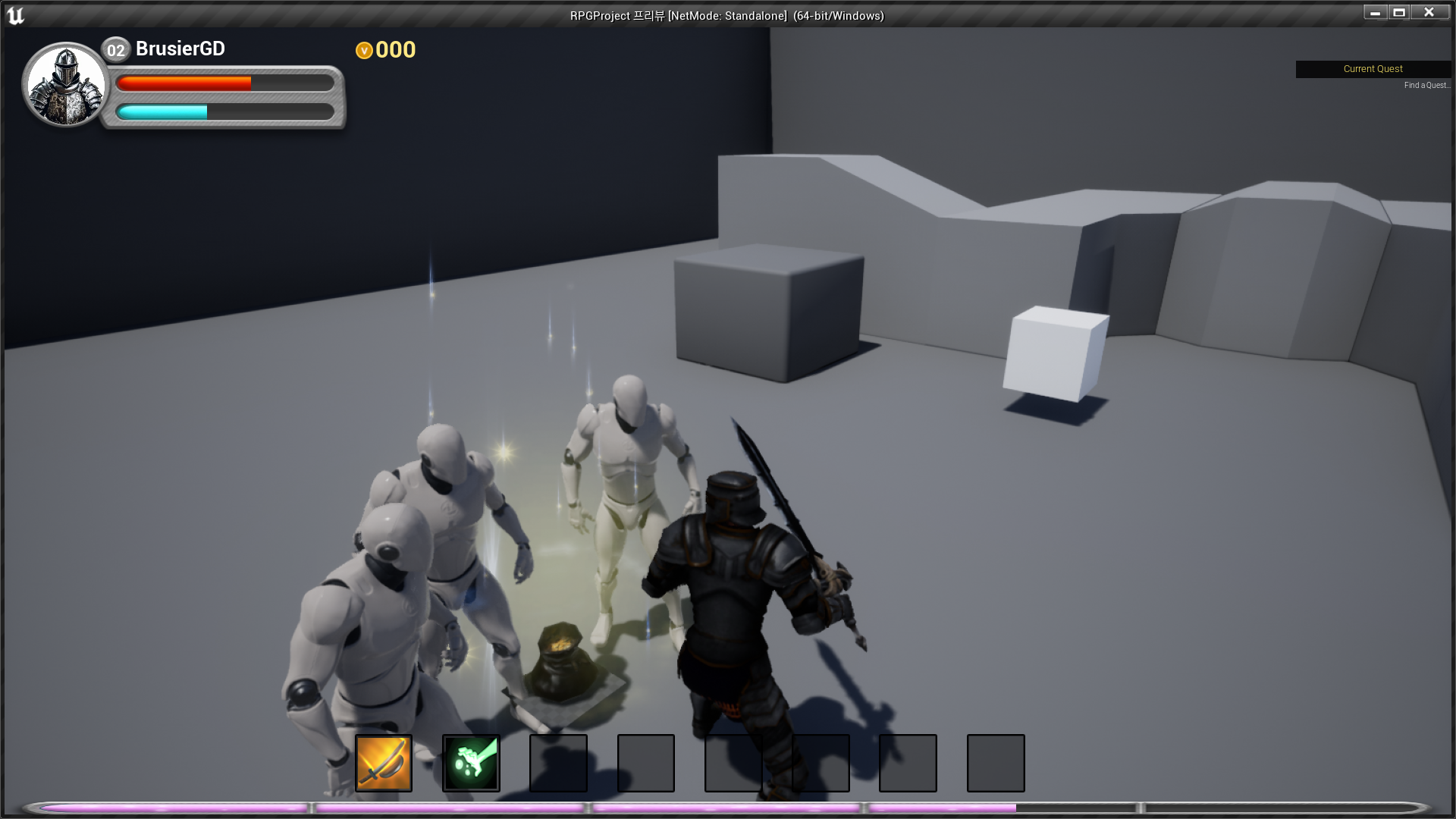
- LootBag 열기
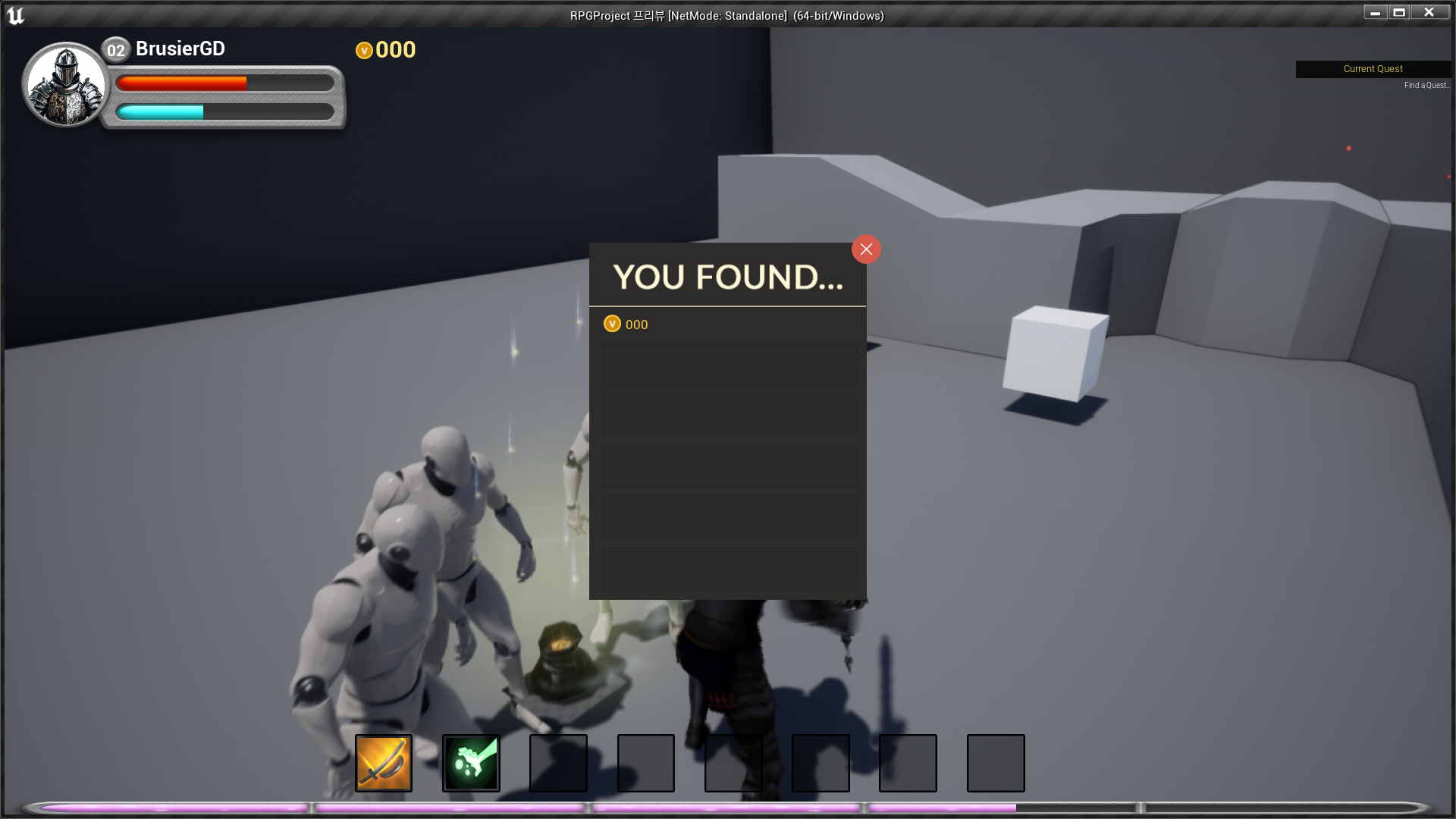
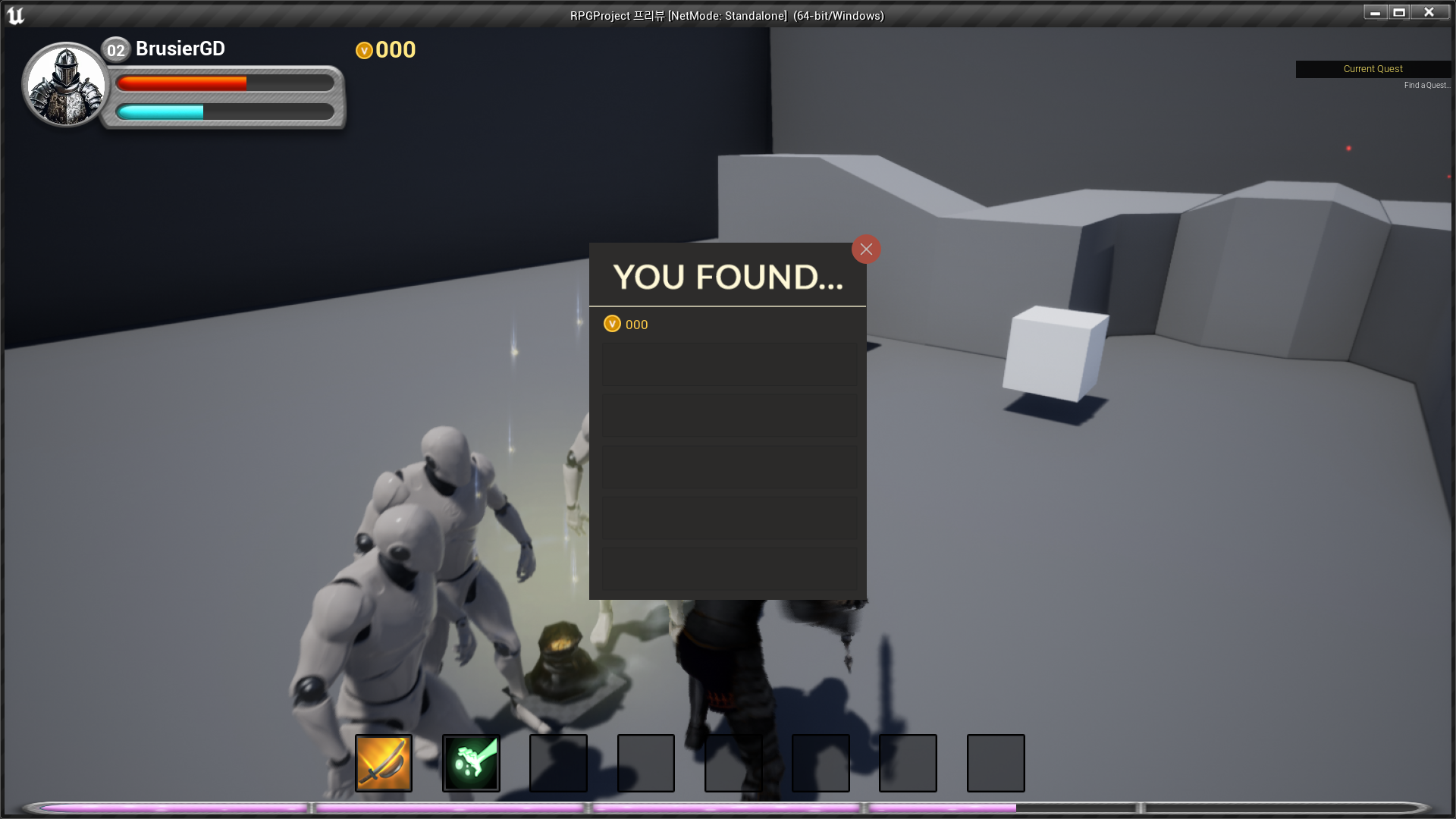
- LootBag 닫기

RPG 기획자 지망생