개요
- LLM이란?
- Ollama를 이용한 간단한 챗봇 실습
LLM(Large Language Model)
- 대규모 언어 모델
- 수많은 파라미터를 보유한 인공 신경망으로 구성된 언어 모델
- 텍스트 이해 및 분석, 다양한 자연어 처리 작업을 수행 할 수 있음
LLM 모델
모델명 개발사 GPT-4 OpenAI GPT-3.5 OpenAI Claude 3 Anthropic Gemini 1.5 Google DeepMind Mistral 7B Mistral AI Mixtral Mistral AI LLaMA 2 Meta LLaVA UW / Microsoft BLOOM BigScience KoAlpaca Beomi Phi-2 Microsoft
Ollama
- 로컬에서 LLM을 실행 할 수 있게 해주는 도구
- Mac, Window, Linux에서 사용 가능
- 오픈소스 기반 무료로 사용 가능
- 오프라인 실행 가능
Ollama 설치
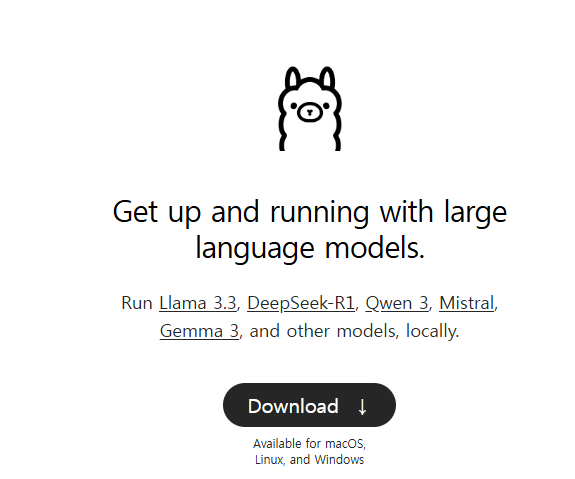
1. Ollama 사이트 접속 및 다운로드
Ollama 공식 사이트: https://ollama.com/
2.설치 파일 다운로드
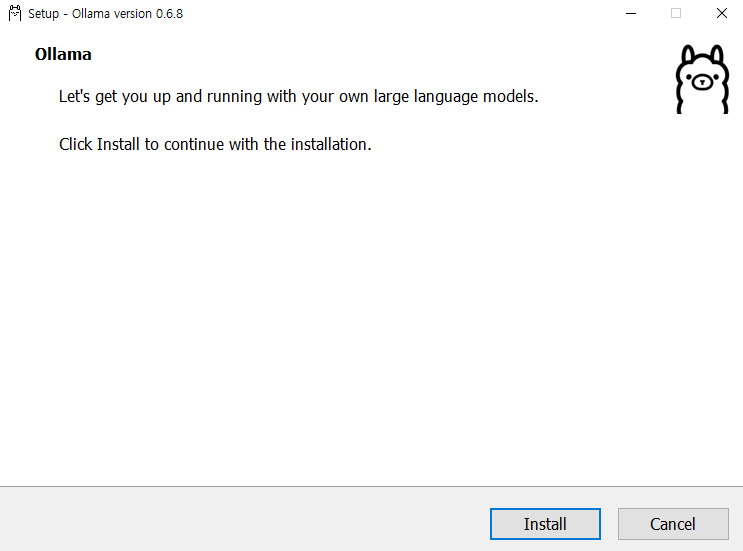
3.모델 설치 및 확인
- cmd에서 설치 진행
- 버전 및 컴퓨터 환경에 따라 오류 발생 가능성 있음
 pip install  ollama
ollama pull llava:7b - 설치 모델 확인
ollama list
Ollama를 이용하여 간단한 챗봇 실습
- streamlit을 이용하여 간단한 웹 인터페이스 구현
def ask_question(question):
    response = ollama.chat(
        model = 'llava:7b',
        messages = [ {
            'role' : 'user',
            'content': question
        } ]
    )
    return response['message']['content']

st.title('ollama 챗봇')
data = st.text_input('궁금한 내용을 입력해주세요')
if data:
    with st.spinner('답변 생성중...'):
        result = ask_question(data)
        st.write('## 답변:')
        st.write(result)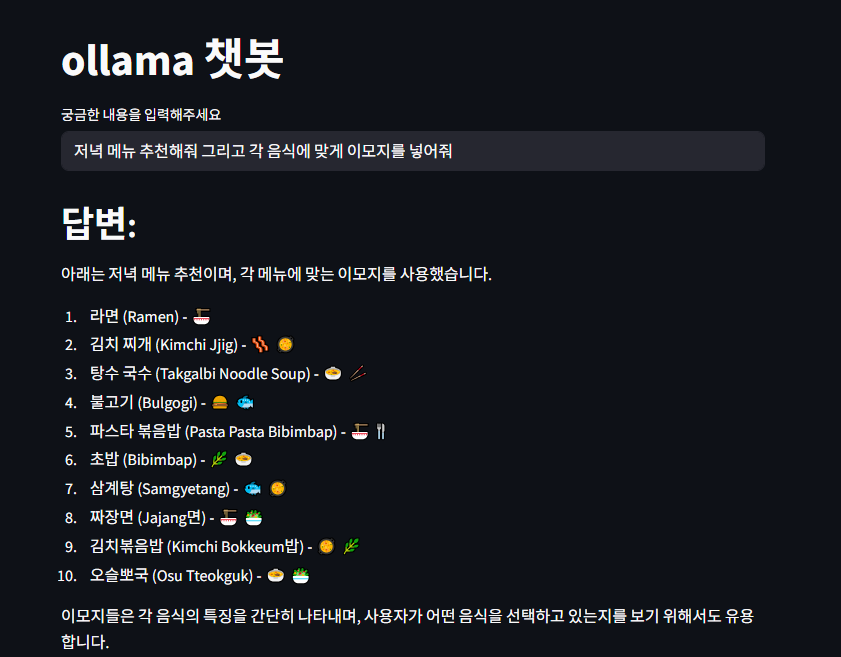
- 한국어를 결과값으로 받으면 어색하게 나오는 문제가 있음
이미지 챗봇
- 모델: llava:7b
- googletrans를 이용하여 번역 사용
- 결과값을 영어로 반환 -> 번역 모델을 이용하여 한국어로 번역
@st.cache_resource
def get_translator():
    return Translator()
# 이미지 업로드시 사용
def encode_image_base64(uploaded_file):
    return base64.b64encode(uploaded_file.read()).decode('utf-8')

# 영어 -> 한글 번역
def translate_kr(text):
  translator  = Translator()
  try:
    translated = translator.translate(text, src= 'en', dest = 'ko')
    return translated.text
  except Exception as e:
        return f"번역 오류: {e}"

st.title('이미지 분석 챗봇')

upload_img = st.file_uploader('이미지 업로드 하기', type = ["png", "jpg", "jpeg"])

question  = st.text_input('질문을 입력하세요: ')
question = question + 'plz english'

# 실행 버튼
button = st.button('분석 시작')

if button and upload_img:
  try:
      # 이미지 분석
      with st.spinner('이미지 분석중'):
        start_time = time.time()
        base64_image = encode_image_base64(upload_img)
        st.image(upload_img, caption = '업로드한 이미지')
        response = ollama.chat(
            model = 'llava:7b',
            messages = [ {
                'role' : 'user',
                'content': question,
                'images' : [base64_image]
            } ]
        )
        end_time = time.time()
        total_time = end_time-start_time
        result_en = response['message']['content']
        result_kr = translate_kr(result_en)

      # 결과 표시
      st.markdown('---')
      st.write('## 이미지 분석 결과: ')
      st.info(result_kr)

      st.caption(f'걸린 시간: {round(total_time, 1)}초')
  except Exception as e:
      st.write('오류 발생', e)
      print('오류 발생', e)
elif button and not upload_img:
  st.warning('이미지를 업로드 해주세요')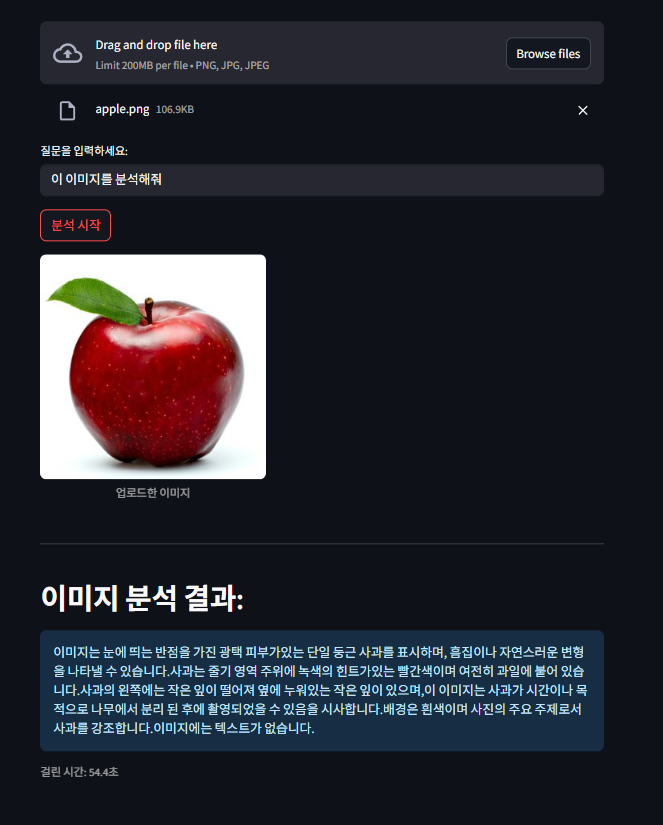

안녕하세요. 도야입니다