프론트 작업을 하다보면 div 태그를 정말 많이 이용한다.
이 때, div태그의 속성이 가로 한 줄을 모두 먹다보니, 난 한 번에 2개 이상의 div박스들을 놓고 싶은데, 계속 세로로 쌓이곤한다.
이 때, 해결 방법 중에 float 방법을 사용할 수도 있다.
<!DOCTYPE html>
<html lang="en">
<head>
  <meta charset="UTF-8">
  <meta name="viewport" content="width=device-width, initial-scale=1.0">
  <title>Document</title>
  <link rel="stylesheet" href="./css/main.css">
</head>
<body>
  <div class="container">
    <div class="header"></div>
    <div class="left-menu"></div>
    <div class="right"></div>
    <div class="footer"></div>
  </div>
</body>
</html>.container{
width: 800px;
}
.header{
width: 100%;
height: 50px;
background: aquamarine;
}
.left-menu{
width: 20%;
height: 400px;
background: cornflowerblue;
}
.right{
width: 80%;
height: 400px;
background: coral;
}
.footer{
width: 100%;
height: 100px;
background-color: grey;
}
위와 같이 있을 때, 난 파란색과 주황색 박스를 한 라인에 두고 싶다고 한다면, 아래처럼 할 수 있다.
.container{
  width: 800px;
}
.header{
  width: 100%;
  height: 50px;
  background: aquamarine;
}
.left-menu{
  width: 20%;
  height: 400px;
  background: cornflowerblue;
  float: left
}
.right{
  width: 80%;
  height: 400px;
  background: coral;
  float: left
}
.footer{
 width: 100%;
 height: 100px;
 background-color: grey;
}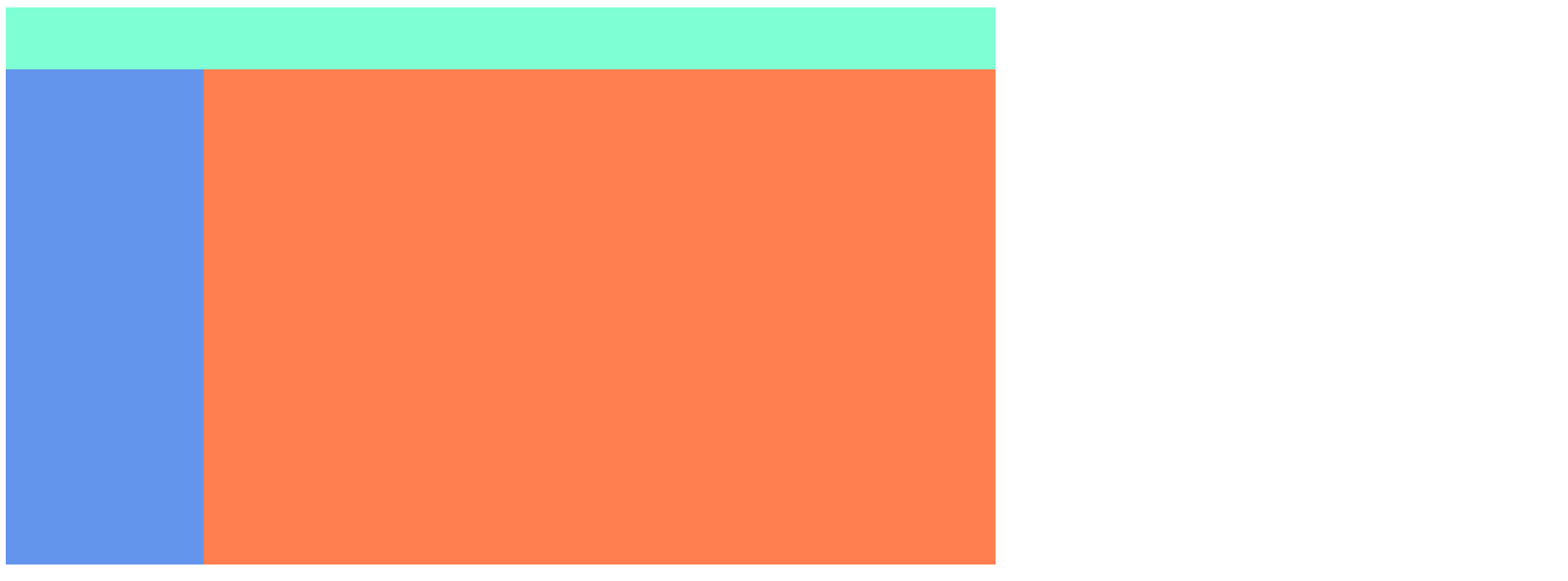
left-menu와 right에 float:left를 먹여서 header 밑에서 왼쪽으로 정렬 시켜주었다.
float:right도 있는데 그러면 가로에 붙게되는데 난 공간이 %를 이용해서 꽉 채워넣었으니 왼쪽으로만 붙게하면 되어서 그럴 필요가 없었다.
그런데 이렇게 하니 footer div가 보이지 않는다.
어디갔냐 했더니 여기 있다.
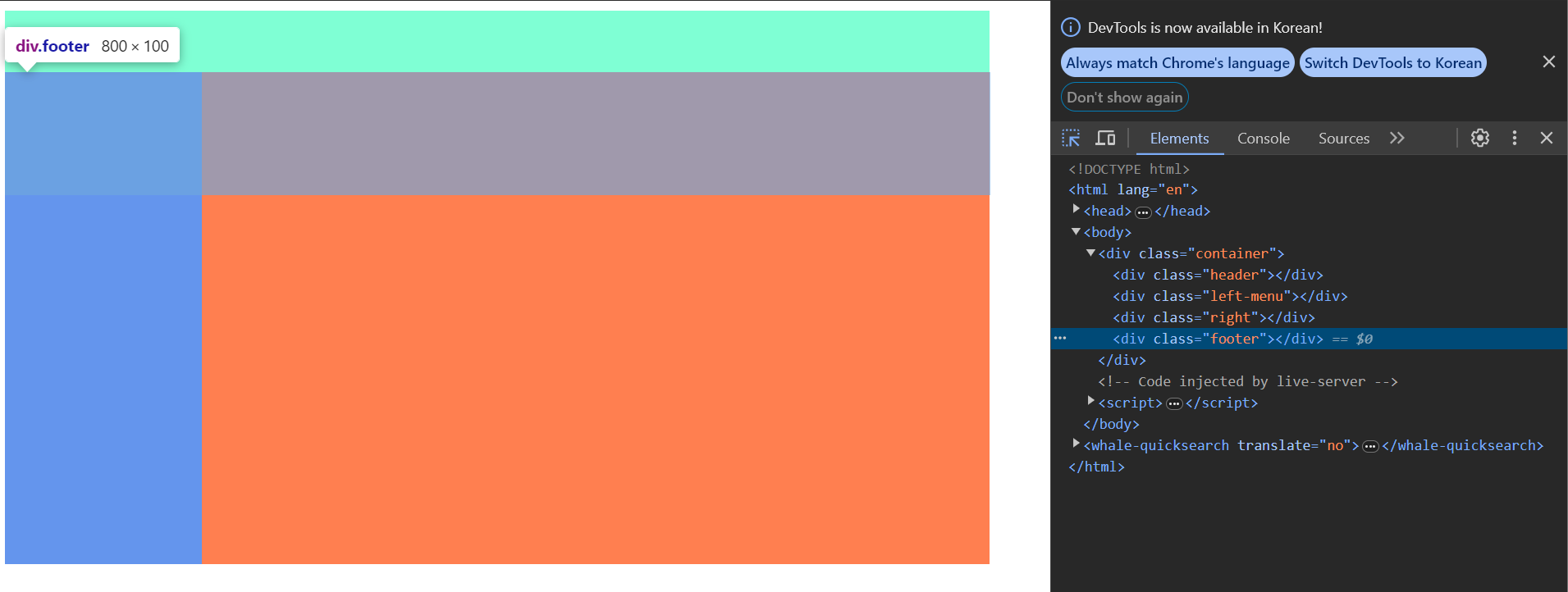
이런 경우에는
clear: both;를 이용해서 float를 쓴 다음 태그는 float되지 않도록 하는 방법을 쓴다.
clear: left 왼쪽 정렬된 float 되어있는 값을 무시하고 display:block 처럼 생각함
clear: right 오른쪽 정렬된 float 되어있는 값을 무시하고 display:block 처럼 생각함
clear: both 오른쪽이든 왼쪽이든 float 되어있는 값을 무시하고 display:block 처럼 생각함
clear: none 아무것도 안함. 그냥 float이면 float임
따라서 clear:both를 사용하면 우리가 원하는 모양새가 나온다.
.container{
  width: 800px;
}
.header{
  width: 100%;
  height: 50px;
  background: aquamarine;
}
.left-menu{
  width: 20%;
  height: 400px;
  background: cornflowerblue;
  float: left
}
.right{
  width: 80%;
  height: 400px;
  background: coral;
  float: left
}
.footer{
 width: 100%;
 height: 100px;
 background-color: grey;
 clear: both;
}
그리고 현재 footer에서 clear:both를 사용했는데, 이렇게하면 margin이 제대로 안먹힐 수 있으니, 당장 footer에 적용시키기 이전에 빈 div태그를 만들고 해당 div태그에 스타일을 clear:both를 먼저 먹여두면 footer에서 margin-top 속성도 문제없이 사용 가능하다.
난 flex를 사용하곤 했는데, float을 사용하는 방식이라니 또 하나 알아간다.