GPT Image 2 Review: 4K AI Images, Readable Text, and Faster Visual Workflows
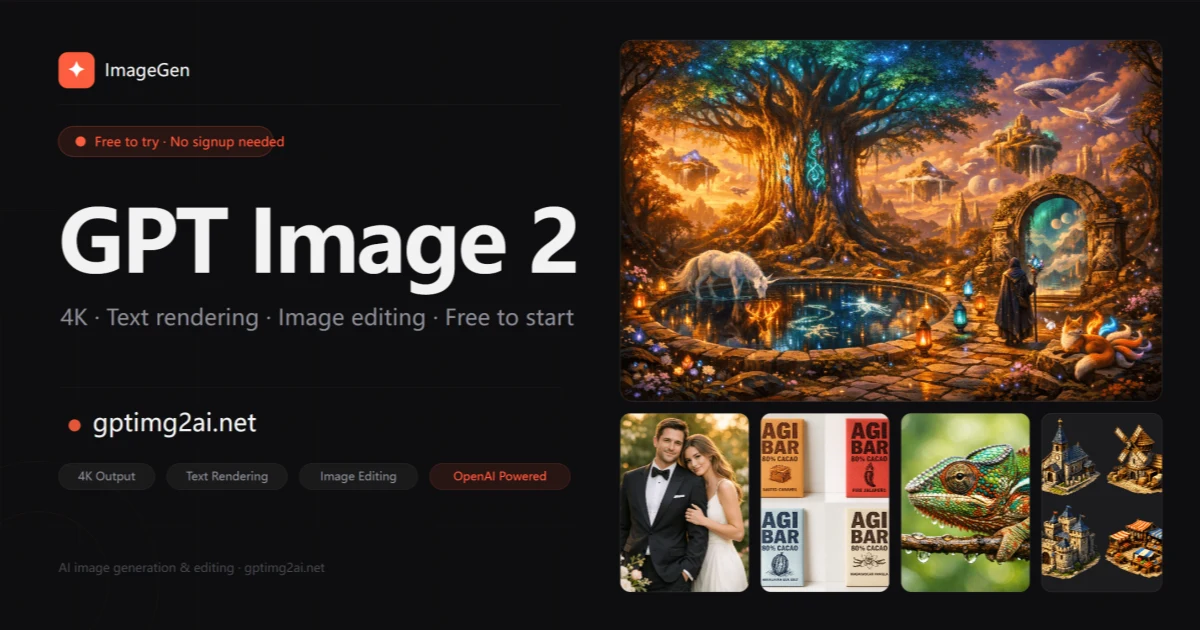
GPT Image 2 is an AI image generator aimed at people who need more than pretty demo outputs. The product focuses on the details that matter in real workflows: sharper image quality, readable text inside generated visuals, and natural-language editing that helps teams move faster.
The official site positions GPT Image 2 around native 2K generation, optional 4K upscaling, prompt-based editing, and 95%+ text accuracy. That matters because many AI image tools still struggle when the output needs to be usable in a real marketing asset, product mockup, or landing page visual.
What GPT Image 2 does well
Most image generators can create something visually interesting. Fewer can create something a team can actually ship. GPT Image 2 feels more practical because it closes that gap. If you need a hero image, ad creative, social graphic, or product visual, details like clean composition and readable text become much more important than style experiments alone.
From the product page, the strongest advantages are easy to summarize:
- 4K-ready output for sharper visual assets
- readable in-image text for posters, ads, and product graphics
- natural-language editing for faster revisions
- more consistent image generation across a series
- commercial use support on paid plans
That combination makes the tool more useful for creators, marketers, e-commerce teams, and product operators who need assets quickly.
Why readable text matters
Text rendering is one of the easiest ways to tell whether an AI image tool is practical or not. A concept image can look impressive until the headline breaks, the packaging text becomes nonsense, or the CTA button is unreadable. GPT Image 2 puts text accuracy closer to the center of the product, which gives it a stronger fit for business use cases.
If a team can create an image and keep the text usable in the same workflow, the revision cycle becomes much shorter. That means fewer exports, less manual cleanup, and faster iteration on campaign ideas.
Where GPT Image 2 fits real workflows
GPT Image 2 is especially easy to imagine in e-commerce, growth marketing, content design, and creator workflows. Brands can create cleaner product scenes without shooting every variation. Marketing teams can test multiple image directions faster. Product teams can turn copy ideas into feature graphics and landing page visuals with less design overhead.
The editing flow is also important. Adjusting backgrounds, removing objects, or changing the direction of an existing image through plain-English instructions lowers the barrier for non-designers. That is useful for solo makers and small teams that still need strong visuals.
Final take
GPT Image 2 looks most valuable when the goal is not just to generate images, but to generate visuals that can actually be used in work. Higher-resolution output, stronger text rendering, and simpler editing make it easier to justify in production workflows.
If you want to try it directly, the official GPT Image 2 website is the best place to start.
