- 2024.02.04 -
1. 간단한 서보모터 제어값 생성
micro-ROS를 통한 ROS와 아두이노의 통신체계를 구축한 상태에서
카메라를 통해 서보모터 제어값을 생성하는 아주 간단한 코드를 구현해보았다.
[참고사항]
- 카메라의 x축 이동만을 고려
- 제어기법을 활용하지 않은 연습
일단, 화각 상 정중앙(x=320)을 기준으로 구획하였다.
1. 인식된 객체가 화각 상 오른쪽에 위치한 경우
- 카메라의 렌즈는 인식한 물체 기준 왼쪽을 바라보고 있음
- 인식한 물체를 화각의 중앙에 위치시키기 위해 카메라가 오른쪽으로 회전해야함
- 카메라가 오른쪽으로 회전하기 위한 서보모터 제어값 입력 필요 (시계방향 : pwm=180)
2. 인식된 객체가 화각 상 왼쪽에 위치한 경우
- 카메라의 렌즈는 인식한 물체 기준 오른쪽을 바라보고 있음
- 인식한 물체를 화각의 중앙에 위치시키기 위해 카메라가 왼쪽으로 회전해야함
- 카메라가 왼쪽으로 회전하기 위한 서보모터 제어값 입력 필요 (반시계방향 : pwm=0)
3. 인식된 객체가 화각 상 중앙에 위치한 경우
- 카메라가 움직일 필요가 없음
- 범위 : 290<=x<=350 (픽셀 기준 0<x<640)
다음과 같은 간단한 구성으로 1차 실험을 하였다.
2. 코드 구성
3. 실험 결과
4. 문제점
- ROS와 아두이노 간에 데이터 송수신 편차가 있음 (아두이노에서 데이터를 늦게 받아오는 현상)
- 서보모터의 비정상적인 작동 오류 (물에 한 번 빠진 적이 있음)
- 서보모터 제어값을 90을 할당해도 조금씩 회전함
- 서보모터 제어값 180일 때와 0일 때 회전 속도가 같아야하지만 회전속도가 다름
- 2024.02.06 -
1. ROS와 아두이노 간 데이터 송수신 편차
1-1. 아두이노 시리얼 모니터 출력 함수 제거
아두이노의 serial monitor를 통한 디버깅 함수를 사용할 시 데이터를 받아오는 데 delay가 생길 수도 있다고 한다.
그래서 모든 디버깅 함수를 주석 처리한 후 실행해보았지만
달라지는 건 없었다...
1-2. delay() 수정
#include <micro_ros_arduino.h>
#include <rclc/rclc.h>
#include <rclc/executor.h>
#include <std_msgs/msg/float32.h>
#include <Servo.h>
rcl_subscription_t subscriber;
std_msgs__msg__Float32 pwm_msg;
rclc_executor_t executor;
rclc_support_t support;
rcl_allocator_t allocator;
rcl_node_t node;
Servo servo;
#define PWM_PIN 9
#define RCCHECK(fn) { rcl_ret_t temp_rc = fn; if((temp_rc != RCL_RET_OK)){error_loop();}}
#define RCSOFTCHECK(fn) { rcl_ret_t temp_rc = fn; if((temp_rc != RCL_RET_OK)){}}
void error_loop() {
  while (1) {
    delay(1); // default 100
  }
}
void subscription_callback(const void *msgin) {
  const std_msgs__msg__Float32 *msg = (const std_msgs__msg__Float32 *)msgin;

  Serial.print("Received PWM: ");
  Serial.println(msg->data);

  int pwm_value = static_cast<int>(msg->data);
  pwm_value = constrain(pwm_value, 0, 180);

  int servo_value = pwm_value;

  servo.write(servo_value);
  delay(1);
}
void setup() {
  set_microros_transports();

  Serial.begin(115200);
  servo.attach(PWM_PIN);
  allocator = rcl_get_default_allocator();

  RCCHECK(rclc_support_init(&support, 0, NULL, &allocator));

  RCCHECK(rclc_node_init_default(&node, "micro_ros_arduino_node", "", &support));

  RCCHECK(rclc_subscription_init_default(
      &subscriber,
      &node,
      ROSIDL_GET_MSG_TYPE_SUPPORT(std_msgs, msg, Float32),
      "motor_control"));

  RCCHECK(rclc_executor_init(&executor, &support.context, 1, &allocator));
  RCCHECK(rclc_executor_add_subscription(&executor, &subscriber, &pwm_msg, &subscription_callback, ON_NEW_DATA));
}
void loop() {
  delay(1);
  RCCHECK(rclc_executor_spin_some(&executor, RCL_MS_TO_NS(10))); // default : 100
}- 서보모터 동작에 대한 delay()명령 추가 : 1로 설정
- loop함수에 대한 delay()명령 수정 : 1000 → 1
- 아두이노 spin속도 수정 : 100 → 10
2-1. 결과
- delay()함수에 대한 시간을 수정해준 결과, ROS에서 데이터를 송신하는 동시에
아두이노에서 데이터를 수신하는 효과를 볼 수 있었다. - serial moniter 출력(디버깅)에 대한 함수가 있더라도 delay, spin에 대한 파람을 조절할 경우 문제가 없다는 결론을 얻었다.
- 2024.02.07 -
1. 코드 수정
기존의 pwm을 생성하는 코드는 범위를 정하고 그 범위 내에서는 같은 pwm을 부여해주었다.
이번에는 화각 상 인식된 객체 중심의 x좌표에 따라서
pwm을 다르게 부여해보았다.
#!/usr/bin/env python3
import rclpy
from rclpy.node import Node
from sensor_msgs.msg import Image
from geometry_msgs.msg import Point
from std_msgs.msg import Float32
import numpy as np

class CameraTracking(Node):
    def __init__(self):
        super().__init__('camera_tracking')
        self.shape_centroid = self.create_subscription(
            Point,
            'shape_centroid',
            self.tracking_callback,
            10)  # openCV 객체 검출정보(검출된 도형의 중심)
        self.PWM_publisher = self.create_publisher(Float32, 'motor_control', 10)  # 아두이노로 보낼 PWM DATA
        self.center_x = 320  # 카메라 화각 중심 x좌표 [pixel]
        self.pwm = 90        # pwm 초기값(서보모터 정지상태)
        ## pixel  : 640X480
        ## axis_X : 오른쪽 (+)  [0 <= axis_X <= 640]
        ## axis_Y : 아래쪽 (+)  [0 <= axis_Y <= 480]

    def tracking_callback(self, msg):
        x_value = float(msg.x)
        if self.center_x - 100 <= x_value <= self.center_x + 100:
            self.pwm = 90  # 서보모터 정지
        else:
            self.pwm = (9/32)*(640-x_value)
        pwm_msg = Float32()
        pwm_msg.data = float(self.pwm)
        self.PWM_publisher.publish(pwm_msg)

def main():
    rclpy.init()
    camera_tracking = CameraTracking()
    try:
        rclpy.spin(camera_tracking)
    except KeyboardInterrupt:
        pass
    camera_tracking.destroy_node()
    rclpy.shutdown()
if __name__ == '__main__':
    main()
2. 참고 사항
- 객체의 중심이 화각 상 중앙이라고 인식하는 범위는 220<=x<=420으로 넓혀 주었다.
- 객체 중심에 따른 pwm 계산
- 화각의 x범위는 0에서 640이고, 서보 모터의 pwm값 범위는 0에서 180이므로
- 각 x값에 따른 pwm을 부여하기 위해 비례법칙을 활용하여 180/640=9/32를 x값에 곱해주었다.
- 모터의 회전방향을 고려하여 x값 자체를 곱하지 않고, (640-x)를 곱하였다.
3. 실험 결과
4. 문제점
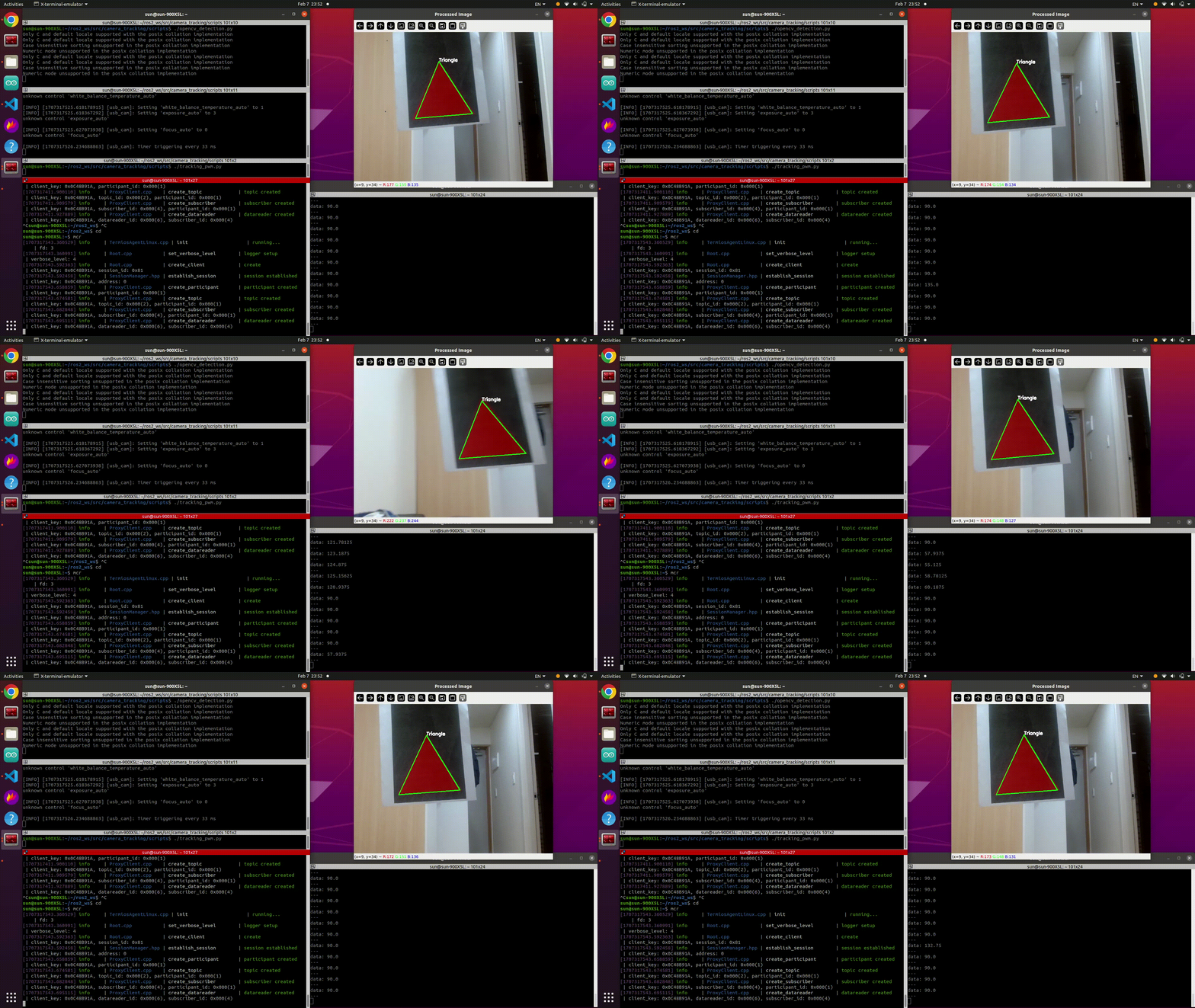
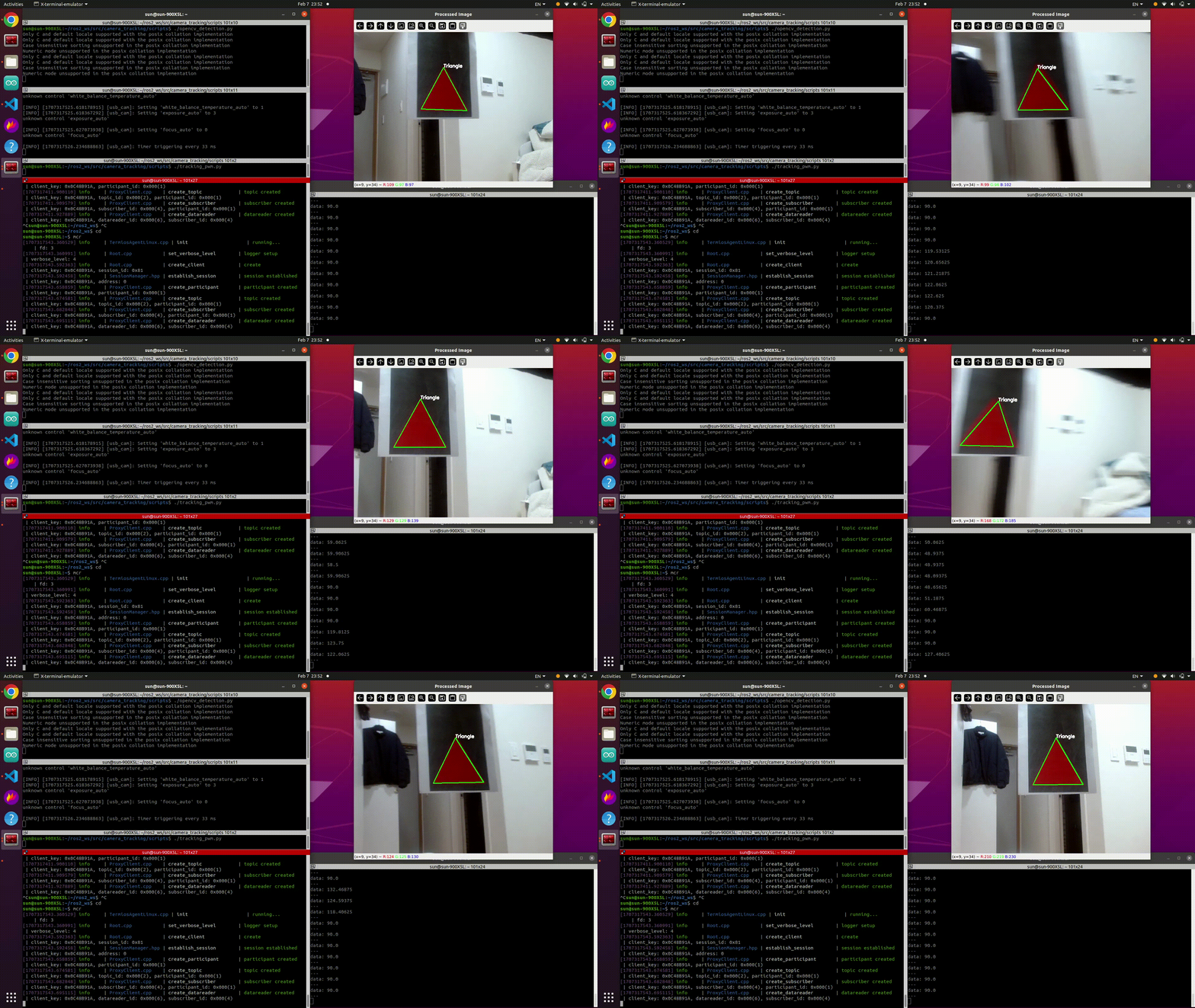
서보모터 동작이 원활하게 이루어지지만,
1. 모터의 동작이 너무 빠르고 부드럽지 않고,
2. 다음 2개의 영상과 같이 overshoot이 자주 발생하였다.
다양한 제어기법을 통해 overshooting을 잡을 필요가 있어보인다.
다음은 PID제어를 통해 overshooting을 잡아보는 글을 써보도록 하겠다.
