Node js 정리
Node js 란??
내보내기
module.export로 내보내고 require와 경로로 받아옴
받아올 js
const add = (a, b) => a + b;
const sub = (a, b) => a - b;

module.exports = {
  moduleName: "calc module",
  add: add,
  sub: sub,
};
받아줄 js
console.log("helloword");

const calc = require("./clac");

console.log(calc.add(1, 2));
노드 패키지
npm init
일단 제목이랑 저자권자 설정만 해줌
package name: (한입-크기로-잘라먹는-리액트) package-example1
version: (1.0.0)
description:
entry point: (clac.js)
test command:
git repository:
keywords:
author: gang
license: (ISC)
이후에 start 쓰고 싶으면 start 설정
{
"name": "package-example1",
"version": "1.0.0",
"description": "",
"main": "clac.js",
"scripts": {
"test": "echo \"Error: no test specified\" && exit 1",
"start": "node new.js"
},
"author": "gang",
"license": "ISC"
}
npm start 통해서 간편실현 가능
외부패키지 사용
https://www.npmjs.com/
가서 랜덤컬러 모듈 설치하기
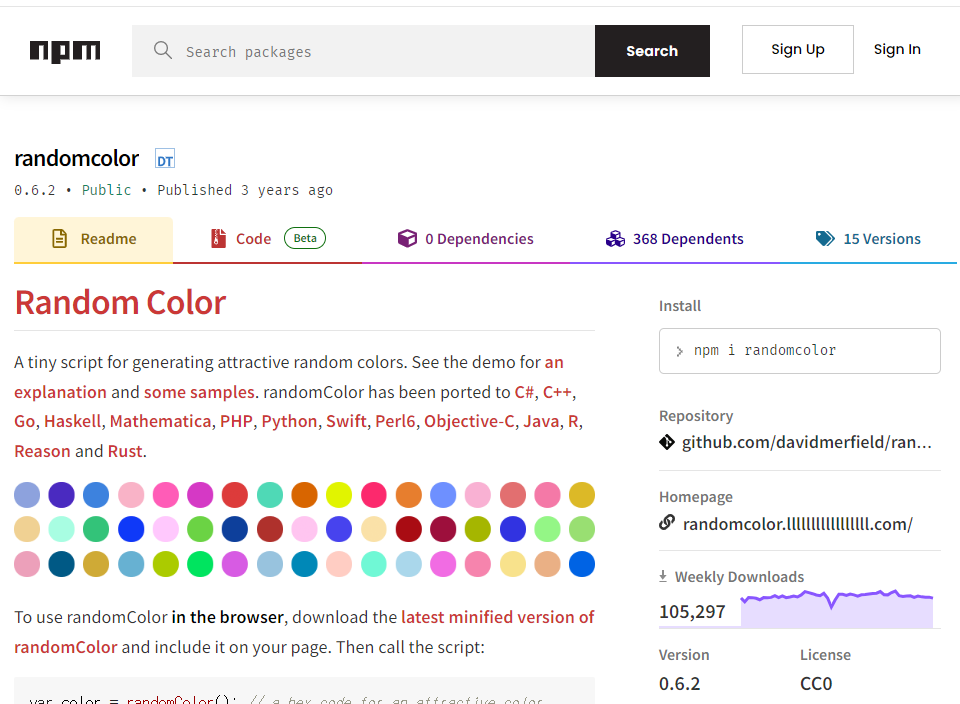
npm install random color