Nuxt.js
- Vue.js애플리케이션을 더 쉽게 구성하고 관리할 수 있도록 해주는 프레임워크
https://nuxt.com/docs/getting-started/routing
1. 장점
1) 서버사이드렌더링(SSR)
2) 페이지기반 파일 시스템으로 자동 라우팅 생성(라우팅 관련 설정 복잡성 감소)
3) 페이지와 컴포넌트 자동 import
4) 자동 코드 분할, 레이지 로딩 제공(애플리케이션 로딩시간 감축)
5) 정적사이드 생성(SSG) 배포가 용이
6) Vuetify같은 UI프레임워크와 쉽게 통합 가능
7) 기본적으로 Vite를 사용하여 개발 서버와 빌드 시스템을 구동
2. 설치
npx nuxi@latest init <project-name>
cd <project-name>
npm install
3. 셋팅
* vue-router를 별도로 설정할 필요가 없다(pages 디렉토리 안 Vue파일을 기반으로 자동 라우트 생성)
* $fetch라는 내장함수를 제공하여 http요청을 간단하게 처리 가능하여 axios를 사용할 필요가 없다
* vuetify 설정(https://vuetifyjs.com/en/getting-started/installation/#using-laravel-mix)
1) 터미널
npm i -D vuetify vite-plugin-vuetify
npm i @mdi/font
2) nuxt.config.ts
import vuetify, { transformAssetUrls } from 'vite-plugin-vuetify'
export default defineNuxtConfig({
  //...
  build: {
    transpile: ['vuetify'],
  },
  modules: [
    (_options, nuxt) => {
      nuxt.hooks.hook('vite:extendConfig', (config) => {
        // @ts-expect-error
        config.plugins.push(vuetify({ autoImport: true }))
      })
    },
    //...
  ],
  vite: {
    vue: {
      template: {
        transformAssetUrls,
      },
    },
  },
})
3) 프로젝트 내 plugins폴더 생성, vuetify.ts파일 생성
// import this after install `@mdi/font` package
import '@mdi/font/css/materialdesignicons.css'

import 'vuetify/styles'
import { createVuetify } from 'vuetify'

export default defineNuxtPlugin((app) => {
  const vuetify = createVuetify({
    // ... your configuration
  })
  app.vueApp.use(vuetify)
})
4) app.vue
<template>
  <NuxtLayout>
    <v-app>
      <NuxtPage />
    </v-app>
  </NuxtLayout>
</template>
4. 구성(https://nuxt.com/docs/getting-started/views)
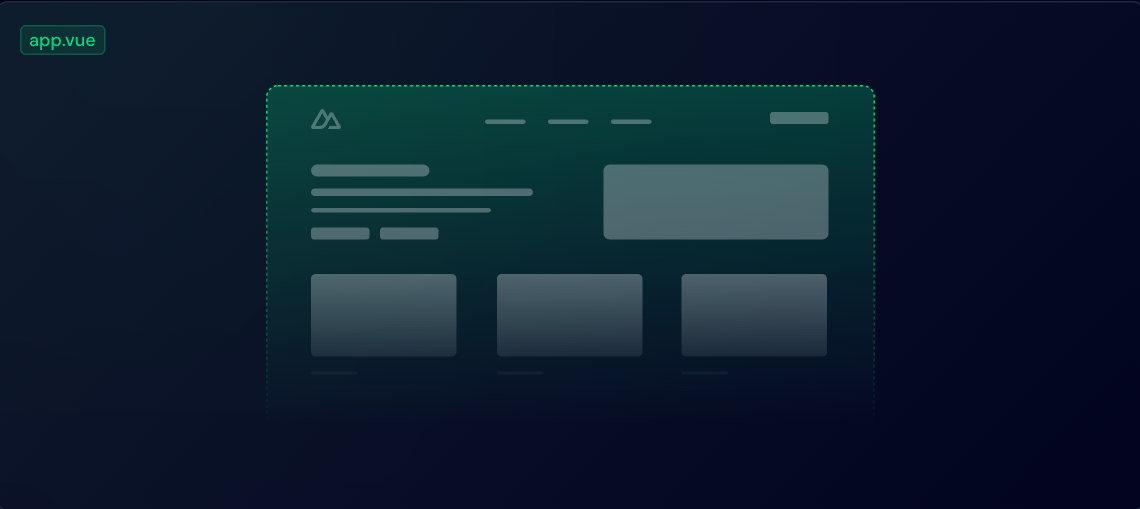
1) app.vue
* 애플리케이션의 모든 경로에 대한 콘텐츠를 렌더링하는 진입점
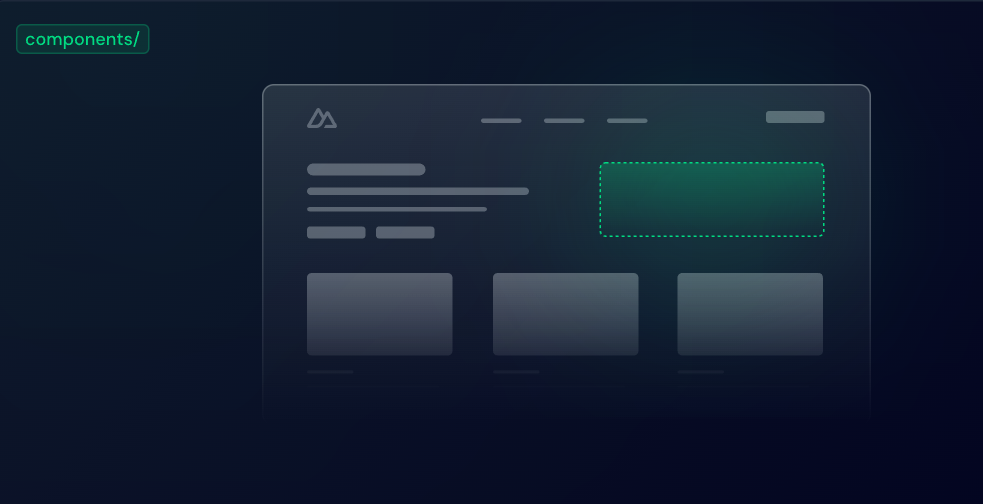
2) components/
* 버튼, 메뉴 등 재사용 가능한 사용자 인터페이스
* Nuxt는 components/ 폴더 아래에 존재하는 모든 폴더, 파일을 자동으로 import
ex) app.vue
<template>
  <div>
    <h1>Welcome to the homepage</h1>
    <AppAlert>
      This is an auto-imported component.
    </AppAlert>
  </div>
</template>
ex) components/AppAlert.vue
<template>
  <span>
    <slot />
  </span>
</template>
Pages
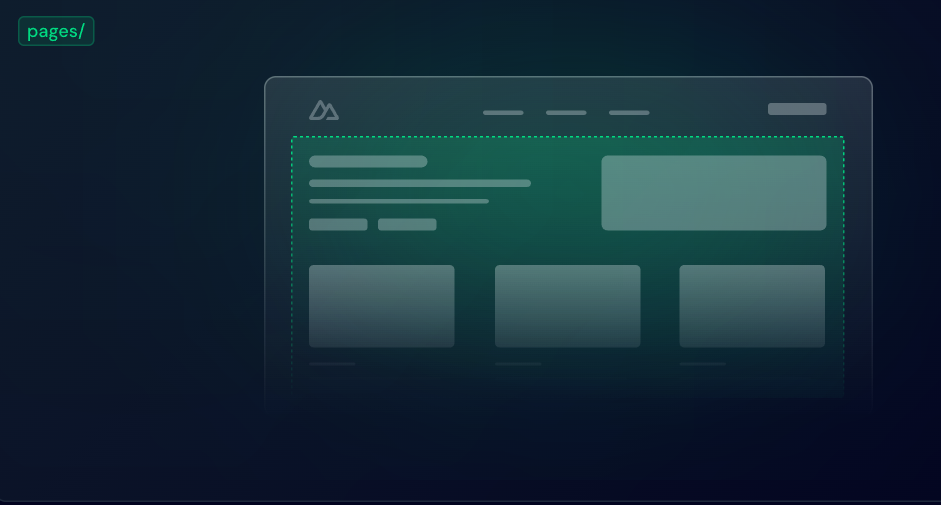
3) Pages/
* 각 특정 경로 패턴에 대한 보기
* < NuxtPage / > 구성요소를 추가
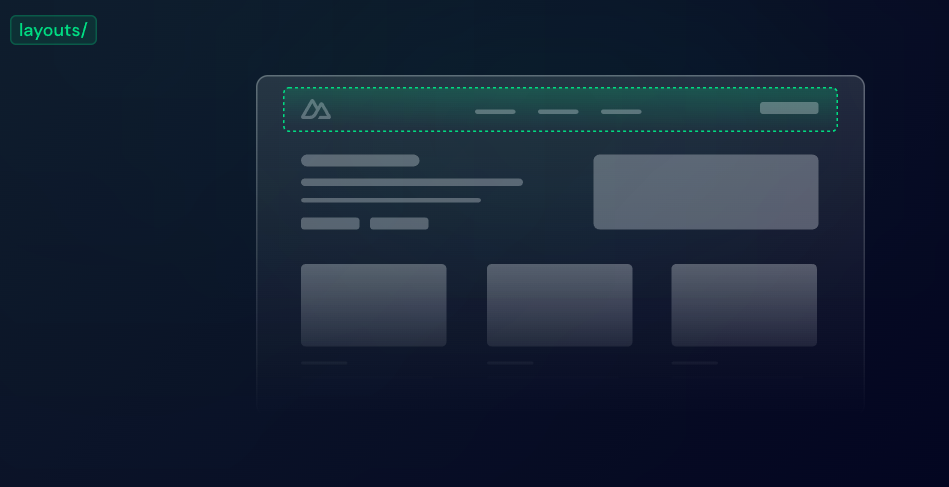
4) Layouts/
- 머리글 바닥글 등 공통 사용자 인터페이스를 표시하는 래퍼
- < slot / > 콘텐츠를 표시하기 위해 구성요소를 사용
ex) layouts/default.vue
<template>
  <div>
    <AppHeader />
    <slot />
    <AppFooter />
  </div>
</template>
ex) pages/index.vue
<template>
  <div>
    <h1>Welcome to the homepage</h1>
    <AppAlert>
      This is an auto-imported component
    </AppAlert>
  </div>
### </template>
ex) pages/about.vue
<template>
  <section>
    <p>This page will be displayed at the /about route.</p>
  </section>
</template>
5. 태그
1) < NuxtLink >
- a태그와 같은 기능 a태그보다 훨씬 빠르다(페이지 전체가 아닌, 바뀐 부분만 렌더링)
<NuxtLink to="/">Go to index</NuxtLink> <NuxtLink to="/login">Go to login</NuxtLink>2) < NuxtLayout > </ NuxtLayout >
- layouts/ 의 레이아웃
3) < NuxtPage / >
- pages/ 폴더를 가져와 렌더링
4) < slot />
- component를 렌더링할 때, html로 작성한 코드가 component의 < slot > < /slot >부분으로 교체
6. route
1) 동적 url 파라미터값 [ paramId ] 대괄호 안에 넣어 사용 가능( param-[id] 와 같이 일부 텍스트만 동적으로 받을 수도 있음)
2) 값 가져오기
- [paramId] -> {{ $route.params.paramId }}
- param-[id] -> {{ $route.params.id }}
3) CompositionAPI