Pyqt5 설치하기(vscode)
랩실에서 하고 있는 무인이동체에 접합시킬 도서관리프로그램을 만들기 위해 pyqt5를 설치하였다. 원래는 tkinter로 설치를 안해도 되는 간편함과 디자인을 맞바꿔 제작을 했었는데 아무리봐도 디자인이 너무 구려서 pyqt를 이용해 제작을 해보려고 한다.
근데 뭐든지 시작하기전에 공부를...
1. pyqt5설치하기
(1) 모듈설치
pip install PyQt5
(2) 툴 설치
pip install pyqt5-tools
저는 아래처럼 설치 경로에 designer.exe가 설치되었습니다. 대부분 파이썬 설치된 경로로 들어가시면 다운이 된 걸 보실 수 있으세욤
C:\Python39\Lib\site-packages\qt5_applications\Qt\bin
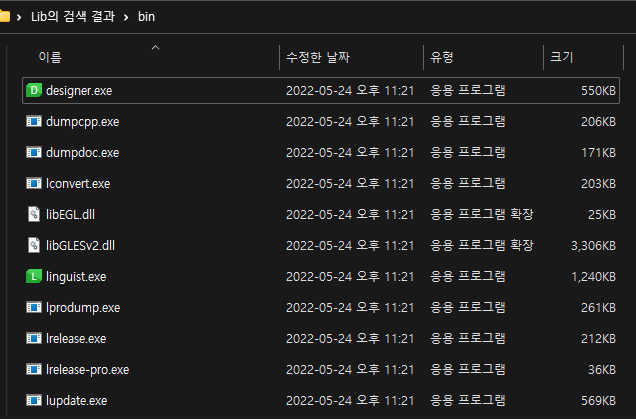
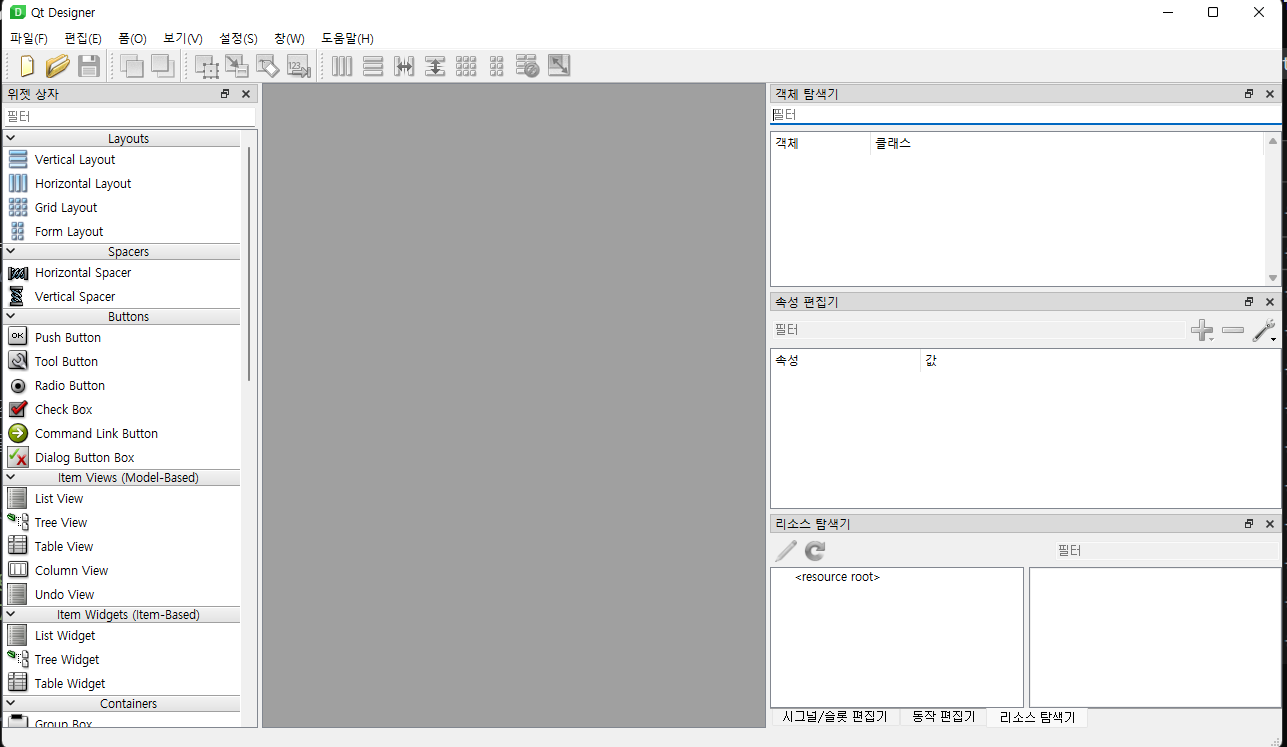
첫번째의 designer.exe를 누르면 아래 사진과 같이 실행이 되게 됩니다.
2. 창 띄우기 예제 코드 실행해보기
(1) code :
import sys
from PyQt5.QtWidgets import QApplication, QWidget
from PyQt5.QtGui import QIcon

class App(QWidget):

    def __init__(self):
        super().__init__()
        self.title = 'Main Window'
        self.left = 300
        self.top = 300
        self.width = 640
        self.height = 480
        self.initUI()

    def initUI(self):
            self.setWindowTitle(self.title)
            self.setGeometry(self.left, self.top, self.width, self.height)
            self.show()

if __name__ == '__main__':
    app = QApplication(sys.argv)
    app.aboutToQuit.connect(app.deleteLater)
    ex = App()
    sys.exit(app.exec_())
(2) 결과 :
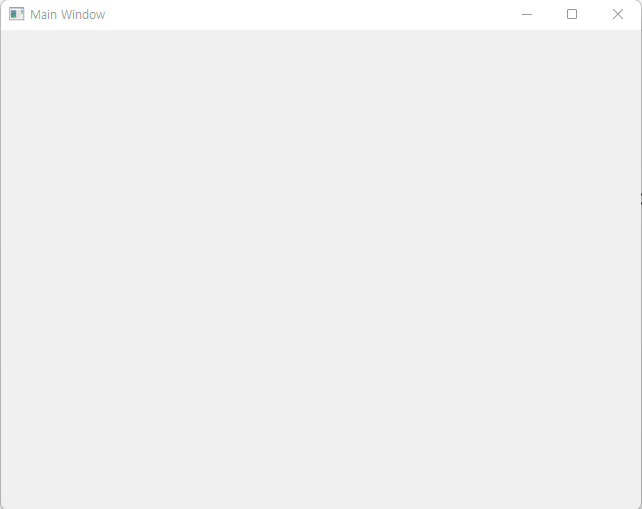

먀먀먐