Riot Games API
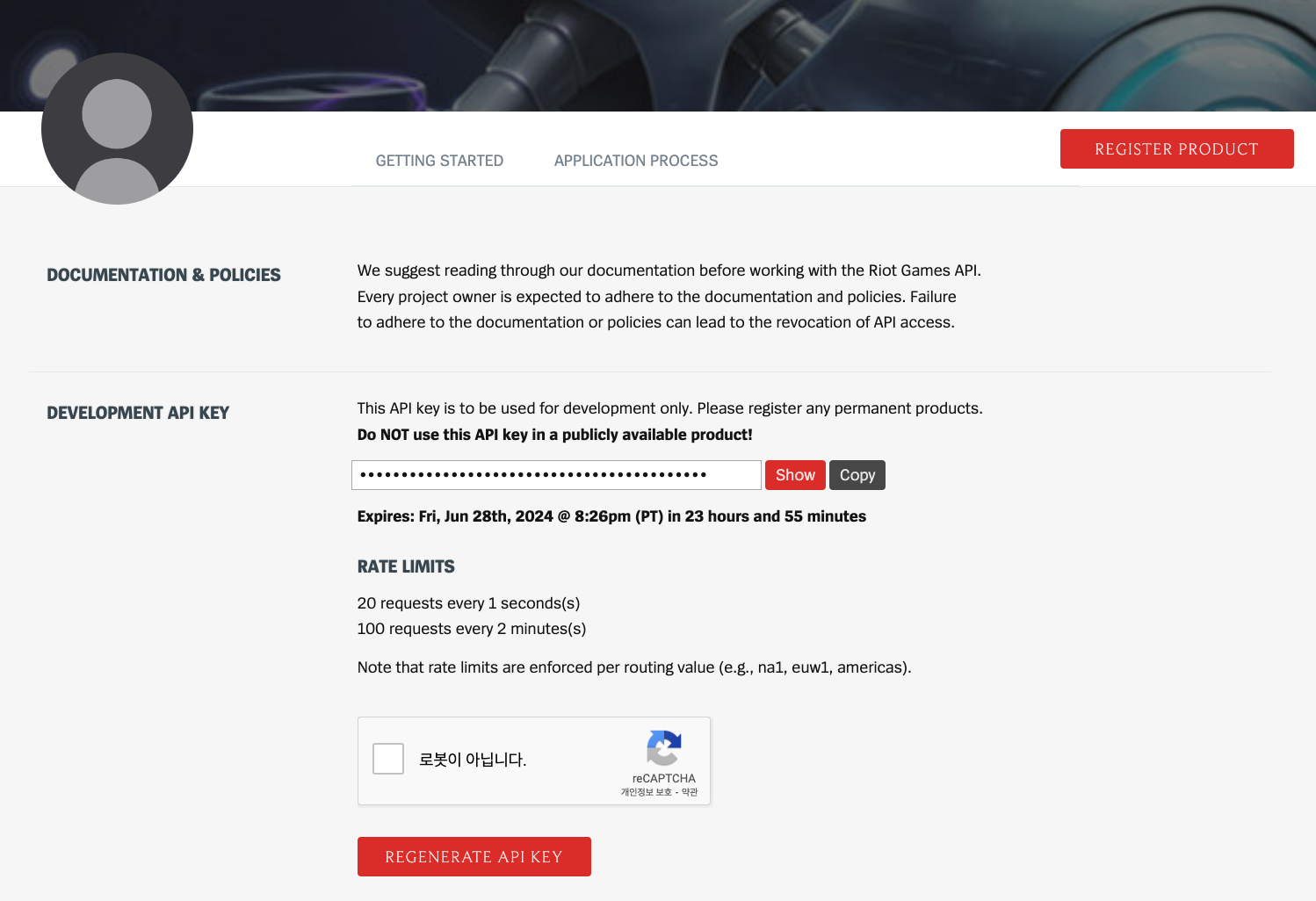
Riot Developer API Key 신청하기
https://developer.riotgames.com/
개발환경 설정
1.장고 설치
pip install django

2.장고 프로젝트 생성 및 앱 생성
django-admin startproject riotgames_project
cd riotgames_project
python manage.py startapp riot_app

3.setting.py 설정
INSTALLED_APPS = [
    ...
    'riot_app',
]

4.requests 라이브러리 설치
pip install requests

5.utils.py
utils.py
import requests
import os

# 로테이션 챔피언 목록 가져오기
def get_champion_rotation():
    api_key = os.getenv('RIOT_API_KEY')
    url = f"https://kr.api.riotgames.com/lol/platform/v3/champion-rotations?api_key={api_key}"
    response = requests.get(url)
    if response.status_code == 200:
        return response.json()
    else:
        return {"status": {"status_code": response.status_code, "message": response.text}}

# 모든 챔피언 데이터 가져오기
def get_champion_data():
    url = "https://ddragon.leagueoflegends.com/cdn/11.24.1/data/en_US/champion.json"
    response = requests.get(url)
    if response.status_code == 200:
        return response.json()
    else:
        return None

# 챔피언 ID를 이름으로 매핑
def map_champion_id_to_name(champion_data):
    id_to_name = {}
    for champ in champion_data['data'].values():
        id_to_name[int(champ['key'])] = champ['id']
    return id_to_name
settings.py
import os

RIOT_API_KEY = os.getenv('RIOT_API_KEY', '발급받은 API Key') # 발급받은 API Key 입력
views.py
from django.shortcuts import render
from django.http import HttpResponse
from .utils import get_champion_rotation, get_champion_data, map_champion_id_to_name

# 홈 화면
def home_view(request):
    rotation_data = get_champion_rotation()
    champion_data = get_champion_data()
    if rotation_data and champion_data:
        id_to_name = map_champion_id_to_name(champion_data)
        champions = []
        for champion_id in rotation_data['freeChampionIds']:
            champion_name = id_to_name.get(champion_id)
            if champion_name:
                champions.append({
                    'name': champion_name,
                    'image': f"http://ddragon.leagueoflegends.com/cdn/11.24.1/img/champion/{champion_name}.png"
                })
        return render(request, 'riot_app/home.html', {'champions': champions})
    return render(request, 'riot_app/home.html', {'champions': []})
urls.py
from django.urls import path
from . import views

urlpatterns = [
    path('', views.home_view, name='home'),
]
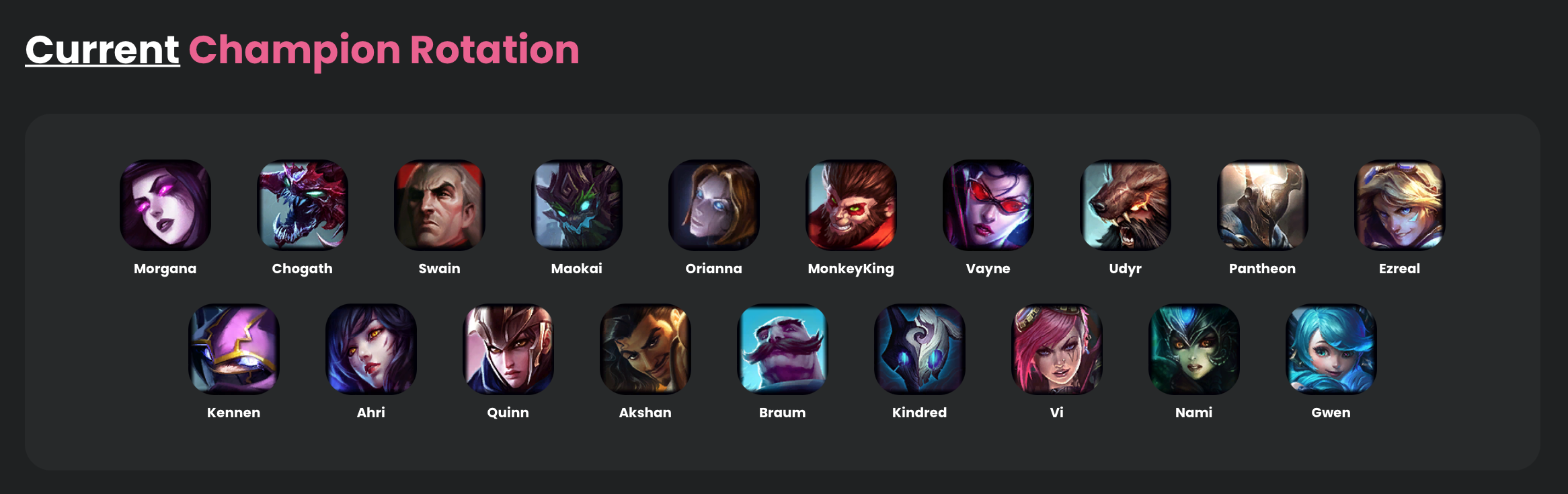
결과 ⭐️
로테이션 챔피언 정보 가져오기 성공!