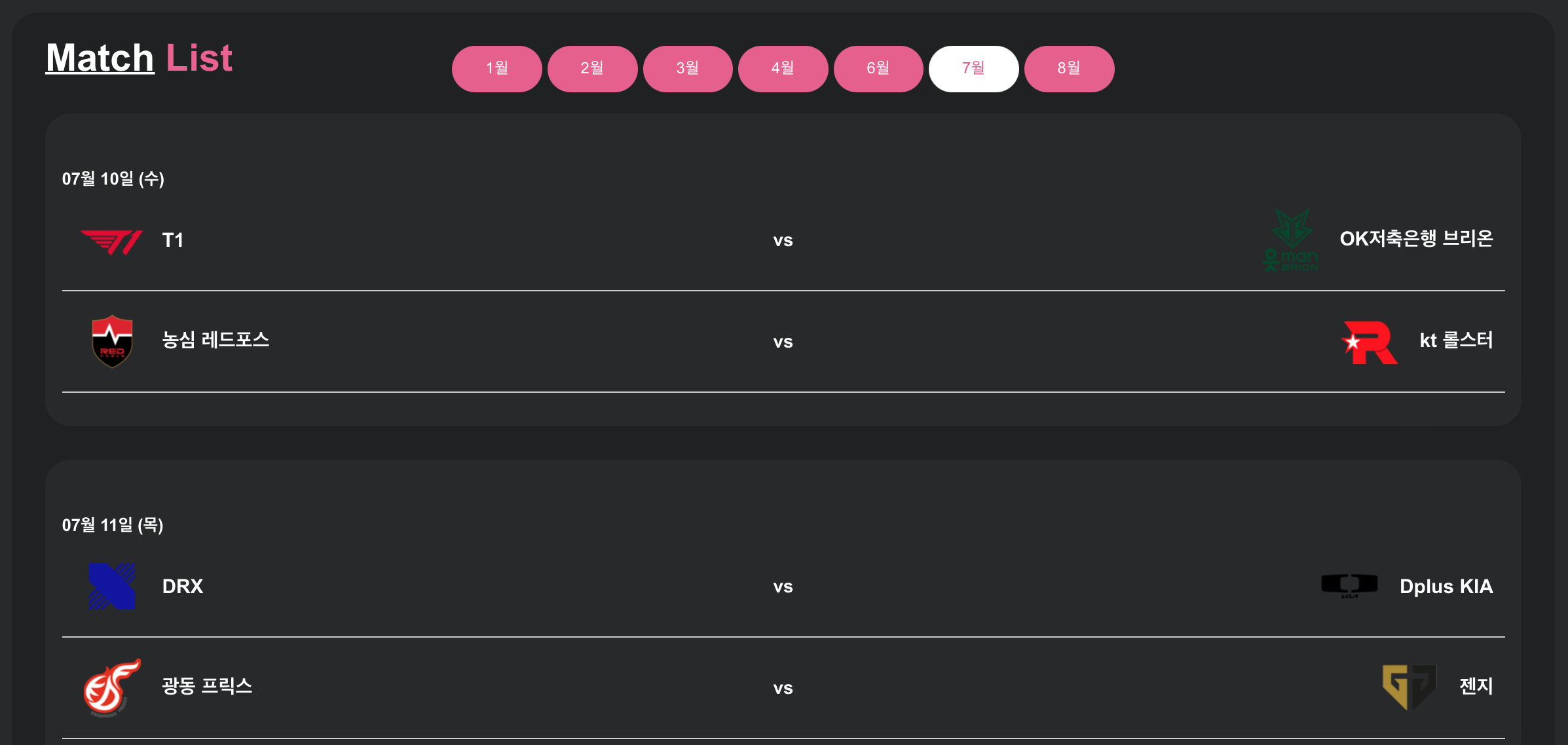
네이버 e스포츠 크롤링하기
https://game.naver.com/esports/League_of_Legends/schedule/lck
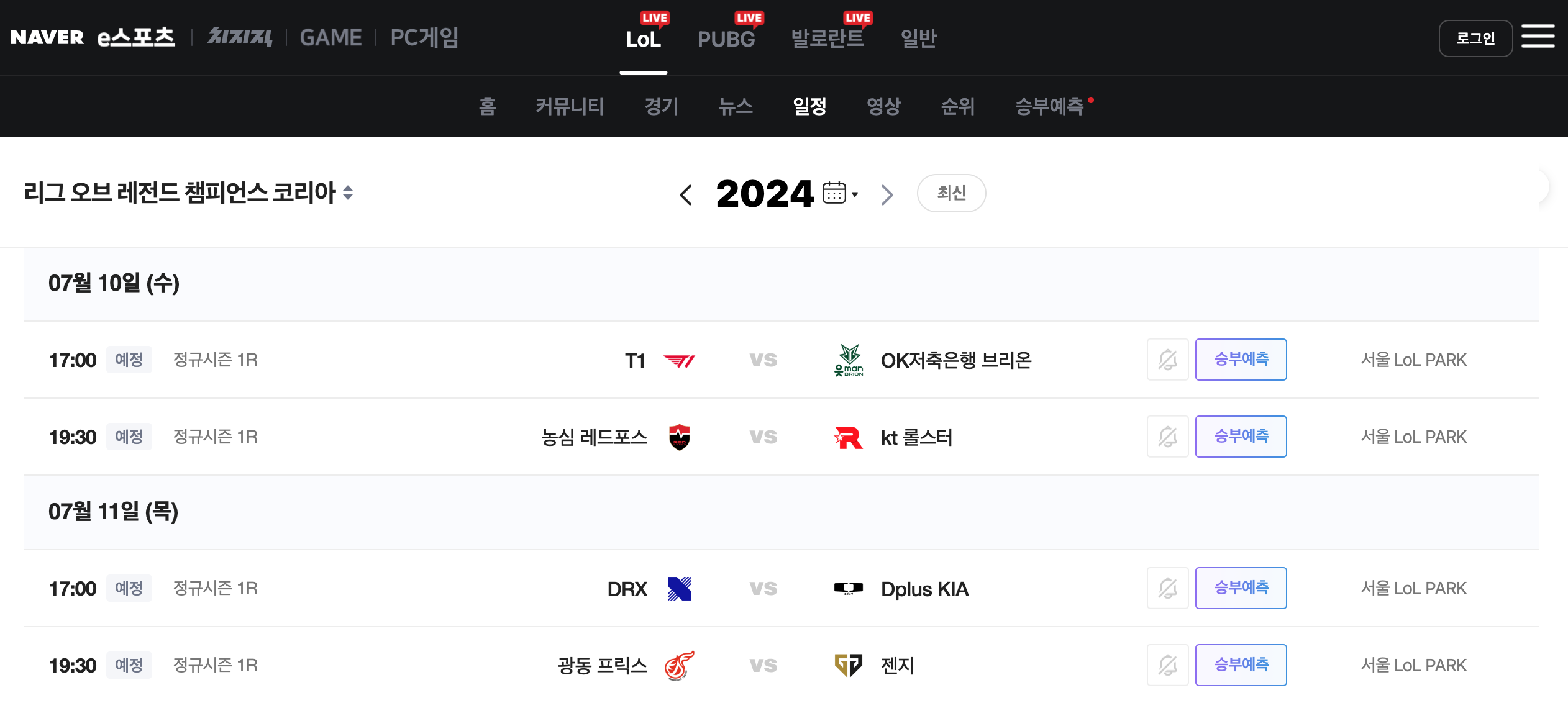
1.맥북에서 크롬 드라이버 설치하기
brew install --cask chromedriver

2.위치 확인하기
which chromdriver
-> /usr/local/bin/chromedriver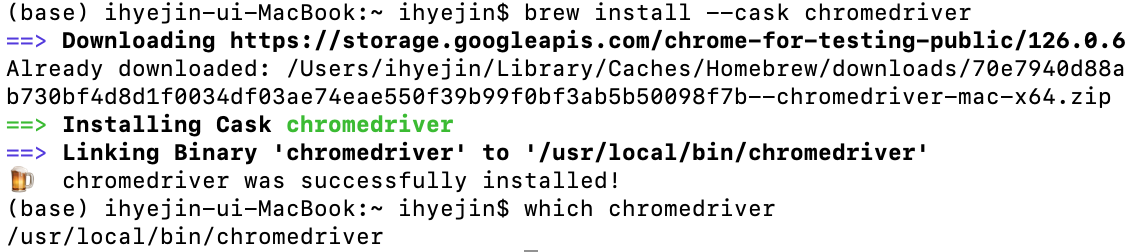
3.라이브러리 설치
pip install requests
pip install beautifulsoup4
pip install selenium
pip install django
pip install pymysql
settings.py
DATABASES = {
    "default":{
        "ENGINE":"django.db.backends.mysql",
        "NAME":"lol_db", # 접속할 DB명
        "USER":"user", # 접속 계정명
        "PASSWORD":"password", # 암호
        "HOST":"localhost",
        "PORT":"3306", # 접속  포트 번호
    }
}
models.py
from django.db import models

class Match(models.Model):
    team_a_name = models.CharField(max_length=100)
    team_b_name = models.CharField(max_length=100)
    team_a_logo = models.URLField(max_length=200, default='default_logo_url')
    team_b_logo = models.URLField(max_length=200, default='default_logo_url')
    match_date = models.CharField(max_length=100)
    match_time = models.CharField(max_length=100)
    vs_image = models.TextField()

    def __str__(self):
        return f"{self.team_a_name} vs {self.team_b_name} on {self.match_date} at {self.match_time}"
마이그레이션
python manage.py makemigrations
python manage.py migrate
crawl_schedule.py
from selenium import webdriver
from selenium.webdriver.chrome.service import Service
from selenium.webdriver.common.by import By
from django.core.management.base import BaseCommand
from riot_app.models import Match

class Command(BaseCommand):
    help = 'Crawl LCK match schedule'

    def handle(self, *args, **kwargs):
        self.crawl_schedule()

    def crawl_schedule(self):
        chromedriver_path = '/usr/local/bin/chromedriver'  # 설치된 chromedriver 경로
        service = Service(chromedriver_path)
        options = webdriver.ChromeOptions()
        browser = webdriver.Chrome(service=service, options=options)

        search_url = "https://game.naver.com/esports/schedule/lck?date=2024-07"
        browser.get(search_url)
        browser.implicitly_wait(10)

        oneday = browser.find_elements(By.CLASS_NAME, "card_item__3Covz")

        for day in oneday:
            date = day.find_element(By.CLASS_NAME, "card_date__1kdC3").text
            games = day.find_elements(By.CLASS_NAME, "card_list__-eiJk")

            for game in games:
                teams = game.find_elements(By.CLASS_NAME, "row_item__dbJjy")

                for match in teams:
                    team1 = match.find_elements(By.CLASS_NAME, "row_name__IDFHz")[0].text
                    team2 = match.find_elements(By.CLASS_NAME, "row_name__IDFHz")[1].text
                    team1_logo = match.find_elements(By.CLASS_NAME, "row_logo__c8gh0")[0].get_attribute('src')
                    team2_logo = match.find_elements(By.CLASS_NAME, "row_logo__c8gh0")[1].get_attribute('src')
                    match_time = match.find_element(By.CLASS_NAME, "row_time__28bwr").text if match.find_elements(By.CLASS_NAME, "row_time__28bwr") else 'N/A'

                    # 데이터베이스에 저장
                    Match.objects.update_or_create(
                        team_a_name=team1,
                        team_b_name=team2,
                        match_date=date,
                        match_time=match_time,
                        defaults={
                            'team_a_logo': team1_logo,
                            'team_b_logo': team2_logo,
                        }
                    )

                    self.stdout.write(self.style.SUCCESS(f"Successfully processed match: {team1} vs {team2}"))

        browser.close()
크롤링 실행
python manage.py crawl_schedule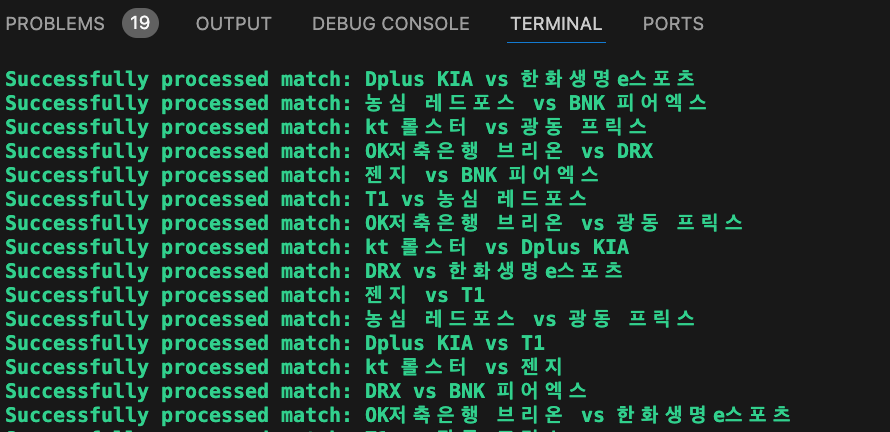
크롤링한 데이터는 데이터베이스에 저장
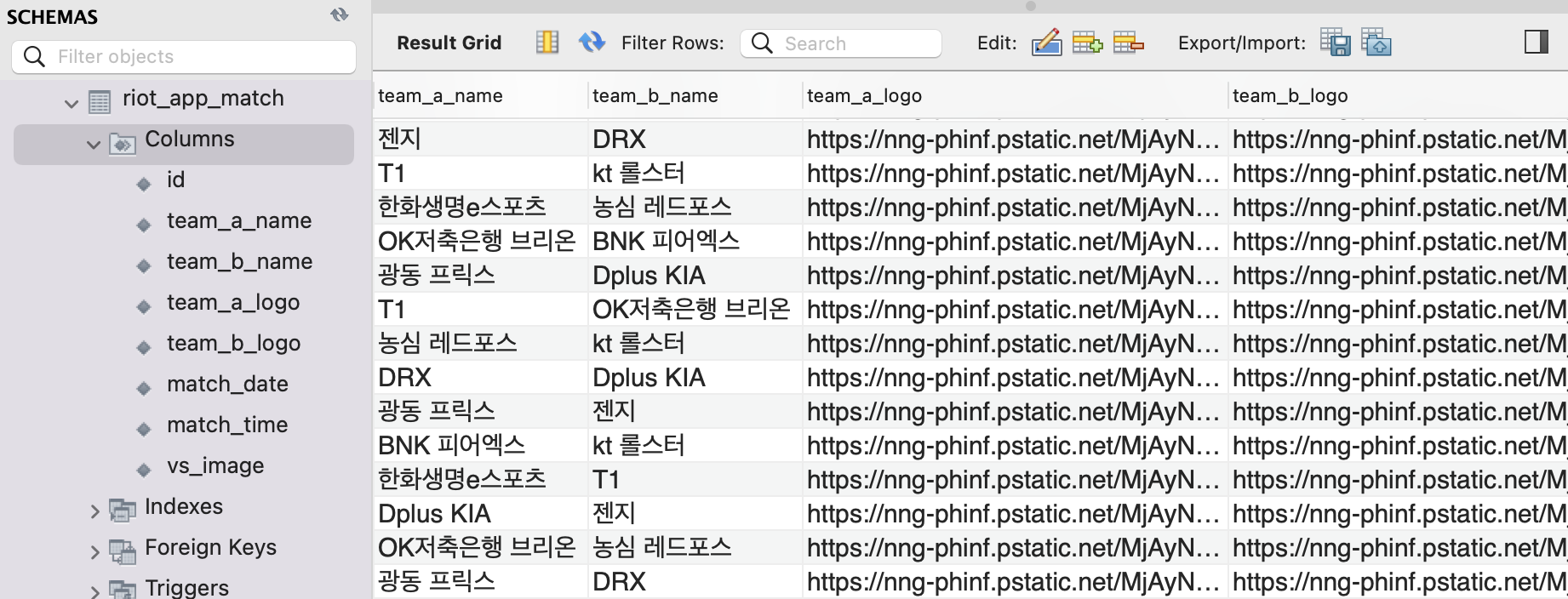
결과 ⭐️
lck 경기일정 크롤링하기 성공 !