Course
Build Real World AI Applications with Gemini and Imagen
Lab
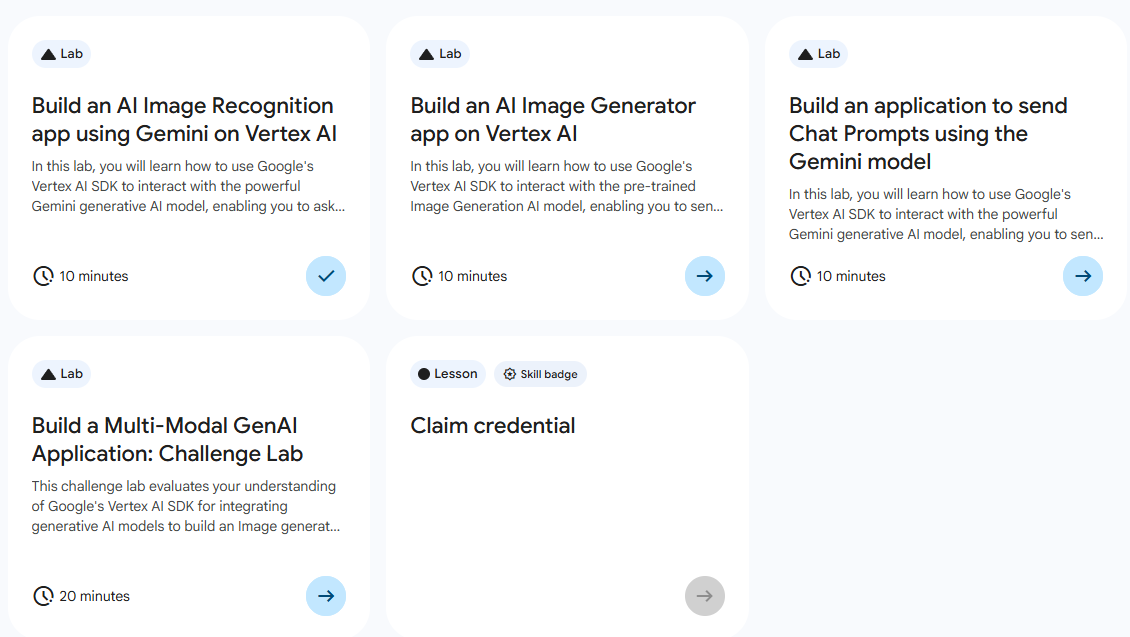
목록
- Build an AI Image Recognition app using Gemini on Vertex AI ⬅️ 오늘의 Lab!
- Build an AI Image Generator app on Vertex AI
- Build an application to send Chat Prompts using the Gemini model
- Build a Multi-Model GenAI Application: Challenge Lab
🌠Build an AI Image Recognition app using Gemini on Vertex AI
개요
Vertex AI에 연결 후, 사전 학습 된 Gemini를 로드한다.
AI 모델에 이미지+텍스트 질문을 전송 후 AI에서 텍스트 기반의 답변을 추출할 수 있다.
실습 과정
1. Vertex AI Python SDK 작업하기
from google import genai
from google.genai.types import HttpOptions, Part

client = genai.Client(http_options=HttpOptions(api_version="v1"))
response = client.models.generate_content(
    model="gemini-2.0-flash-001",
    contents=[
        "What is shown in this image?",
        Part.from_uri(
            file_uri="https://storage.googleapis.com/cloud-samples-data/generative-ai/image/scones.jpg",
            mime_type="image/jpeg",
        ),
    ],
)
print(response.text)
분석🧐
➡️ Gemini API를 사용하여 멀티모달(Multimodal) 기능을 구현하는 Python 예제로, 텍스트와 이미지를 함께 입력으로 넣어 AI에게 질문을 던지는 코드
1.from google import genai: 새로운 Google Gen AI SDK Import
2.client = genai.Client(...): AI 모델과 통신하기 위한 '클라이언트' 객체를 생성 (여기서는 api 버전을v1로 명시하였다.)
3.model="gemini-2.0-flash-001": 사용할 모델 이름 명시
4.contents=[...]: 모델에게 전달할 메시지(프롬프트) 묶음
➡️ "What is shown in this image?" : 질문
➡️ 이미지 (Part.from_uri): 이미 등록되어 있는 이미지 URI 전달
5.print(response.text): 모델이 이미지 속 내용을 설명한 텍스트를 화면에 출력
2. 환경변수 설정
export GOOGLE_CLOUD_PROJECT='"project-id"'
export GOOGLE_CLOUD_LOCATION='"REGION"'
export GOOGLE_GENAI_USE_VERTEXAI=True
분석🧐
GOOGLE_CLOUD_PROJECT: 사용 중인 구글 클라우드 프로젝트의 IDGOOGLE_CLOUD_LOCATION: 모델이 실행될 서버의 위치(리전)GOOGLE_GENAI_USE_VERTEXAI: Vertex AI 플랫폼 사용 여부로, True로 설정하면 무료 버전인Google AI Studio(Gemini API)가 아닌, 기업용 유료 플랫폼인Vertex AI를 통해 모델을 호출하게 된다.
3. Python 파일 실행
/usr/bin/python3 /genai.py4. 결과 확인
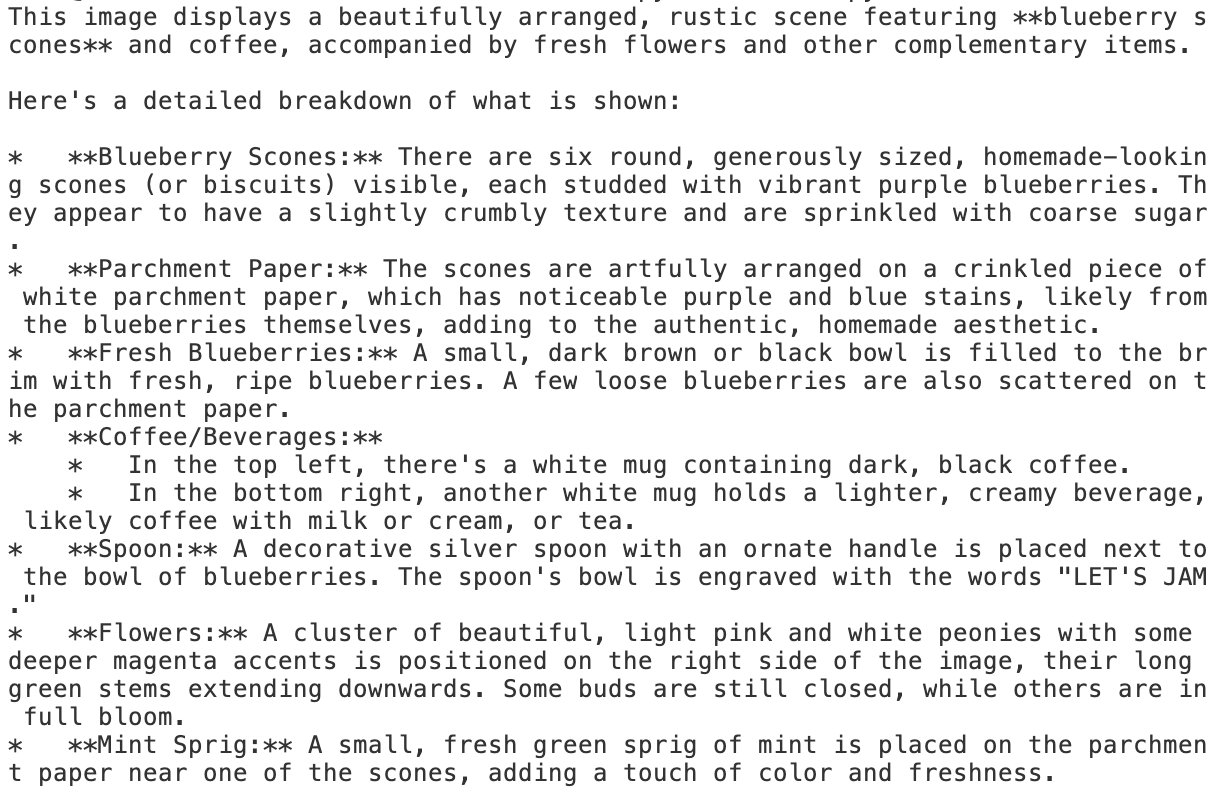
➡️ 이미지를 분석하여 보이는 것들을 출력해준다.

새싹 개발자