Colab에서 그래프를 그릴 경우, 이 작업을 하지 않으면 한글깨짐 현상이 벌어진다.
!apt-get install -y fonts-nanum*
!rm -rf /root/.cache/matplotlib/*path = '/usr/share/fonts/truetype/nanum/NanumGothic.ttf'
font_name = mpl.font_manager.FontProperties(fname=path).get_name()
plt.rcParams['font.family'] = font_name이렇게 세 가지 코드를 실행 후
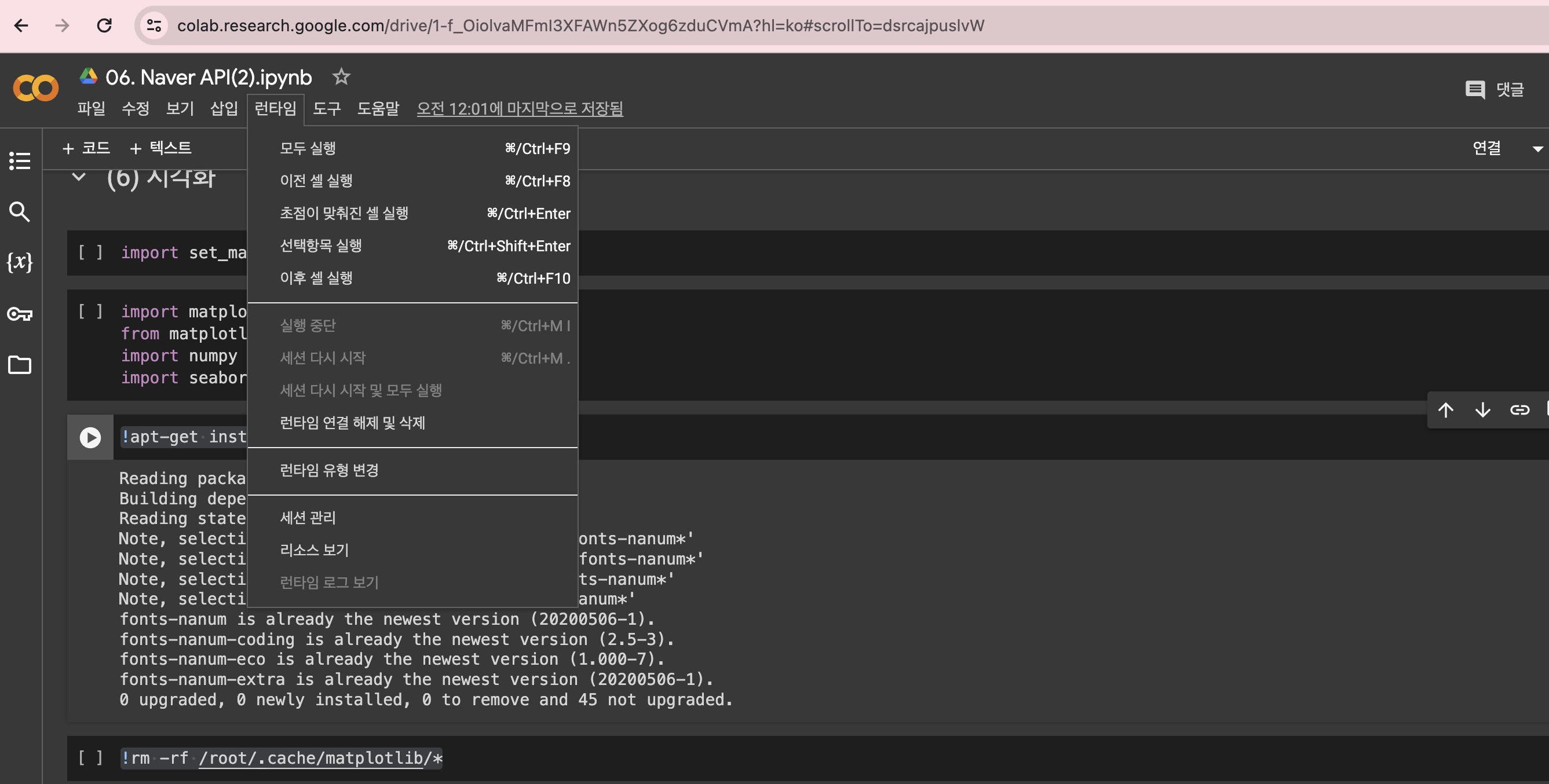
런타임 -> 세션 다시 시작
세션 다시 시작을 꼭 해주어야한다.
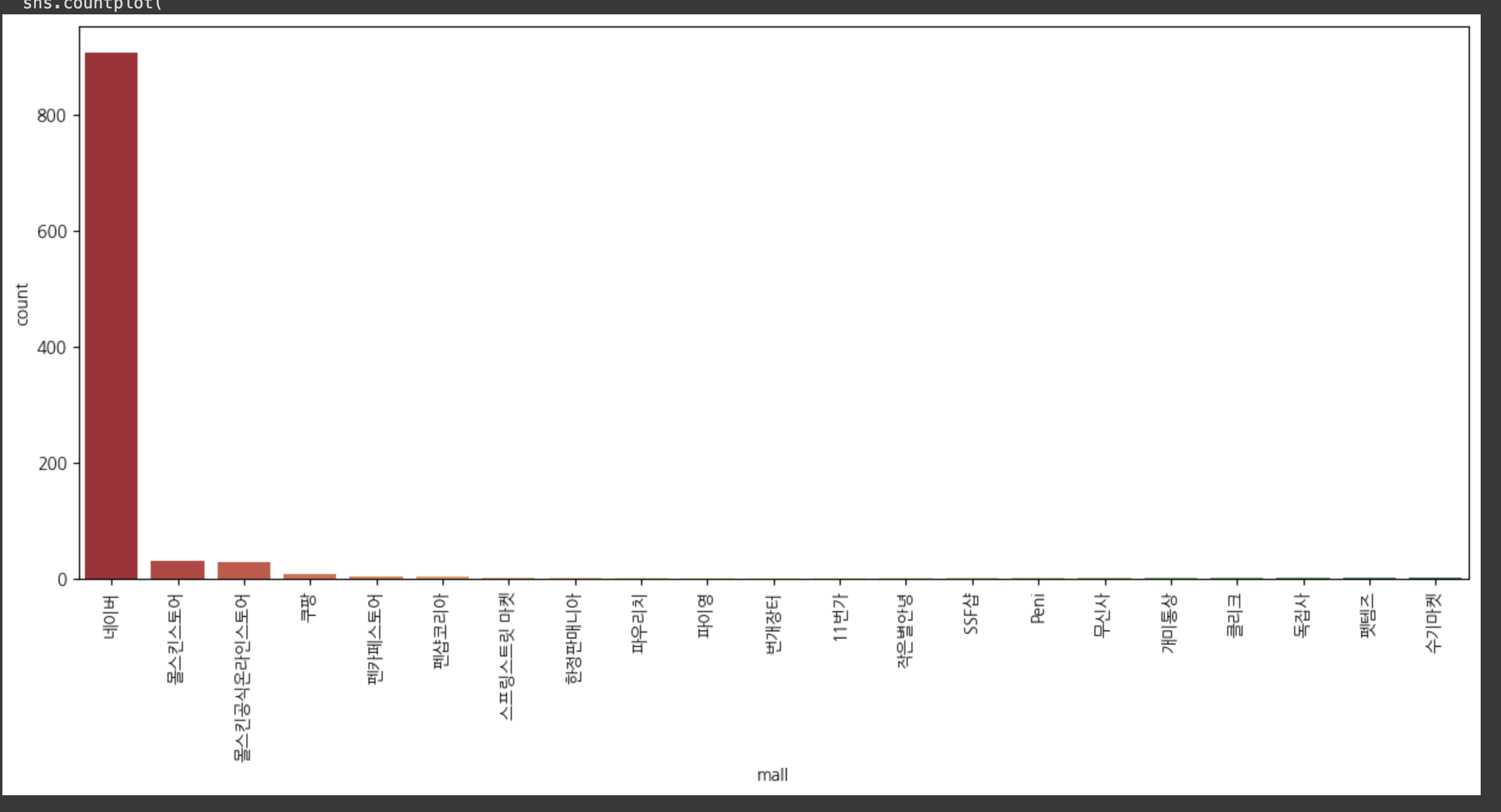
그리고 countplot을 그려보았는데, 방금전까지 엄청나게 깨지던 한글이!
짜잔. 이렇게 안깨지고 출력된다.

data dreamer