- Canvas에 scoreText (UI - text)를 추가한다.
- ScoreManager script 생성 후 코드 작성
- itemManager script에 들어가 특정 아이템을 먹을 때 스코어 변화 코드 작성
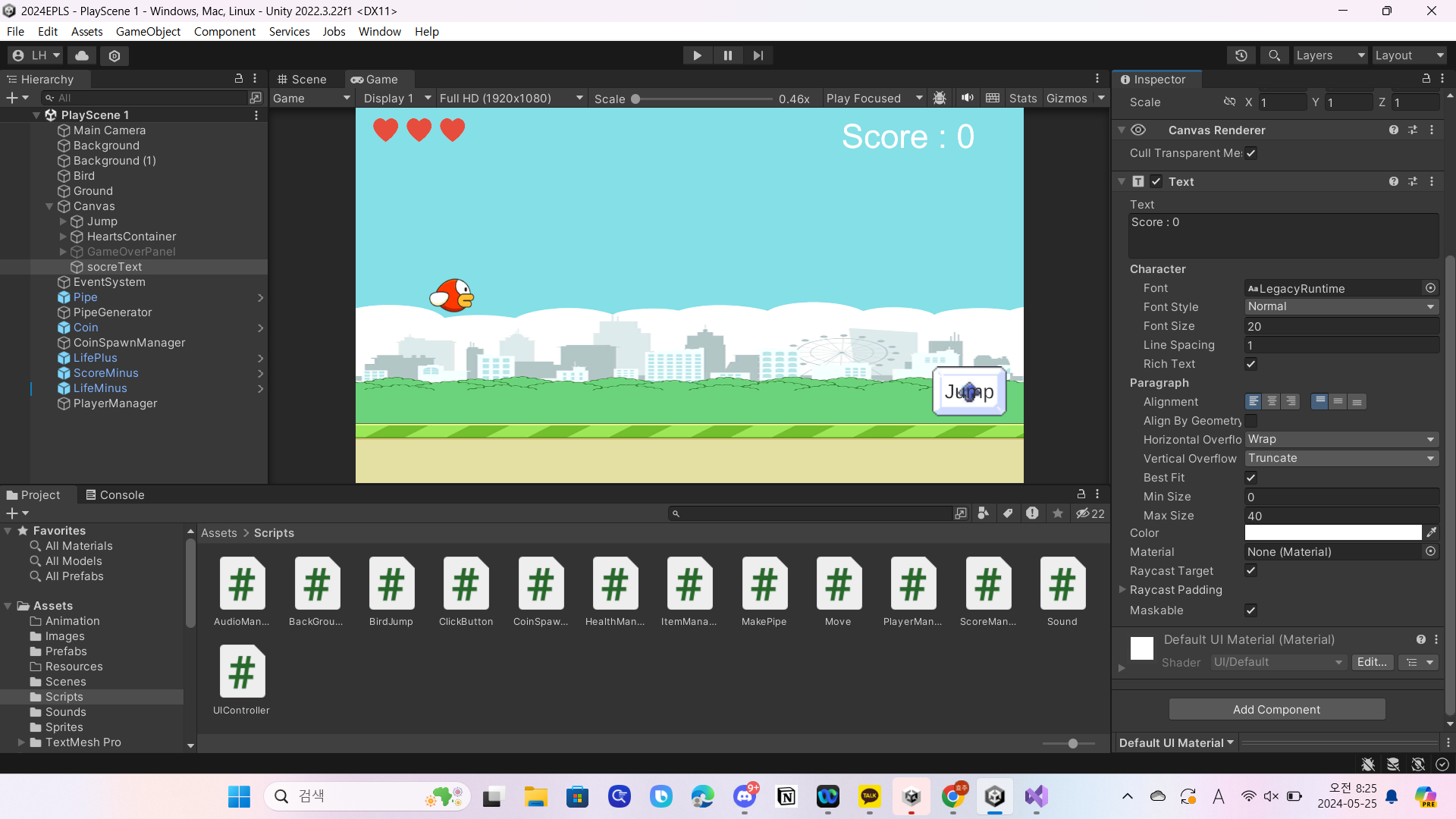
ScoreManager script
using System.Collections;
using System.Collections.Generic;
using UnityEngine;
using UnityEngine.UI;
public class ScoreManager : MonoBehaviour
{
    public Text socreText;
    public **static int** scoreCount;
    // Start is called before the first frame update
    void Start()
    {

    }

    // Update is called once per frame
    void Update()
    {
        socreText.text = "Score: " + Mathf.Round(scoreCount);
    }
}
itemManager script
using System.Collections;
using System.Collections.Generic;
using UnityEngine;

public class ItemManager : MonoBehaviour
{
    // Start is called before the first frame update
    void Start()
    {

    }

    // Update is called once per frame
    void Update()
    {

    }
    private void OnTriggerEnter2D(Collider2D collision)
    {
        if (collision.gameObject.CompareTag("Coin"))
        {
            Debug.Log("코인 +1");

            ScoreManager.scoreCount += 1;

        }

        else if (collision.gameObject.CompareTag("LifePlus"))
        {
            Debug.Log("목숨 +1");
        }

        else if (collision.gameObject.CompareTag("ScoreMinus"))
        {
            Debug.Log("점수 -1");

            ScoreManager.scoreCount -= 1;

        }


        else if (collision.gameObject.CompareTag("LifeMinus"))
        {
            HealthManager.health--;
            if(HealthManager.health <= 0 )
            {
                PlayerManager.isGameOver = true;
                gameObject.SetActive(false);
            }
        }

        Destroy(collision.gameObject);
    }
}

농담곰을 좋아해요 말랑곰탱이