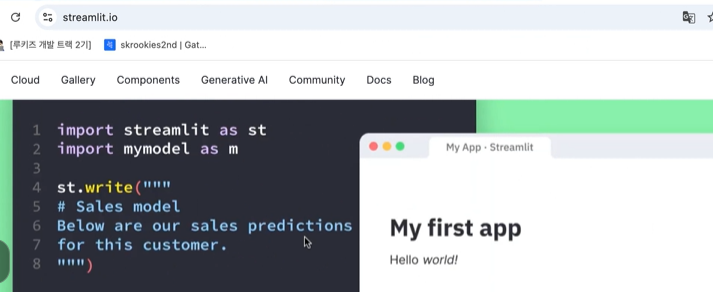
프로젝트때 사용할지도
프롬프트에도 탬플릿이 있어요
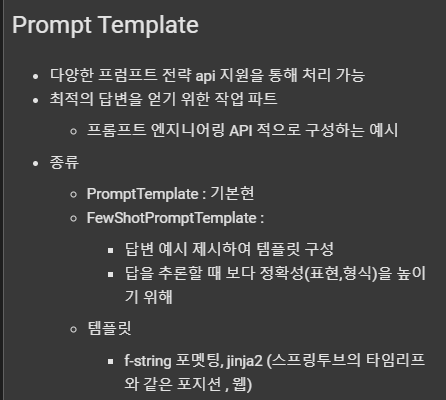
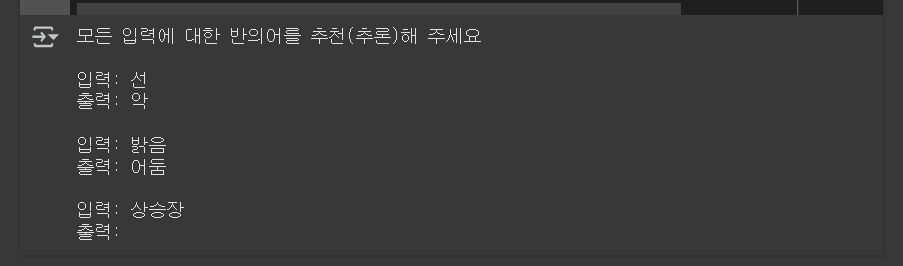
프폼프트 템플릿을 생성한다음에 모든 입력에 대한 반의어를 추천(추론)
  # 생성하고자 하는 템플릿 예시
  '''
  모든 입력에 대한 반의어를 추천(추론)해 주세요 <- 접두사
  <- 구분기호
  입력:선 <- 답변예시
  출력:악 <- 답변예시
  <- 구분기호
  입력:밝음 <- 답변예시
  출력:어둠 <- 답변예시
  <- 구분기호
  입력:상승장 <- 접미사
  출력:
  '''
  # 출력에 대한 추론은 llm 이 알아서 판단


  # 동적 구성
  samples = [
      {
          'input':'선',
          'output':'악'
      },
      {
          'input':'밝음',
          'output':'어둠',
      }
  ]

  basic_prompt = PromptTemplate(
      input_variables = ['input', 'output'],    # 입력변수 2개
      template = '입력: {input}\n출력: {output}', # 템플릿 설정 -> 복잡한 구성이 예측됨, jinja2 사용 필요등...
  )

  from langchain.prompts import FewShotPromptTemplate
  # 답변예시용
  fewshow_prompt = FewShotPromptTemplate(
      input_variables=['keyword'], # 입력변수 1개
      examples=samples, # 답변 예시
      example_prompt=basic_prompt, # 답변예시 형태
      prefix='모든 입력에 대한 반의어를 추천(추론)해 주세요', # 접두사
      suffix='입력: {keyword}\n출력: ', # 접미사
      example_separator='\n\n', # 구분기호
  )
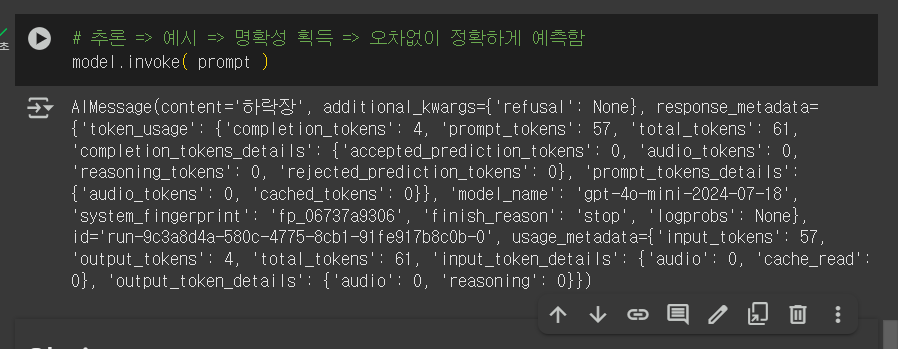
  prompt = fewshow_prompt.format( keyword='상승장' )
  print( prompt )
반의어를 추천(추론)
벡터디비를 이용한 유사도 추론
  from langchain.prompts.example_selector import SemanticSimilarityExampleSelector
  # 유사도 사용
  from langchain.vectorstores import FAISS
  from langchain_openai import OpenAIEmbeddings

  samples = [
      {
          'input':'자동차',
          'output':'운전자'
      },
      {
          'input':'프로그램',
          'output':'개발자'
      },
      {
          'input':'동영상',
          'output':'PD'
      }
  ]

  basic_prompt = PromptTemplate(
      input_variables = ['input', 'output'],    # 입력변수 2개
      template = '입력: {input}\n출력: {output}', # 템플릿 설정 -> 복잡한 구성이 예측됨, jinja2 사용 필요등...
  )

  # 유사도를 고려하여 샘플 선택
  example_selector = SemanticSimilarityExampleSelector.from_examples(
      examples=samples, # 샘플
      embeddings=OpenAIEmbeddings(), # 임베딩 처리용 토크나이저용도
      vectorstore_cls=FAISS, # 백터 디비, 유사도 계산을 사용할 수 있는 제품
      k = 2 # 답변 예시는 2개로 제한 (샘플이 3개이므로 유사도 기준 2개만 선정)

  )

  fewshow_prompt = FewShotPromptTemplate(
      example_selector=example_selector, # 길이 제한 부여
      example_prompt=basic_prompt, # 답변예시 형태
      input_variables=['keyword'], # 입력변수 1개
      prefix='모든 입력에 대한 연관어를 추천(추론)해 주세요', # 접두사
      suffix='입력: {keyword}\n출력: ', # 접미사
      example_separator='\n\n', # 구분기호
  )
  prompt = fewshow_prompt.format( keyword='이케아' )
  print( prompt )
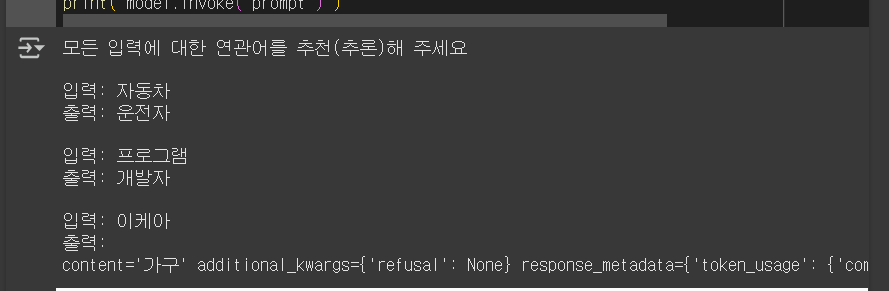
  print( model.invoke( prompt ) )
유사한것들을 잘 추론해줌
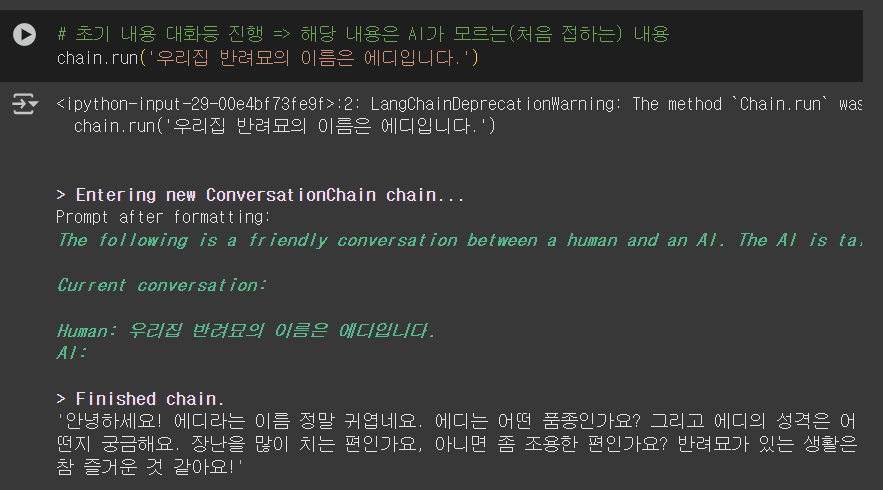
대화형 체인사용

고양이이름 에대해 잘 답변이옴
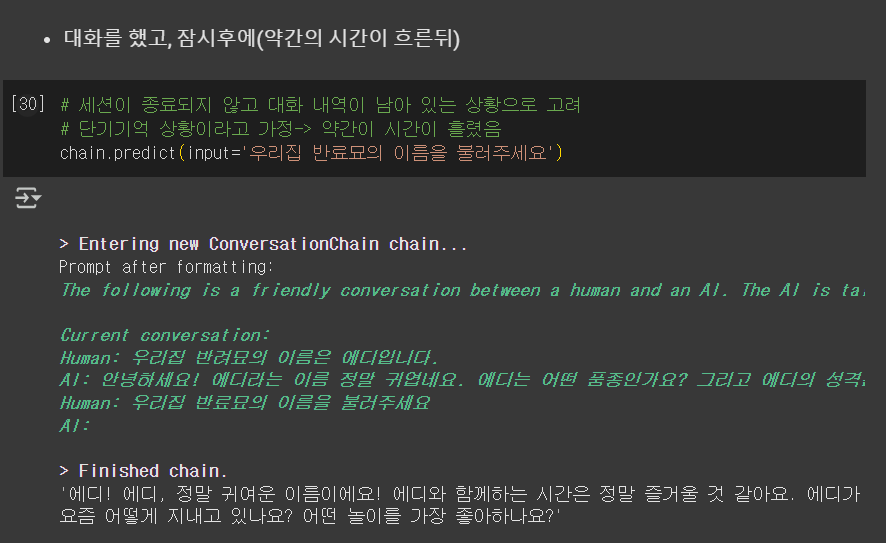
고양이이름 기억해서 잘 대답해줌
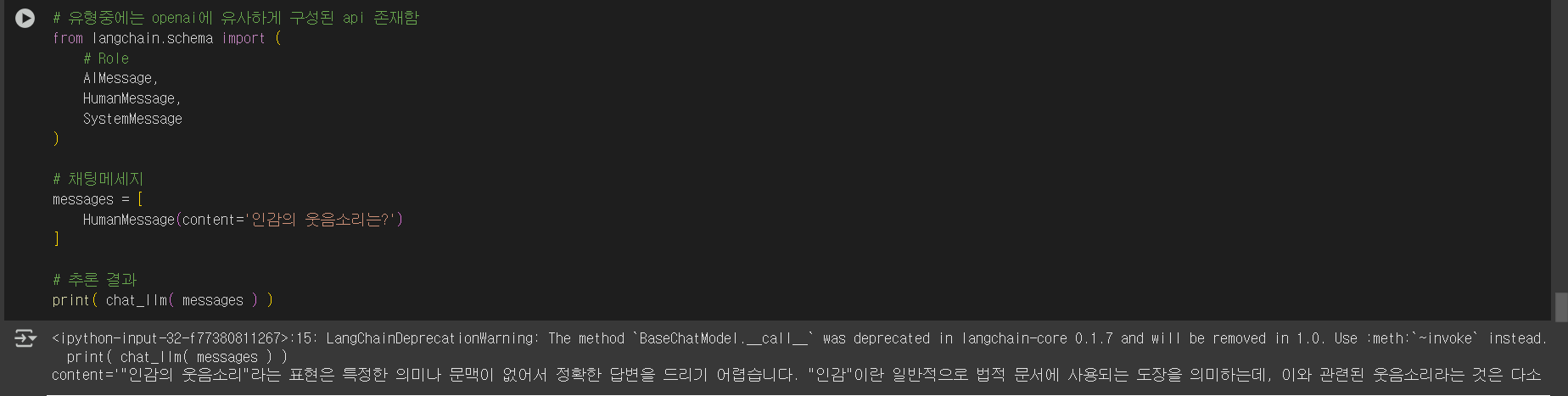
openai스타일 채팅모델의 LLM

인간의 웃음소리에대한 답변
스트리밍을통해서 실시간 대화처럼 보이도록 함
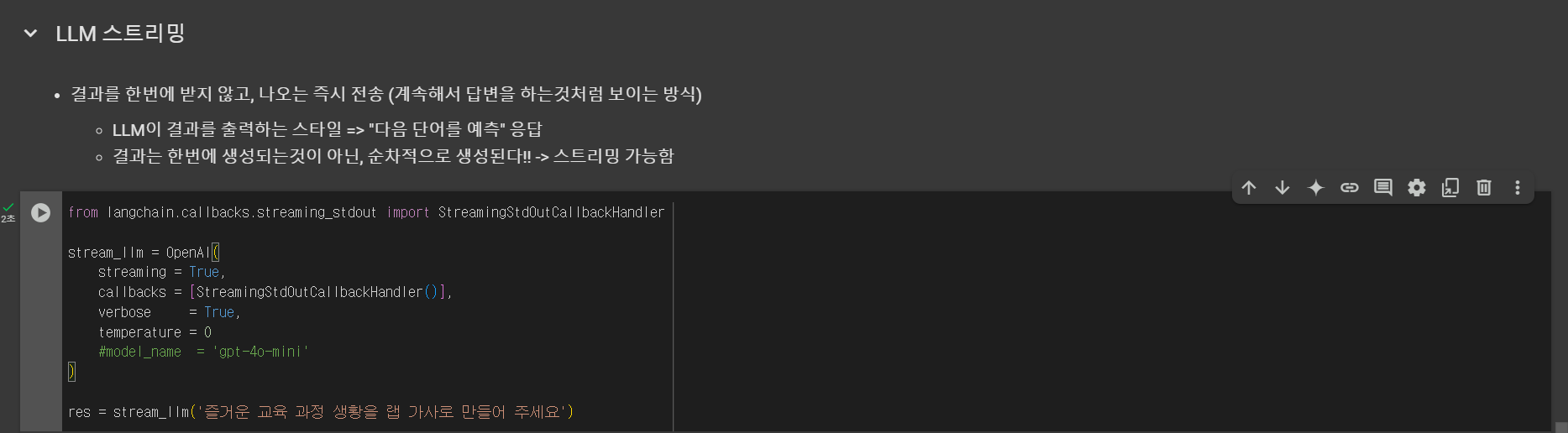
계속해서 작성함
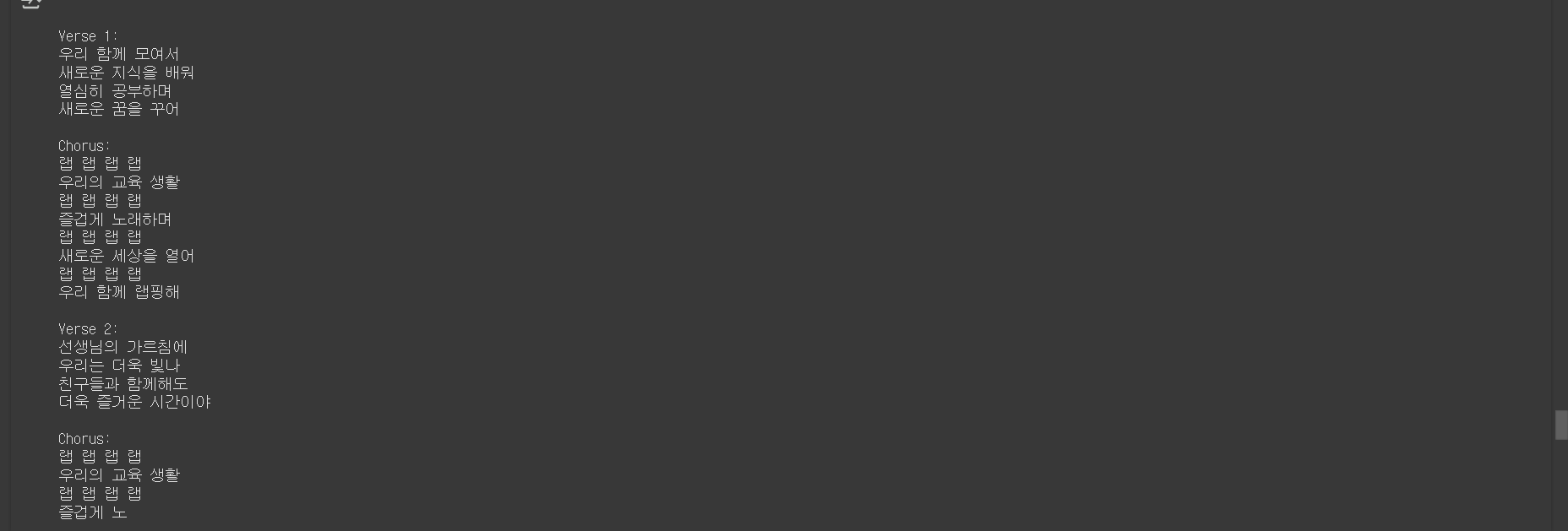
제네릭체인 (체인의 일반적 형태)
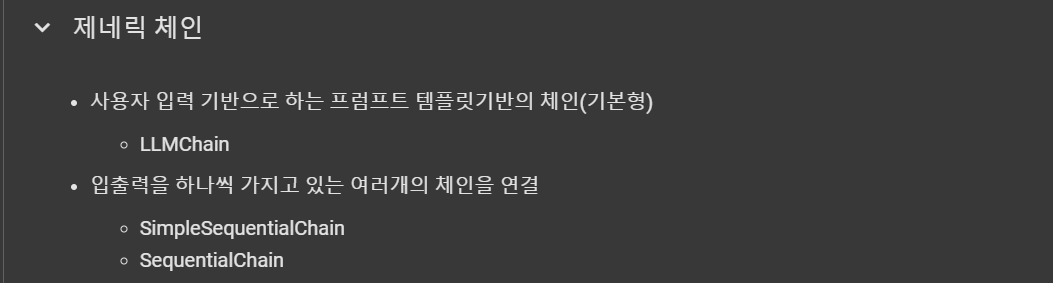
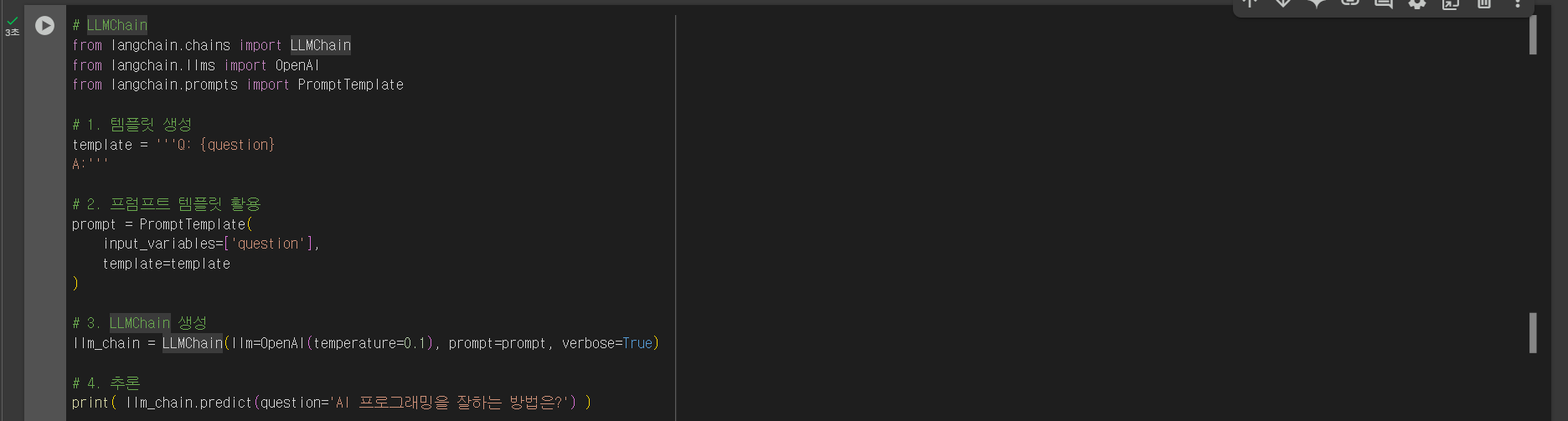
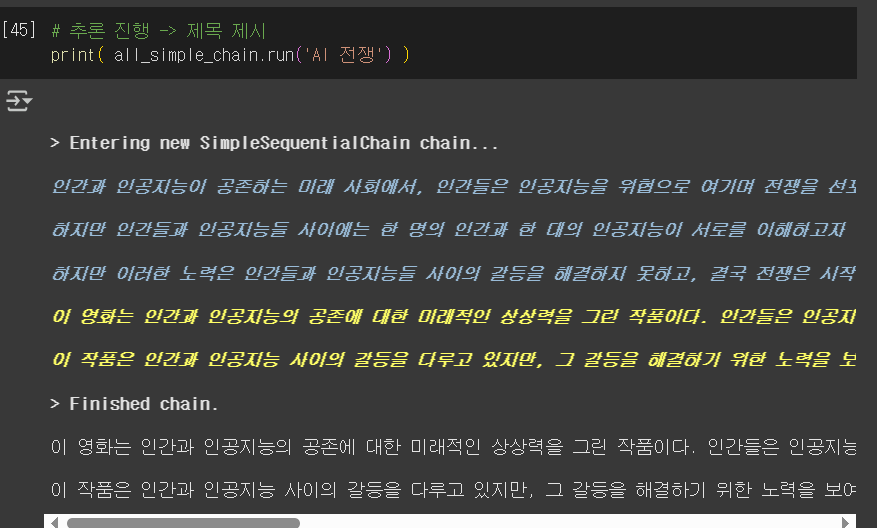
순차적으로 입력에대한 답변을 나열함

단순한 체인연결
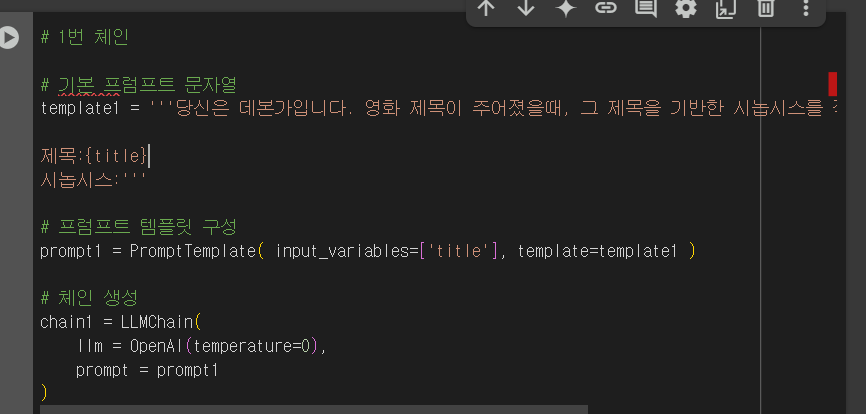
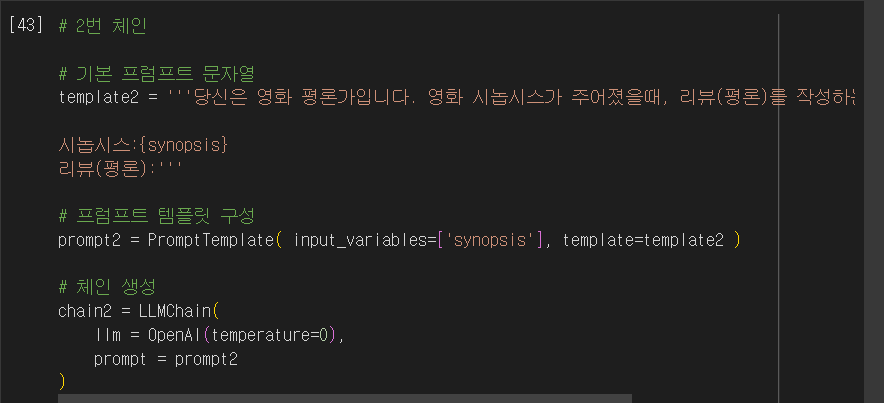
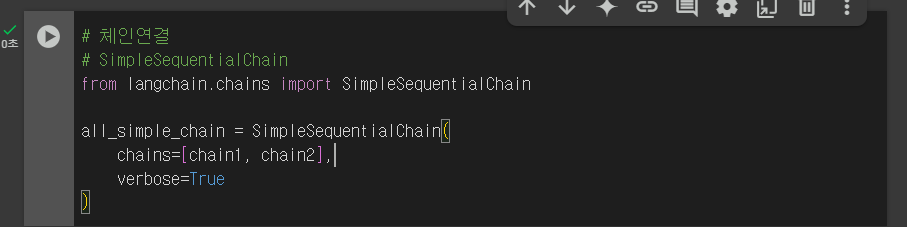
추론 진행
RAG
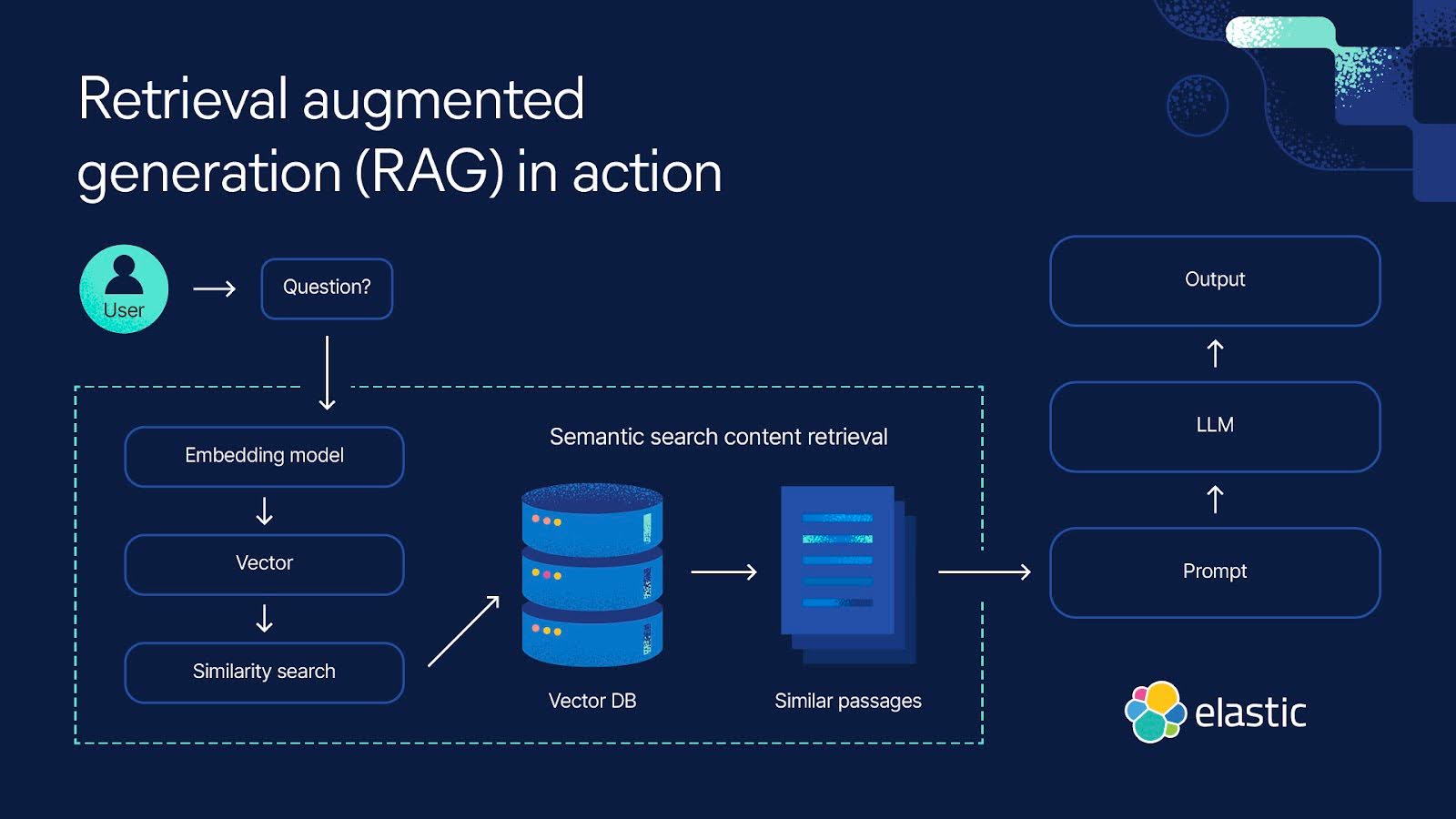
핵심은 벡터디비임
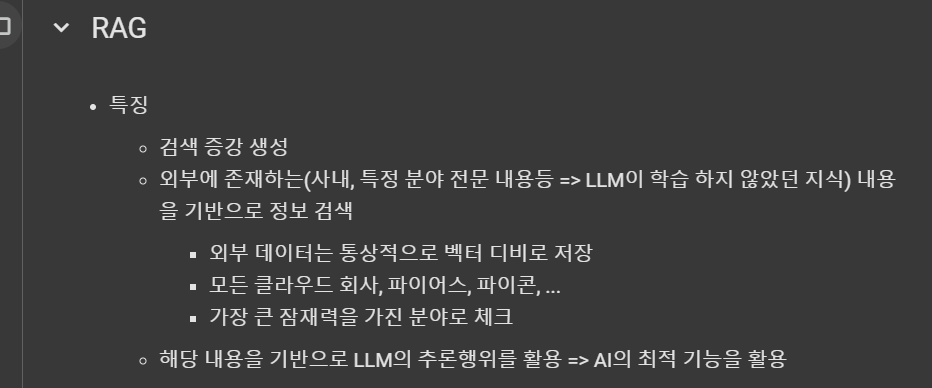
RAG 절차

데이터 로드
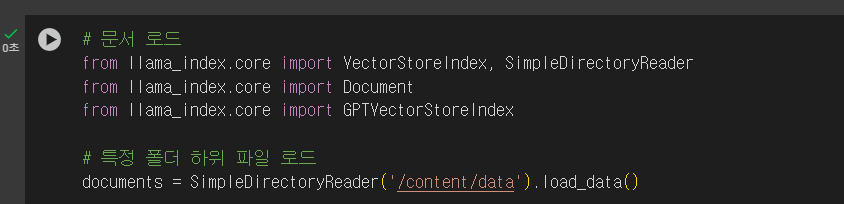
해리포터 줄거리입니다!
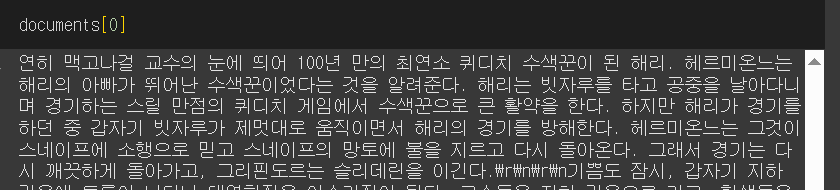
인덱스 생성
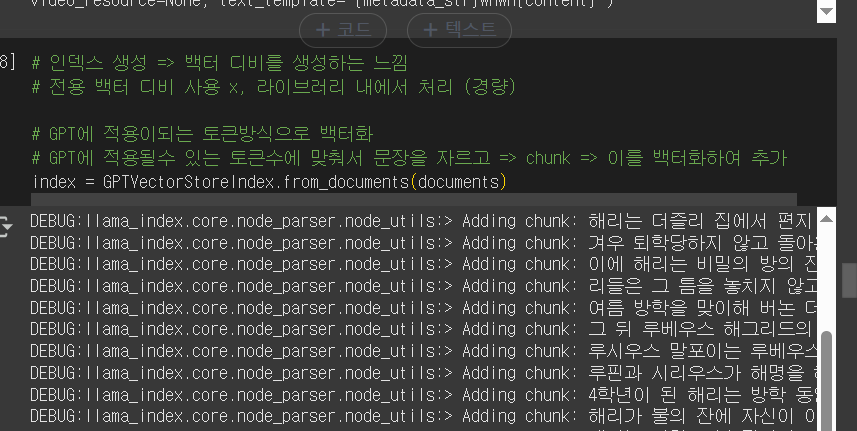
인덱스 생성할때 임베딩을 요청하네요

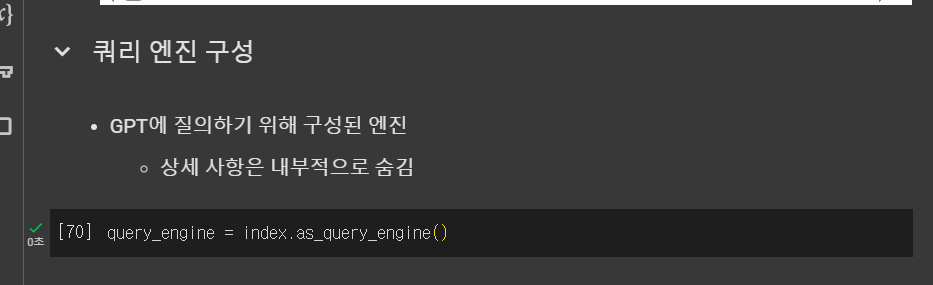
쿼리 엔진을 만들어요
이제 응답 합니다 (임베딩 디비를 보고 추론하는 것입니다)
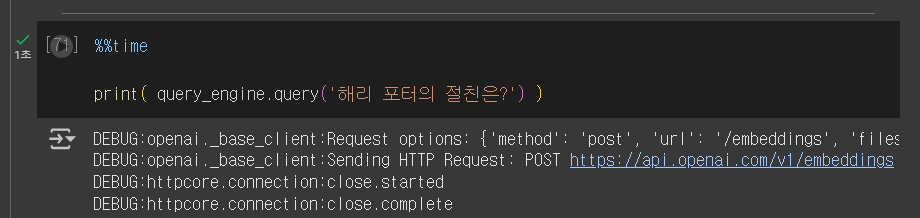



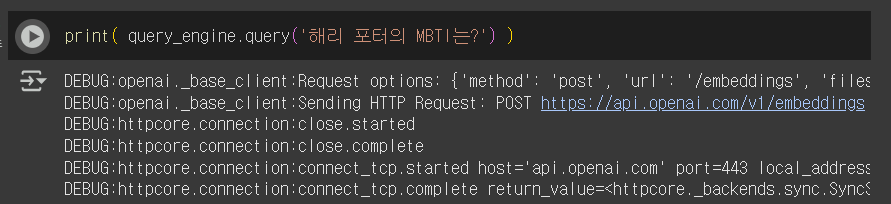

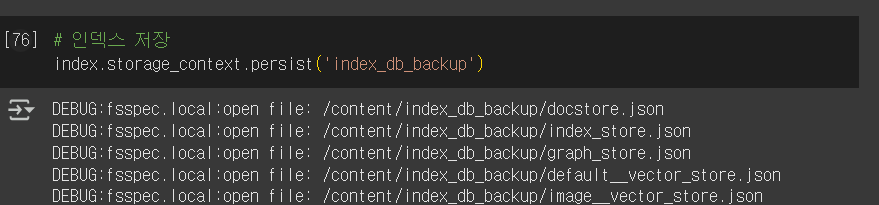
이제 이 인덱스를 저장해요
반복 작업을 위해 저장하는 것 입니다 , 서비스 제공할때 편리하다고 하네요
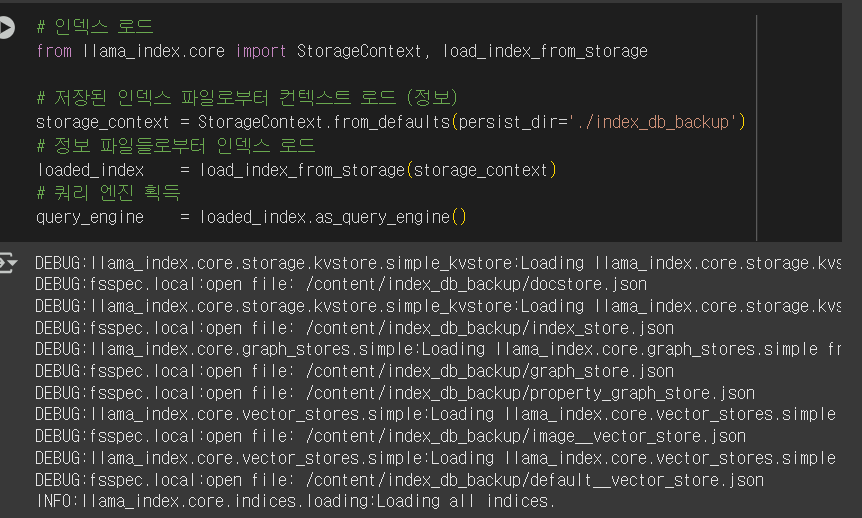
저장한 인덱스 불러오기 + 쿼리 엔진 획득
질문
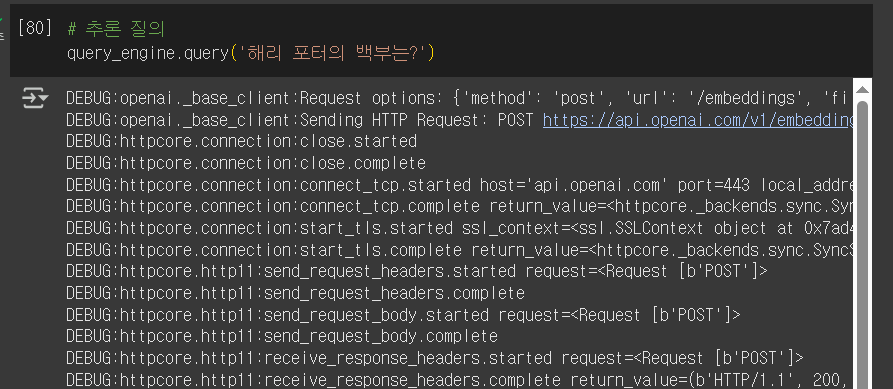
자료가 잘 못됬네요

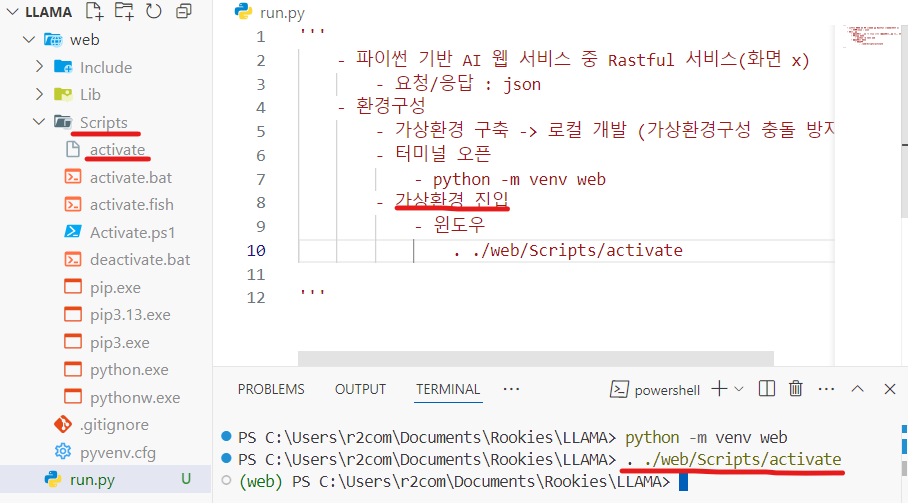
가상환경 웹 생성
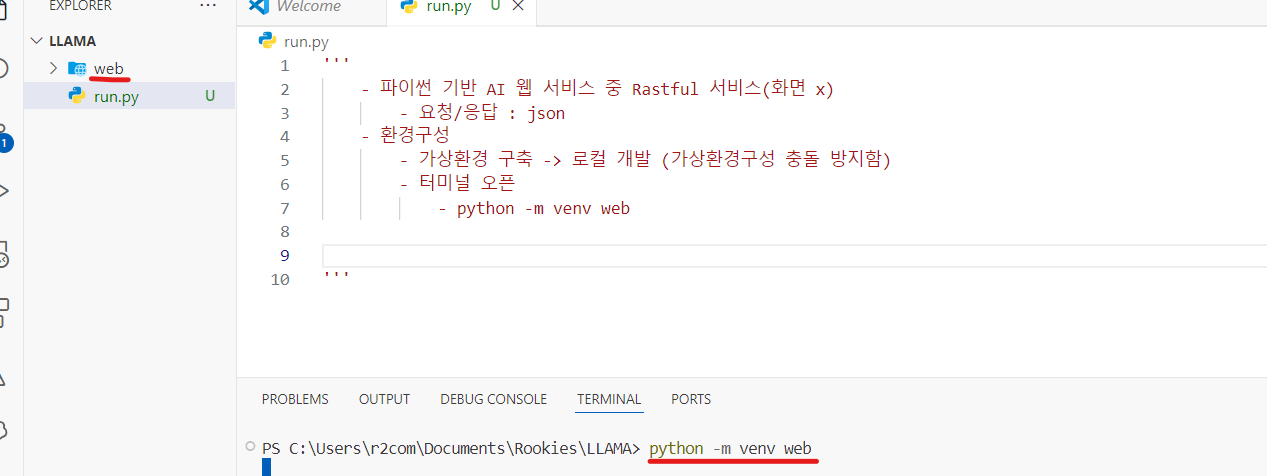
가상환경 진입 하는 방법
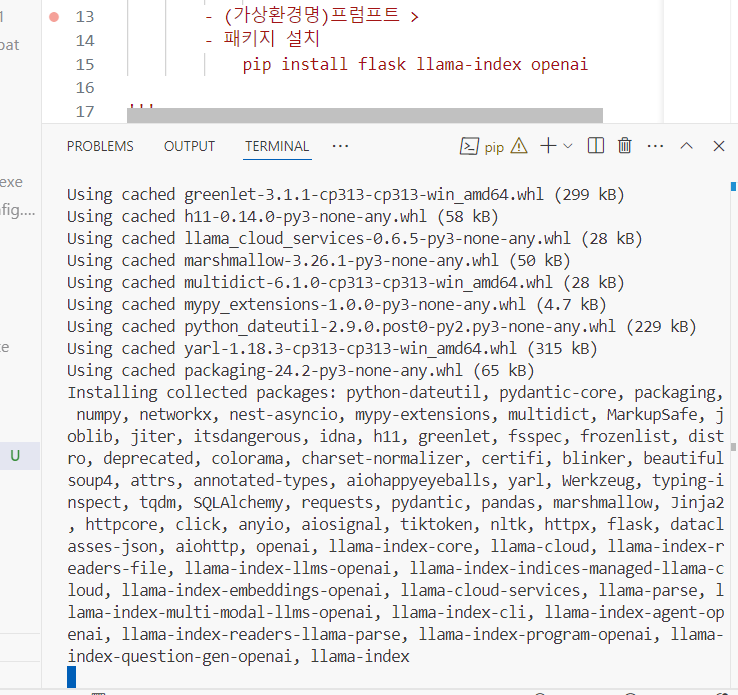
가상환경에 플라스크, 라마인덱스, 오픈ai를 설치해요
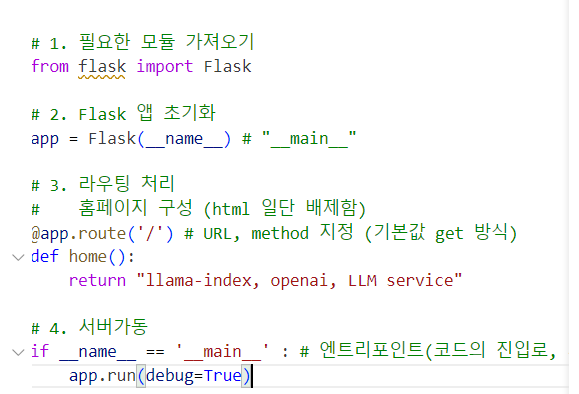
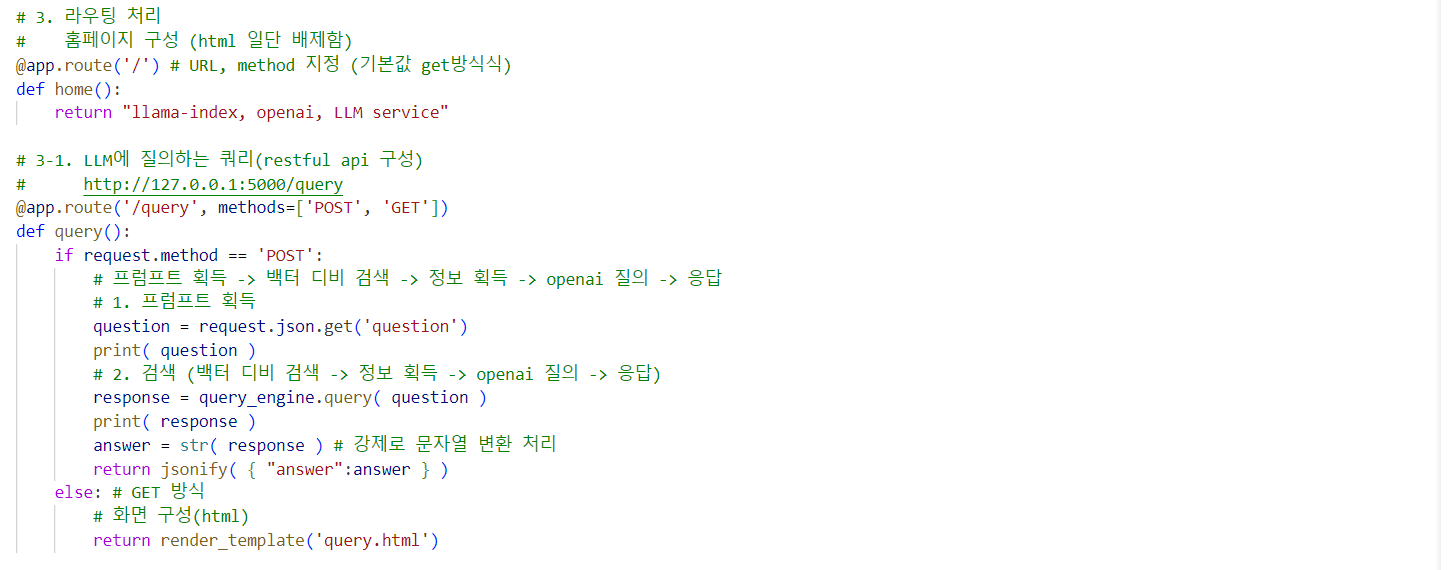
모듈가져오기 -> 플라스크초기화 -> 라우팅처리 -> 서버가동
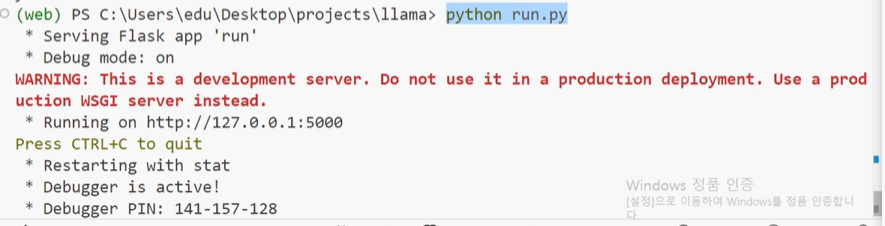
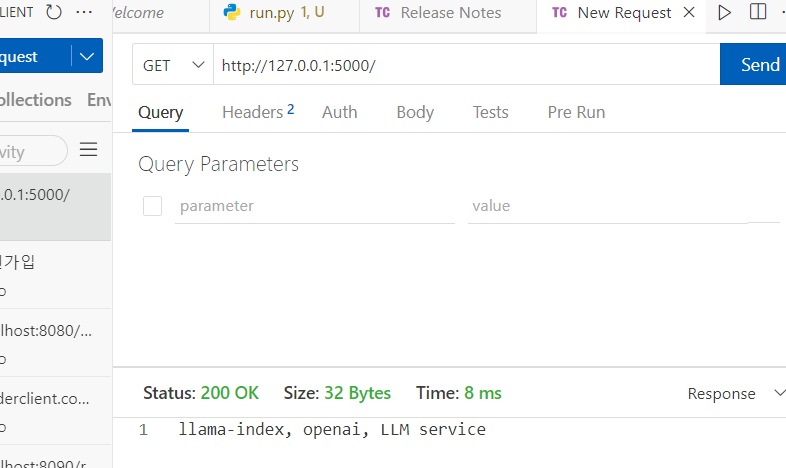
성공
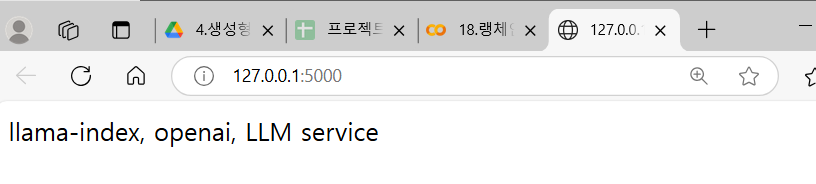
클라이언트에서 응답을보내요
RAG (Retrieval-Augmented Generation) 란?
RAG (Retrieval-Augmented Generation) 는 "검색 기반 생성" 기법으로, LLM (대형 언어 모델)과 외부 데이터베이스(백터DB) 를 결합하여 더욱 정확하고 신뢰성 높은 응답을 생성하는 방식입니다.
1. 모듈을 가져와요

2. flask를 초기화하고 외부 데이터를 로드합니다.
3. 라우팅 처리를 해줘요 (렌더링, API요청을 위해서)
4. 서버가동을해줍니다.

요청에대한 응답이 잘나옵니다.

랜더링도 성공
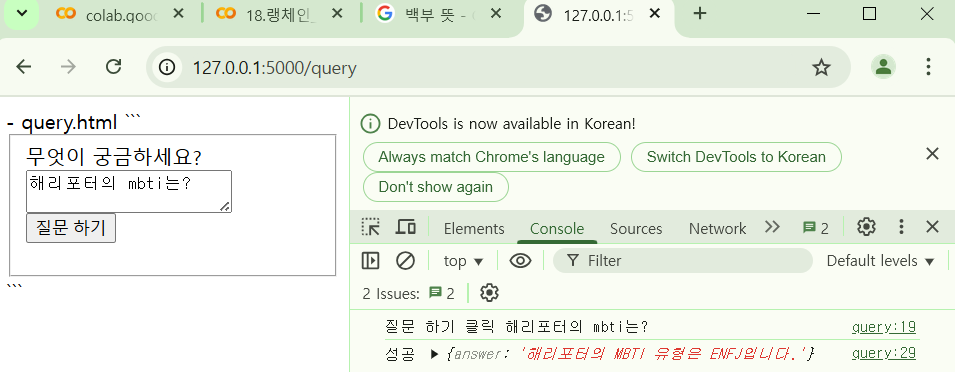
  - query.html

  ```
  <html>
  <head>
      <script src="https://code.jquery.com/jquery-3.7.1.js" integrity="sha256-eKhayi8LEQwp4NKxN+CfCh+3qOVUtJn3QNZ0TciWLP4=" crossorigin="anonymous"></script>
  </head>
  <body>
      <fieldset>
          <label>무엇이 궁금하세요?</label>
          <form id="query_input">
              <textarea name="question">해리포터의 mbti는?</textarea>
              <input type="submit" value='질문 하기'>
          </form>
      </fieldset>
      <script>
          $('#query_input').on('submit', e=>{
              e.preventDefault()
              console.log('질문 하기 클릭', $('[name=question]').val())
              // 서버 전송
              $.post({
                  url :'/query',
                  data:JSON.stringify({
                      'question':$('[name=question]').val()
                  }),
                  contentType: "application/json; charset=utf-8",
                  dataType:'json',
                  success:res=>{
                      console.log( '성공', res)
                  },
                  error:err=>{
                      console.log( '실패', err)
                  }
              })
              return false
          })

      </script>
  </body>
  </html>
  ```
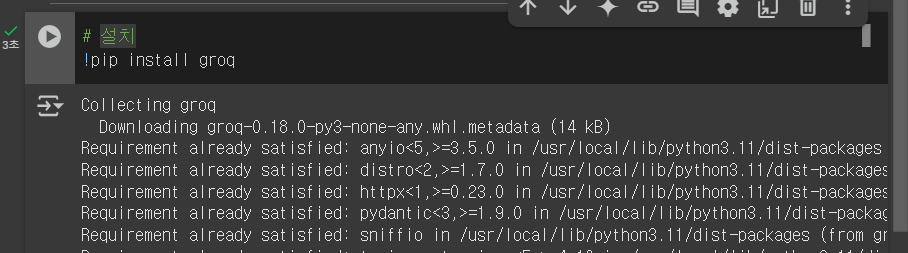
groq 사용
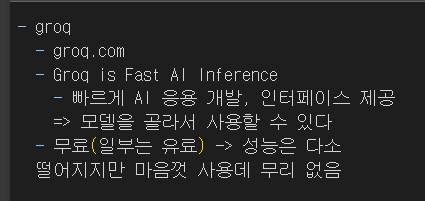
구글 로그인하니 무료생성가능
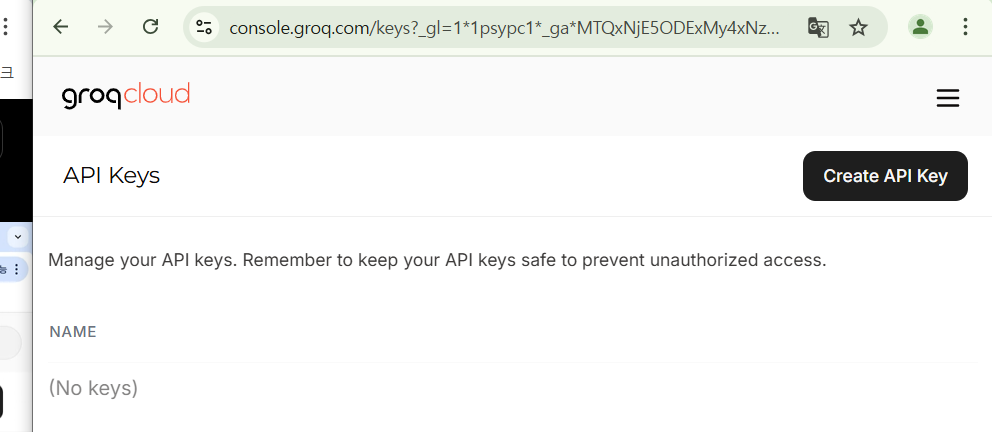
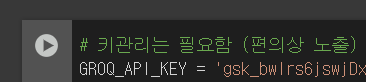
키를발급받아서 코랩에등록
설치
클라이언트 생성

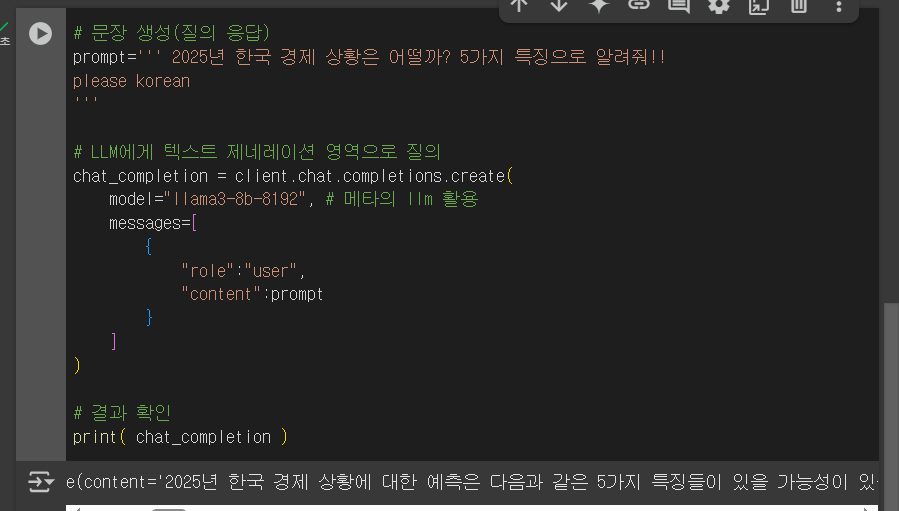
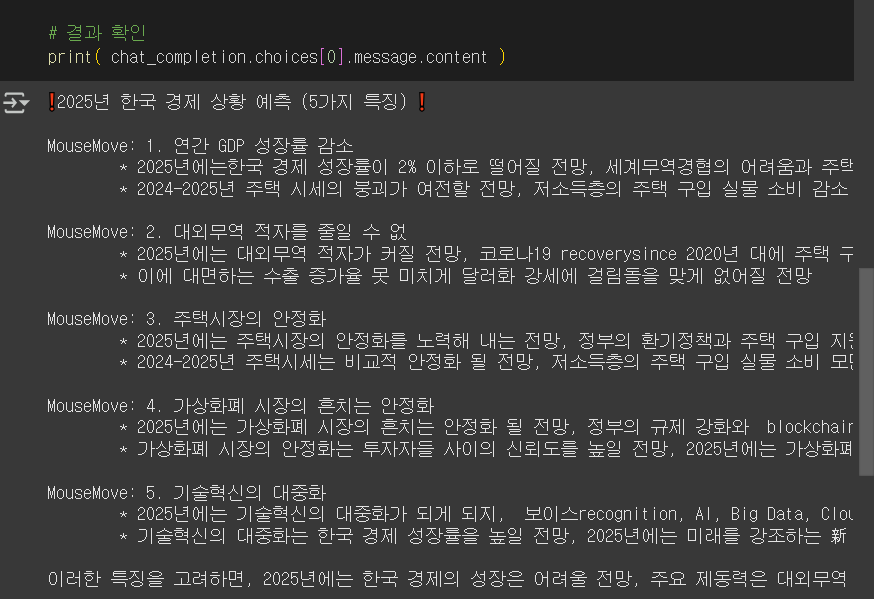
질의 응답 잘해주네요
다른모델도 사용
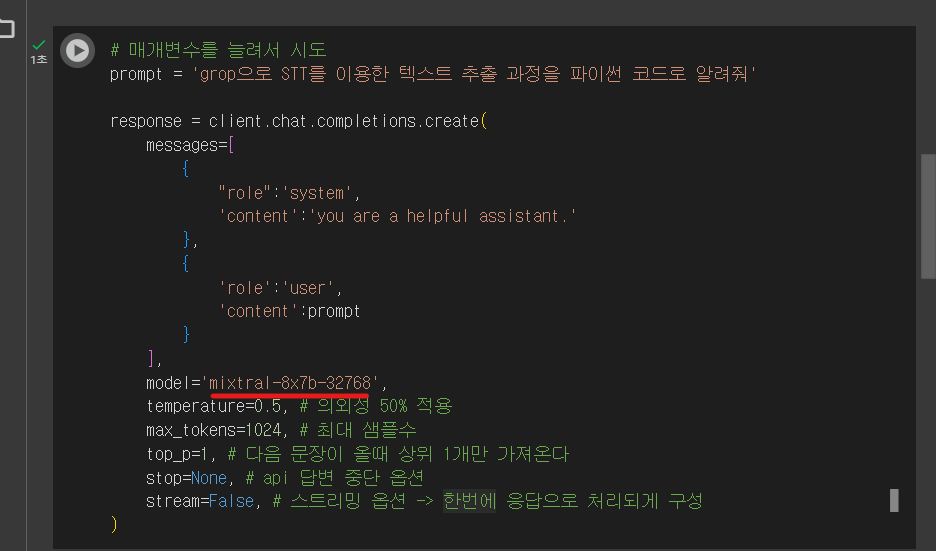
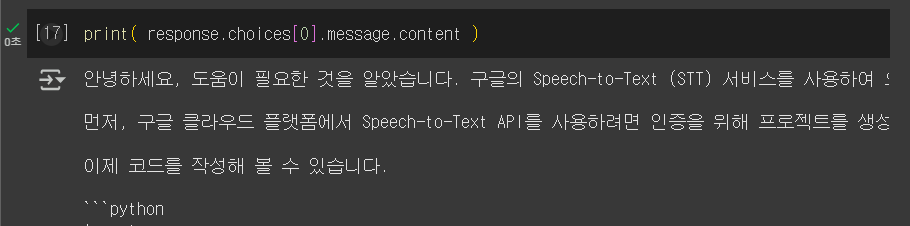
응답확인
끝.

뭐가될지 모름