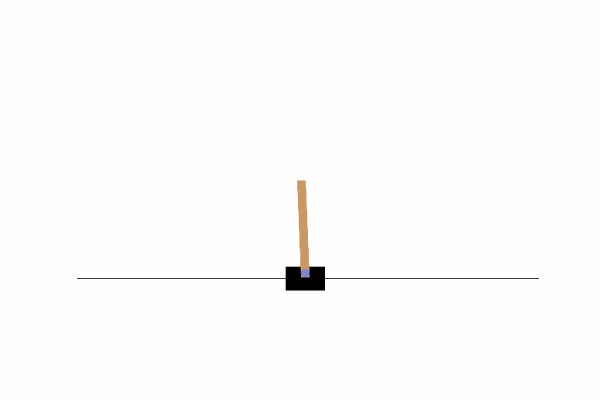
Setup
우선 셋업을 위해 Conda 가상환경을 준비하고 다음의 라이브러리를 인스톨한다
pip install gym
pip install matplotlib
pip install JSAnimation
pip uninstall pyglet -y
pip install pyglet==1.2.4
conda install -c conda-forge ffmpeg- 이후 Jupyter Application install하고 Launch한다
역진자 태스크 "CartPole"
- 진자를 쓰러지지 않게 하는 태스크
- OpenAI Gym에서 CartPole 프로그램에 이 역진자 태스크가 구현되어 있다
# 구현에 사용할 패키지 임포트
import numpy as np
import matplotlib.pyplot as plt
%matplotlib inline
import gym- CartPole 수레 애니메이션 재생 및 저장 함수 정의
from JSAnimation.IPython_display import display_animation
from matplotlib import animation
from IPython.display import display

def display_frames_as_gif(frames):
    '''
    Displays a list of frames as a gif, with controls
    '''
    plt.figure(figsize=(frames[0].shape[1]/72.0, frames[0].shape[0]/72.0), dpi=72)
    patch = plt.imshow(frames[0])
    plt.axis('off')

    def animate(i):
        patch.set_data(frames[i])

    anim = animation.FuncAnimation(plt.gcf(), animate, frames=len(frames), interval=50)
    anim.save('movie_cartpole.mp4')
display(display_animation(anim, default_mode='loop'))- CarPole을 실행하는 부분 작성
- 아직은 수레를 의도대로 제어하는 것이 아니라 무작위로 좌우로 움직이기만 한다
- 일반적인 CartPole에서는 봉이 일정 각도 이상 기울어지면 종료되지만 지금은 계속 움직이게 할것이다
import gym
import numpy as np

# 환경 생성
env = gym.make("CartPole-v1", render_mode='rgb_array')
observation, info = env.reset() # 환경 초기화 시 반환값 구조 변경

frames = [] # 각 프레임을 저장할 리스트

for step in range(0, 200):
    frames.append(env.render()) # 각 시각의 이미지를 추가
    action = np.random.choice(2) # 0(왼쪽), 1(오른쪽) 중 하나 선택
    observation, reward, done, truncated, info = env.step(action) # step의 반환값 구조 변경

    if done or truncated: # 에피소드가 끝났으면 루프 종료
break- reward : 즉각보상
- action을 실행한 후에 수레의 위치가 2.4 범위 안에 있고 20.9도 이상 기울어 있지 않다면 보상 1을 받는다.
- 반대로 수레의 위치가 2.4 범위에서 벗어났거나 봉이 20.9도 이상 기울었다면 보상은 0이다
- done : 게임 종료 여부를 나타내는 플래그
- True이면 종료, False이면 종료되지 않은 것
- 200단계를 초과하거나, 보상이 0이 될 때처럼 수레의 위치가 벗어나도 게임이 종료되어 True
- info : 디버깅에 필요한 정보를 담은 변수
# 애니메이션을 파일로 저장하고 재생
display_frames_as_gif(frames)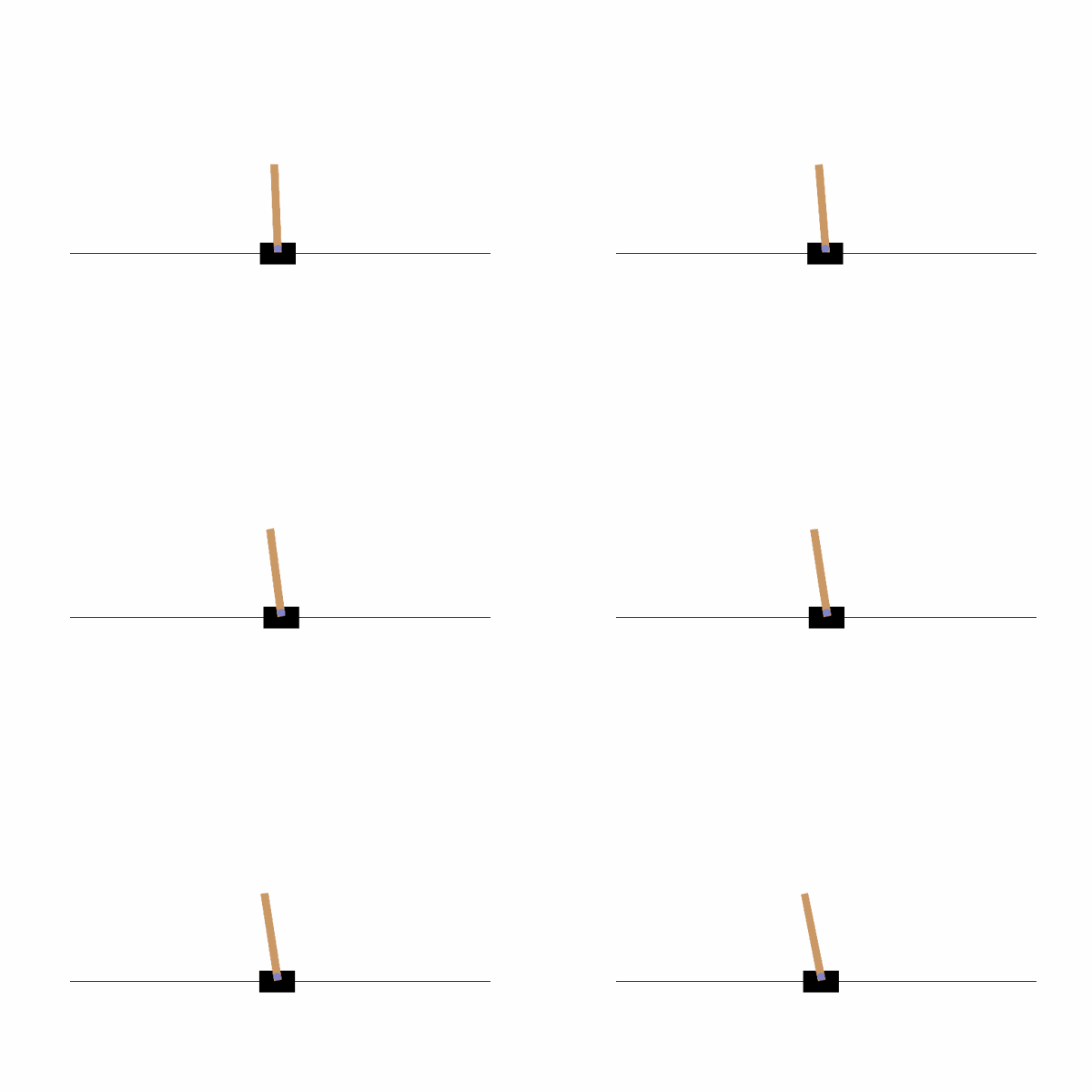

AI, Security
CartPole 실습하는데 도움이 많이 되는것 같습니다. 감사합니다!