출처: YOUTUBE: ROS 1 (02강 of 25강) - Developers and Creators
Ubuntu 설치
리눅스 배포판 중 하나.
범용적으로 쓰임.
Terminator 설치
터미널: 다중 분할 터미널을 위한 인터페이스
# 설치 전 업데이트
$ sudo apt-get update

# terminator 설치
$ sudo apt-get install terminator -y
VS CODE 설치
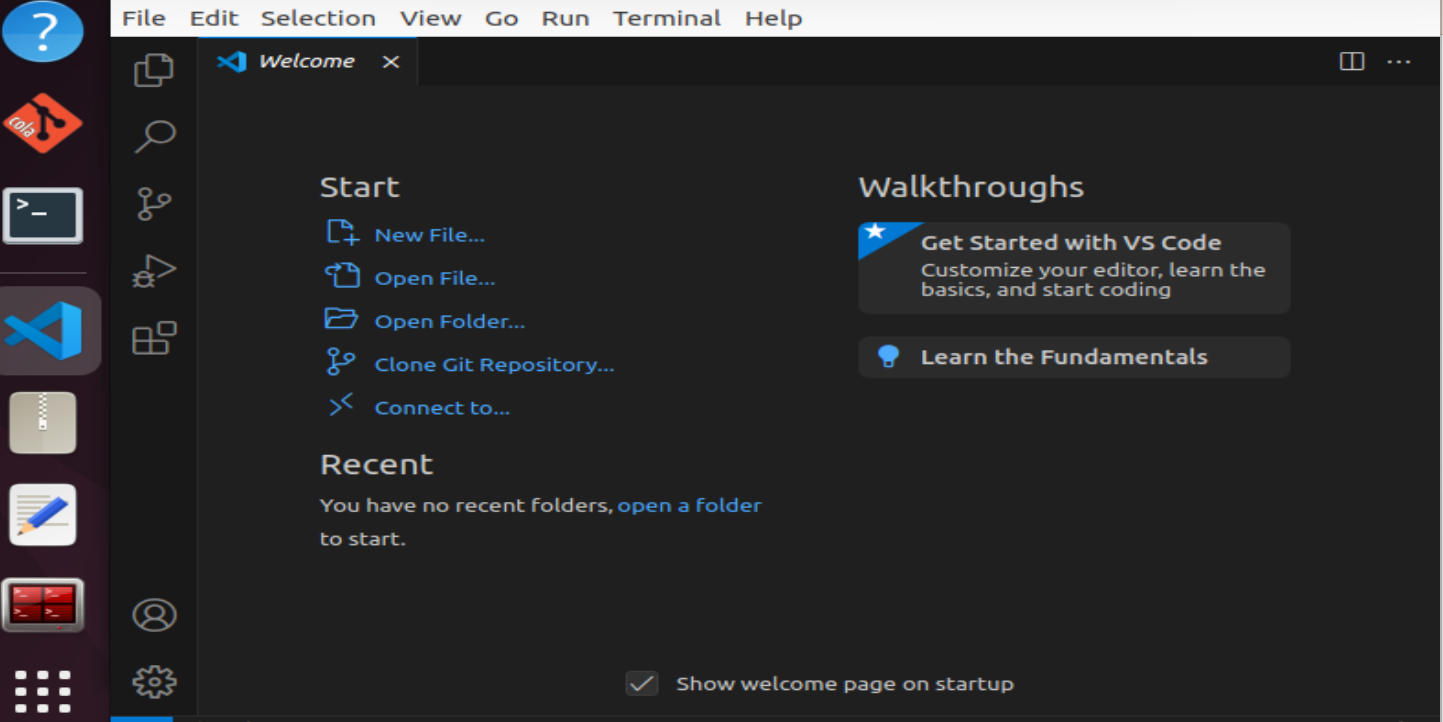
설치까지 빠르게 진행.
설치 후 하단 extensions도 install.
- Visual Studio IntelliCode
- Project Manager
- URDF
- C/C++
- Python
- CMake Tools
- Material Theme
- Code runner
- etc...
Additional Setup
하단 modemmanager을 삭제
$ sudo apt-get purge modemmanager

$ sudo adduser [사용자 계정 이름]
$ sudo usermod -aG sudo [사용자 계정 이름]
Ubuntu ROS Melodic 설치
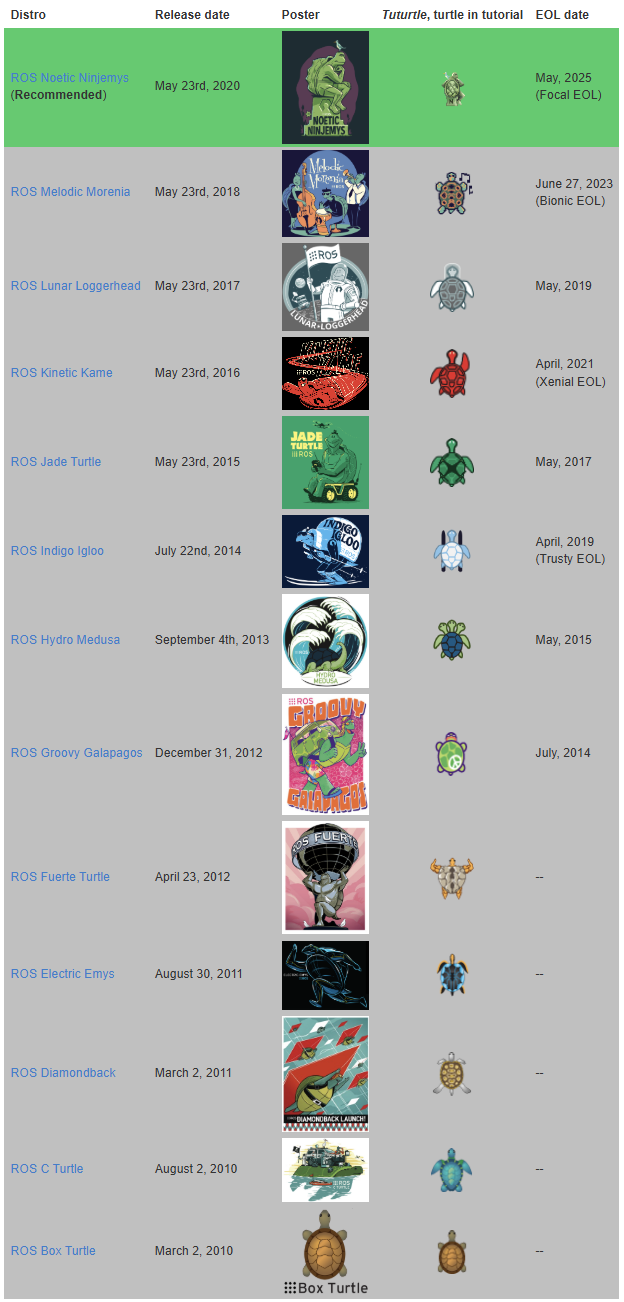
$ sudo sh -c 'echo "deb http://packages.ros.org/ros/ubuntu $(lsb_release -sc) main" > /etc/apt/sources.list.d/ros-latest.list'

$ curl -s https://raw.githubusercontent.com/ros/rosdistro/master/ros.asc | sudo apt-key add -

$ sudo apt update
$ sudo apt install ros-melodic-desktop-full -y

$ echo "source /opt/ros/melodic/setup.bash" >> ~/.bashrc
$ source ~/.bashrc
$ sudo apt install python-rosdep python-rosinstall python-rosinstall-generator python-wstool build-essential
$ sudo rosdep init
$ rosdep update
하단과 같이 배포판 ROS 패키지 추가 설치가 가능함.
새로운 버전의 패키지 설치가 가능하다는 것.
$ sudo apt-get install ros-melodic-<package name>설치 확인
터미널을 새로 열어서 진행.
$ roscore
... logging to /home/kimsooyoung/.ros/log/5b440a74-4cda-11eb-a263-9cb6d08bf543/roslaunch-kimsooyoung-XPS-13-9370-10527.log
Checking log directory for disk usage. This may take a while.
Press Ctrl-C to interrupt
Done checking log file disk usage. Usage is <1GB.

started roslaunch server http://localhost:38251/
ros_comm version 1.14.10


SUMMARY
========

PARAMETERS
 * /rosdistro: melodic
 * /rosversion: 1.14.10

NODES

auto-starting new master
process[master]: started with pid [10537]
ROS_MASTER_URI=http://localhost:11311/

setting /run_id to 5b440a74-4cda-11eb-a263-9cb6d08bf543
process[rosout-1]: started with pid [10559]
started core service [/rosout]
위처럼 master가 start되었다는 메시지 나왔다면, 완료된 것.
ROS 프로그램 시험 시행
$ rosrun turtlesim turtlesim_node

# 새 터미널 실행
$ rosrun turtlesim turtle_teleop_key
~/.bashrc 수정
alias 설정을 통해 편리한 입력 가능(단축키).
$ gedit ~/.bashrc

# 파일 제일 아래에 다음과 같은 내용 입력
alias eb='gedit ~/.bashrc'
alias sb='source ~/.bashrc'
alias gs='git status'
alias gp='git pull'
alias cw='cd ~'
alias cs='cd ~/src'
alias cm='cd ~ && catkin_make'

alias cma='catkin_make -DCATKIN_WHITELIST_PACKAGES=""'
alias cop='catkin_make --only-pkg-with-deps'
alias sds='source devel/setup.bash'
alias axclient='rosrun actionlib axclient.py'

# 종료 후 터미널 업데이트
$ source ~/.bashrc
🏫 Kookmin University, Major in Electrical Engineering (First Major), AI Big Data & Management (Double Major), Smart Car ICT (Interdisciplinary Major)