
리액트 디테일 잡기
1. Hooks
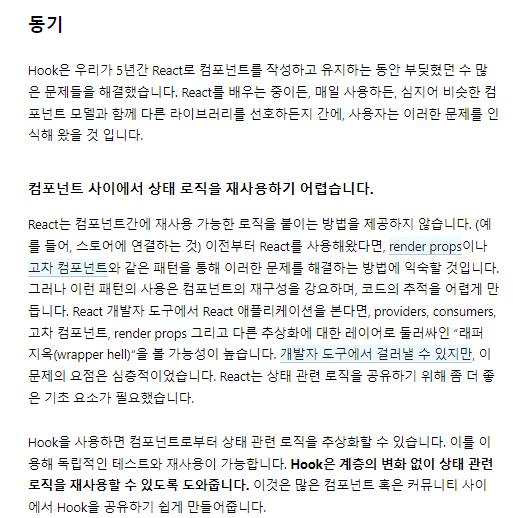
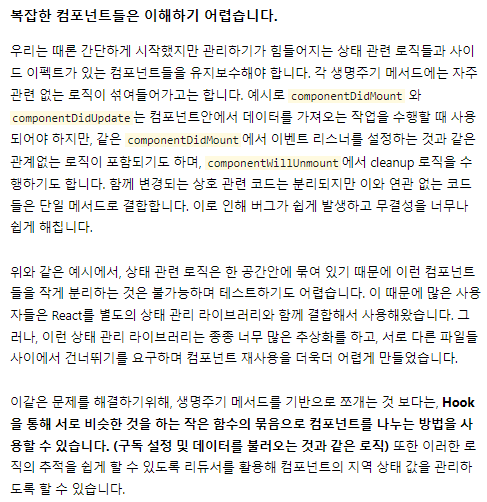
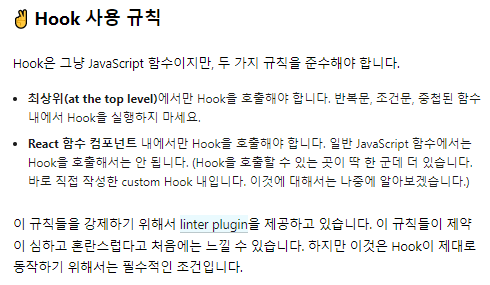
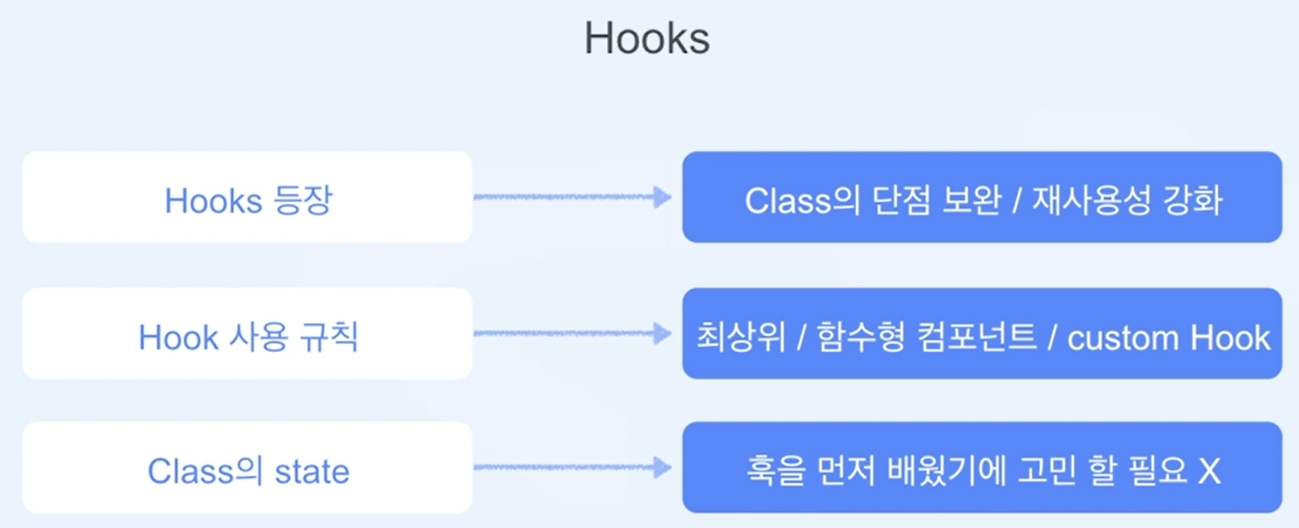
Class의 단점을 보완하면서
라이프사이클 등과 관련된 함수를 재사용 가능토록 함
1-1. State Hook
https://ko.reactjs.org/docs/hooks-state.html
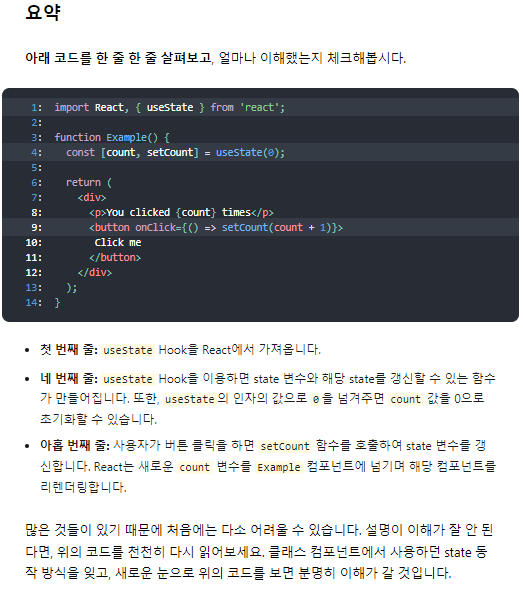
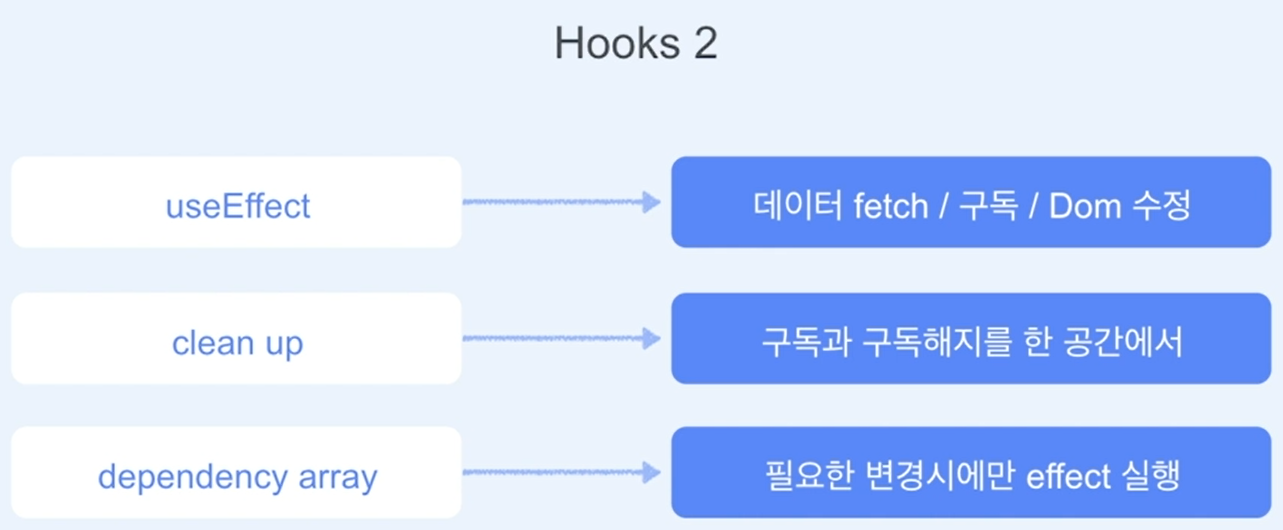
1-2. Using the Effect Hook
https://ko.reactjs.org/docs/hooks-effect.html
데이터 가져오기
구독 설정하기
수동으로 리액트 컴포넌트의 DOM을 수정하기
- class 사용 시
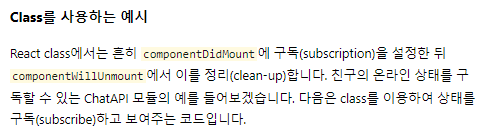
class FriendStatus extends React.Component {
  constructor(props) {
    super(props);
    this.state = { isOnline: null };
    this.handleStatusChange = this.handleStatusChange.bind(this);
  }

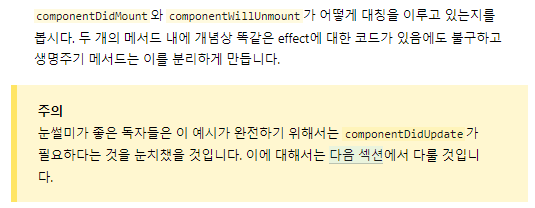
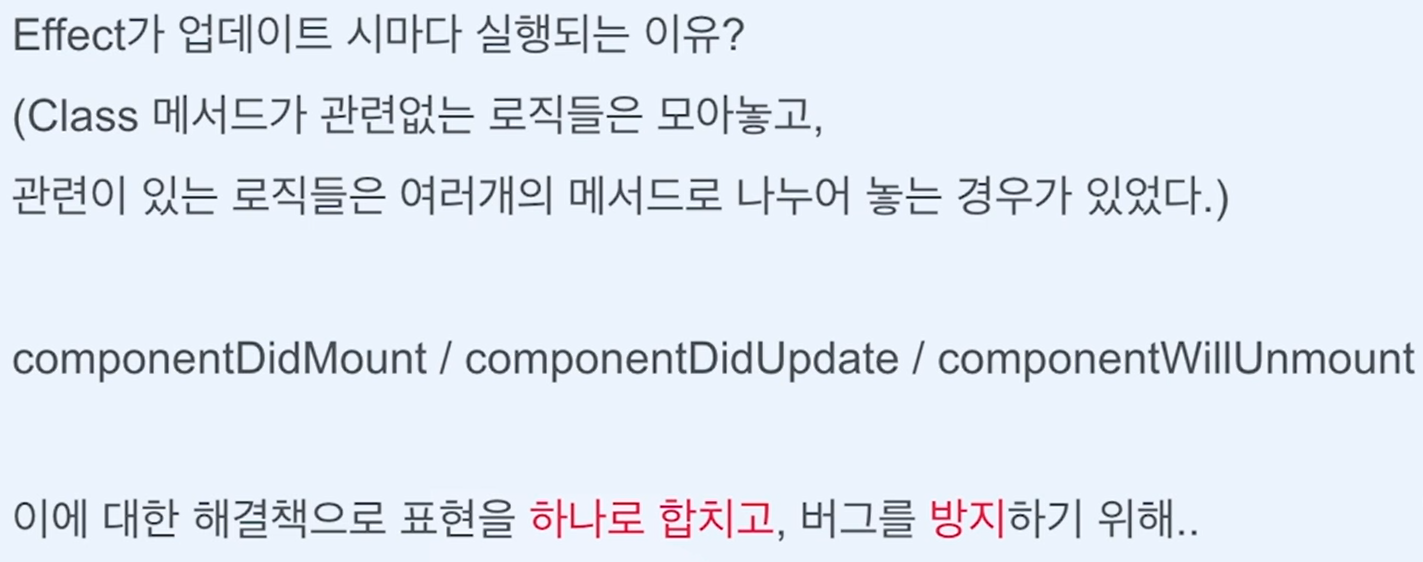
  componentDidMount() {
    ChatAPI.subscribeToFriendStatus(
      this.props.friend.id,
      this.handleStatusChange
    );
  }
  componentWillUnmount() {
    ChatAPI.unsubscribeFromFriendStatus(
      this.props.friend.id,
      this.handleStatusChange
    );
  }
  handleStatusChange(status) {
    this.setState({
      isOnline: status.isOnline
    });
  }

  render() {
    if (this.state.isOnline === null) {
      return 'Loading...';
    }
    return this.state.isOnline ? 'Online' : 'Offline';
  }
}
- effect 사용 시
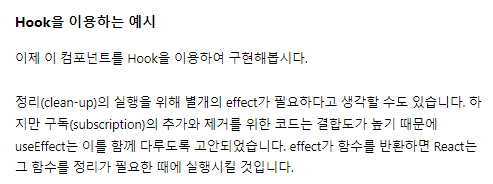
import React, { useState, useEffect } from 'react';

function FriendStatus(props) {
  const [isOnline, setIsOnline] = useState(null);

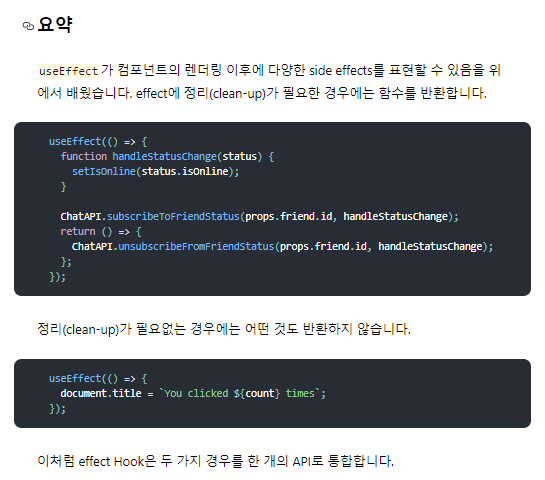
  useEffect(() => {
    function handleStatusChange(status) {
      setIsOnline(status.isOnline);
    }
    ChatAPI.subscribeToFriendStatus(props.friend.id, handleStatusChange);
    // effect 이후에 어떻게 정리(clean-up)할 것인지 표시합니다.
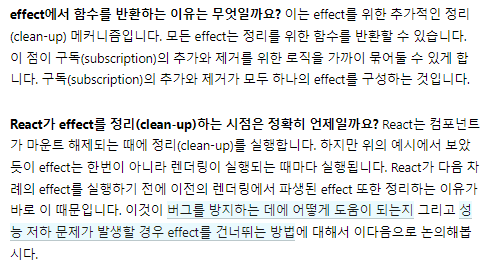
    return function cleanup() {
      ChatAPI.unsubscribeFromFriendStatus(props.friend.id, handleStatusChange);
    };
  });

  if (isOnline === null) {
    return 'Loading...';
  }
  return isOnline ? 'Online' : 'Offline';
}
1-3. Custom Hooks
아래 문서 확인
https://ko.reactjs.org/docs/hooks-custom.html
useReducer 예제
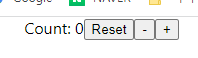
- 먼저 state
import React, {useState} from 'react'

export default function State() {
  const initialCount = 0;
  const [count, setCount] = useState(initialCount);
  return (
    <div>
      Count: {count}
      <button onClick={() => setCount(initialCount)}>Reset</button>
      <button onClick={() => setCount(prev => prev - 1)}>-</button>
      <button onClick={() => setCount(prev => prev + 1)}>+</button>
    </div>
  )
}
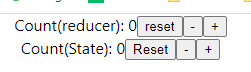
- reducer
import React, {useReducer} from 'react'

export default function Reducer() {
  const initialState = {count: 0};

  function reducer(state, action){
    switch(action.type){
      case 'reset':
        return initialState;
      case 'increment':
        return {count: state.count + 1};
      case 'decrement':
        return {count: state.count - 1};
        default:
          throw new Error();
    }
  }

  const [state, dispatch] = useReducer(reducer, initialState);
  return (
    <div>
      Count(reducer): {state.count}
      <button onClick={() => dispatch({type: 'reset'})}>reset</button>
      <button onClick={() => dispatch({type: 'decrement'})}>-</button>
      <button onClick={() => dispatch({type: 'increment'})}>+</button>
    </div>
  )
}
2. Composition
https://ko.reactjs.org/docs/composition-vs-inheritance.html#gatsby-focus-wrapper
- 예시
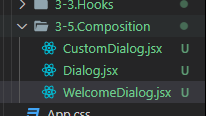
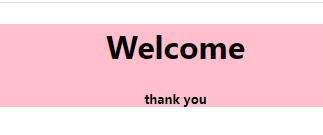
//Dialog.jsx
import React from 'react'

export default function Dialog(props) {
  return (
    <div style={{backgroundColor: 'pink'}}>
      {props.children}
    </div>
  )
}

//WelcomeDialog.jsx
import React from 'react'
import CustomDialog from './CustomDialog'
import Dialog from './Dialog'

export default function WelcomeDialog() {
  // return (
  //   <Dialog>
  //     <h1>Welcome</h1>
  //     <h5>Thank you</h5>
  //   </Dialog>
  // )

  return (
    <CustomDialog title="Welcome" description="thank you" />
  )
}

//CustomDialog.jsx
import React from 'react'
import Dialog from './Dialog'

export default function CustomDialog(props) {
  return (
    <Dialog>
      <h1>{props.title}</h1>
      <h5>{props.description}</h5>
    </Dialog>
  )
}
- 심화 예시
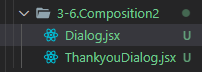
// Dialog.jsx
import React, { useState } from "react";

export default function Dialog(props) {
  const [isOpen, setIsOpen] = useState(false);
  return (
    <>
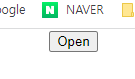
      <button onClick={() => setIsOpen(true)}>Open </button>
      {isOpen && (
        <div
          style={{
            position: "absolute",
            zIndex: 99,
            top: "50%",
            left: "50%",
            transform: "translate(-50%, -50%)",
            border: "1px solid black",
            padding: "24px",
            backgroundColor: "white",
          }}
        >
          {typeof props.title === "string" ? (
            <h1>{props.title}</h1>
          ) : (
            props.title
          )}

          {typeof props.description === "string" ? (
            <h5>{props.description}</h5>
          ) : (
            props.description
          )}

          {typeof props.button === "string" ? (
            <button
              style={{ backgroundColor: "red", color: "white" }}
              onClick={() => setIsOpen(false)}
            >
              {props.button}
            </button>
          ) : (
            <div onClick={() => setIsOpen(false)}>{props.button}</div>
          )}
        </div>
      )}
      {isOpen && (
        <div
          style={{
            position: "fixed",
            top: 0,
            left: 0,
            bottom: 0,
            right: 0,
            backgroundColor: "lightgray",
          }}
        />
      )}
    </>
  );
}


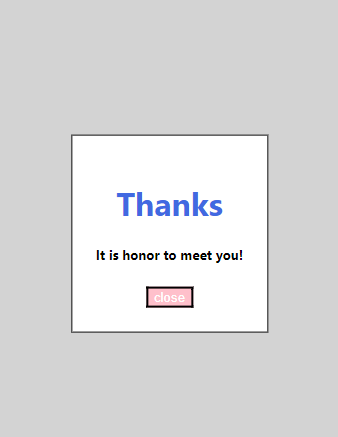
// ThankyouDialog.jsx
import React from "react";
import Dialog from "./Dialog";

export default function ThankyouDialog() {
  return (
    <Dialog
      title={<h1 style={{ color: "royalblue" }}>Thanks</h1>}
      description="It is honor to meet you!"
      button={
        <button style={{ backgroundColor: "pink", color: "white" }}>
          close
        </button>
      }
    />
  );
}
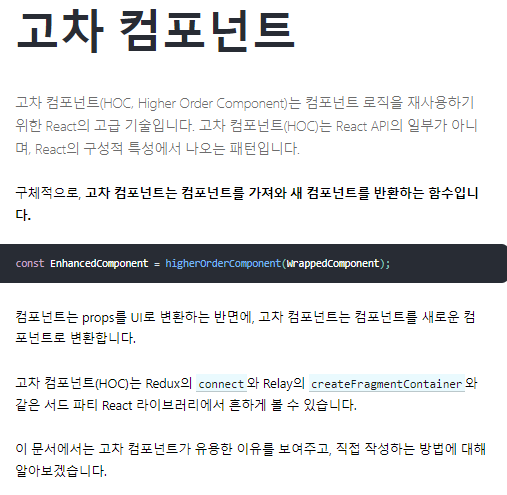
3.HOC(고차 컴포넌트)
- 예시
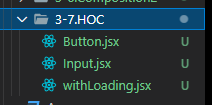
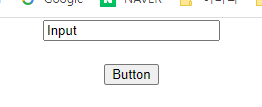
// Button.jsx
import React from "react";
import withLoading from "./withLoading";

function Button() {
  return <button>Button</button>;
}

export default withLoading(Button);

// widthLoading.jsx
import React, { useEffect, useState } from "react";

export default function withLoading(Component) {
  const WithLoadingComponent = (props) => {
    const [loading, setLoading] = useState(true);

    useEffect(() => {
      const timer = setTimeout(() => setLoading(false), 1000);

      return () => clearTimeout(timer);
    }, []);
    return loading ? <p>Loading...</p> : <Component {...props} />;
  };

  return WithLoadingComponent;
}


//Input.jsx
import React from "react";
import withLoading from "./withLoading";

function Input() {
  return <input defaultValue="Input" />;
}

export default withLoading(Input);


4. Memoization
https://ko.wikipedia.org/wiki/%EB%A9%94%EB%AA%A8%EC%9D%B4%EC%A0%9C%EC%9D%B4%EC%85%98
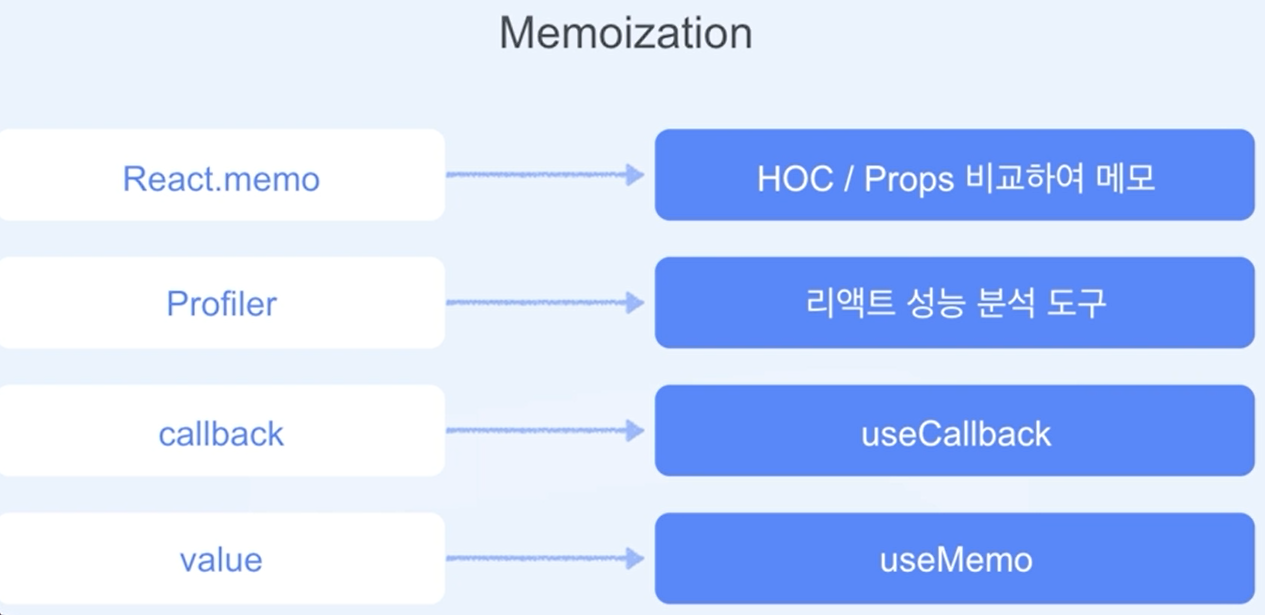
메모이제이션은 컴퓨터 프로그램이 동일한 계산을 반복해야 할 때, 이전에 계산한 값을 메모리에 저장함으로써 동일한 계산의 반복 수행을 제거하여 프로그램 실행 속도를 빠르게 하는 기술이다.
- 예시
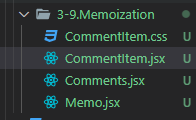
// Memo.jsx
import React, { useEffect, useState } from "react";
import Comments from "./Comments";

const commentList = [
  { title: "comment1", content: "message1", likes: 1 },
  { title: "comment2", content: "message2", likes: 1 },
  { title: "comment3", content: "message3", likes: 1 },
];

export default function Memo() {
  const [comments, setComments] = useState(commentList);

  useEffect(() => {
    const interval = setInterval(() => {
      setComments((prevComments) => [
        ...prevComments,
        {
          title: `comment${prevComments.length + 1}`,
          content: `message${prevComments.length + 1}`,
          likes: 1,
        },
      ]);
    }, 3000);

    return () => {
      clearInterval(interval);
    };
  }, []);

  return <Comments commentList={comments} />;
}


// Comments.jsx
import React, { useCallback } from "react";
import CommentItem from "./CommentItem";

export default function Comments({ commentList }) {
  const handleClick = useCallback(() => {
    alert(`눌림`);
  }, []);
  return (
    <div>
      {commentList.map((comment) => (
        <CommentItem
          key={comment.title}
          title={comment.title}
          content={comment.content}
          likes={comment.likes}
          onClick={handleClick}
        />
      ))}
    </div>
  );
}


//CommentItem.jsx
import React, { Profiler, memo, useState, useMemo } from "react";
import "./CommentItem.css";

function CommentItem({ title, content, likes, onClick }) {
  const [clickCount, setClickCount] = useState(0);
  function onRenderCallback(
    id, // 방금 커밋된 Profiler 트리의 "id"
    phase, // "mount" (트리가 방금 마운트가 된 경우) 혹은 "update"(트리가 리렌더링된 경우)
    actualDuration, // 커밋된 업데이트를 렌더링하는데 걸린 시간
    baseDuration, // 메모이제이션 없이 하위 트리 전체를 렌더링하는데 걸리는 예상시간
    startTime, // React가 언제 해당 업데이트를 렌더링하기 시작했는지
    commitTime, // React가 해당 업데이트를 언제 커밋했는지
    interactions // 이 업데이트에 해당하는 상호작용들의 집합
  ) {
    // 렌더링 타이밍을 집합하거나 로그...
    console.log(`actualDuration(${title}: ${actualDuration})`);
  }

  const handleClick = () => {
    onClick();
    setClickCount((prev) => prev + 1);
    alert(`${title} 눌림`);
  };

  const rate = useMemo(() => {
    console.log("rate chk");
    return likes > 10 ? "Good" : "Bad";
  }, [likes]);

  return (
    <Profiler id="CommentItem" onRender={onRenderCallback}>
      <div className="CommentItem" onClick={handleClick}>
        <span>{title}</span>
        <br />
        <span>{content}</span>
        <br />
        <span>{likes}</span>
        <br />
        <span>{rate}</span>
        <br />
        <span>{clickCount}</span>
      </div>
    </Profiler>
  );
}

export default memo(CommentItem);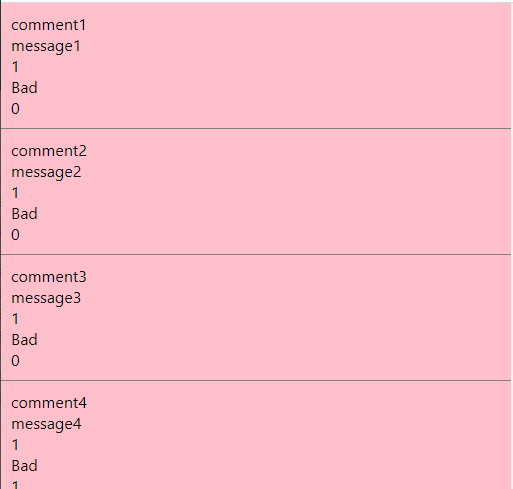

프론트엔드 개발자