- How many Service Accounts exist in the default namespace?
kubectl get serviceaccounts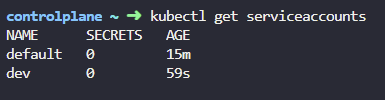
- What is the secret token used by the default service account?
kubectl describe serviceaccounts default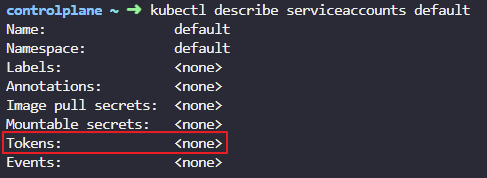
- We just deployed the Dashboard application. Inspect the deployment. What is the image used by the deployment?
kubectl get deployment
kubectl describe deployment web-dashboard
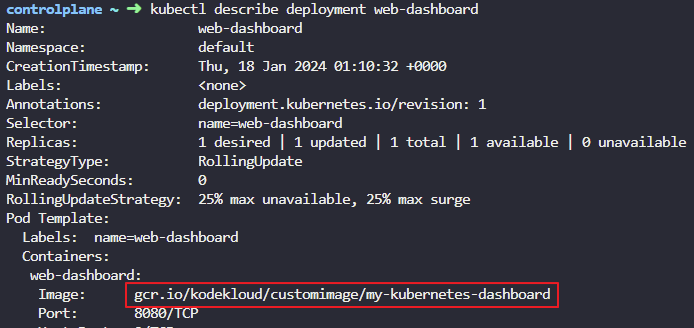
4. Wait for the deployment to be ready. Access the custom-dashboard by clicking on the link to dashboard portal.
failed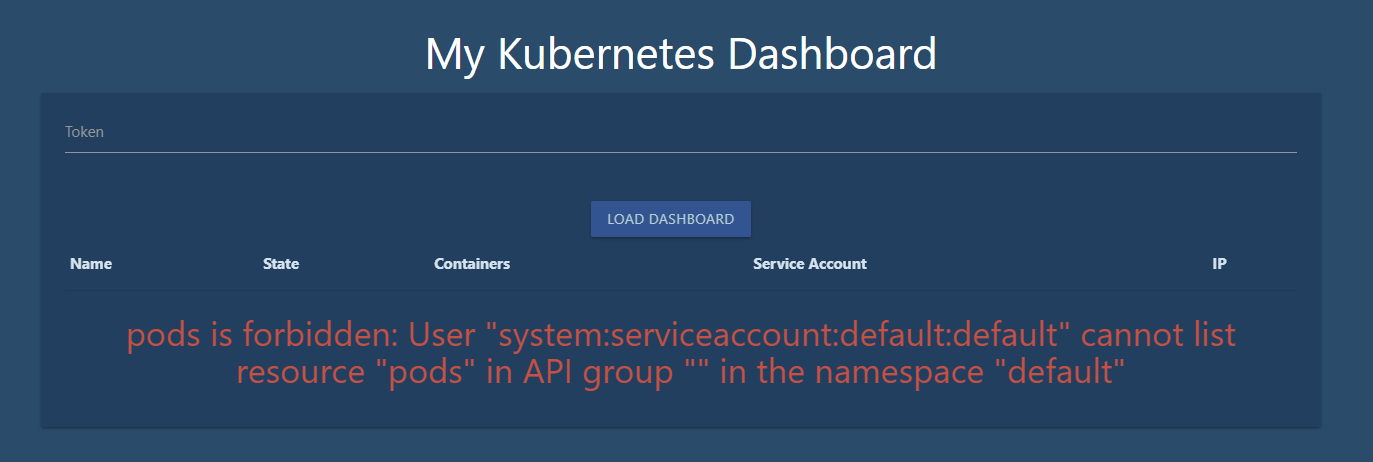
5. What type of account does the Dashboard application use to query the Kubernetes API?
- Service account
Dashboard 애플리케이션은 Kubernetes API에 쿼리를 수행하기 위해 서비스 계정(Service Account)을 사용, Kubernetes에서는 각 애플리케이션이나 프로세스가 클러스터 내의 자원에 접근할 수 있도록 서비스 계정을 제공
6.
7. Which account does the Dashboard application use to query the Kubernetes API?
default
8. Inspect the Dashboard Application POD and identify the Service Account mounted on it.
kubectl get pods -o yaml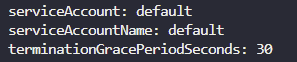
9.
kubectl get pods -o yaml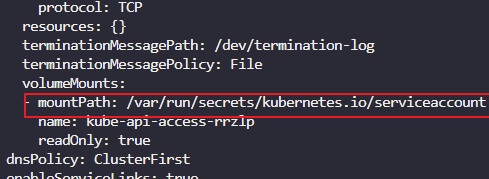
10. The application needs a ServiceAccount with the Right permissions to be created to authenticate to Kubernetes. The default ServiceAccount has limited access. Create a new ServiceAccount named dashboard-sa.
kubectl create serviceaccount dashboard-sa
- We just added additional permissions for the newly created dashboard-sa account using RBAC.
If you are interested checkout the files used to configure RBAC at /var/rbac. We will discuss RBAC in a separate section.
cat dashboard-sa-role-binding.yaml
cat pod-reader-role.yaml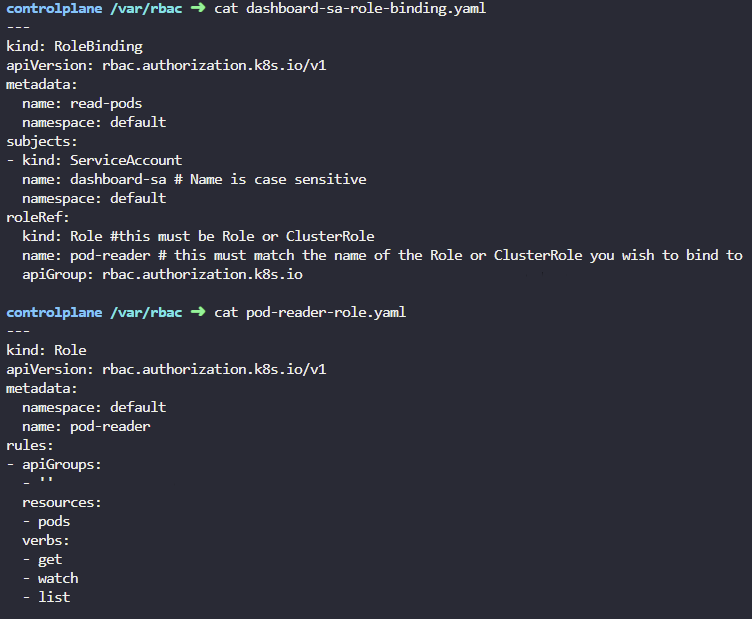
12. Enter the access token in the UI of the dashboard application. Click Load Dashboard button to load Dashboard
Create an authorization token for the newly created service account, copy the generated token and paste it into the token field of the UI.
To do this, run kubectl create token dashboard-sa for the dashboard-sa service account, copy the token and paste it in the UI.
kubectl create token dashboard-sa
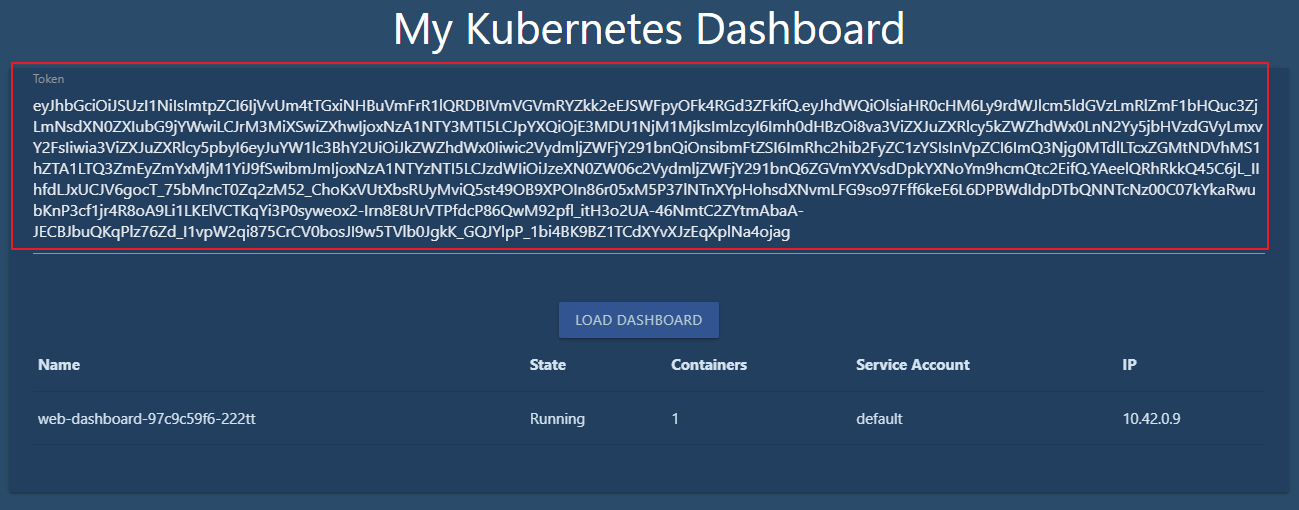
13. You shouldn't have to copy and paste the token each time. The Dashboard application is programmed to read token from the secret mount location. However currently, the default service account is mounted. Update the deployment to use the newly created ServiceAccount
Edit the deployment to change ServiceAccount from default to dashboard-sa.
-
Deployment name: web-dashboard
-
Service Account: dashboard-sa
-
Deployment Ready
kubectl set serviceaccount deploy/web-dashboard dashboard-sa
or
kubectl edit serviceaccounts dashboard-sa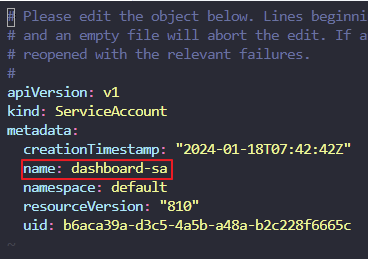
14.Refresh the Dashboard application UI and you should now see the PODs listed automatically.
This time you shouldn't have to put in the token manually.
ok