✔️ 이미지 불러오기
matplib.image
import matplotlib.image as mpimg
import matplotlib.pyplt as plt

img = mpimg.imread("경로")
plt.imshow(img)
plt.axis("off")
Image
from PIL import Image

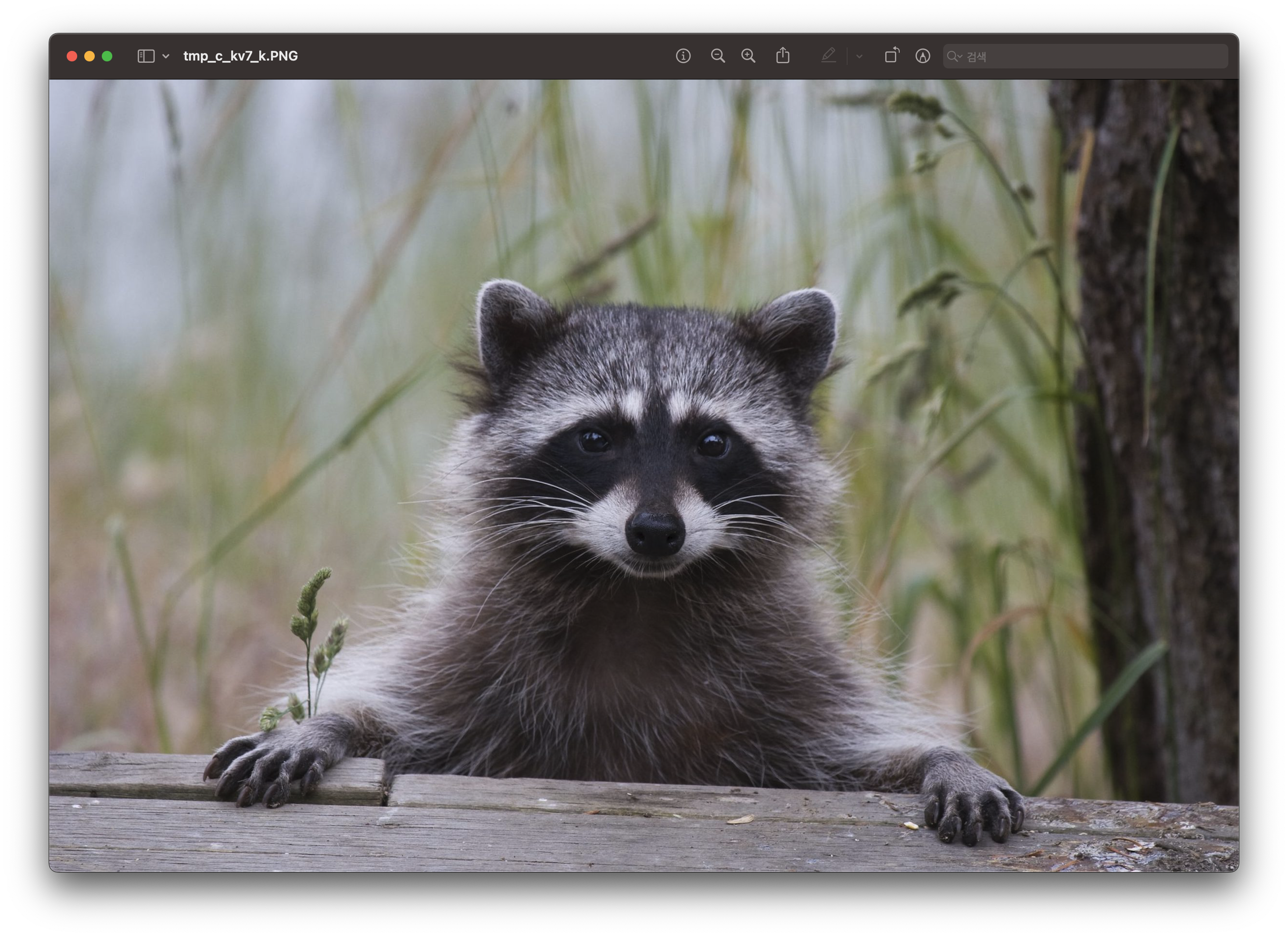
img = Image.open("경로")
img.show()
img.mode
img.size
img.format
img.rotate(45) #이미지 45도 회전
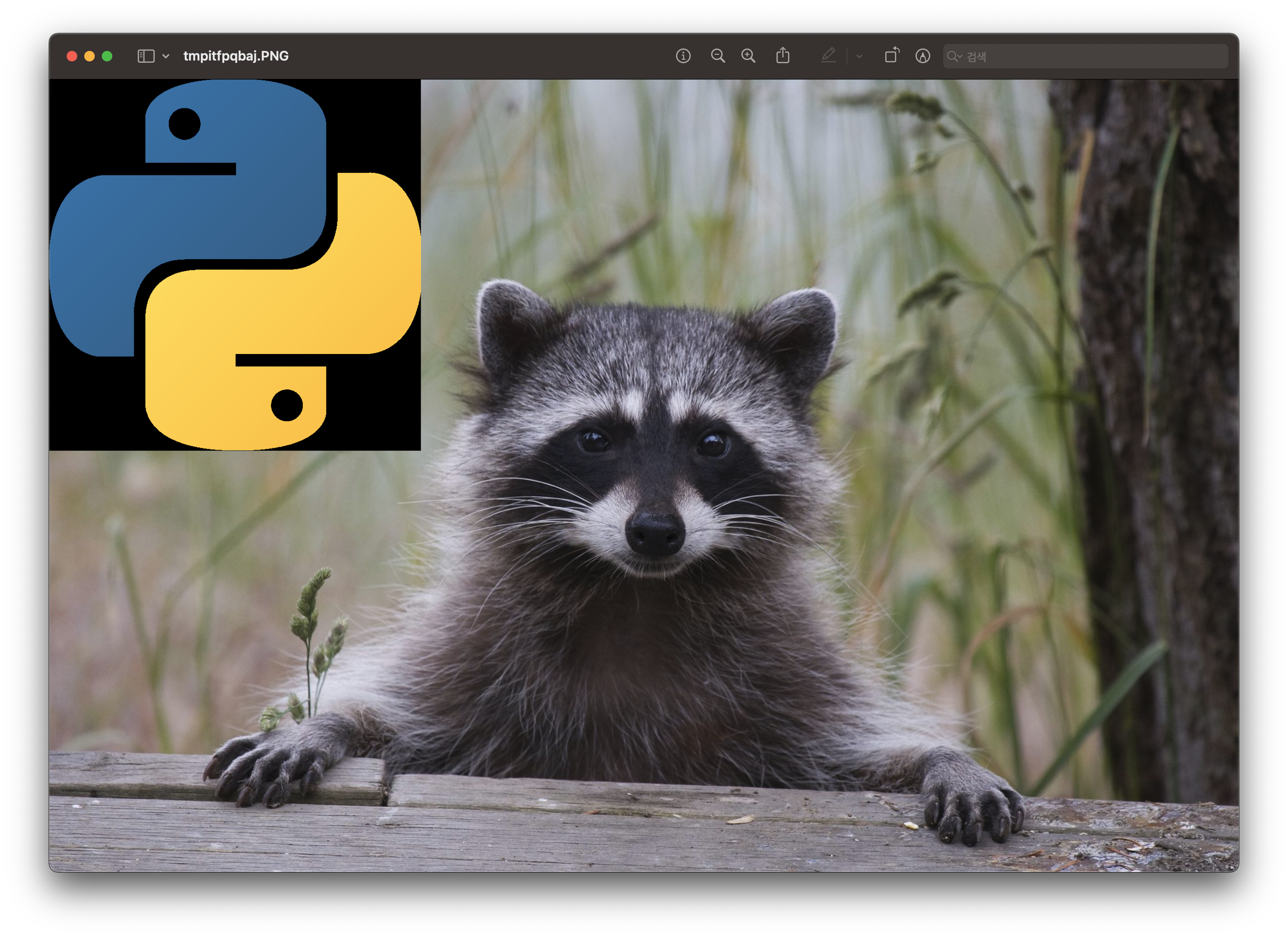
logo = Image.open("경로")
img.paste(logo, (x위치, y위치))
img.show()

✔️ 이미지 변환하기
> ImageEnhance
from PIL import ImageEnhance
contrast = ImageEnhance.Contrast(img)
contrast.enhance(1.5).show()

color = ImageEnhance.Color(img)
color.enhance(1.5).show()


brightness = ImageEnhance.Brightness(img)
brightness.enhance(1.5).show()


sharpness = ImageEnhance.Sharpness(img)
sharpness.enhance(1.5).show()
> opencv
import cv2
import numpy as np
input = np.array(img)

# 같은 그림이 나오는 커널
kernel = np.ones((3,3)) / 9

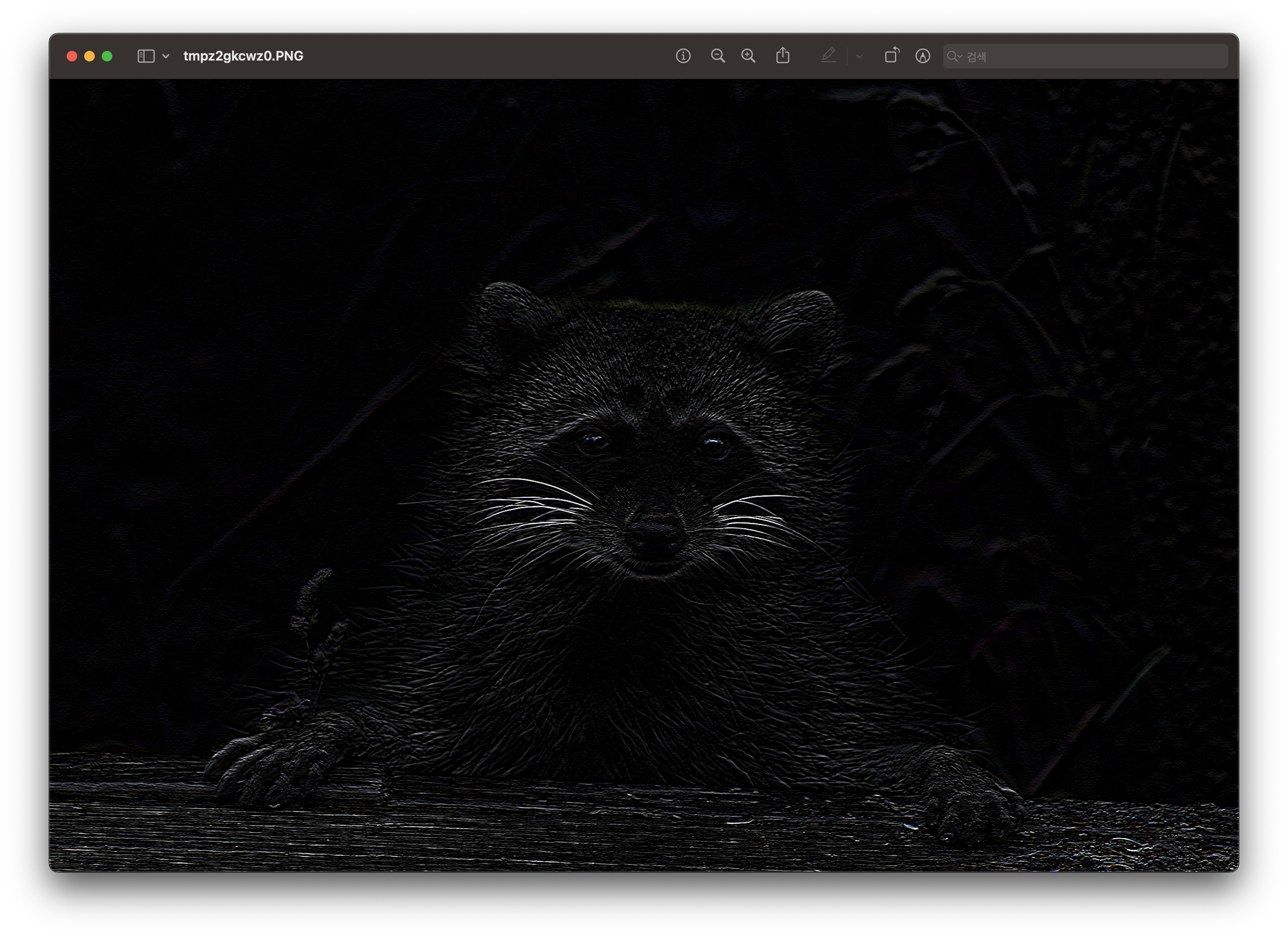
# 상하대비 커널
kernel = np.array([[1,1,1],
                   [0,0,0],
                   [-1,-1,-1]])


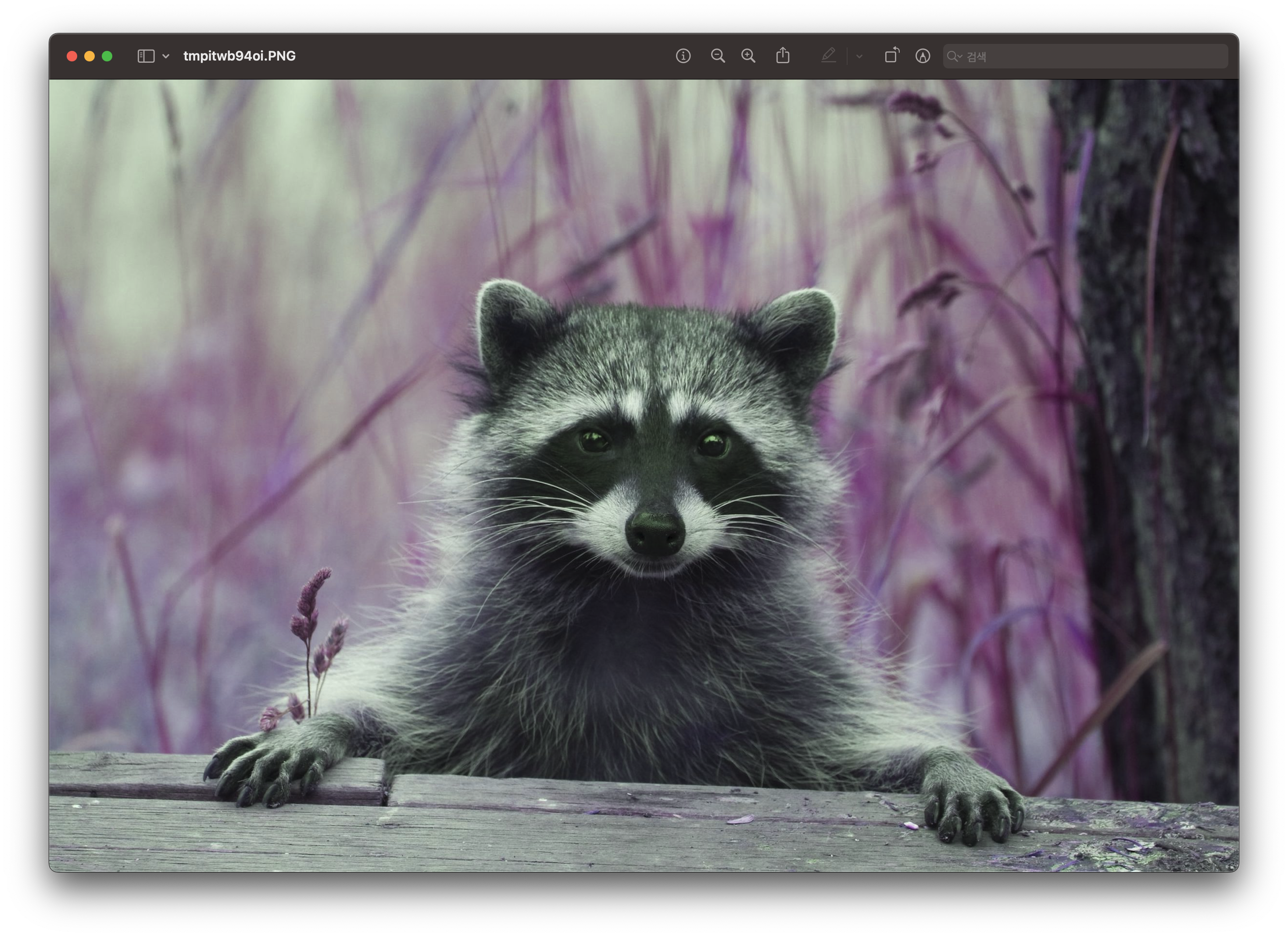
output = cv2.filter2D(input, -1, kernel)
out_img = Image.fromarray(output)
out_img.show()
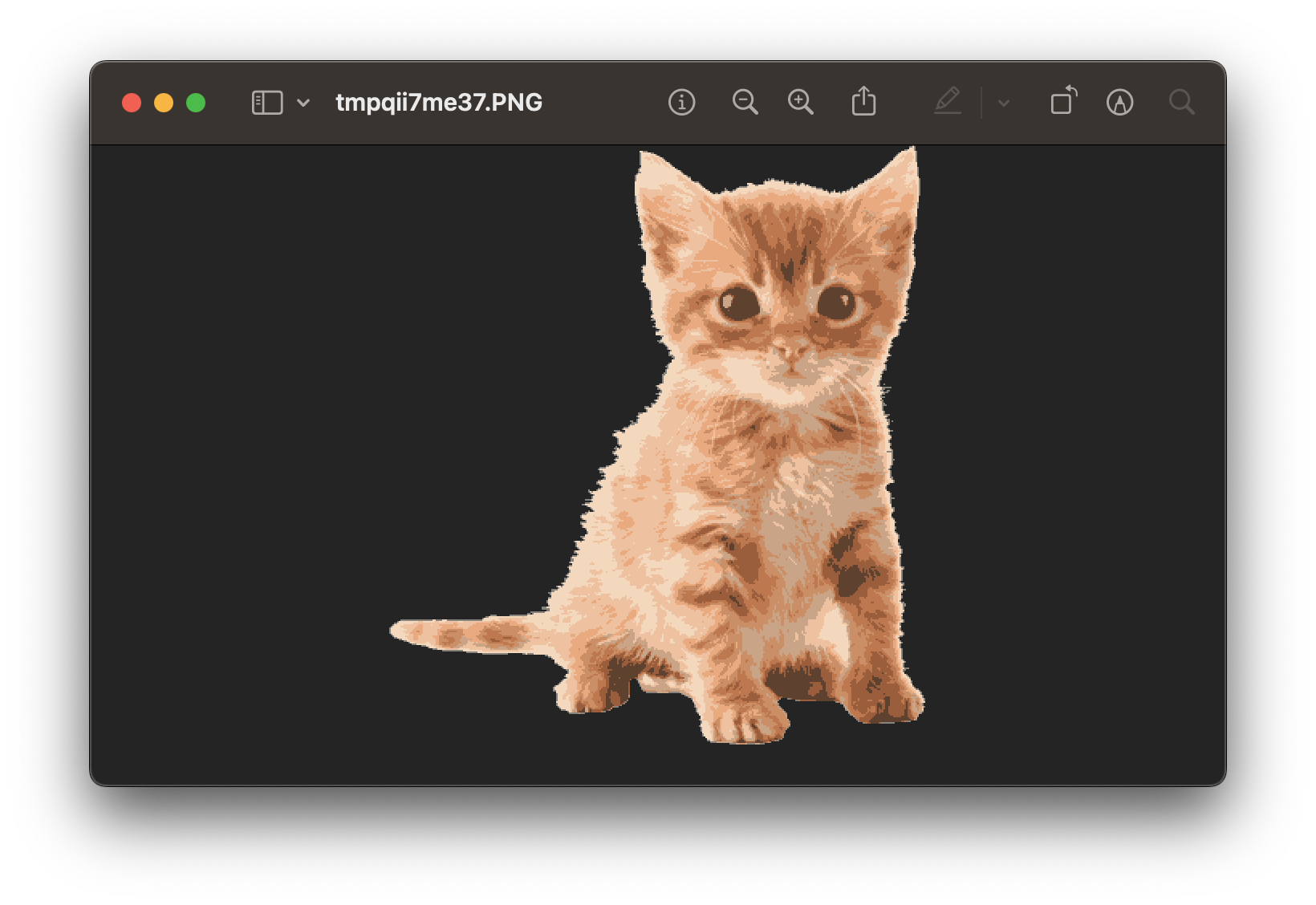
cluster
from sklearn.cluster import KMeans

cat = Image.open("경로")
cat.show()

cat_data = np.array(cat)
w, h, d = cat_data.shape
X = cat_data.reshape((w * h, d)) / 255

kmeans = KMeans(n_clusters = 10, # 클러스터가 커질수록 원본이미지와 비슷해진다.
                max_iter=10, n_init=1)

res = kmeans.fit(X)
centroids = res.cluster_centers_
compressed_X = (255 * centroids[res.labels_, :]).astype(np.uint8).reshape((w, h, d))
compressed_image = Image.fromarray(compressed_X)
compressed_image.show()