MCP | Resource로 등록해서 자원으로 활용하기.
Resource 자원 활용하기
예제 만들기
미리 python-sdk README.md 의 글을 복사하여
Desktop mcpreadme.md 리소스 노출 예제
데스크톱에 있는 mcpreadme.md 파일을 리소스로 노출시키는 예제입니다.
- 명령어를 LLM에게 사용하면,
"I want you to help me expose a resource in my mcp server @MCP llm.txt ,
again use the @MCP Python SDK  to write the code I want to expose `mcpreadme.md` under my Desktop directory.
Do not fix the `mcpreadme.md` file, just expose it as a resource."- 아래와 비슷하게
@mcp.resouce형식의 어노테이션을 사용하여 함수를 만들어준다.
from pathlib import Path
import os

from mcp.server.fastmcp import FastMCP

# MCP 서버 생성
mcp = FastMCP("MCPReadme Demo")


@mcp.resource("file://mcpreadme")
def get_mcpreadme_content() -> str:
    """데스크톱의 mcpreadme.md 파일 내용을 반환합니다."""
    desktop = Path.home() / "Desktop"
    mcpreadme_path = desktop / "mcpreadme.md"

    if not mcpreadme_path.exists():
        return "mcpreadme.md 파일이 데스크톱에 존재하지 않습니다."

    with open(mcpreadme_path, "r", encoding="utf-8") as f:
        content = f.read()

    return content

if __name__ == "__main__":
    # 서버 실행
    mcp.run("stdio")
- 해당 서버를 실행하고,
uv run mcpreadme_server.py클로드
- 설정 > 개발자 >
claude_desktop_config.json - 아래와 같은 json을 추가한다.
"mcp_readme": {
      "command": "C:\\Users\\name\\.local\\bin\\uv.exe",
      "args": [
        "--directory",
        "C:\\Users\\name\\Desktop\\projects\\mcp-servers\\shellserver",
        "run",
        "mcpreadme_server.py"
      ]
    }
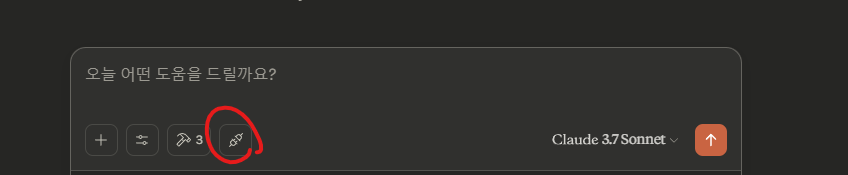
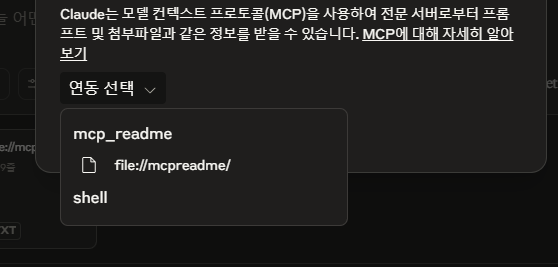
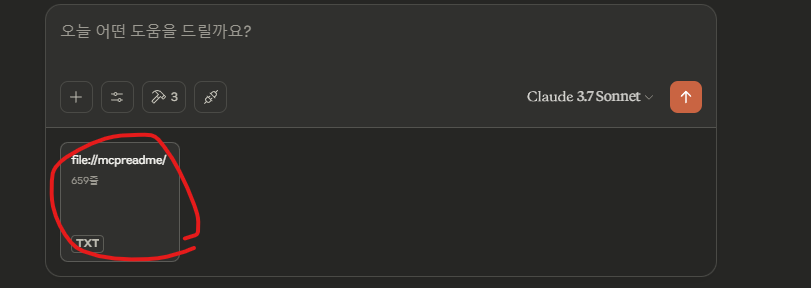
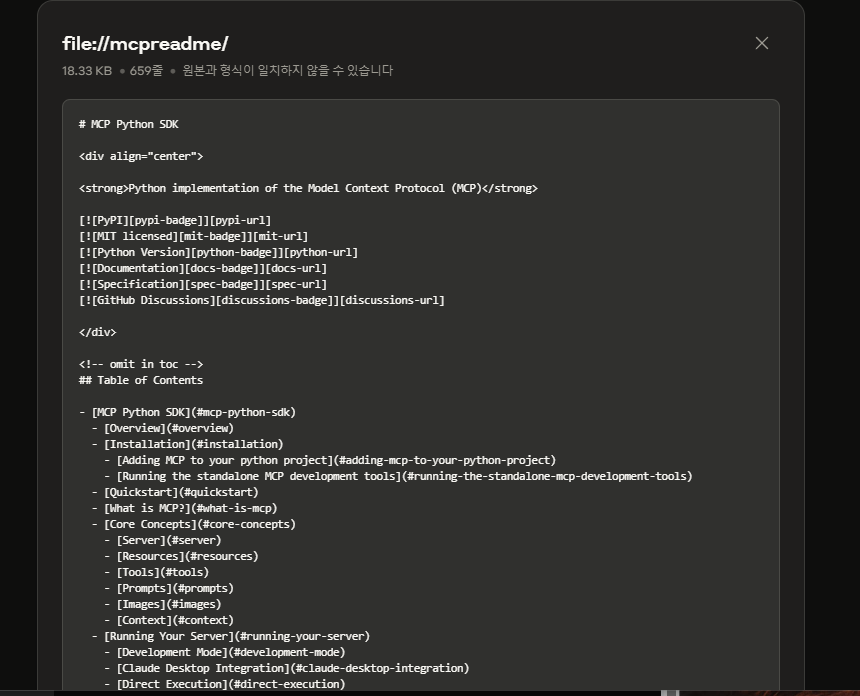
잘 등록 된 것을 볼 수 있다.
Resource로 등록된 python-sdk의 README.md를 따로 저장해서 내 자원으로 쓸 수 있게 된다.

집요한 주니어 개발자의 호되게 당했던 기록