이전의 결과물을 보면 아주 간단한 형태를 취하고 있습니다. 이번에는 위 결과물에 CSS를 입혀보겠습니다.
두 개의 의존성을 추가해 줍니다.
pom.xml
<!-- 부트스트랩 -->
<dependency>
    <groupId>org.webjars</groupId>
    <artifactId>bootstrap</artifactId>
    <version>5.1.3</version>
</dependency>

<!-- jquery-->
<dependency>
    <groupId>org.webjars</groupId>
    <artifactId>jquery</artifactId>
    <version>3.6.0</version>
</dependency>
jquery와 Bootstrap을 연결 시켜줍니다.
listTodo.jsp
<%@ taglib prefix="c" uri="http://java.sun.com/jsp/jstl/core" %>

<html>
<head>
    <link href="webjars\bootstrap\5.1.3\css\bootstrap.min.css" rel="stylesheet">
    <title>List Todos Page</title>
</head>
<body>
    <div>welcome to ${name}!</div>
    <hr>
    <h1>Your Todos</h1>
        <table>
            <thead>
                <tr>
                    <th>id</th>
                    <th>Description</th>
                    <th>Target Data</th>
                    <th>Is Done?</th>
                </tr>
            </thead>
            <tbody>
                <c:forEach items="${todos}" var="todo">
                    <tr>
                        <td>${todo.id}</td>
                        <td>${todo.description}</td>
                        <td>${todo.targetDate}</td>
                        <td>${todo.done}</td>
                    </tr>
                </c:forEach>
            </tbody>
        </table>
        <script src="webjars\bootstrap\5.1.3\js\bootstrap.bundle.min.js"></script>
        <script src="webjars\jquery\3.6.0\jquery.min.js"></script>
    </body>
</html>
결과
이전의 실행결과와 조금 다른 걸 볼 수 있습니다.
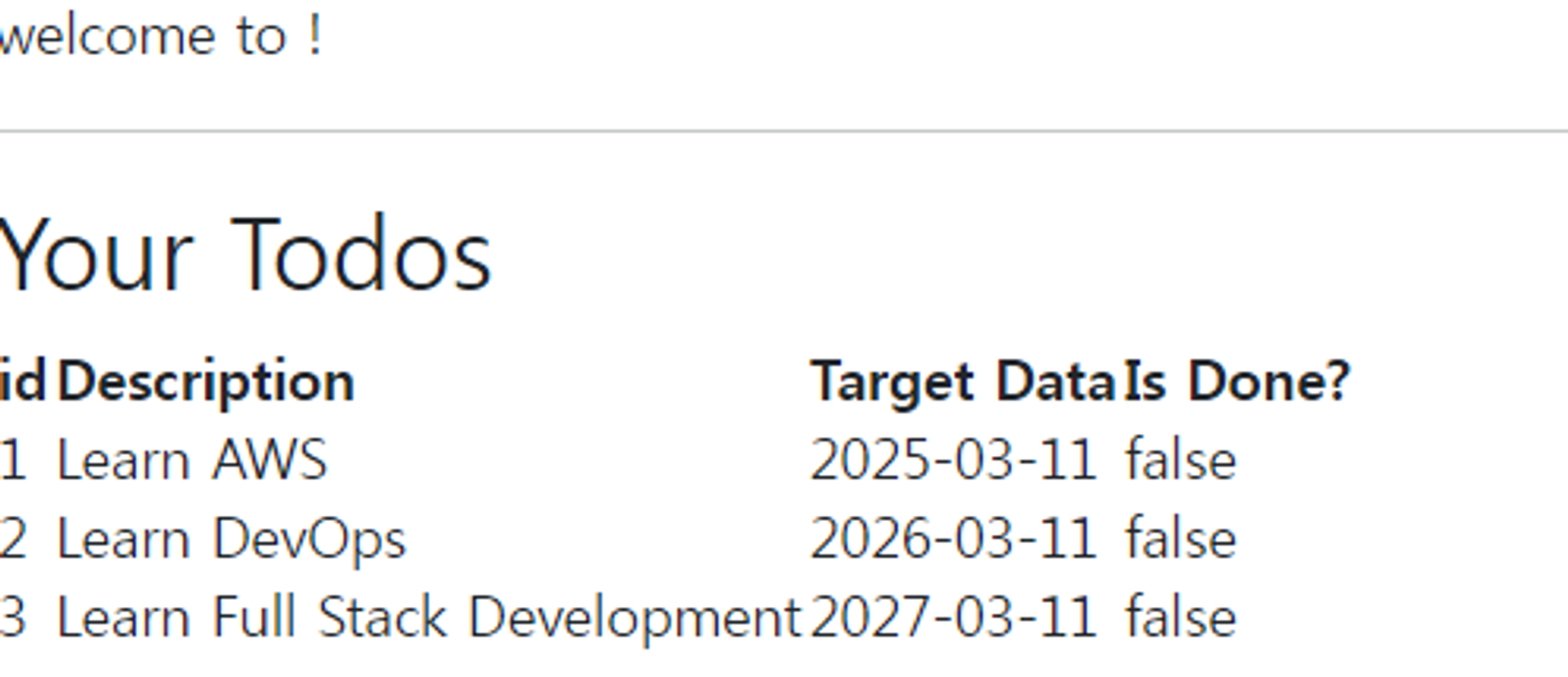
다음 포스팅에서는 더욱 변화된 실행 결과를 만들어 보겠습니다!!