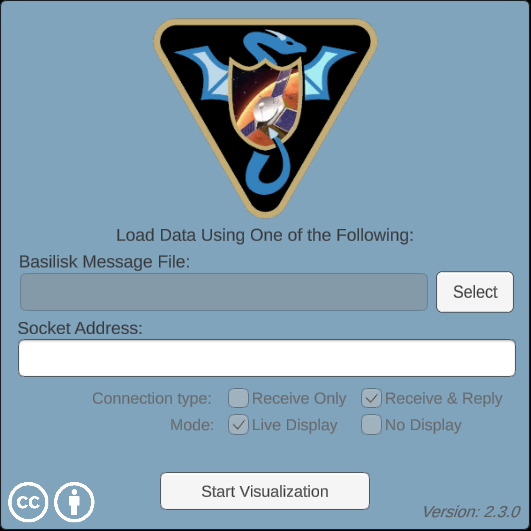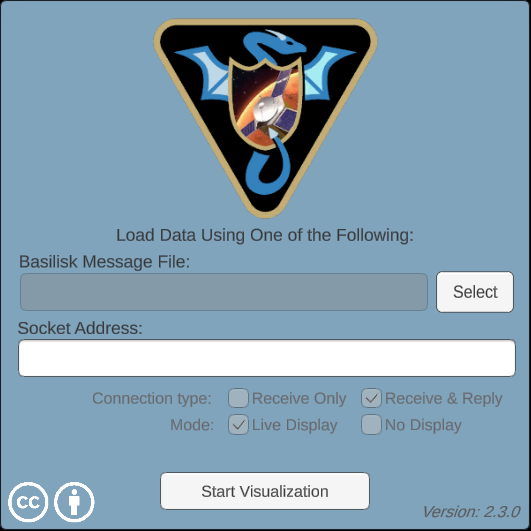
Vizard
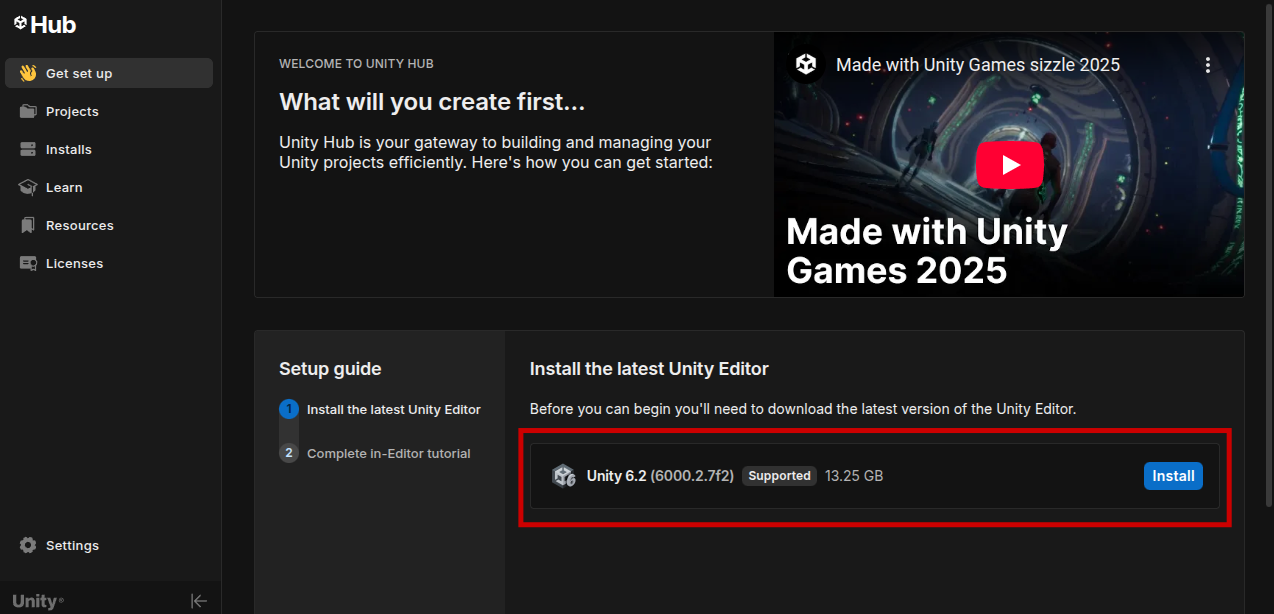
This post covers how to install Vizard, the visualization tool for Basilisk. Vizard is built on the Unity engine, so installing Unity beforehand can be helpful.
1. Unity
After downloading Unity Hub, check whether the file Unity_Technologies_ApS.gpg is installed in the /usr/share/keyrings directory.
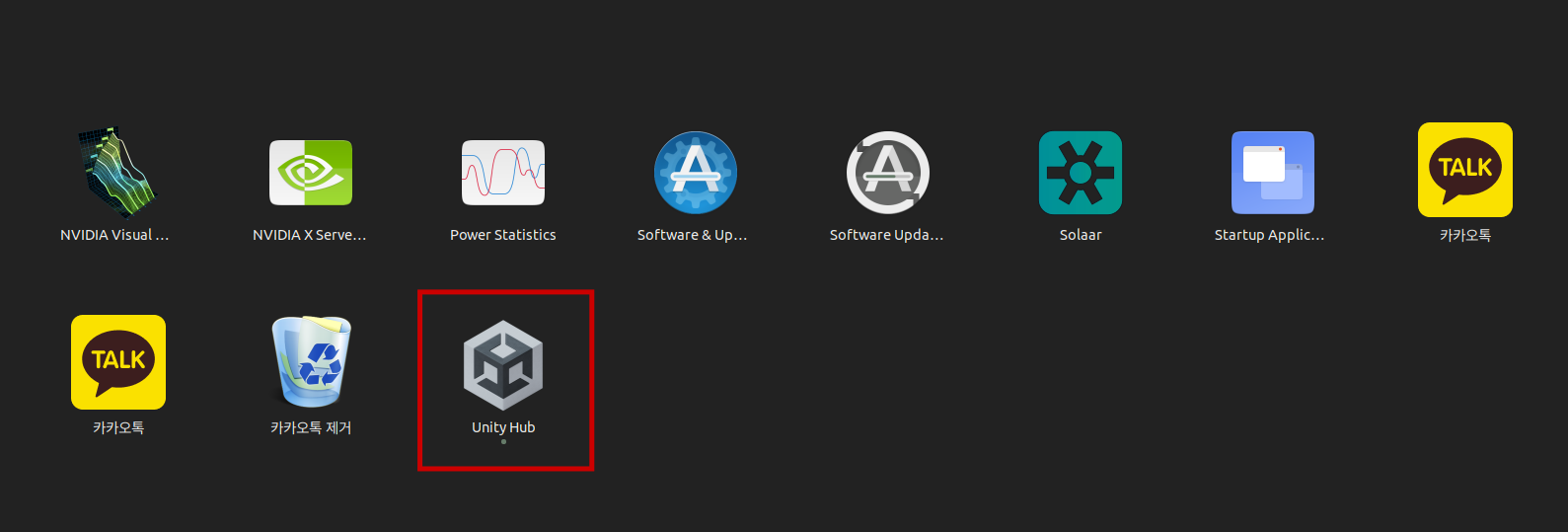
you can check the unity3d directoy, ~/.config/unity3d.
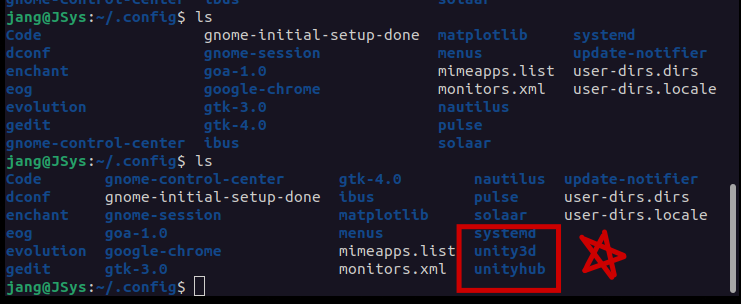
and then, make a directoy as follows:
1. $ cd ~/.config/unity3d

2. $ mkdir -p Vizard/Vizard/Resources/CustomModels
2. Vizard Linux
Download Vizard linux and Assets (e.g., Asteroids, Martian Moons, IceSat2_Kepler).
Extract the Vizard_Linux.zip file, which contains the Vizard executable, to any desired location in your project. Then, extract the remaining asset files to the following directory:
~/.config/unity3d/Vizard/Vizard/Resources/CustomModels.
# mkdir's opt -p: auto generate parents directories
1. $ mkdir -p ~/Projects/SatGNC/vizard && cd ~/Projects/SatGNC/vizard

# unzip's opt -d: destination
2. $ unzip ~/Downloads/Vizard_Linux.zip -d ~/Projects/SatGNC/vizard

# go to home
3. $ cd ~

# set TARGET directory
4. $ TARGET=~/.config/unity3d/Vizard/Vizard/Resources/CustomModels

# unzip assets
5. $ unzip ~/Downloads/asteroids_Linux.zip -d "$TARGET" && \
unzip ~/Downloads/martianmoons_Linux.zip -d "$TARGET" && \
unzip ~/Downloads/IceSat2_Kepler_Linux.zip -d "$TARGET"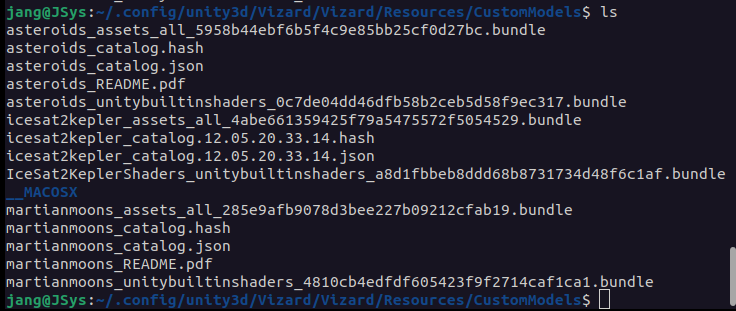
To verify the Vizard installation, navigate to the vizard folder within your project and run the executable file.
1. $ cd ~/Projects/SatGNC/vizard/Vizard_Linux


2. $ ./Vizard.x86_64