
선 그리기 함수
line() : 직선
void cv::line(InputOutputArray img,		// Mat 입출력 영상
				Point pt1, Point pt2,	// 시작 좌표 - 끝 좌표
				const Scalar& color,	// 선 색상
                int thickness = 1,  	// 선 두께
                int lineType = LINE_8,	// 선 타입. LINE_4, LINE_AA도 사용 가능.
                int shift = 0);			// 그리기 좌표 값의 축소 비율. 보통 사용 x
예시
line(img, Point(0, 250), Point(500, 250), Scalar(255, 255, 255), 1);

arrowedLine() : 화살표
void cv::arrowedLine(InputOutputArray 	img,
					Point 	pt1,
					Point 	pt2,
					const Scalar & 	color,
					int 	thickness = 1,
					int 	line_type = 8,
					int 	shift = 0,
					double 	tipLength = 0.1);
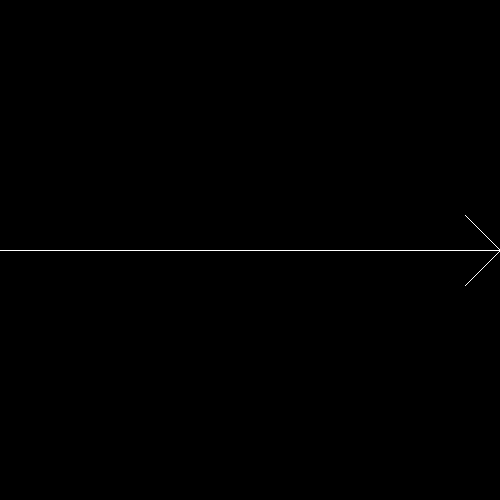
예시
arrowedLine(img, Point(0, 250), Point(500, 250), Scalar(255, 255, 255));
drawMarker() : 마커
void cv::drawMarker(InputOutputArray 	img,
					Point 	position,
					const Scalar & 	color,
					int 	markerType = MARKER_CROSS,
					int 	markerSize = 20,
					int 	thickness = 1,
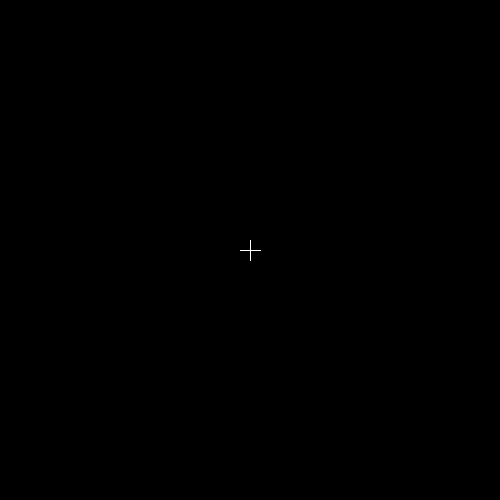
int line_type = 8); !마커는 그냥 특정 위치를 찝어주는 그림이라고 이해했다.
예시
drawMarker(img, Point(250,250), Scalar(255,255,255));
도형 그리기 함수
rectangle() : 사각형
void cv::rectangle(InputOutputArray  img,
					Rect rec,			// Rect(x,y,w,h)
					const Scalar& color,
                    int thickness = 1, 	// -1일 때, 내부가 채워진 사각형을 그린다.
                    int lineType = LINE_8,
                    int shift = 0 );
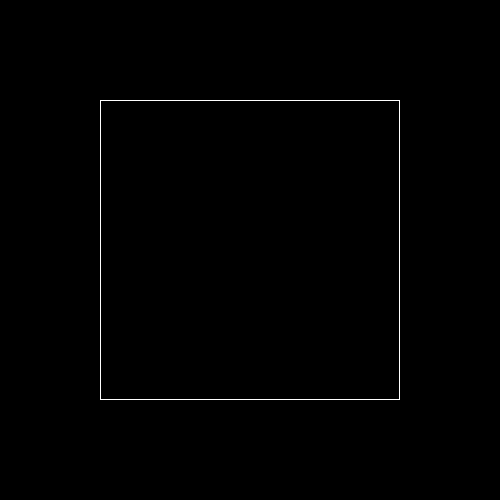
예시
rectangle(img, Rect(100,100,300,300), Scalar(255,255,255));
circle() : 원
void cv::circle(InputOutputArray img,
				Point center,	// 중심
                int radius,	// 반지름
                const Scalar& color,
                int thickness = 1, // -1일 때, 내부가 채워진 사각형을 그린다.
                int lineType = LINE_8,
                int shift = 0);
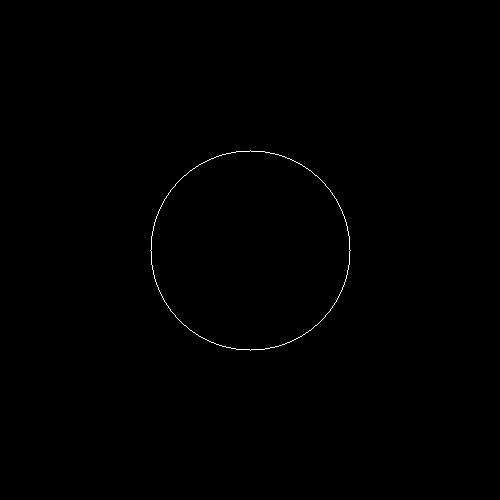
예시
circle(img, Point(250,250), 100, Scalar(255,255,255));
ellipse() : 타원
void cv::ellipse(InputOutputArray 	img,
				Point 	center,
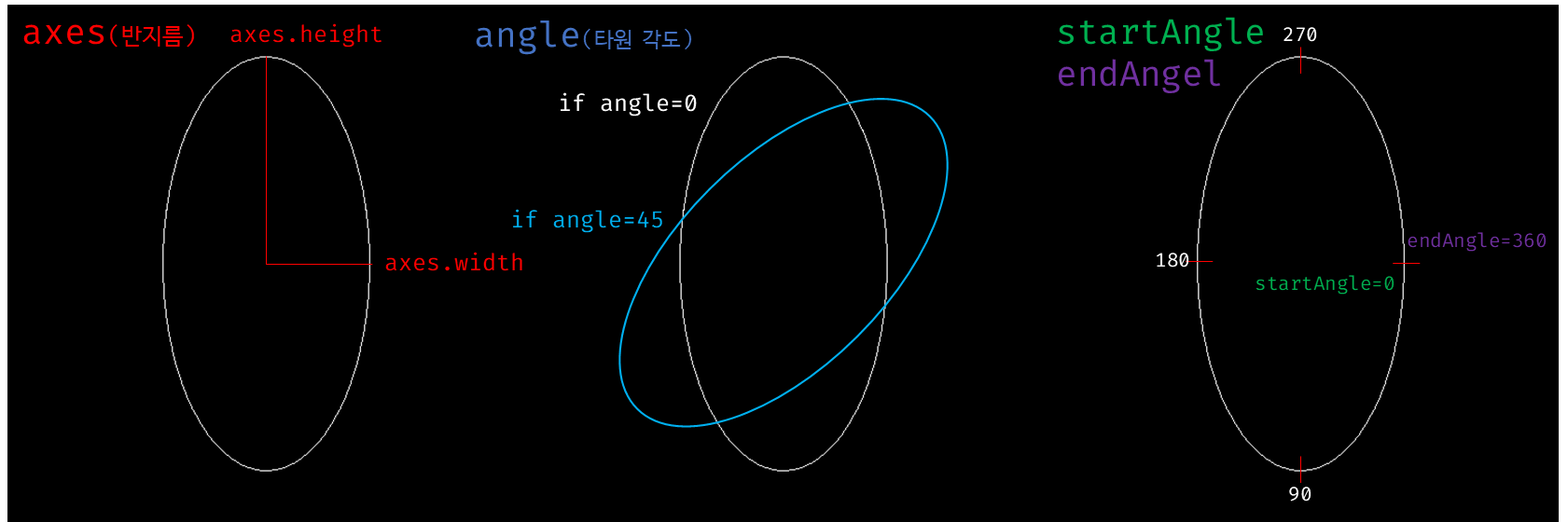
				Size 	axes,				//Size(가로 반지름, 세로 반지름)
				double 	angle,				//타원의 기울어진 각도
				double 	startAngle,			//타원 시작 각도
				double 	endAngle,			//타원 끝 각도
				const Scalar & 	color,
				int 	thickness = 1,
				int 	lineType = LINE_8,
				int 	shift = 0);
예시
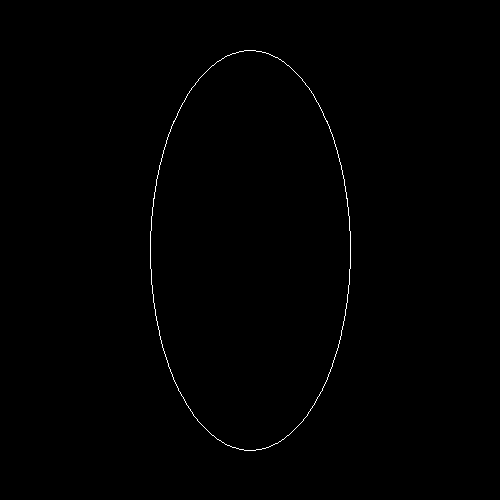
ellipse(img, Point(250,250), Size(100,200), 0, 0, 360,Scalar(255,255,255));
ellipse 인수에 대한 설명
문자열 출력 함수
putText() : 문자열 출력
void cv::putText(InputOutputArray 	img,
				const String & 	text,
				Point 	org,
				int 	fontFace,
				double 	fontScale,
				Scalar 	color,
				int 	thickness = 1,
				int 	lineType = LINE_8,
				bool 	bottomLeftOrigin = false);
예시
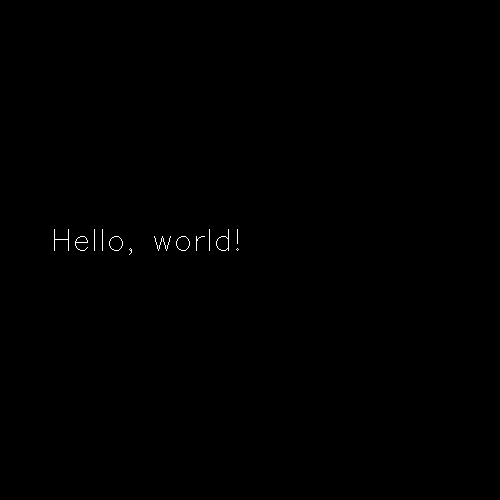
putText(img, "Hello, world!", Point(50,250), FONT_HERSHEY_SIMPLEX, 1, Scalar(255, 255, 255));
getTextSize() : 출력 문자열 크기 계산
Size cv::getTextSize(const String & 	text,
					int 	fontFace,
					double 	fontScale,
					int 	thickness,
					int * 	baseLine);
예시
String text = "Hello, world!";
putText(img, text, Point(50,250), FONT_HERSHEY_SIMPLEX,	1,Scalar(255, 255, 255));
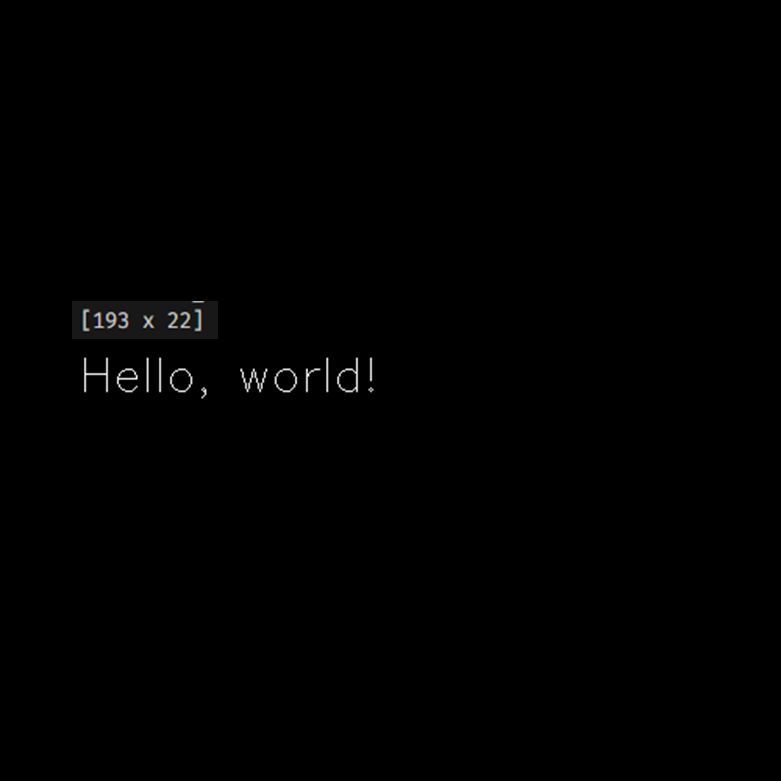
Size s = getTextSize(text, FONT_HERSHEY_SIMPLEX,1, 1, 0);
cout << s << endl;
출력한 문자열의 크기를 알 수 있었다.
올해로 26세