FPS 추가 구현
강사님과 함께하는 페어 프로그래밍
나는 아직 멀었다.
적 이동
- 간단히 Position 을 이용한 Line Trace 구현
- Vector3 로 구성된 List 에서 첫 포인트는 PopUp 되고 마지막은 Goal 로 지정.
Vector3.MoveTowards를 이용한 이동.
- 더 좋은 방식이 있다 하는데..
예제 코드
private void Move()
{   // List<Vector3> _path = new();
    if (Vector3.Distance(_path[_currentWaypoint], transform.position) <= 0.1f)
    {
        _currentWaypoint++;
        transform.LookAt(_path[_currentWaypoint]);
    }
    transform.position = Vector3.MoveTowards(  // 간단한 평면이동이기 때문에 이렇게 해도 무방.
        transform.position,
        _path[_currentWaypoint],
        Time.deltaTime * _moveSpeed
        );
}- 별도의 적 경로 관련 관리 클래스에서 기즈모를 통해 구현이 편하도록 추가 작업이 있었음.
적 출현 트리거
- 간단한 GameObject 하나에 수초 상호작용시 적 출현 시작. (일종의 스위치.)
- 상호작용에 대한 간단한 코딩.
예제 코드
public interface IInteractable
{
    public void StartInteract(PlayerController player);
    public void EndInteract(PlayerController player);
}

public class WaveSwitch : MonoBehaviour, ITargetable, IInteractable
{
    public void LockOn(bool isLockOn)  // outline 그리기 위한..
    {
        if (_outline != null) _outline.enabled = isLockOn;
        if (!isLockOn) _countTime = 0;
    }

    public void StartInteract(PlayerController player)  // 실질 상호작용
    {
        if (GameManager.Instance.IsWaveRunning) return;

        _countTime += Time.deltaTime;

        if (_countTime >= _interactTime)
        {
            GameManager.Instance.WaveStart();
            _countTime = 0;
        }
    }

    public void EndInteract(PlayerController player)
    {
        _countTime = 0;
    }
}

public class PlayerController : MonoBehaviour
{
    private ITargetable _targetable;  // target 은 Raycast 를 통해 얻어냈음.

    private void Update()
    {   // 다른 코드 생략
        if (Input.GetKey(KeyCode.E)) StartInteraction();
        if (Input.GetKeyUp(KeyCode.E)) EndInteraction();
    }
    private void StartInteraction()
    {
        if (_targetable == null || !(_targetable is IInteractable)) return;
        (_targetable as IInteractable).StartInteract(this);
    }

    private void EndInteraction()
    {
        if (_targetable == null || !(_targetable is IInteractable)) return;
        (_targetable as IInteractable).EndInteract(this);
    }
}
추가
_targetable = hit.transform.GetComponent<ITargetable>();- targetable 을
GetCommponent로 받아오는데, 이는 비용이 큰 연산. - 다른 방법이 있나 연구 필요. (연구 완료시 본 문서 업데이트 진행 예정.)
그 밖에
싱글톤
// 추후 다른 프로젝트에서도 활용하기 위한 cookbook code 로 기록합니다.
public class SingleTon<T> : MonoBehaviour where T : MonoBehaviour
{
    private static T _instance;
    public static T Instance
    {
        get
        {
            if (_instance == null)
            {
                _instance = FindObjectOfType<T>();
            }
            DontDestroyOnLoad(_instance.gameObject);
            return _instance;
        }
    }

    protected void SingleTonInit()
    {
        if (_instance != null && _instance != this)
        {
            Destroy(gameObject);
        }
        else
        {
            _instance = this as T;
        }
    }
}
이벤트
public UnityEvent<int> OnLifePointChange;
private int _lifePoint;
public int LifePoint
{
    get => _lifePoint;
    set
    {
        _lifePoint = value;
        OnLifePointChange?.Invoke(_lifePoint);  // 값 변화가 필요한 대상에게 이벤트 선언 및 연결
    }
}- 연결은
AddListener해제는RemoveListener
Try.. Try..
- 기존 플레이어 움직임은
translate만 사용 - 그 결과 물리 상호작용이 없어 벽을 뚫고 다니는 등의 동작을 하게됨.
- 그래서
Rigidbody를 이용 및 물리 엔진을 이용하여 이동을 구현하려고 함
기존 코드
private void Move()
{
    float x = Input.GetAxisRaw("Horizontal");
    float z = Input.GetAxisRaw("Vertical");

    Vector3 movement = (transform.right * x + transform.forward * z).normalized;
    transform.position += movement * (_moveSpeed * Time.deltaTime);
}
시도 중 코드
private void RMove()
{
    float x = Input.GetAxisRaw("Horizontal");
    float z = Input.GetAxisRaw("Vertical");

    Vector3 movement = new()
    {
        x = transform.forward.x * x * _moveSpeed * Time.fixedDeltaTime,
        y = transform.position.y,
        z = transform.forward.z * z * _moveSpeed * Time.fixedDeltaTime
    };
    _rb.MovePosition(movement);
}- 일단, 솔직히, 잘 안되고 있음.
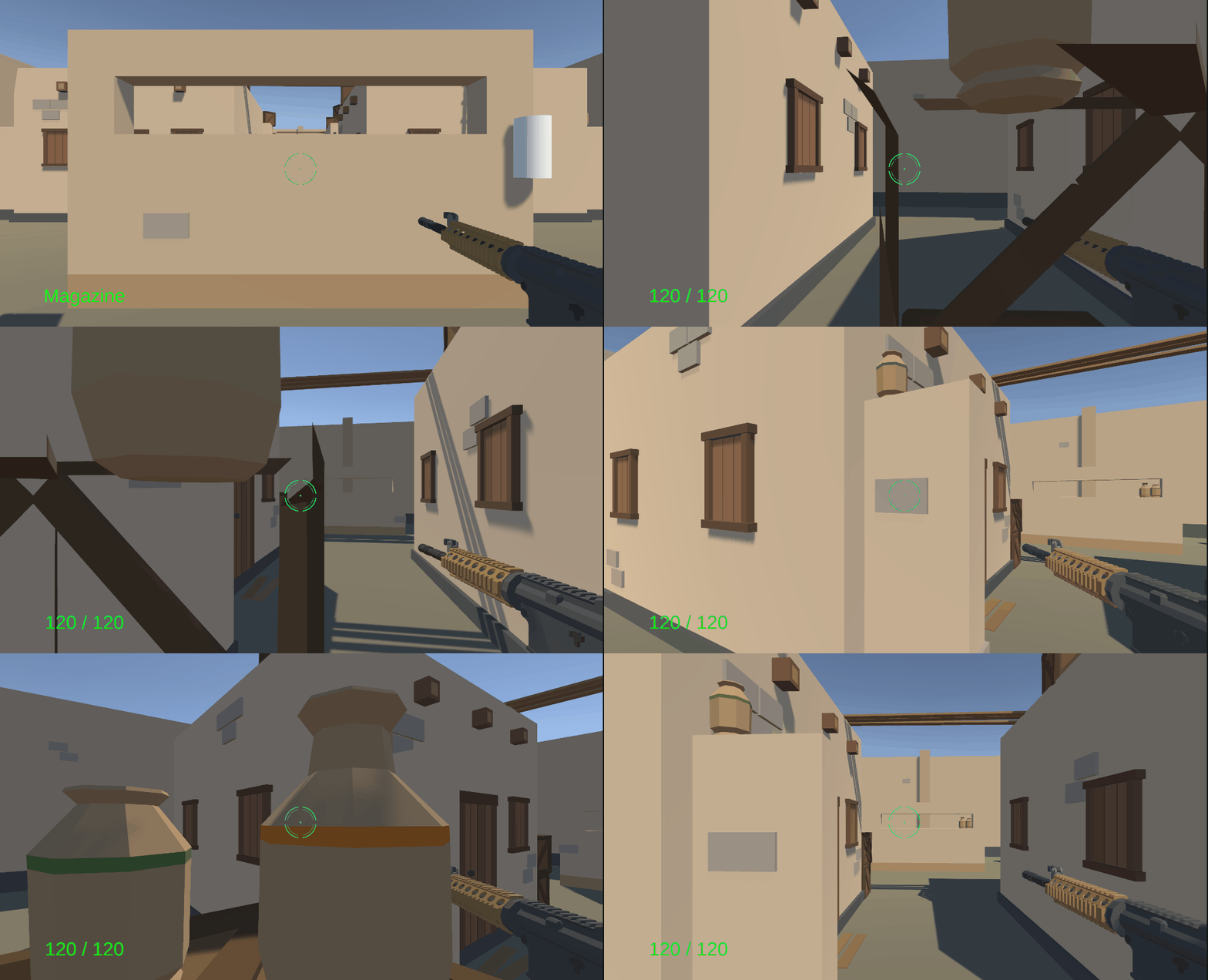
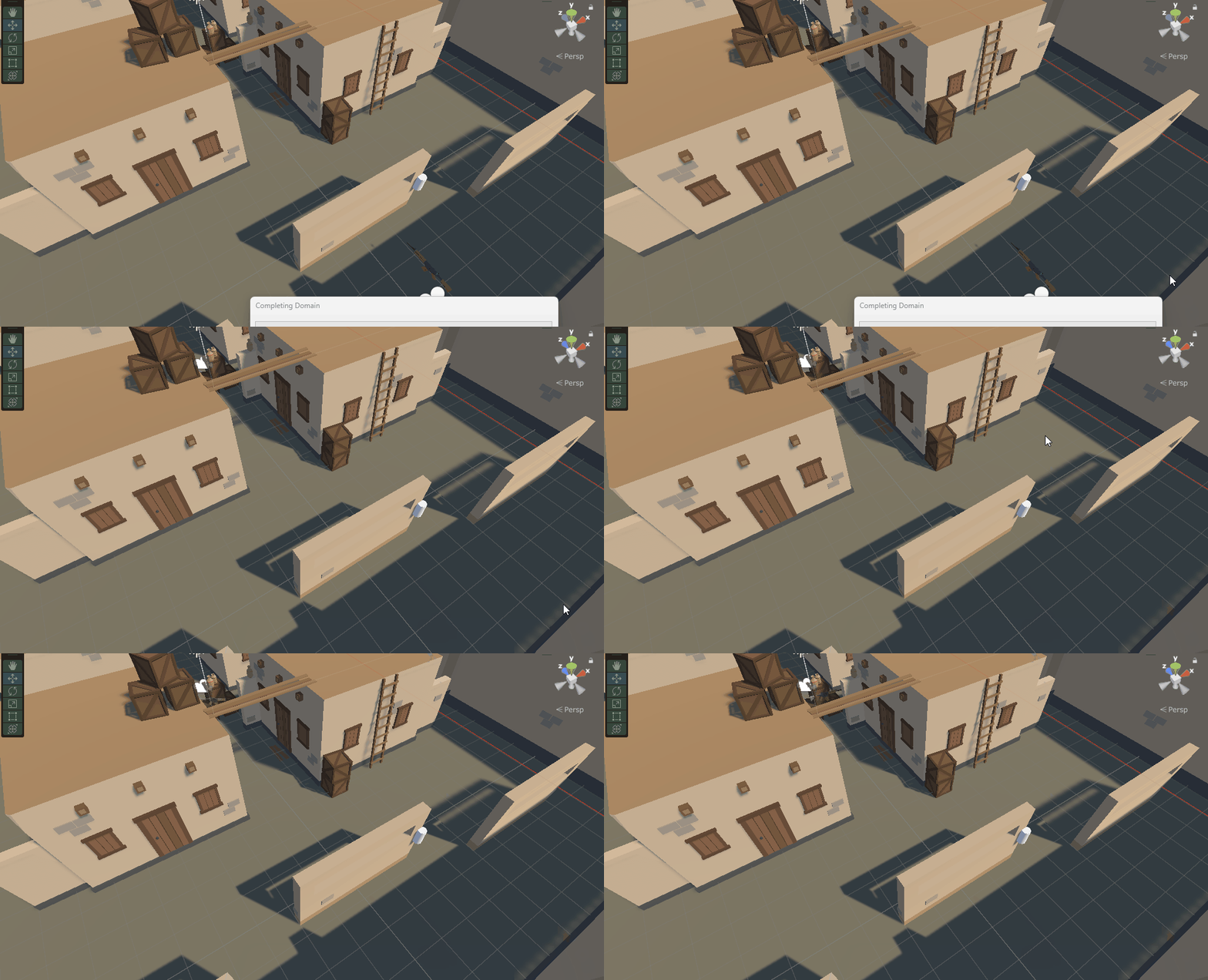
- 시작시 갑자기 어딘가로 워프하더니 빙글빙글 돌고 있음
다음 Step
당연히, 하고자 하는 내용이 잘 돌아가도록 Study 예정.
제대로 구현되면 별도의 블로깅 진행 예정.
하아......

Python Dev with Infra -> Game Programmer