FlatList
리액트 네이티브에서 ScrollView로 스크롤을 구현할 수 있지만 데이터가 많아지면 렌더링 속도 성능이 저하된다
FlatList는 한 번에 모든 데이터를 렌더링x , 화면에 보이는 부분만 렌더링한다
import React from 'react';
import { View, FlatList, Text } from 'react-native';
import styled from 'styled-components/native';

const Container = styled.View`
    width: 100%;
    background-color: gray;
    margin: 10px;
    height: 100px;
`

const StyledText = styled.Text`
    color: #ffffff;
    font-size: 30px;
    text-align: center;
`

const DATA = [
    {
        id: '1',
        title: 'First Item',
    },
    {
        id: '2',
        title: 'Second Item',
    },
    {
        id: '3',
        title: 'Third Item',
    },
    {
        id: '4',
        title: 'Forth Item',
    },
    {
        id: '5',
        title: 'Fifth Item',
    },
    {
        id: '6',
        title: 'Sixth Item',
    },
    {
        id: '7',
        title: 'Seventh Item',
    },
    {
        id: '8',
        title: 'Eighth Item',
    },
    {
        id: '9',
        title: 'Ninth Item',
    },
    {
        id: '10',
        title: 'Tenth Item',
    },
];

const Item = ({ title }) => (
    <Container>
        <StyledText>{title}</StyledText>
    </Container>
);

const App = () => {
    const renderItem = ({ item }) => (
        <Item title={item.title} />
    );

    return (
        <View>
            <FlatList
                data={DATA}
                renderItem={renderItem} //  렌더링 방식 정의하는 함수
                keyExtractor={item => item.id} // 고유 키
            />
        </View>
    )
}

export default App;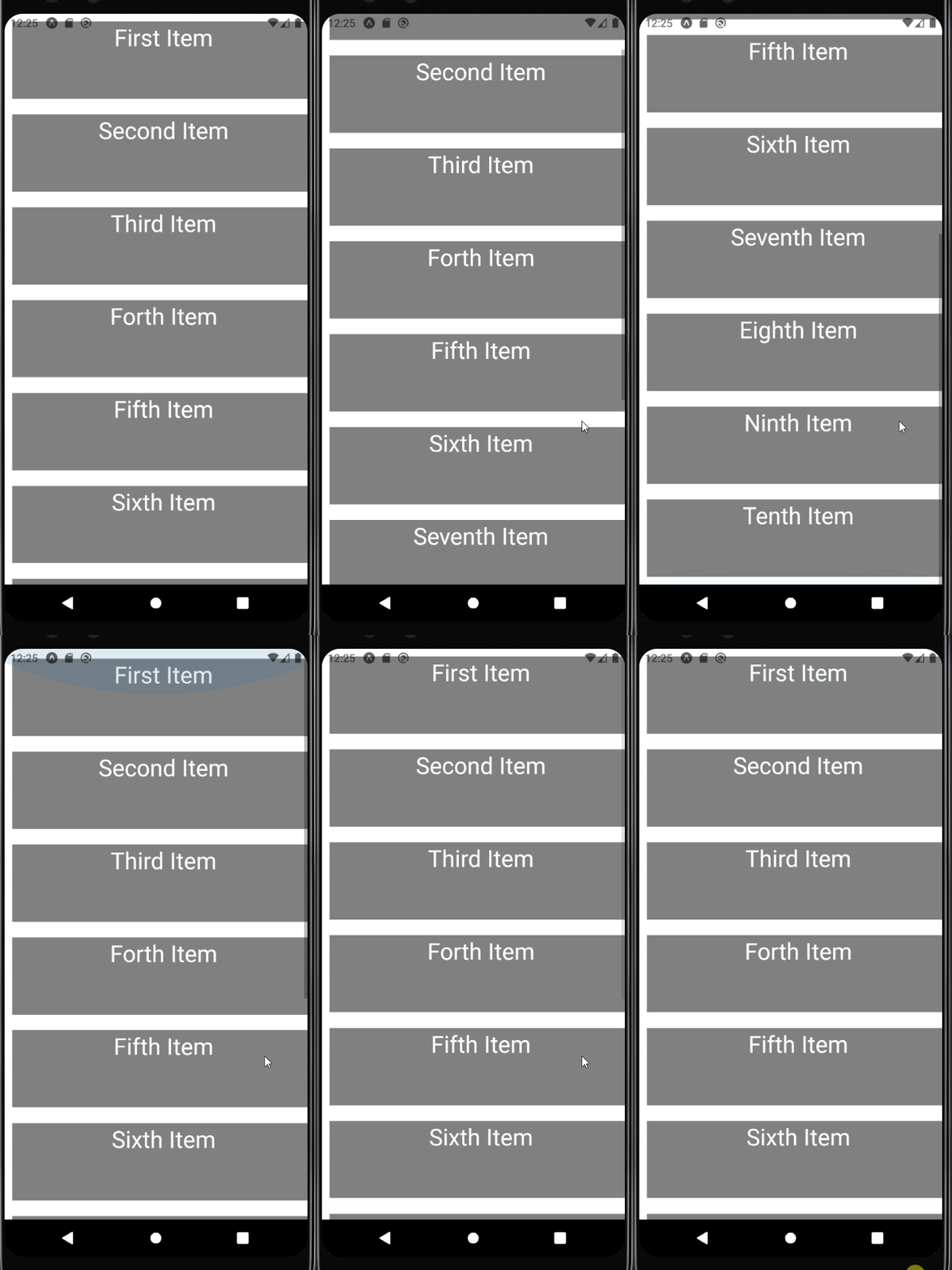
무한스크롤
화면 하단에 위치했을 때 데이터가 더 존재하지 않아서 추가적인 데이터를 계속 받아오는 것
onEndReached: 화면의 맨 아래에 도달했을 때 실행할 함수onEndReachedThreshold: onEndReached를 호출할 시점을 지정ListFooterComponent: 맨 아래에 렌더링할 요소
(실습 코드 추가 예정입니다)