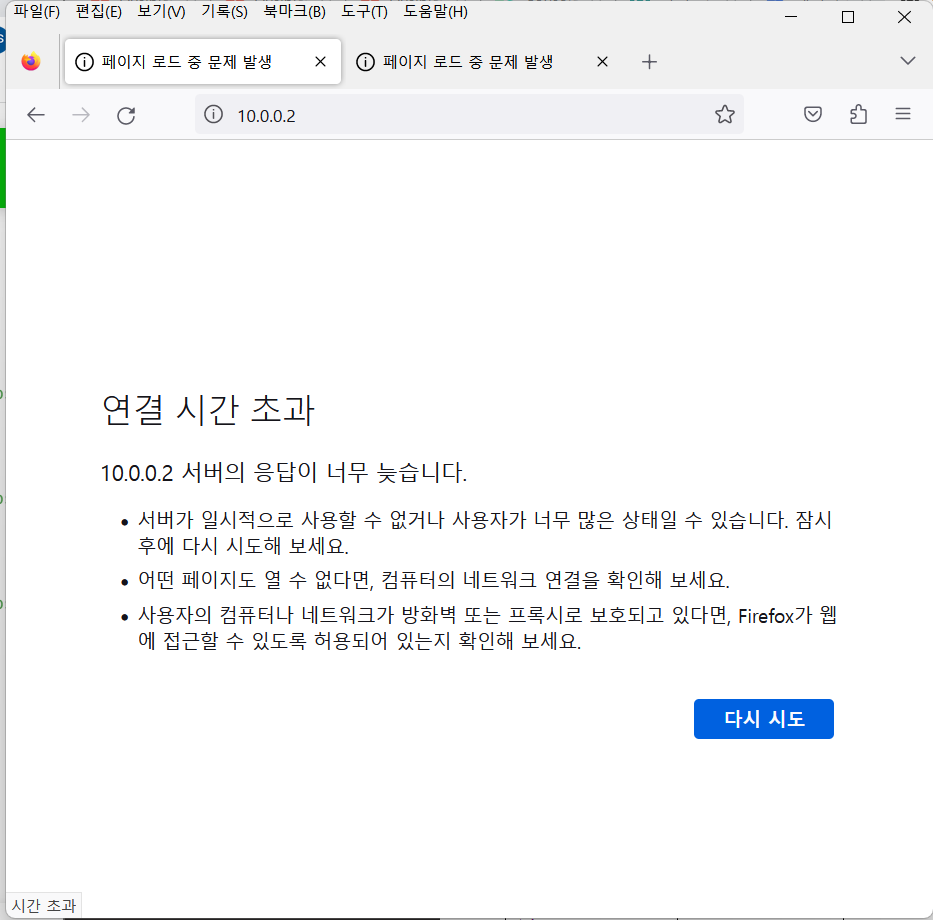
목표 1: 각 서버에 httpd 설치 + 방화벽 설정 + html 파일 복사
Ver1. ansible 사용
-
ansible -i inven.list test -m yum -a "name=httpd state=latest
-> 지정한 서버에서 yum 모듈로 httpd를 최신 버전으로 설치
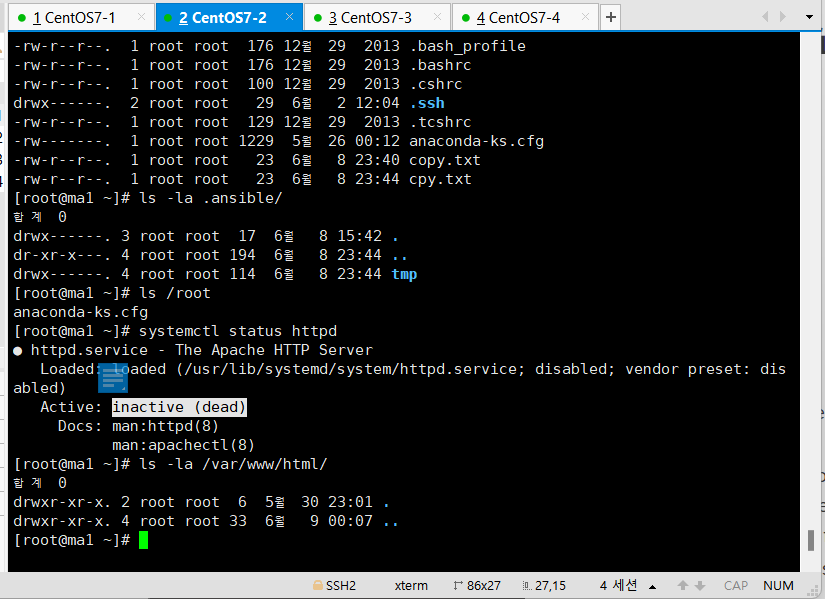
-
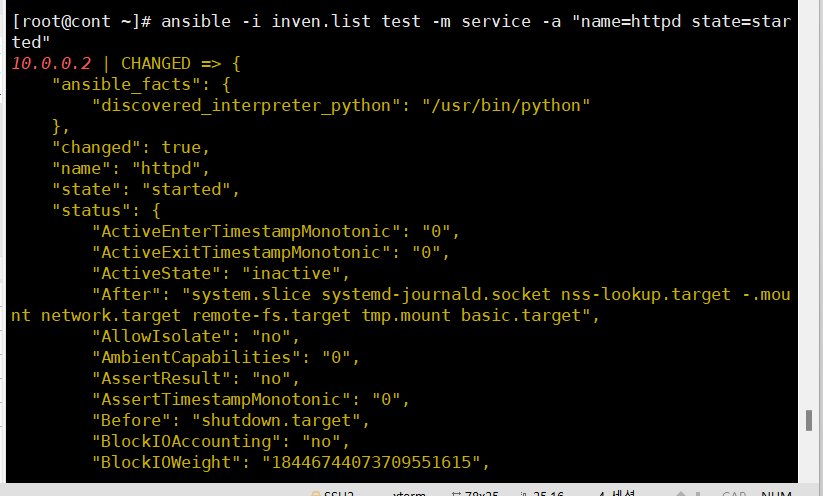
ansible -i inven.list test -m service -a "name=httpd state=started"-> http 실행
ansible -i inven.list test -m shell -a "systemctl stop firewalld"-> 브라우저에서 해당 서버에 접속하도록 방화벽 종료
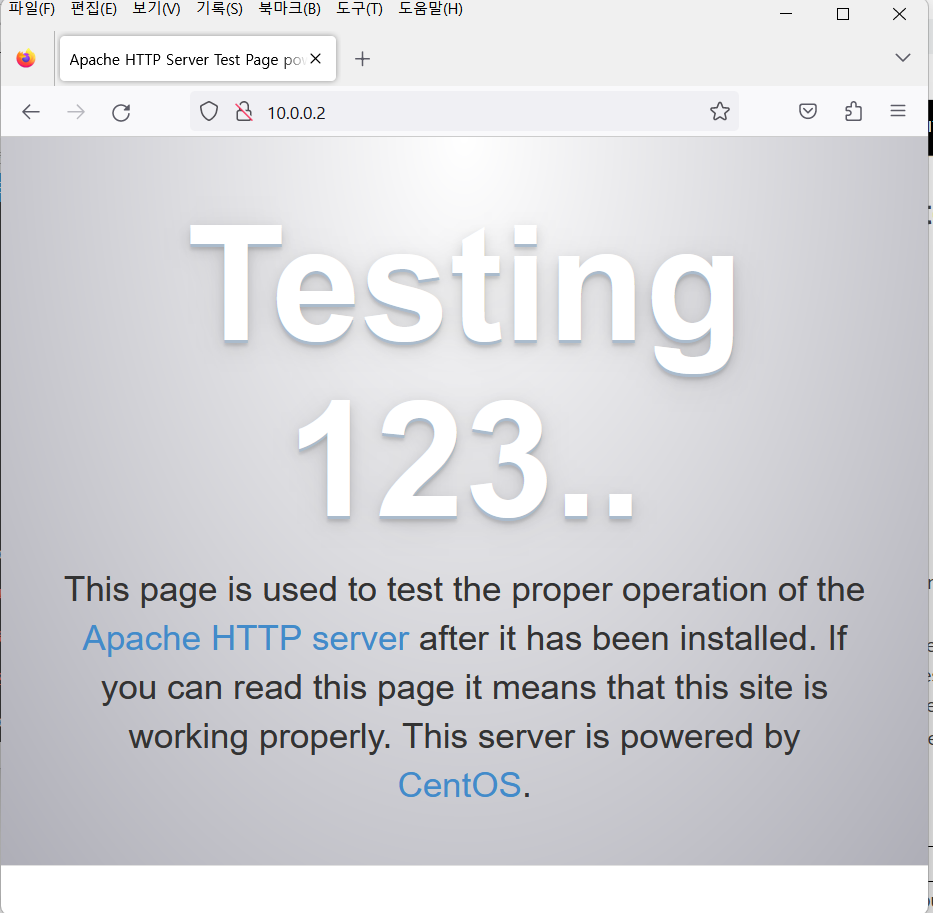
Ver 2. Ansible로 html 파일 배포까지 실행
ansible -i inven.list test -m yum -a "name=httpd state=latest"
ansible -i inven.list test -m service -a "name=httpd state=started"
ansible -i inven.list test -m shell -a "systemctl-cmd --add-port=80/tcp"
ansible -i inven.list test -m copy -a "src=hihtml.html dest=/var/www/html/hi.html" -> html 파일을 각 서버로 복사
Ver 3. YAML 파일로 제작
---
- name: install yum, httpd and copy html file
  hosts: test
  tasks:
  - name: install httpd
    yum:
      name: httpd
      state: latest
  - name: start http
    service:
      name: httpd
      state: started
  - name: stop firewall
    shell: "systemctl stop firewalld"
  - name: copy html to other server
    copy:
      src: hihtml.html
      dest: /var/www/html/hi.html
yml 파일 실행 화면
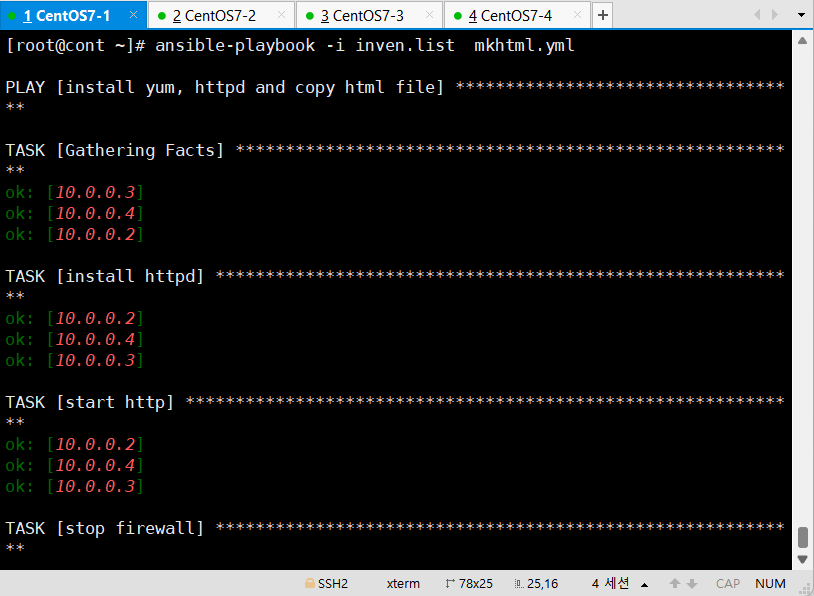
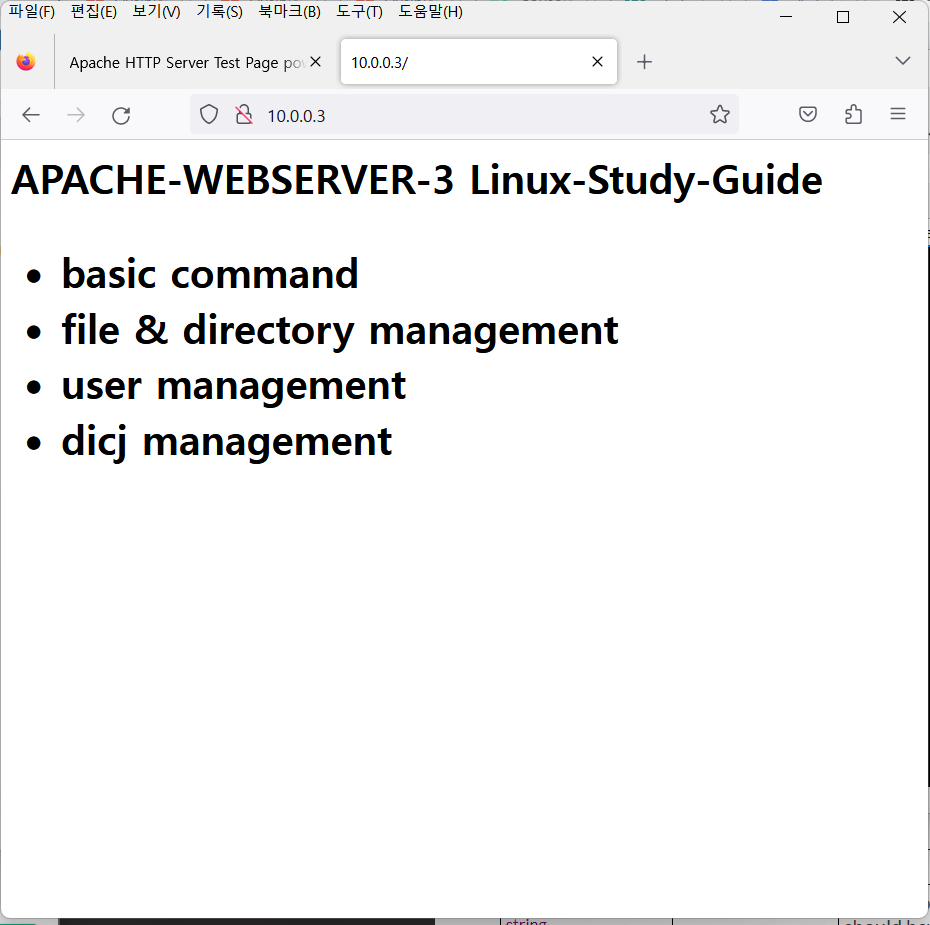
목표 2: 각 서버에 생성된 html, http 삭제 및 방화벽 포트 제거
-> 삭제는 생성의 역순
Ver 1. Ansible 버전
ansible -i inven.list test -m file -a "path=/var/www/html/hi.html state=absent"
ansible -i inven.list test -m firewalld -a "port=80/tcp state=disabled"
ansible -i inven.list test -m yum -a "name=httpd state=removed"
-> httpd 삭제는 removed를 사용. absent는 httpd를 제거하는게 아닌, 사용하지 않음을 의미함
Ver 2. YAML 파일 버전
---
- name: del http and html
  hosts: test
  tasks:
  - name: del html file
    file:
      path: /var/www/html/hi.html
      state: absent
  - name: stop firewall port 80/tcp
    firewalld:
      port: 80/tcp
      state: disabled
  - name: del httpd
    yum:
      name: httpd
      state: removed
실행 후 화면
실행
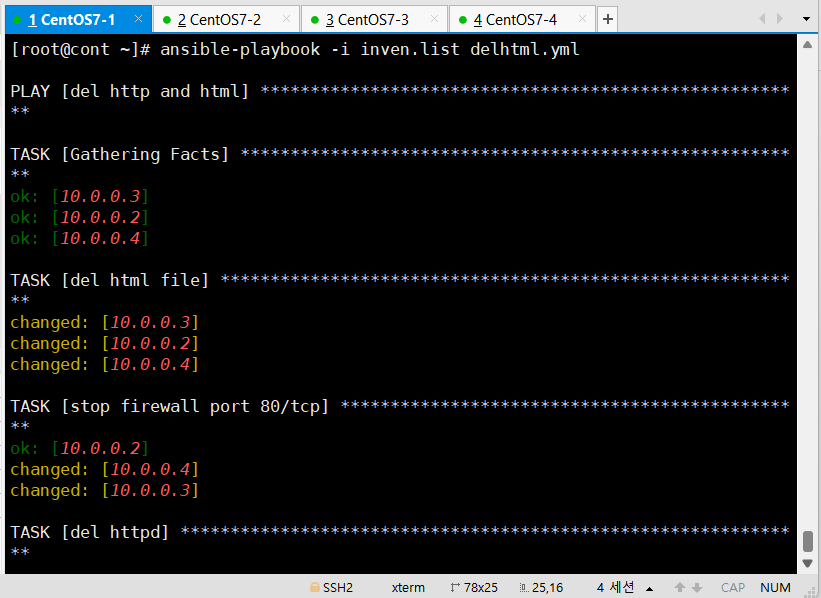
대상 서버에서 방화벽 체크를 통해 yml파일 적용 확인
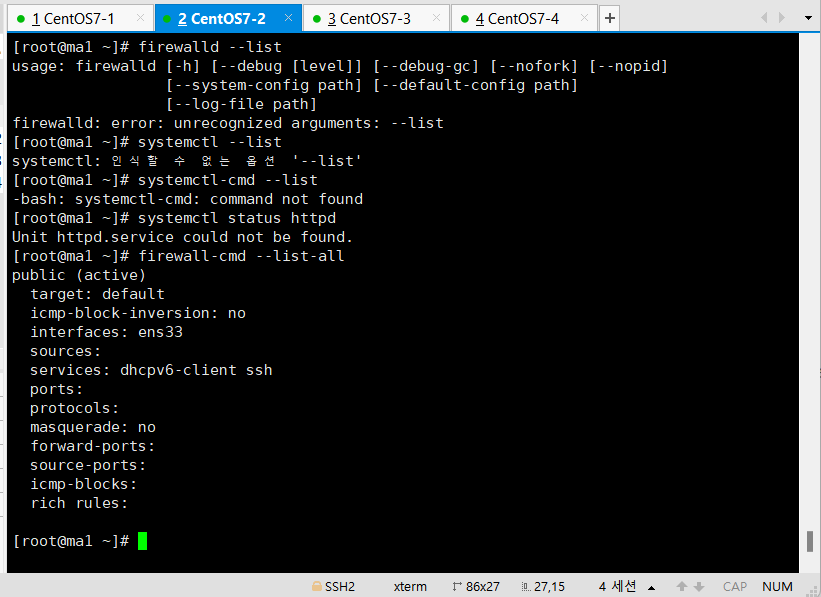
정상적으로 삭제되어 브라우저로 접속이 안되는 모습을 볼 수 있음