[React + express + MariaDB] CRUD 게시판 만들기 5 - 삭제
앞에서 삭제버튼을 만들었었다. 삭제버튼에 기능을 추가해보자
React 파트
notice_delete.js
import axios from "axios";

const notice_delete = async (id) => {
    try {
        console.log(id);
        await axios.delete(`http://localhost:3001/delete/${id}`);
        alert("게시글이 삭제되었습니다.");
        document.location.href = '/' // 또는 react-router-dom의 useHistory를 사용하여 페이지를 전환합니다.
    } catch (e) {
        console.error(e.message);
        alert("게시글 삭제에 실패했습니다.");
    }
};


export default notice_delete;
notice_delete는 컴포넌트를 렌더링할 필요가 없어 jsx를 반환하지 않는다. 따라서 render를 연결하지 않았다.
게시글이 삭제되면 alert를 띄우고 /위치(게시글 목록)으로 이동한다.
컴포넌트인 경우에만 이름 앞글자를 대문자로 한다
notice_detail.js 일부
import notice_delete from "./Notice_delete";import하고
 return (
        <div style={{ textAlign: 'center', margin: '0 auto',display : 'flex', flexDirection : 'column', alignItems : 'center', marginTop : '50px'}}>

            <div style={{width : '50%', height : '50px', border : '1px solid black', marginBottom : '10px'}}>{detailData.title}</div>
            <div style={{width : '50%', height : '450px', border : '1px solid black'}}>{detailData.content}</div>
            <button><a href="/" style={{color : 'black', textDecoration : 'none'}}>이전</a></button>
            <button>수정</button>
            <button onClick={() => {notice_delete(id)}}>삭제</button>
        </div>
    );
삭제버튼을 클릭했을 때 Notice_delete(id)로 넘어가도록 한다.
함수의 매개변수가 없을 때는 onclick={Notice_delete}와 같이 사용하지만 매개변수가 필요한 경우 다음과 같이 화살표함수를 사용할 수 있다.
onClick={() => {Notice_delete(id)}}
이제 express에서 delete를 처리할 차례이다
Express 파트
router.delete('/delete/:id', (req, res) => {
  const sql = "DELETE from notice_db.notice WHERE ID=?";

  // req.params에서 ID값을 가져옴
  const value = [req.params.id];

  maria.query(sql, value, (err, result) => {
      if (err) {
          console.log(err);
          res.status(500).send({ error: "Error deleting record." });
      } else {
          if (result.affectedRows === 0) {
              // 아무 레코드도 삭제되지 않았을 때
              res.status(404).send({ message: "No record found with that ID." });
          } else {
              console.log("Deleted record with ID:", req.params.id);
              res.status(200).send({ message: "Record deleted successfully." });
          }
      }
  });
});
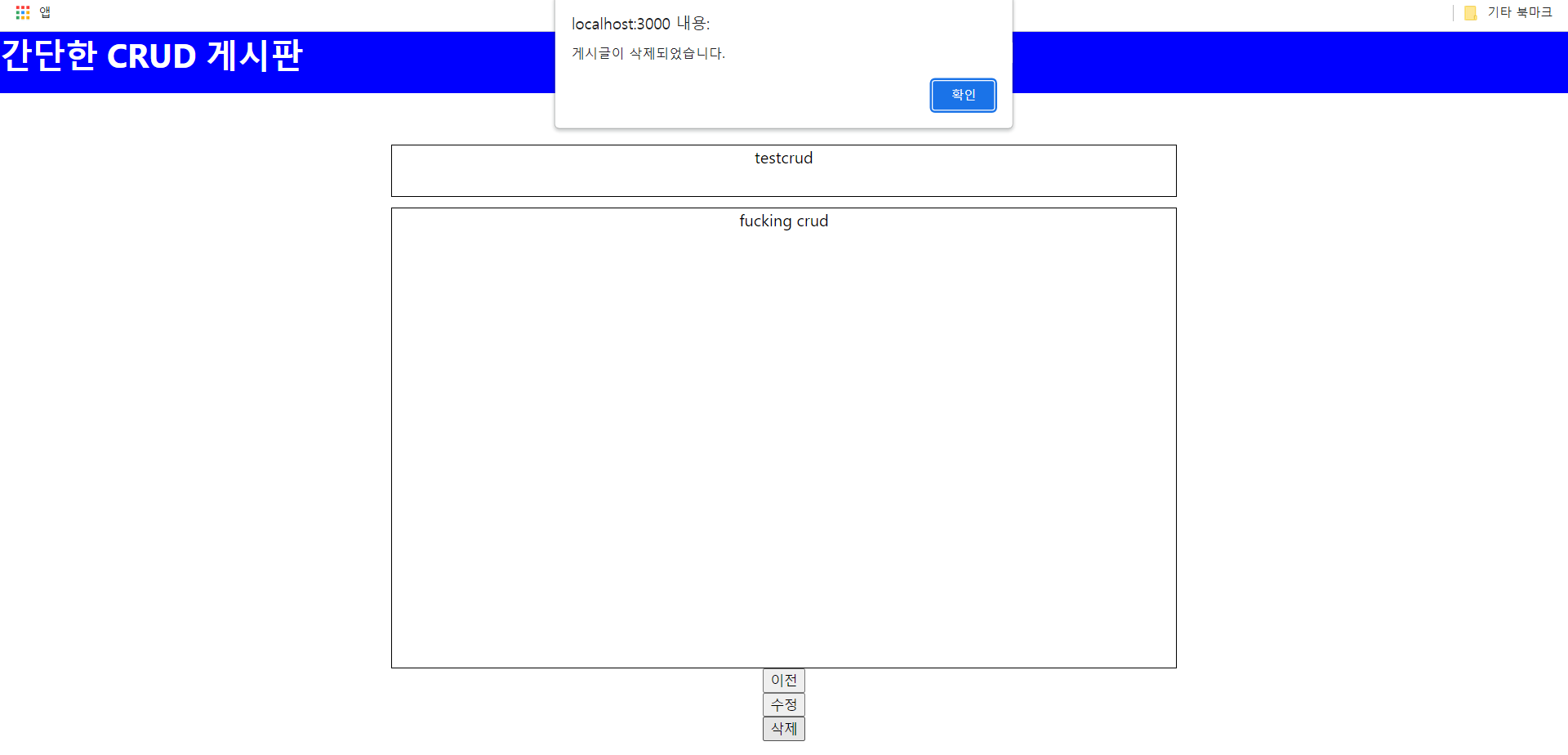
게시물 삭제까지 구현완료하였다.
