마지막 수정기능까지 추가해 CRUD 게시판을 추가할 것이다.
notice_main.js의 입력 양식과 notice_detail.js의 get요청을 이용한다.
React 파트
notice_modify.js
import { useState, useEffect } from "react";
import {dataModify} from './submit';
import { useParams } from "react-router-dom";
import axios from 'axios';


const Notice_modify = () => { //이 컴포넌트 수정해야함
    const [title, Setitle] = useState('');
    const [content, Setcontent] = useState('');
    const { id } = useParams();
    useEffect(() => {
        const fetchData = async () => {
            try {
                const res = await axios.get(`http://localhost:3001/detail/${id}`);
                Setitle(res.data[0].title);
                Setcontent(res.data[0].content);
                console.log(res.data[0]);
            } catch (e) {
                console.error(e.message);
            }
        };
        fetchData();
    }, []);

const savetitle = event => {
Setitle(event.target.value);
}

const savecontent = event => {
    Setcontent(event.target.value);
}
return (
<div style={{textAlign : 'center', margin : '0 auto'}}>
    <input
    className='title'
    type='text'
    style={input_title}
    placeholder='게시글 제목을 입력하세요'
    value={title}
    onChange={savetitle}
    ></input>
    <input
    className='content'
    type='text'
    style={input_content}
    placeholder='게시글 내용을 입력하세요'
    value={content}
    onChange={savecontent}
    ></input>
    <button
    style={button_style}
    onClick={() => dataModify({id, title, content})}
    >수정 완료</button>
</div>
)
}

const input_title = {
    width : '50%',
    height : '25px',
    marginTop : '30px'
}
const input_content = {
    width : '50%',
    height : '500px',
    marginTop : '10px'
}
const button_style = {
    textAlign : "center",
    marginTop : "10px",
    width : "50%",
    height : "25px",
}

export default Notice_modify;
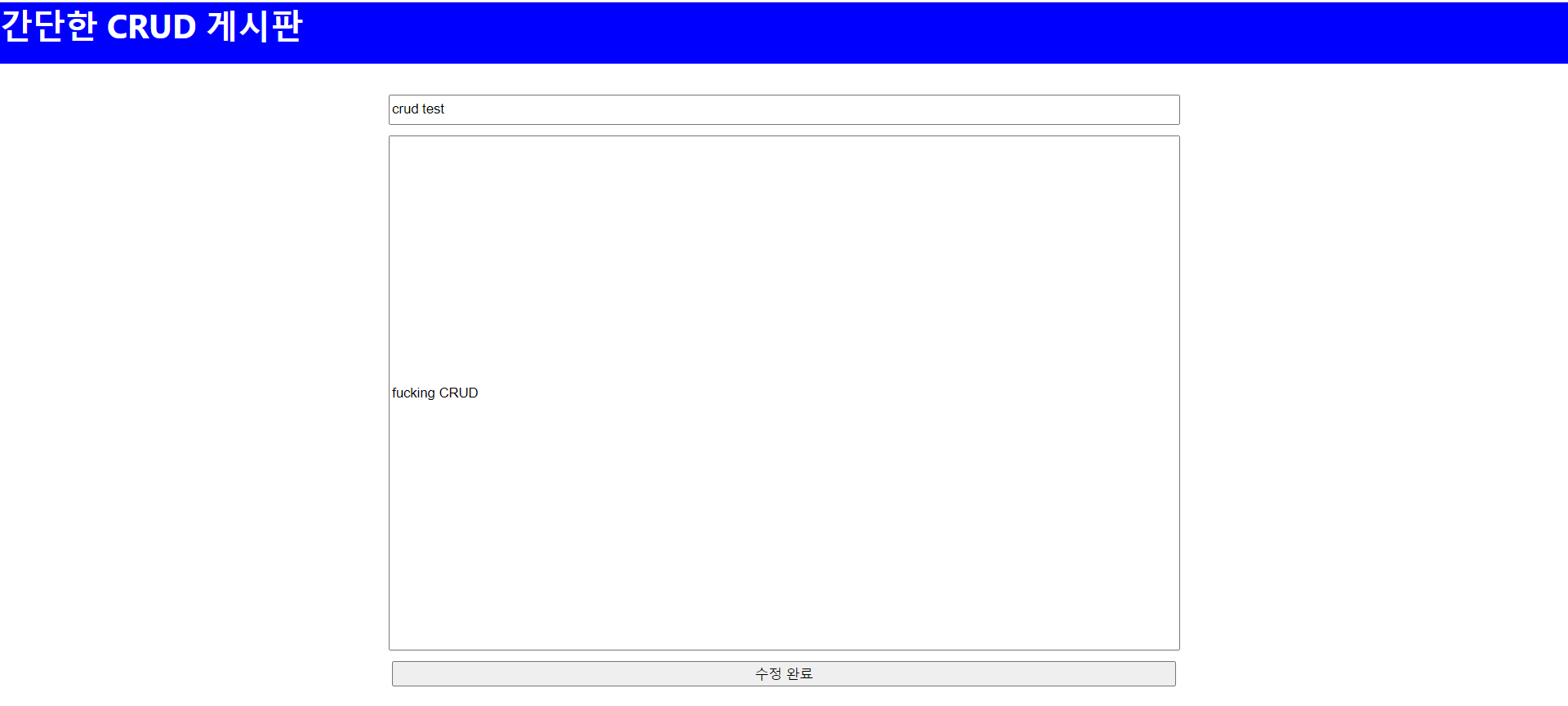
/detail/:id로 get요청으로 보내 title과 content를 읽어오고, state값에 넣는다. 그러면 input태그에 출력되어 수정이 가능해진다.
수정완료 버튼을 눌렀을 때 id, title, content를 dataModify로 전달해 DB에 update한다.
submit.js
import axios from 'axios';

const newPosting = (props) =>{
   console.log(props);
   axios.post('http://localhost:3001/questions',{
     params: {
       post_title : props.title,
       post_content : props.content,
     }
   })
     .then(res => {
       console.log(res.data)
       alert("글 작성이 완료되었습니다.")
       document.location.href = '/'
     })
     .catch(function(error){
      console.log(error);
   })
}

const dataModify = (props) => {
   console.log(props);
   axios.put(`http://localhost:3001/update/${props.id}`,{
     params: {
       id : props.id,
       title : props.title,
       content : props.content,
     }
   })
     .then(res => {
       console.log(res.data)
       alert("글 수정이 완료되었습니다.")
       document.location.href = '/'
     })
     .catch(function(error){
      console.log(error);
   })
}


export {newPosting, dataModify};
submit.js의 newPosting 아래에 추가로 작성하고 export한다.
Express 파트
index.js 일부
router.put('/update/:id', (req, res) => {
    const sql = "UPDATE notice_db.notice SET title = ?, content = ? WHERE ID = ?";
    console.log("put params",req.body.params);
    const value = [req.body.params.title, req.body.params.content, req.params.id];
    maria.query(sql, value, (err, result) => {
        if (err) {
            console.log(err);
        }
        else {
            res.send(result)
        }
    })
})
전달된 id에 해당하는 title컬럼과 content컬럼을 새로운 title과 content로 업데이트한다.
CRUD 게시판 완성 ~~~
