🗂️ Day53 프로젝트: 부동산 렌탈 조사
질로우(미국 부동산 목록 사이트)에서 고객의 조건에 맞는 집을 조사 후 스프레드시트로 만드는 봇
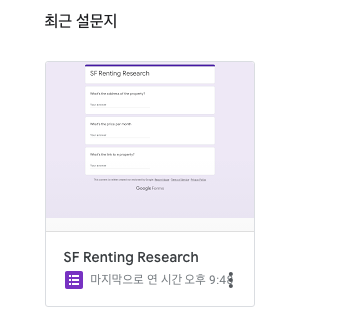
1. 구글 설문지에서 새 입력양식 생성
🔍 유의 사항
- https://docs.google.com/forms/ 에서 입력양식 작성
- 구글 로그인 필요
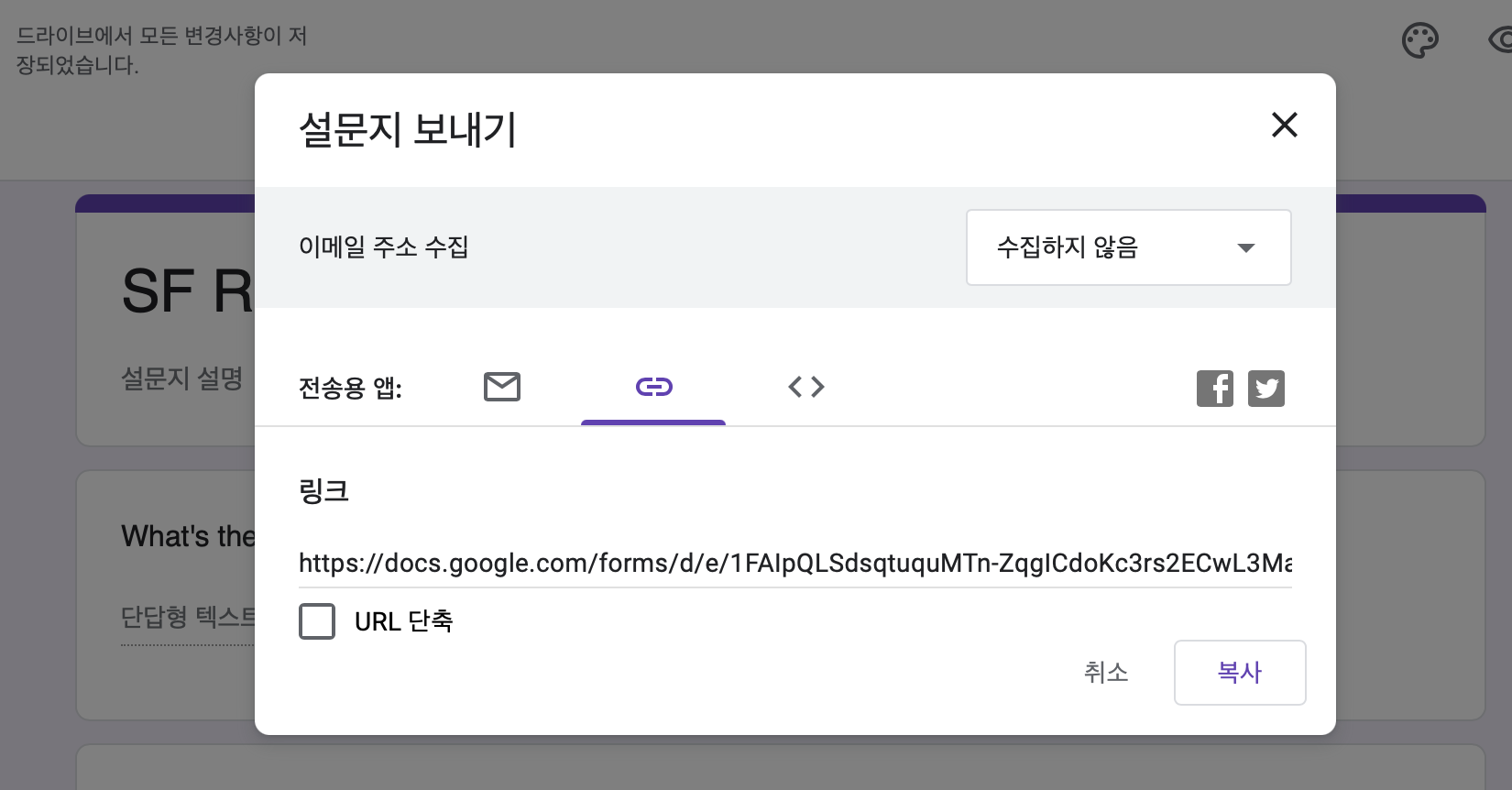
새 양식→+버튼 3번 클릭 →단답형→보내기→링크복사
2. 뷰티풀 수프로 데이터 스크래핑
🔍 유의 사항
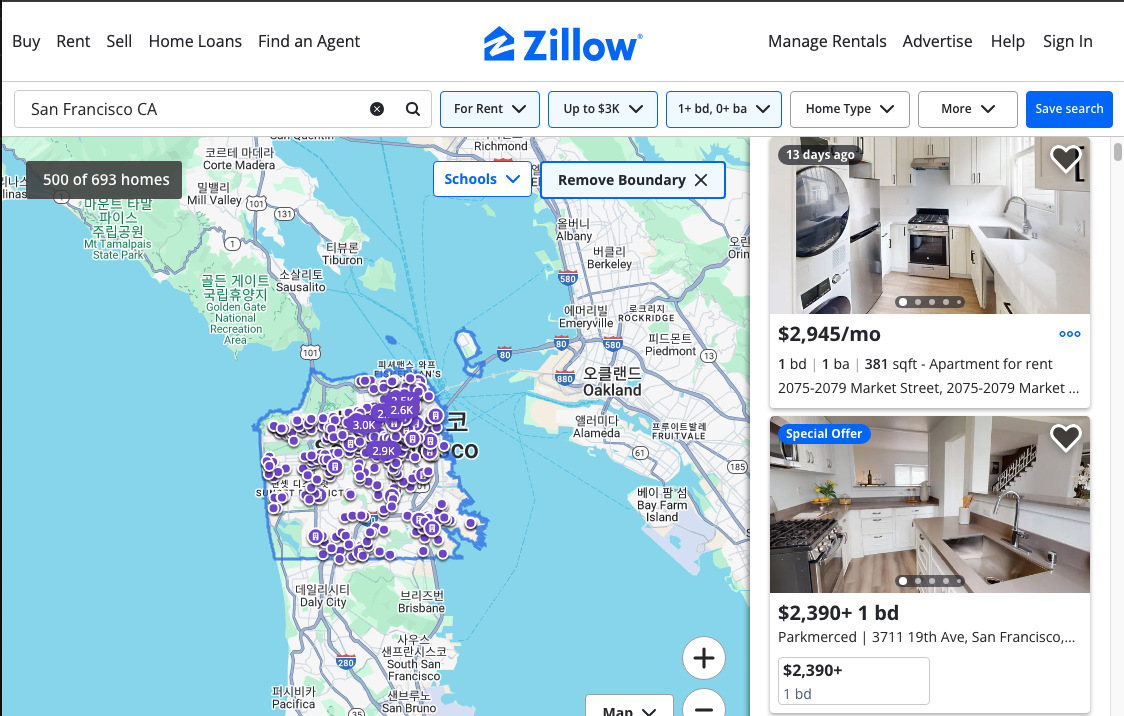
- 질로우에서 가져와야 할 URL 예시 참고
- 고객의 조건을 모두 넣은 후 URL 복사하기
- 질로우 웹페이지에 있는 목록을 모두 스크래핑
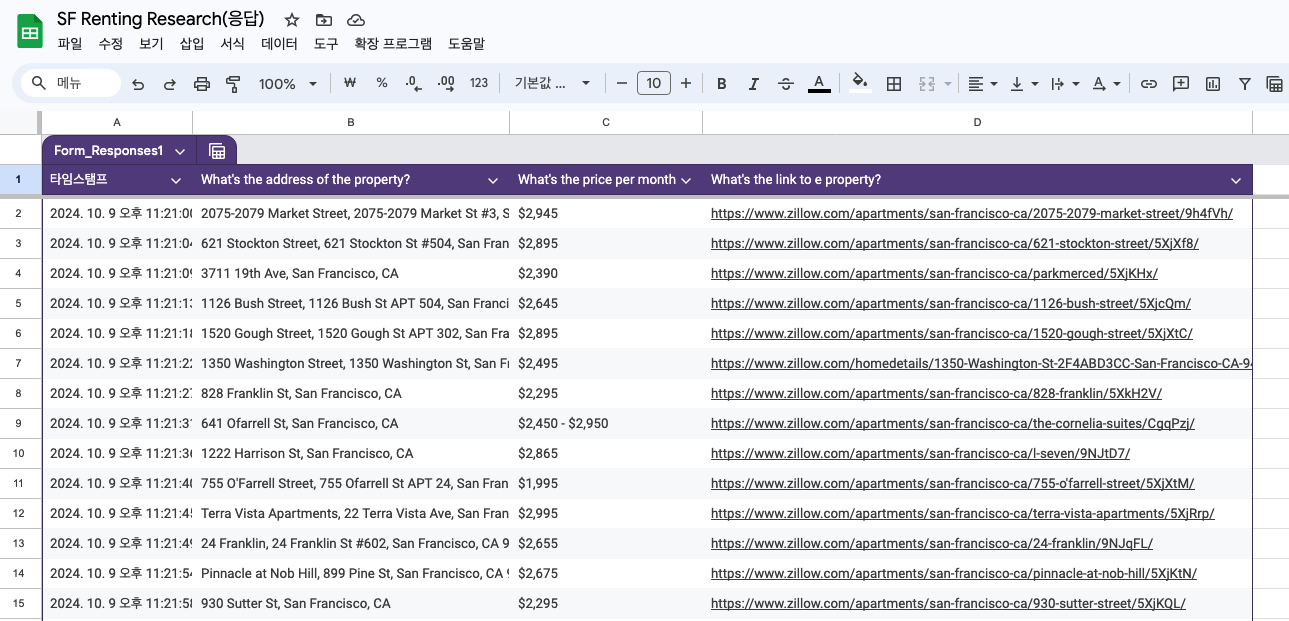
- 항목들의 링크, 가격, 주소를 리스트로 만들기
3. 셀레니움으로 입력양식 채우기
🔍 유의 사항
- 링크, 가격, 주소가 포함된 입력양식 채우기
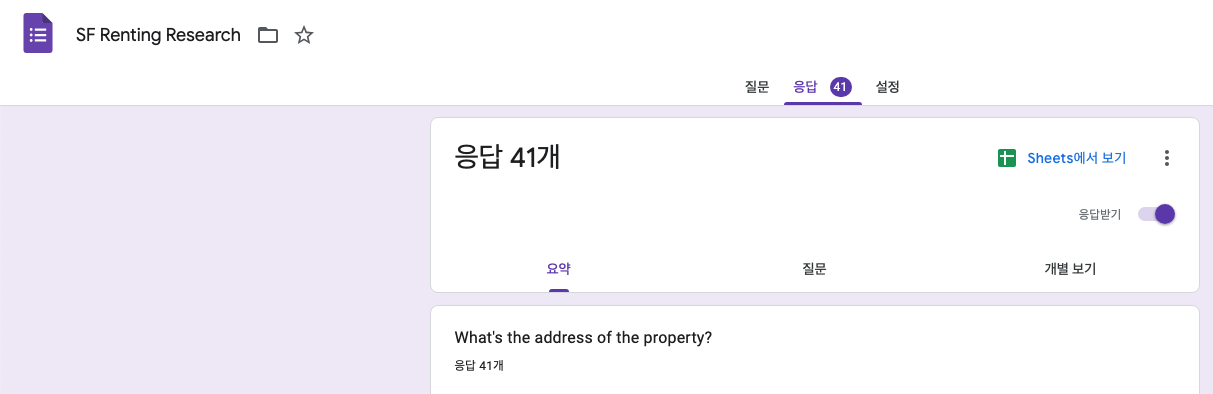
- 데이터를 모두 입력하고 나면 구글 설문지를 작성한 계정으로 들어가기
- 설문지의 응답 탭에서
Sheets에 연결→ 새 스프레드 시트 만들기
⌨️ main.py 최종
import time
from bs4 import BeautifulSoup
import requests
from selenium import webdriver
from selenium.webdriver.common.by import By

ZILLOW_URL = "https://www.zillow.com/san-francisco-ca/rentals/?searchQueryState=%7B%22pagination%22%3A%7B%7D%2C%22isMapVisible%22%3Atrue%2C%22mapBounds%22%3A%7B%22west%22%3A-122.6906326475176%2C%22east%22%3A-122.17702180767385%2C%22south%22%3A37.600915248438604%2C%22north%22%3A37.93689791692933%7D%2C%22mapZoom%22%3A11%2C%22regionSelection%22%3A%5B%7B%22regionId%22%3A20330%2C%22regionType%22%3A6%7D%5D%2C%22filterState%22%3A%7B%22fr%22%3A%7B%22value%22%3Atrue%7D%2C%22fsba%22%3A%7B%22value%22%3Afalse%7D%2C%22fsbo%22%3A%7B%22value%22%3Afalse%7D%2C%22nc%22%3A%7B%22value%22%3Afalse%7D%2C%22cmsn%22%3A%7B%22value%22%3Afalse%7D%2C%22auc%22%3A%7B%22value%22%3Afalse%7D%2C%22fore%22%3A%7B%22value%22%3Afalse%7D%2C%22price%22%3A%7B%22min%22%3Anull%2C%22max%22%3A872627%7D%2C%22mp%22%3A%7B%22min%22%3Anull%2C%22max%22%3A3000%7D%2C%22beds%22%3A%7B%22min%22%3A1%2C%22max%22%3Anull%7D%7D%2C%22isListVisible%22%3Atrue%7D"
GOOGLE_FORM_URL = "https://docs.google.com/forms/d/e/1FAIpQLSdsqtuquMTn-ZqgICdoKc3rs2ECwL3MaiYdkV3-umKHZtctdw/viewform?usp=sf_link"

## 뷰티풀 수프
headers = {
    "User-Agent": "Mozilla/5.0 (Macintosh; Intel Mac OS X 10_15_7) AppleWebKit/537.36 (KHTML, like Gecko) Chrome/129.0.0.0 Safari/537.36",
    "Accept-Language": "ko-KR,ko;q=0.9,en-US;q=0.8,en;q=0.7"
}
response = requests.get(ZILLOW_URL, headers=headers)
soup = BeautifulSoup(response.text, "html.parser")

# 매물 링크
all_link_elements = soup.select(".property-card-link")
all_links = []
for link in all_link_elements:
    href = link["href"]
    if "http" not in href:
        all_links.append(f"https://www.zillow.com{href}")
    else:
        all_links.append(href)

# 매물 주소
all_address_elements = soup.find_all('address', {'data-test': 'property-card-addr'})
all_addresses = [address.getText().split(" | ")[-1] for address in all_address_elements]

# 매물 가격
all_price_elements = soup.find_all('span', {'data-test': 'property-card-price'})
all_prices = []
for price in all_price_elements:
    if "+" in price.text:
        cost = price.getText().split("+")[0]
    elif "/" in price.text:
        cost = price.getText().split("/")[0]
    else:
        cost = price.getText()
    all_prices.append(cost)

## 셀레니움
chrome_options = webdriver.ChromeOptions()
chrome_options.add_experimental_option("detach", True)
driver = webdriver.Chrome(options=chrome_options)
for n in range(len(all_links)):
    driver.get(GOOGLE_FORM_URL)
    time.sleep(3)

    address = driver.find_element(By.XPATH, '//*[@id="mG61Hd"]/div[2]/div/div[2]/div[1]/div/div/div[2]/div/div[1]/div/div[1]/input')
    price = driver.find_element(By.XPATH, '//*[@id="mG61Hd"]/div[2]/div/div[2]/div[2]/div/div/div[2]/div/div[1]/div/div[1]/input')
    link = driver.find_element(By.XPATH, '//*[@id="mG61Hd"]/div[2]/div/div[2]/div[3]/div/div/div[2]/div/div[1]/div/div[1]/input')
    submit_button = driver.find_element(By.XPATH, '//*[@id="mG61Hd"]/div[2]/div/div[3]/div[1]/div[1]/div/span')

    address.send_keys(all_addresses[n])
    price.send_keys(all_prices[n])
    link.send_keys(all_links[n])
    submit_button.click()